Hi all,
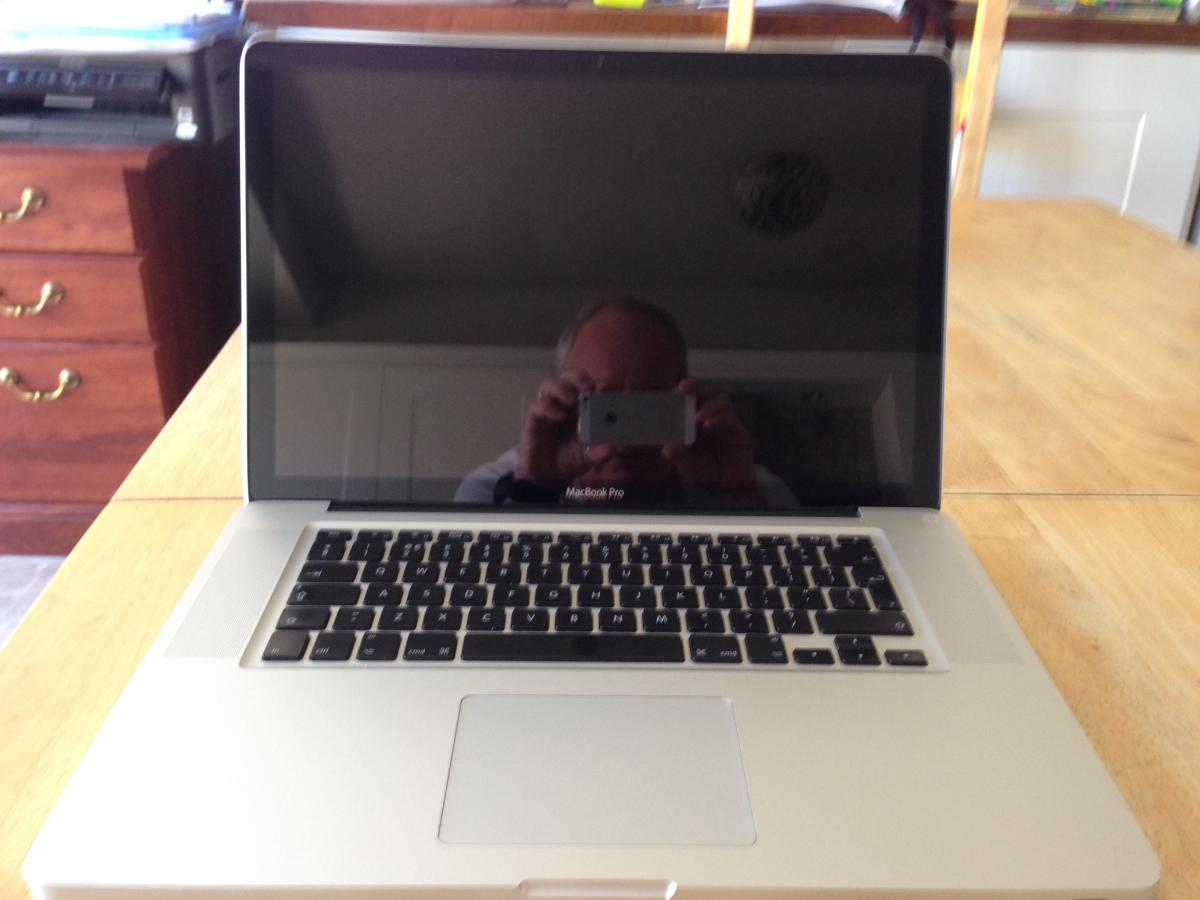
I am selling my mid 2009 Macbook Pro:
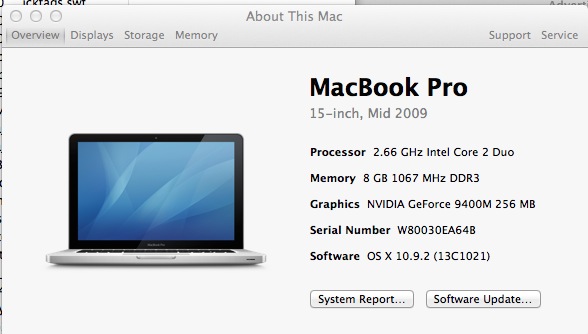
It has been set up specifically for photo/video editing, with the following improvements:
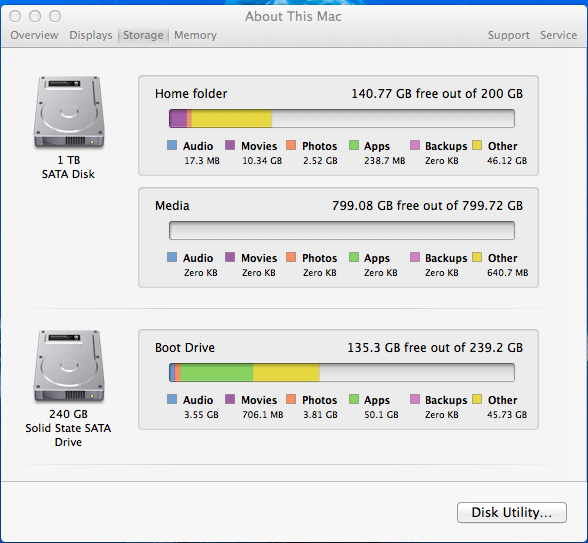
1. It has has the "Cheng" upgrade, with the DVD drive removed and a 1TB internal spinning drive installed.
2. It has a 240GB OWC Mercury Extreme Pro 6G SSD fitted as a boot drive. (Home folder on the spinning drive).
3. 8GB RAM fitted
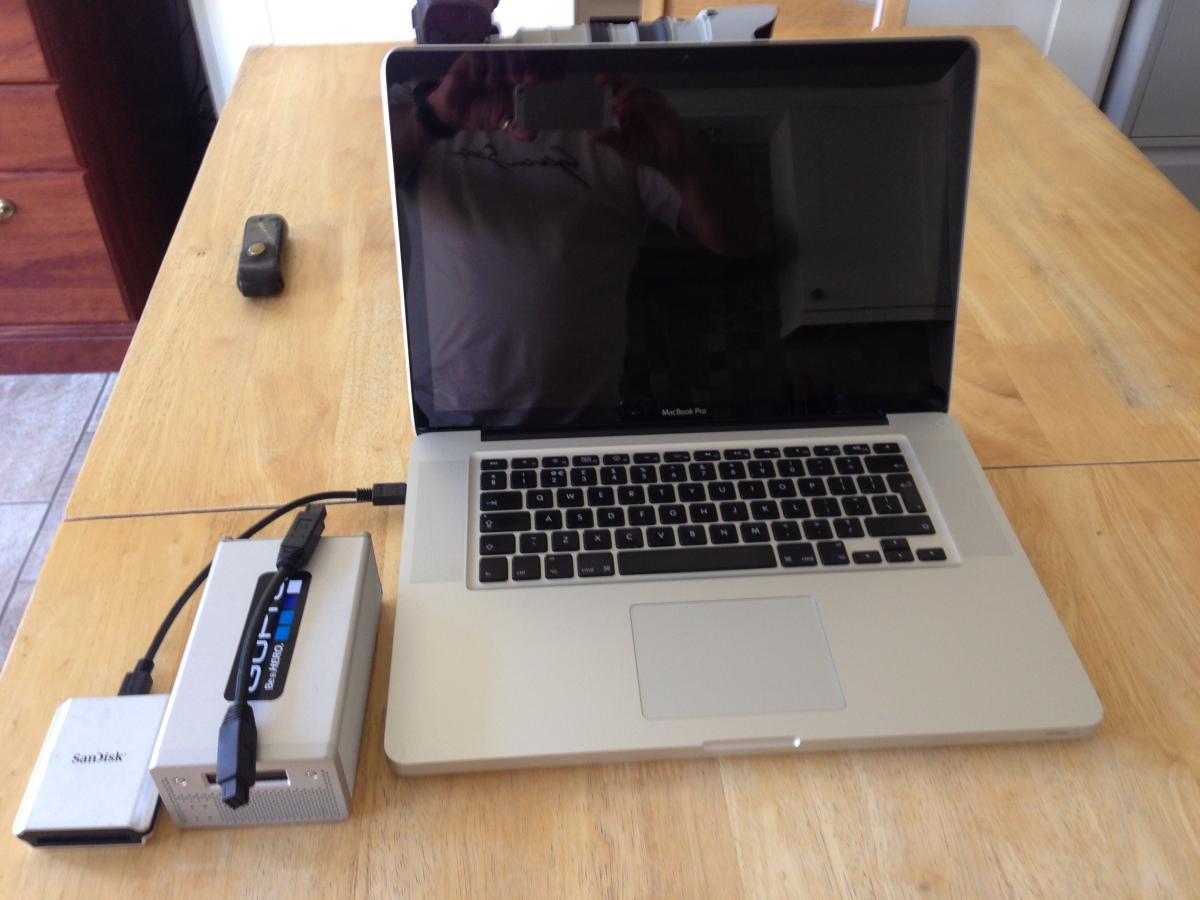
I am bundling the sale with a Caldigit VR portable bus powered RAID drive (currently with 2 x 300GB drives) This is excellent, fast and can be connected via Firewire 800.
Also included is a Sandisk Extreme Firewire 800 CF card reader (the computer has an integrated SD card reader).
The computer has been my mainstay for everything for the past 4 years, in fact most of the front page articles here on Wetpixel has been written on it! It can cope with D800 video and still files, so should be good for most things.....
It has a few scratches on its lid:

But is otherwise in great shape.
I'm wanting £1500 for the whole bundle, will ship internationally (at buyers expense) and will accept PayPal.
Adam