I purchased a new camera and housing. Therefore, my old one must go. It has served me well for the last two years taking photos mainly in local waters (British Columbia/Washington). I’ve never had a leak! Since I do mostly shore diving, there are nicks and scratches on the housing, but everything is functional. In my paranoia of having a discontinued housing, I purchased an extra body for the camera and there is still plenty out there. I would like $3000 for the package. I invested at least $5000 in this combined system. I will not sell the camera system separately unless the housing is sold first. I will let the housing set up go for $2000. Here are the specs:
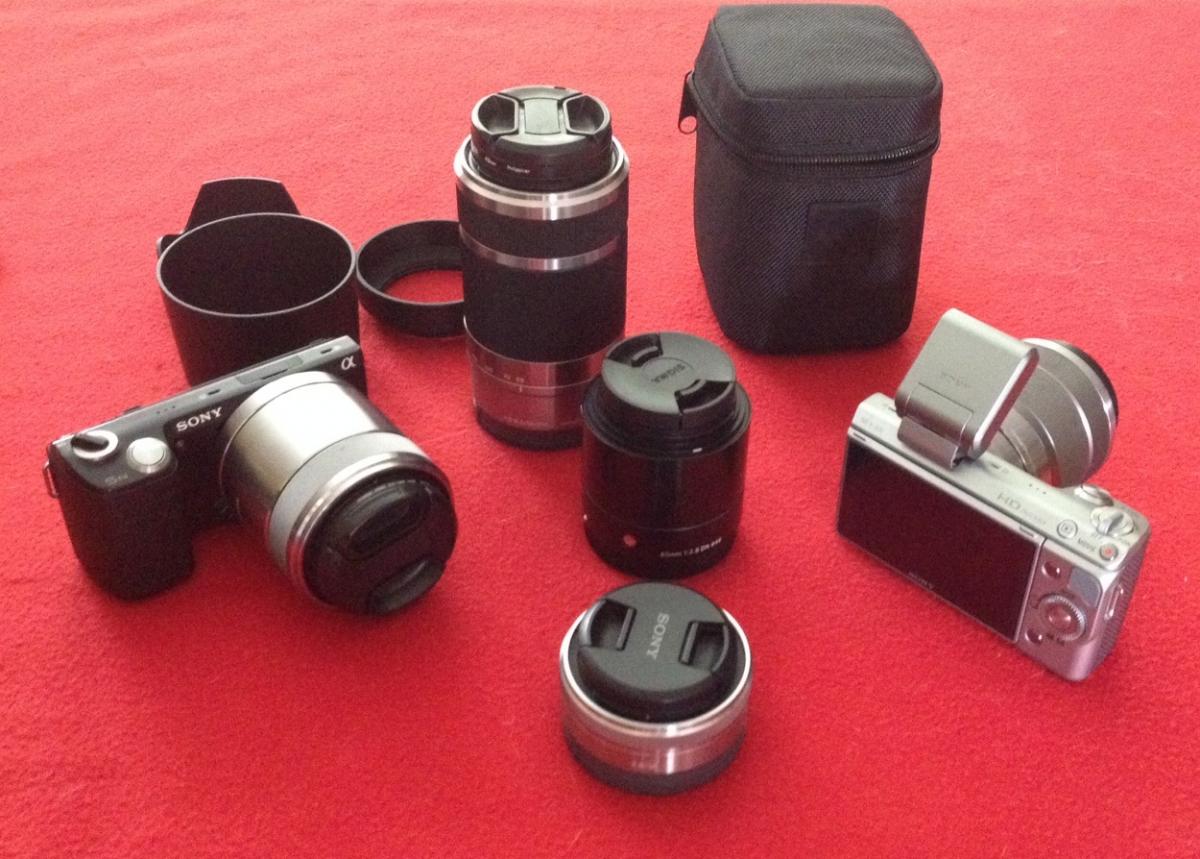
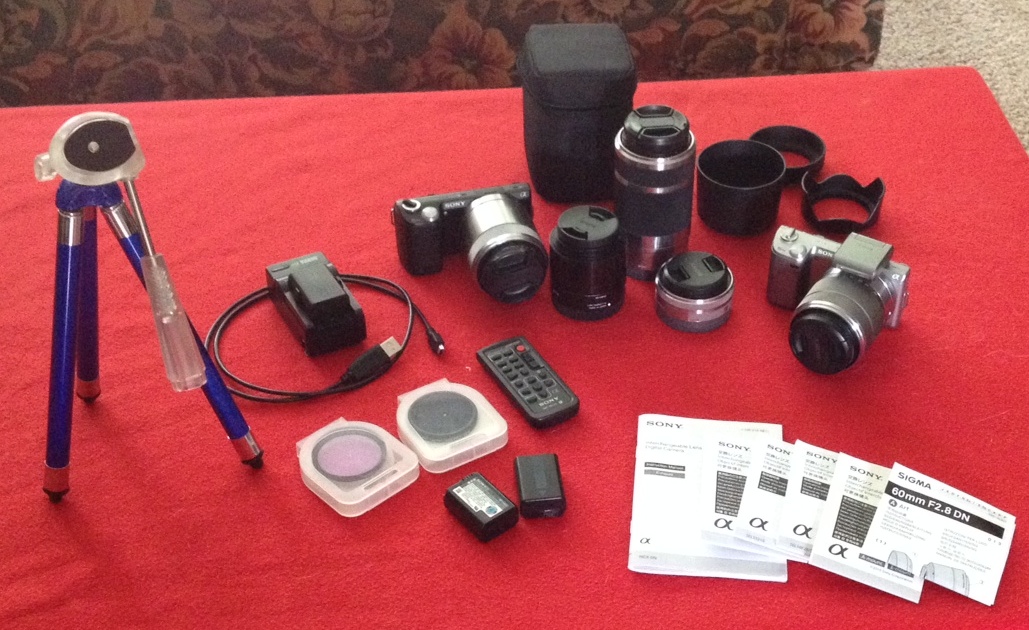
Camera Bodies: SONY NEX5N (one black/one silver), 16Mp sensor, mirrorless system
Lenses: 18-55mm, 55-210mm(not for underwater), 16mm, 30mm macro, 60mm Sigma(not great underwater)
Extras: 4 batteries, remote control, mini tripod, ND filter, two battery chargers
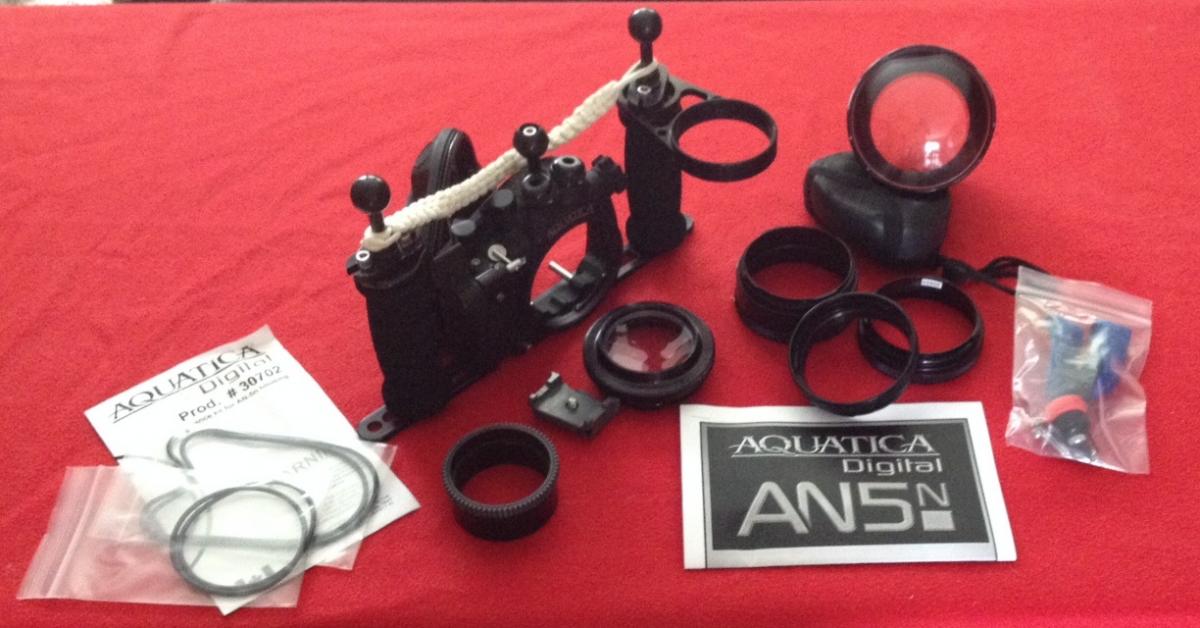
Underwater Housing: Aquatica Cast Aluminum housing with 2 arms
Several port extensions to accommodate a variety of lens configurations.
Zoom gear for 18-55mm
Clip to hold camera in place
Leak moisture detector - super sensitive
extra o-rings
You can have a look at my photos taken above and below water with this system on my website: www.celticcow.com or http://kerry-enns.artistwebsites.com
If you live within the Vancouver to Hope area of British Columbia, I will meet you where you wish and give you a lesson on setup. I will also make myself available to you for further hints and tips on using this housing.
Note: if you want to use this in our dark waters you will need at least one strobe light or a very powerful regular light. I also recommend purchasing floats/float arms to compensate for the negative buoyancy of the housing.