Looking for one or two ds125 strobes.
- 7Posts
- 7Replies
Read-only discussion
WTB Ikelite DS125 strobe
7 posts
-
-
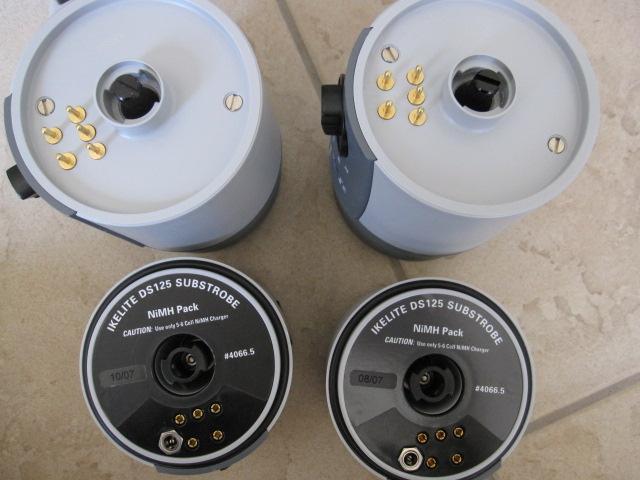
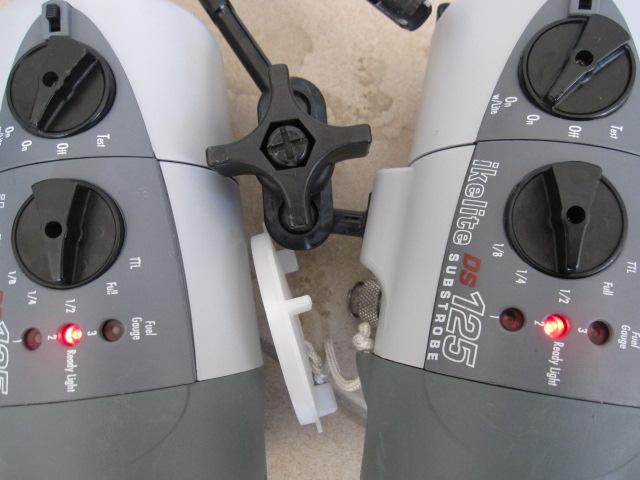
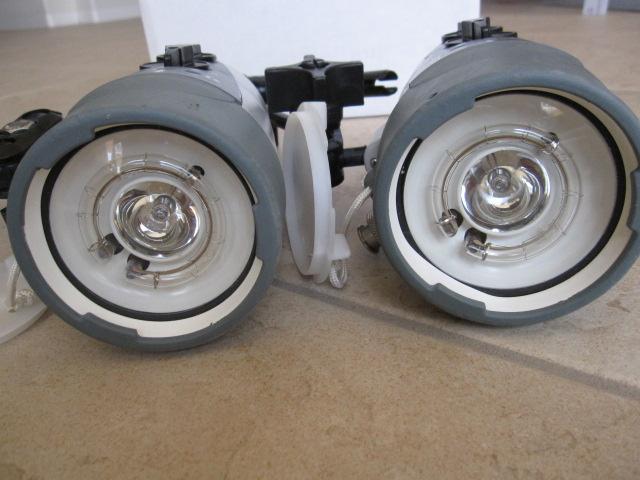
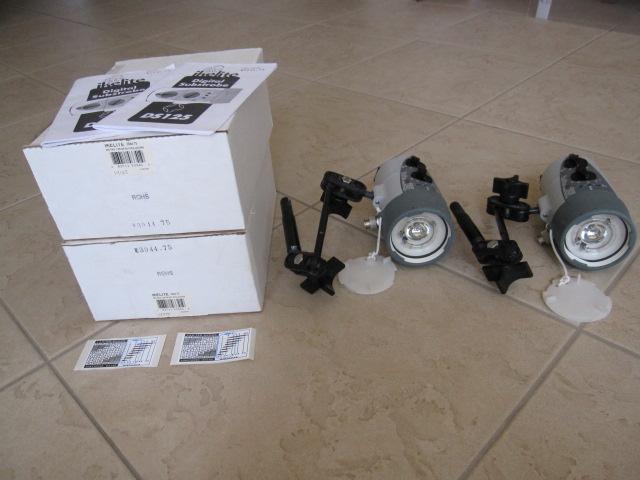
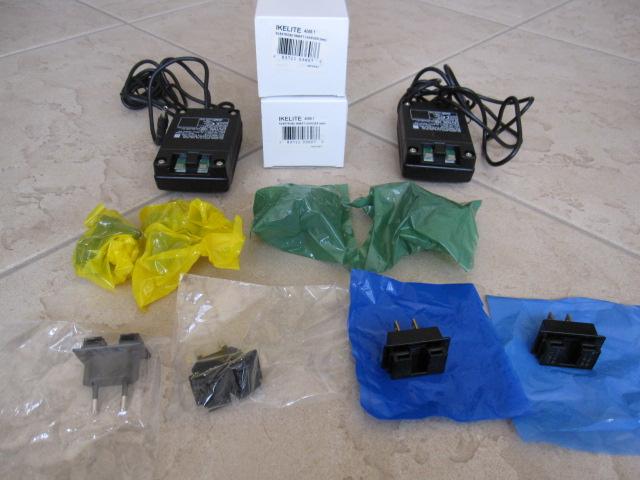
I have two in excellent condition, and that includes the arms, and the smart chargers with four different plug options for different countries. I bought them i January 2008. They were used on six dive trips for a total of 142 dives. I'm very careful with my equipment: since 1990, I've never had a camera (Nikonos V) or housing (Ikelites) fail or flood. I'll sell the pair for $850 plus shipping. I'm in San Diego. Where are you?
-
I have two. Excellent condition but can't locate charger. 640 for both
-
142 dives in only six trips, wow..sounds like some dive intensive trips. For both of you, how are the battery packs, holding good charges? I am down in Cozumel Mexico, trying to get some strobes for my new setup. Underwater gear is overly expensive here.
-
The battery packs have worked fine. Everything has been kept clean and dry, and I had no trouble re-charging whenever I used them. I upgraded to ds161 movie lights when I won one of these in a Nature's Best Photography competition. Otherwise, I'd still be using them. 70 of those dives were on a 5+ week trip to Indonesia in 2010.
-
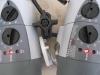
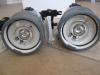
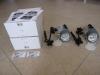
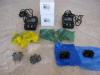
Got any pics of he strobes/arms?
-
Sure. Here they are - at least I think these will show up when I post this reply. As you can see, everything is clean and well-kept. If you'd like to discuss further, you can always email me at sjgould@sbcglobal.net.
 ]
]