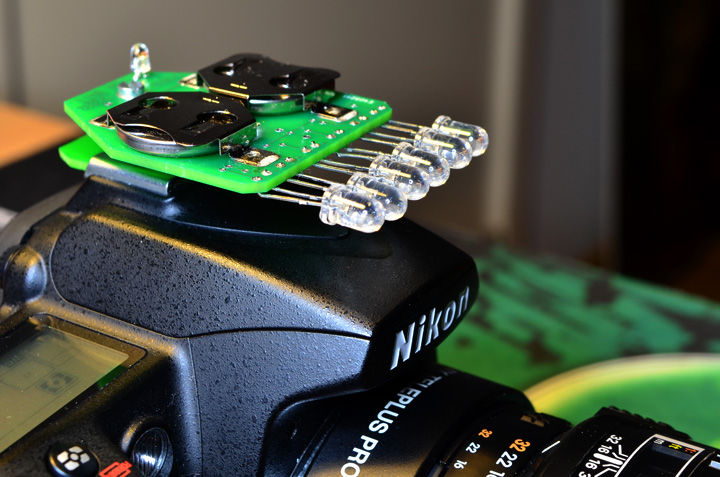
Just thinking out loud here but was just wondering if there would be a way to somehow make a converter that screws into the Ikelite strobe connector and converts the electric signal to fire an LED instead (and then attach fiber optic cables to trigger the strobes)? I shoot in manual mode anyways with 2 YS-110a's so just trying to think of ways to lessen the risk of flooding the strobes.
Anyone ever try anything like this?
Well you would still have the flooding issue. I think a better approach is to use the Hugyfot fiber optic adapter that screws into the bulkhead but that will only work if you could fire the strobe in the housing. I think you could build a circuit (like the LED triggers) that could fire an LED when the pulse from the sync cord arrived, but it probably won't be trivia.
Bill
There is the mini LED strobe unit from Hedwig Dieraert :
Just buy a crappy used DS51 and hook it up to the strobe connector, zip tie the DS51 to your strobe arms,and slave your good strobes off of the DS51. You should mask the DS51 with black tape to decrease backscatter. I set up this arrangement when a friend wanted to compare Ikelite DS200 strobes to some D1 strobes using an Ike housing.
interesting suggestions, I guess that without the Ikelite housing to be able to pop the flash up theres no real easy way to get reliable fiber optic use. Attaching a DS51 to the housing and using that to trigger the strobes is a really interesting idea too, any pics of the setup?
Sorry, my buddy switched over to an Aquatica rig and sold his Ikelite stuff. I never took a photo of the DS51 triggered setup.