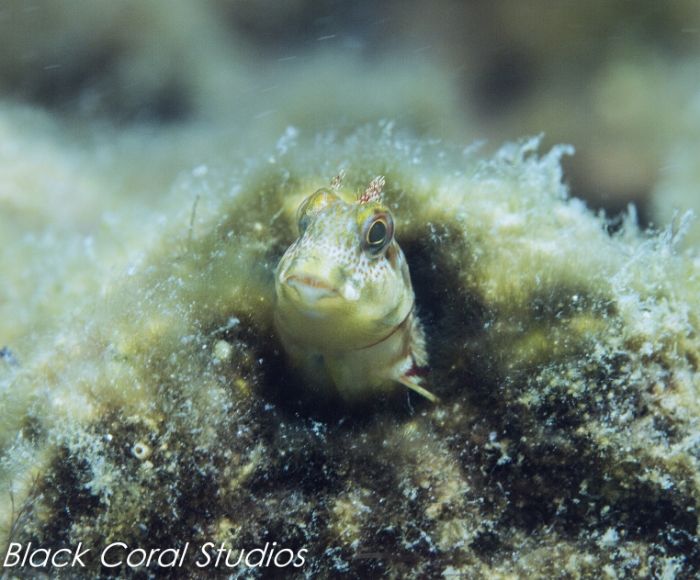
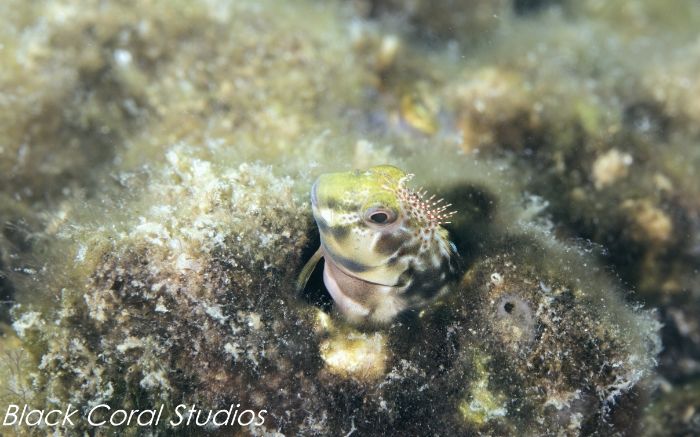
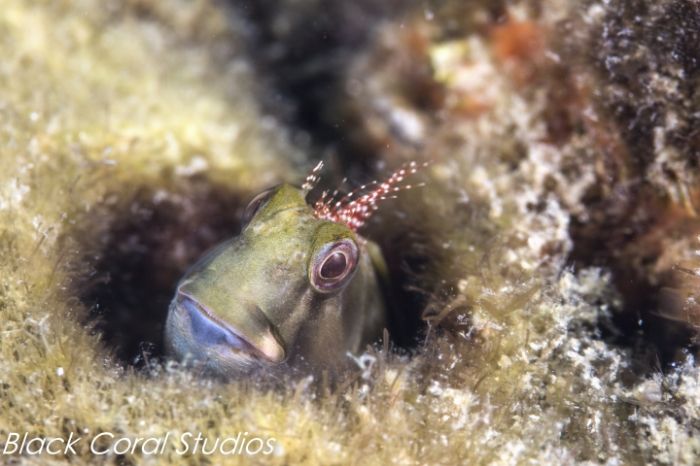
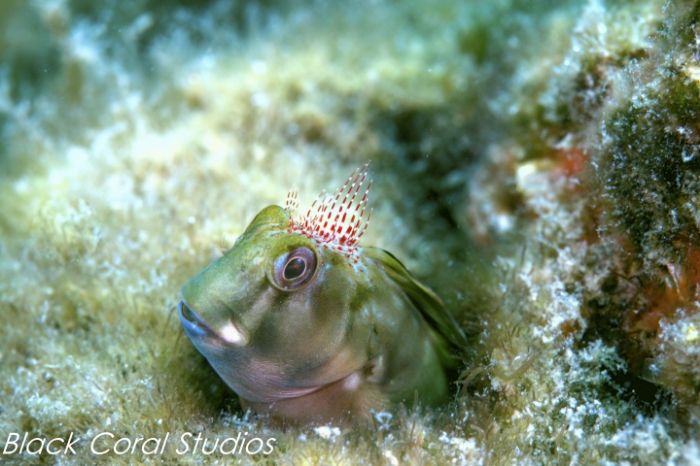
We went out to the beach today to get some more practice with the camera. We dove the Park East snorkel reef off Pensacola Beach. It was good. Saw a few turtles and octopi and managed to snap a few pics.
The vis was poor with lots of algae in the water. It was good to get out and play with the camera a bit more.
Coming along nicely!
The eyes look a bit soft: how are you focussing? I use (on Nikon cameras) continuous AF with a bias to focus rather than shutter release and shift the focus point to suit the image. With fish, that's almost always best over the eyes.
Thanks Tim!
We had problems focusing the entire dive. Due to all the poor vis/matter floating in the water, in order to get the camera to focus on the desired subject, I had to get so close I thought I was going to knock the poor fish out with the housing. Of course, this ended up leading to us getting better pics. Lesson learned. The focusing was still not a pain and something that needs some help. I need to check the settings in the camera and continue to practice.
Dirk & Laura
I had to get so close I thought I was going to knock the poor fish out with the housing.
Some days you just have to dive...
... although I have friends who think those days are for super-macro, with teleconverters, wet diopters and eyes crossed from peering at the skeleton shrimp on the hydroids!