- 4Posts
- 4Replies
Read-only discussion
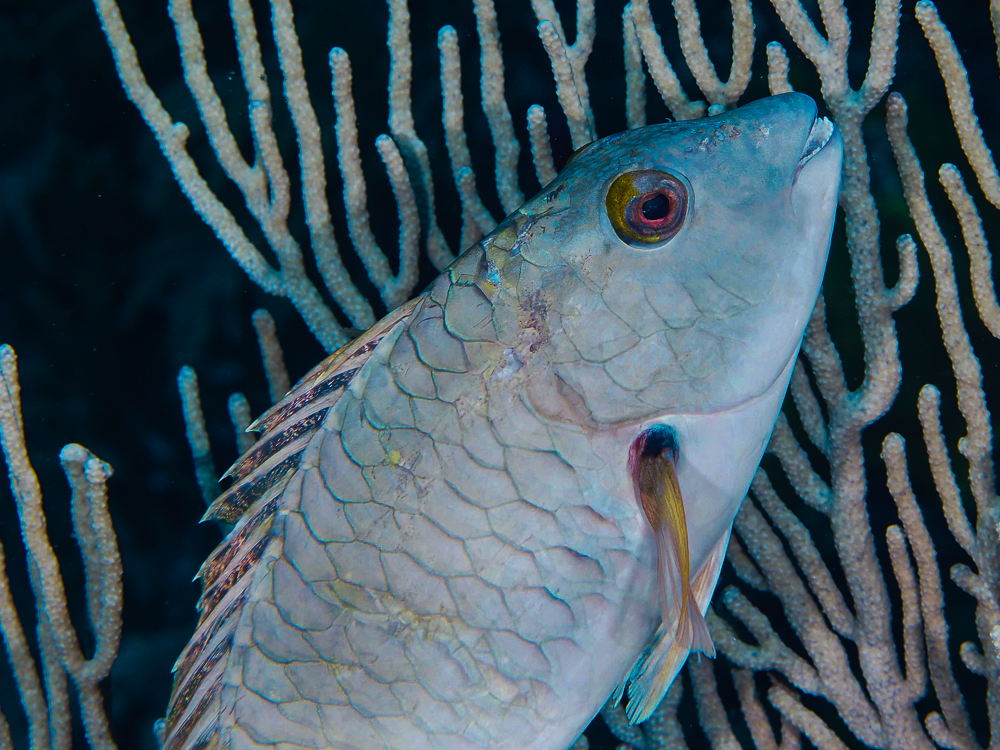
test to see if I can post a problem photo
4 posts
-
-
I'd say your test worked OK. You probably don't need to post such a large file. It shows up as 4608 x 3456. I normally post 1000 on the long side at 72 dpi for web posting. It would look like this cleaned up a little;

It looks to be over exposed by about a stop and a half. It's easy to overshoot white and or metallic fish/subjects.
What else were you wondering about?
Steve
-
Thanks Steve: I've got a longer question but I wanted to illustrate it with some of the problem photos, and I wanted to see if I could get a photo into a post. Thanks for advising me to resize the photos. I'll resize before trying it with my question.
-
Steve: I posted my question in the forum re mirrorless cameras. (Maybe I should have posted it here in the beginners forum, or maybe in the lighting forum, since it's a question about TTL.)