Skip to content

Classifieds / Archived topic

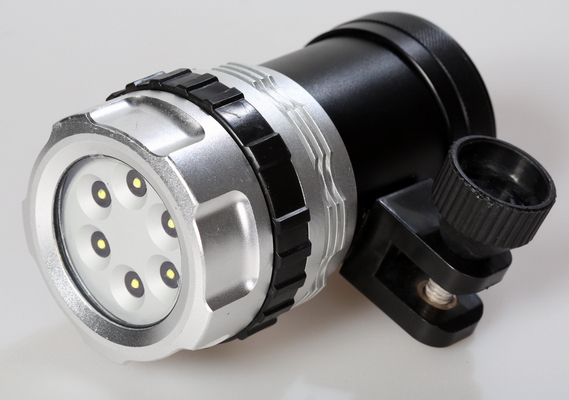
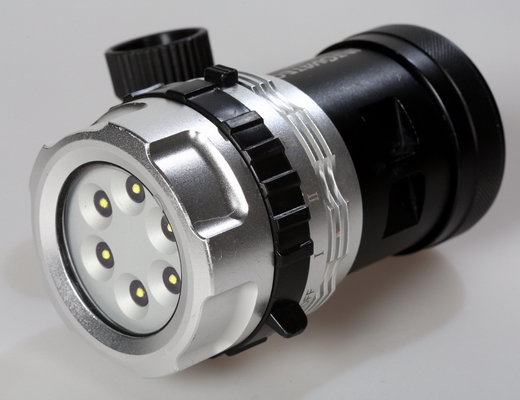
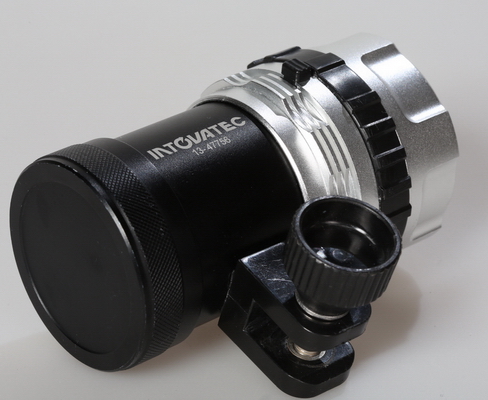
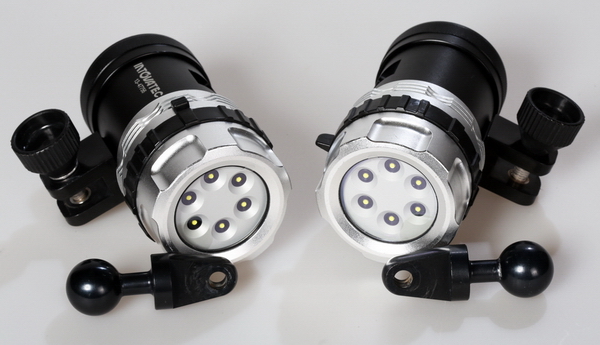
for sale two VIDEO LIGHT 2500 lum - Intova Galaxy

Started by protey ·

  • 5Posts
  • 5Replies

Read-only discussion

for sale two VIDEO LIGHT 2500 lum - Intova Galaxy

5 posts
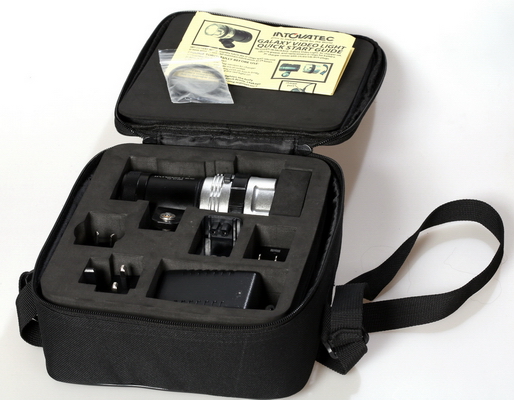
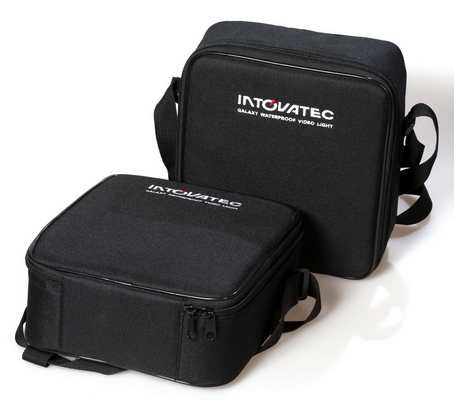
  1. two INTOVA GALAXY +case + mount for 1" ball = 2 x $330/Shipping: $30

    Accept payment only PAYPAL


    Kit was purchased in March 2014.
    He has 16 times underwater with him to Greece.

    Very good lighting. Soft light.
    Very good condition. Never entered water inside.

    Reason for sale - already bought two lamps x 10 000 lumens

    All video were taken with this set of two led lamps:

    http://www.youtube.com/watch?v=44wW6Hv3BgI


    • 2500 lumens output

    • Rated to a depth of 400 feet
    • Features 140 degree wide angle beam
    • Anodized aluminium construction
    • Removable rechargeable Li-ion battery providing 1 hour burn time at full power / 2 hours at 50% power / 3 hours at 30% power
    • Standard Y-clamp mount for attaching to standard flex arm
    • Variable light intensity adjustable from low, medium or full power with rotating magnetic switch
    • Includes carry case with charger, universal plug set and extra set of O-rings included.
    • Dimensions: 4.4″ x 2.75″ x 3.75″

    post-42138-0-01999800-1411201753_thumb.jpg

    post-42138-0-67950500-1411201764_thumb.jpg

    post-42138-0-26015300-1411201785_thumb.jpg

    post-42138-0-85540000-1411201797_thumb.jpg

    post-42138-0-98390000-1411201817_thumb.jpg

    post-42138-0-86893300-1411201828_thumb.jpg

  2. NEW PRICE: TWO INTOVA GALAXY +case + mount for 1" ball = 2 x $300/Shipping: $30

  3. Hi!! what is your best offer?......please let me know

    goldingproductions@gmail.com

  4. sold before 2 years

  5. ups ! sorry , I had not seen the publication date

Isotta

Account

Navigation

Search

Search

Configure browser push notifications

Chrome (Android)
  1. Tap the lock icon next to the address bar.
  2. Tap Permissions → Notifications.
  3. Adjust your preference.
Chrome (Desktop)
  1. Click the padlock icon in the address bar.
  2. Select Site settings.
  3. Find Notifications and adjust your preference.