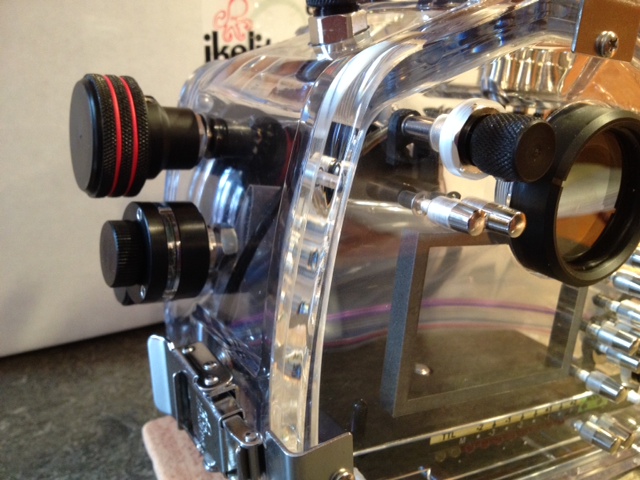
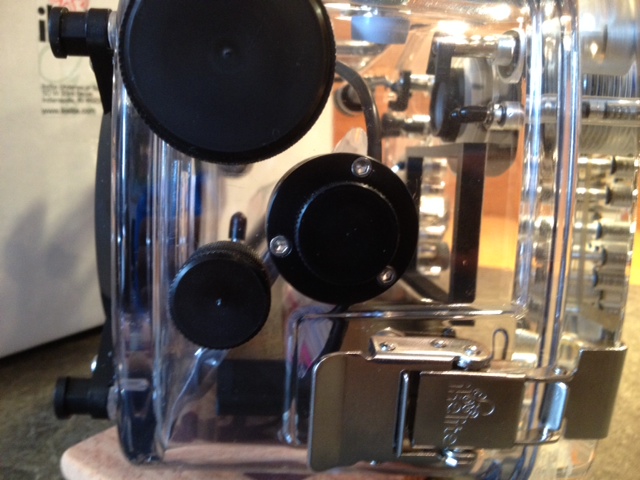
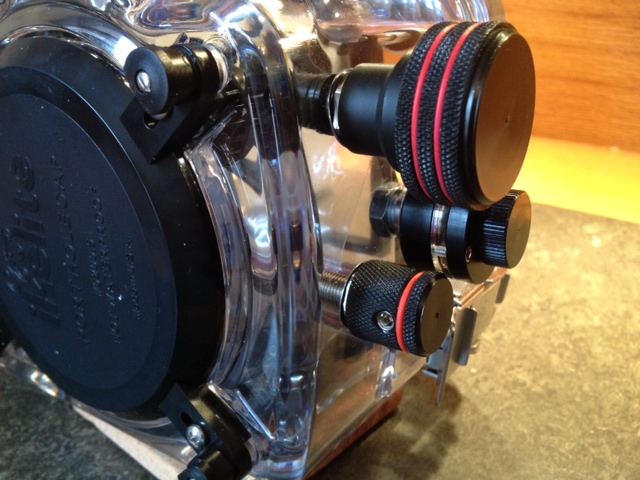
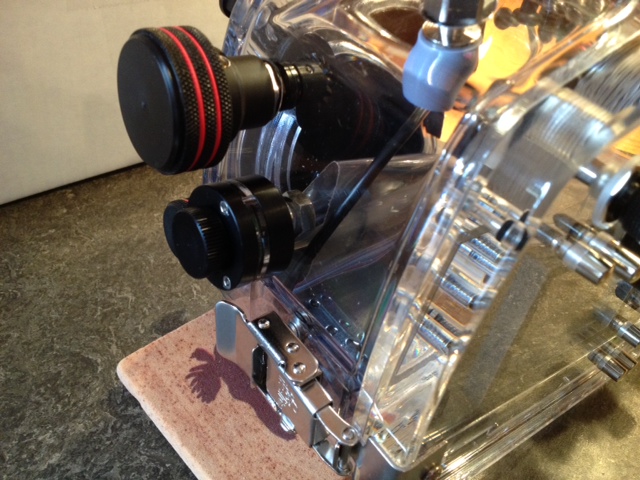
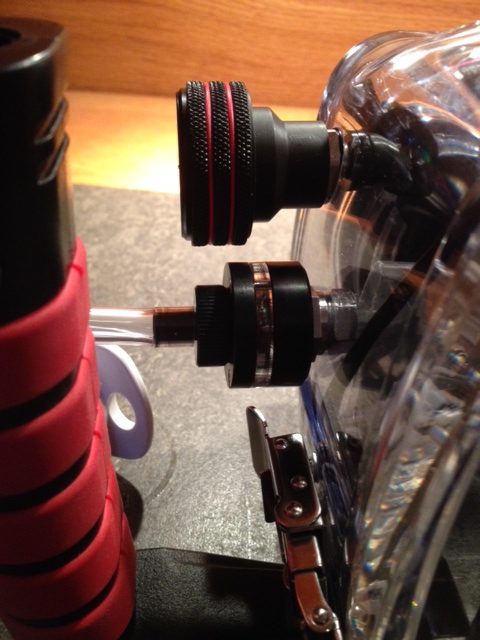
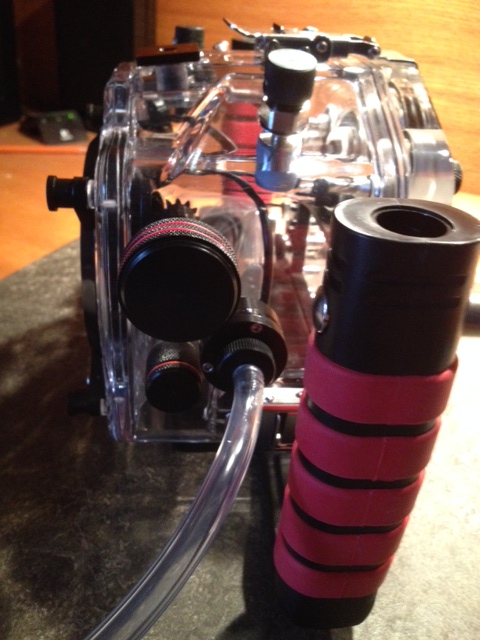
Here is the Leak Sentinel V3 I had installed by Ikelite on my 70D housing. Since I didn't want to lose any control functions on the housing, I sent the housing and the V3 to Ikelite asking them to drill a new hole and install the unit. The unit can be easily seen from the back and is not in the way of any controls. Ikelite charged $75 to install it and the housing maintains the warranty. I just wanted to present some options to those with an Ikelite housing thinking about ordering the Sentinel. Since I just switched from a P/S to a DSLR and am waiting on ports, I have not had a chance to get the system underwater yet to test it.
It looks like the placement of the vacuum fitting will be in the way of using the knobs especially if you have gloves on for cold water. Also once you install the handles will you have access to hook up the pump? Maybe you could post a picture from the side and the back with the handles installed. I usually install the vacuum connection on the back plate near the strobe connector.
No problem at all. The bottom knob is the lens release so I won't need to use it underwater or with gloves on. The top knob is the manual focus. It is large enough and exposed enough that the thickest gloves wouldn't present a problem.
looks good the top knob is also zoom for zoom lenses.