Skip to content

Classifieds / Archived topic

For Sale: Sea&Sea Housing for Canon Rebel XT

Started by ScubaJo ·

  • 3Posts
  • 3Replies

Read-only discussion

For Sale: Sea&Sea Housing for Canon Rebel XT

3 posts
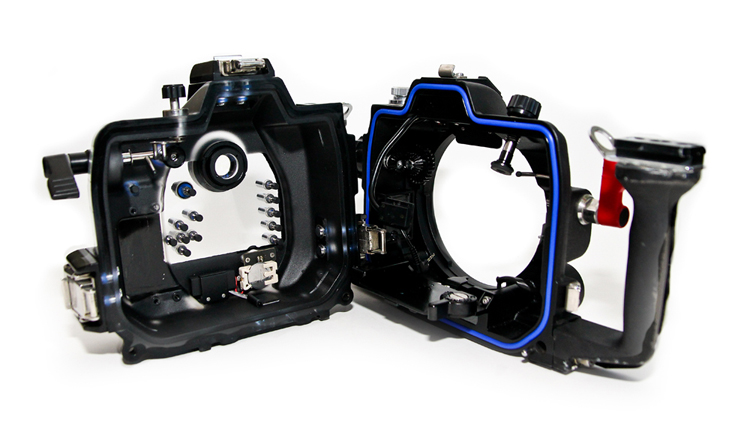
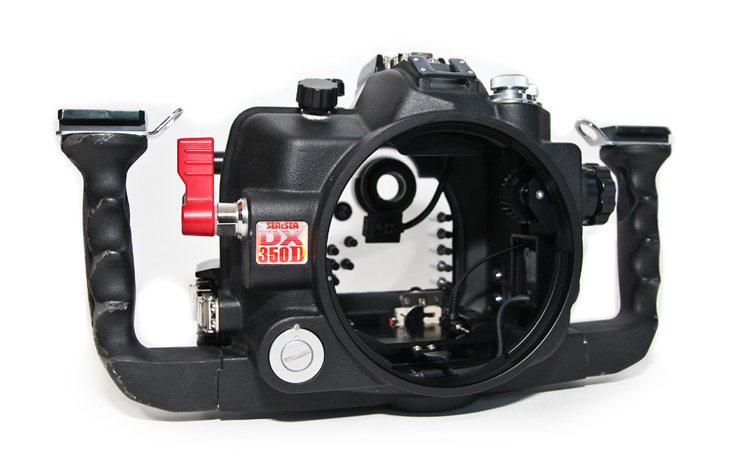
  1. I've finally decided to upgrade my camera body after shooting it for nearly a decade and 8 years with the system underwater. It has been a fantastic dive companion around the world and an extension of my body underwater.


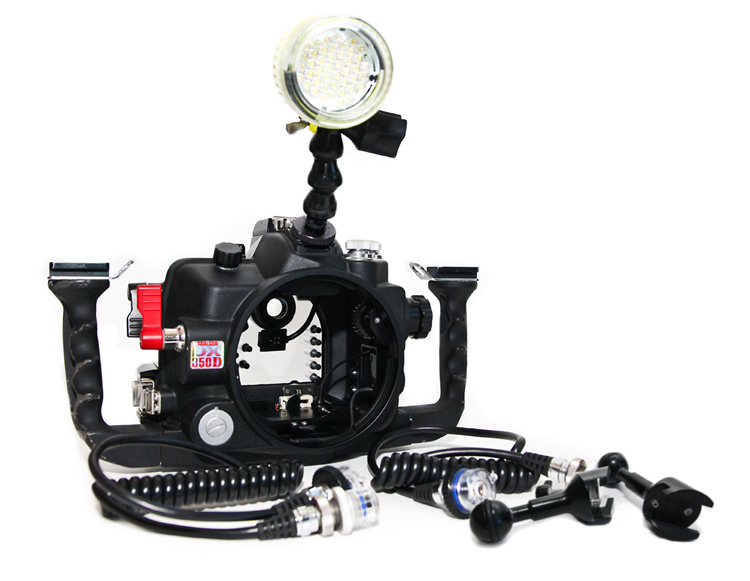
    This system has never been flooded and is in pristine condition. The additional port, 2 strobes and 2 arms you will need to purchase to complete this package (as I am keeping those for my new housing) can be purchased from Backscatter, the team in the East will know exactly what you need as they sold me this rig.


    FOR SALE:

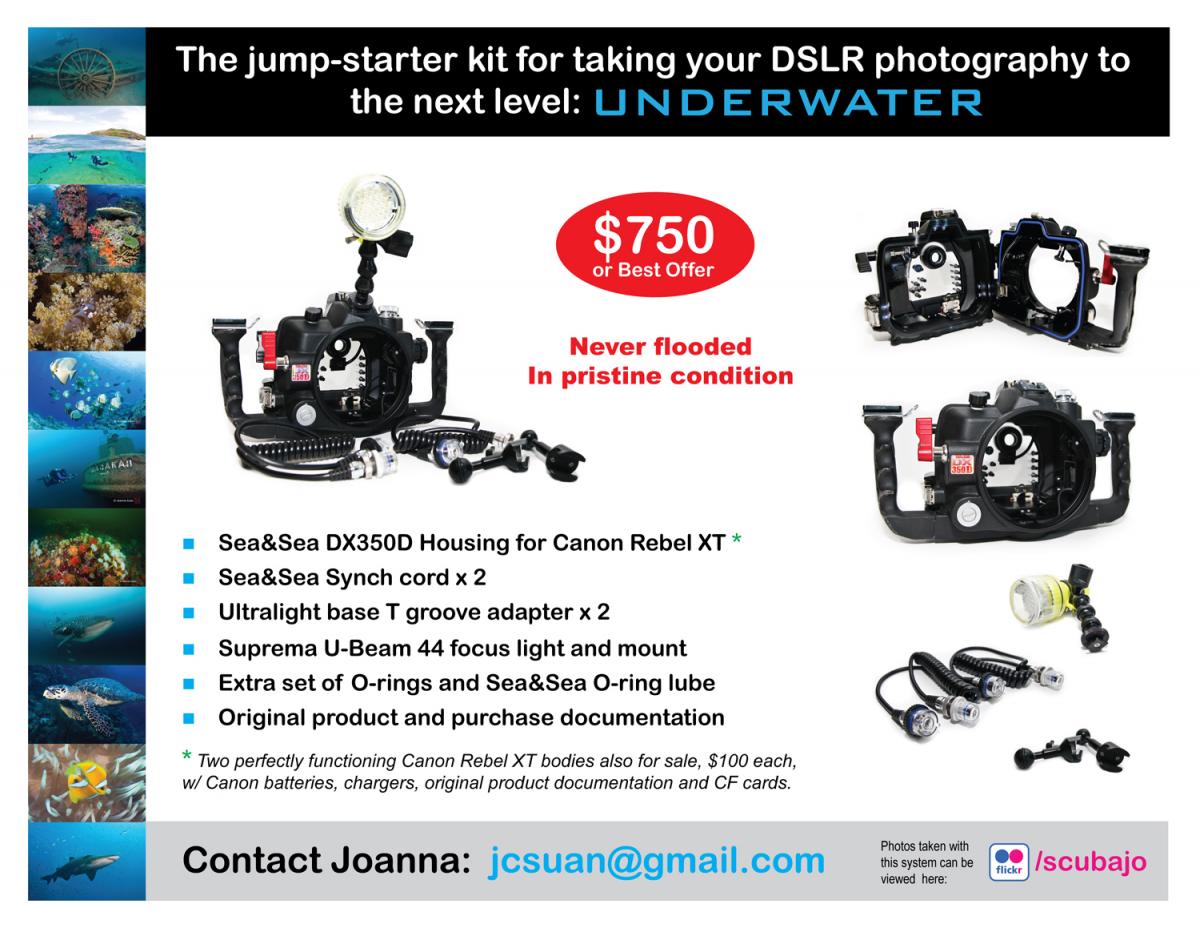
    • Sea&Sea DX350D Housing for Canon Rebel XT *
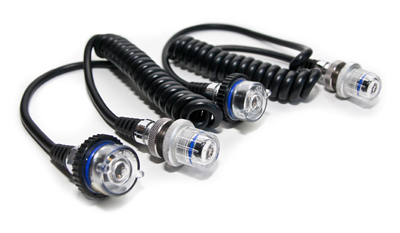
    • Sea&Sea Synch cord x 2
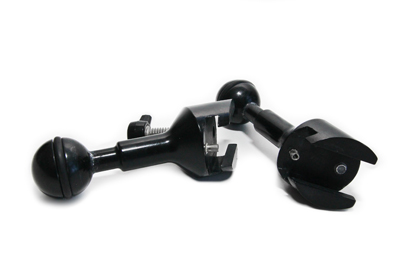
    • Ultralight base T groove adapter x 2
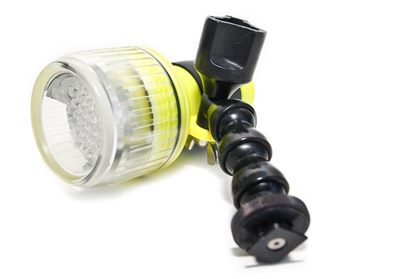
    • Suprema U-Beam 44 focus light and mount
    • Extra set of O-rings and Sea&Sea O-ring lube
    • Original product and purchase documentation

    * Two perfectly functioning Canon Rebel XT bodies also for sale, $100 each, w/ Canon batteries, chargers, original product documentation and CF cards.

    • Asking price $750 or best offer.
    • Photos taken with this system can be viewed here: www.flickr.com/photos/scubajo
    • You can contact me directly at jcsuan@gmail.com
    post-5042-0-35871800-1411754632_thumb.jpg

    post-5042-0-23981200-1411754833_thumb.jpg

    post-5042-0-31967000-1411754854_thumb.jpg

    post-5042-0-77003100-1411754865_thumb.jpg

    post-5042-0-97239800-1411754876_thumb.jpg

    post-5042-0-69869900-1411754886_thumb.jpg

    post-5042-0-57825500-1411754894_thumb.jpg

  2. Camera bodies mentioned in this post are no longer available - both Rebel XT bodies have been sold, thank you for snapping these up quick! I hope the housing can find a good home too. Completely willing to haggle the price.

  3. SOLD!!!! :dancing: :lol2:

Aquatica

Account

Navigation

Search

Search

Configure browser push notifications

Chrome (Android)
  1. Tap the lock icon next to the address bar.
  2. Tap Permissions → Notifications.
  3. Adjust your preference.
Chrome (Desktop)
  1. Click the padlock icon in the address bar.
  2. Select Site settings.
  3. Find Notifications and adjust your preference.