Skip to content

Classifieds / Archived topic

Panasonic GH2 with 10Bar Underwater Housing and Lenses.

Started by Jbiird3 ·

  • 1Posts
  • 1Replies

Read-only discussion

Panasonic GH2 with 10Bar Underwater Housing and Lenses.

1 posts
  1. Everything you need to start filming and photographing your aquatic adventures.


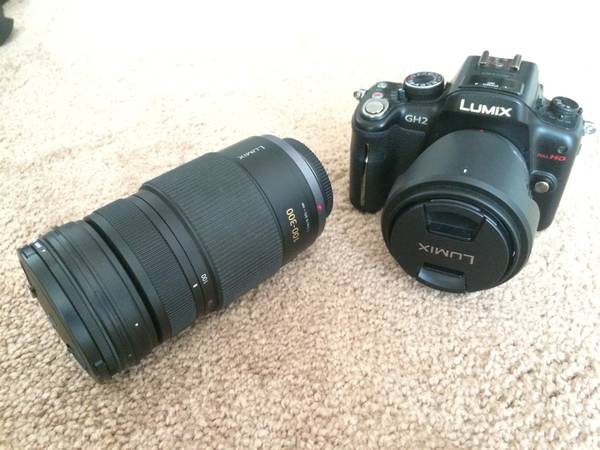
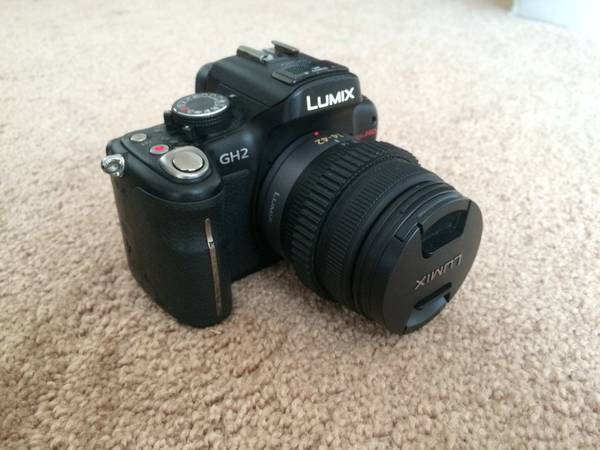
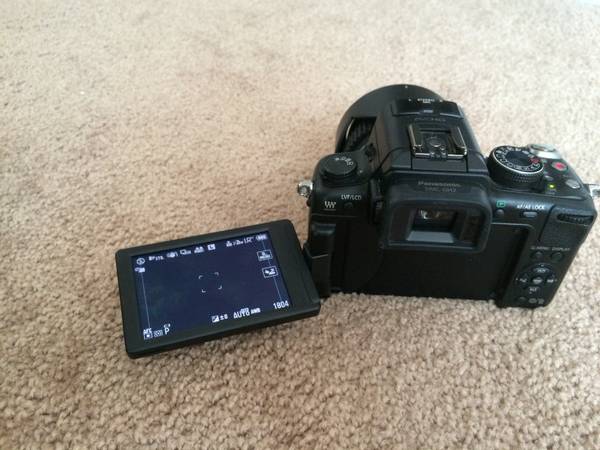
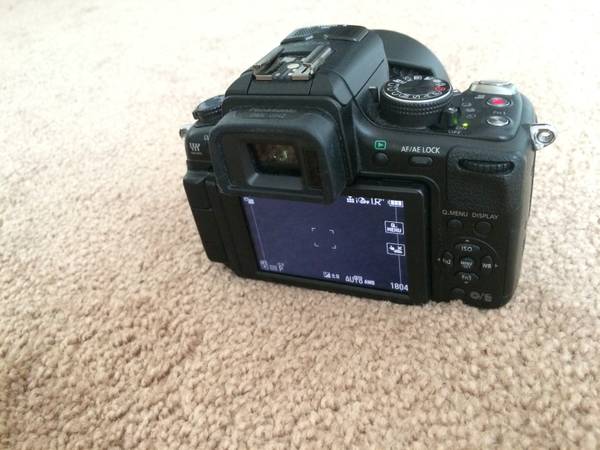
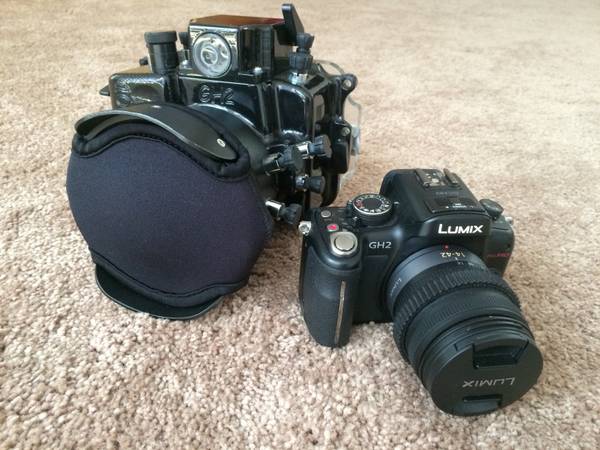
    -Panasonic Lumix DMC GH2- Mirrorless Microbody, 16 megapixel, 1080 Full HD Video.


    -14-42mm Zoom Lens


    (Average used price on Amazon: Camera+Lens $800, $1,400 new)


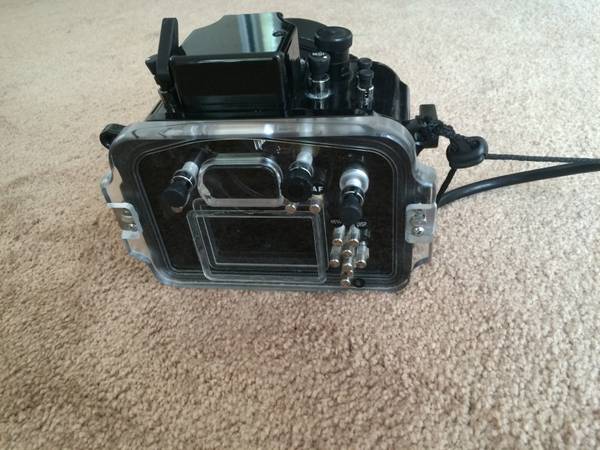
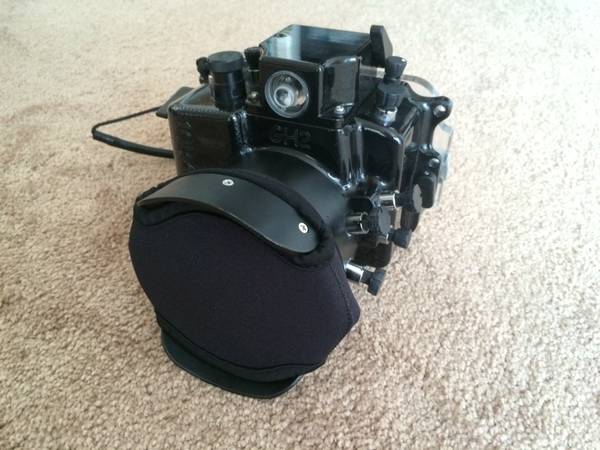
    -10Bar Dive Housing- 294ft./90m depth rating, aluminum and acrylic body.


    (Price on Amazon: $1249)


    -100-300mm Lumix G Vario Zoom Lens


    (Average price on Amazon: $605)


    -Two batteries with charger


    -Gear ring for zoom while in housing


    -Case for housing


    -Housing upkeep supplies


    -Wrist leash


    -Lens port cover


    Asking only $2,200 o.b.o. Please no lowballs.


    I can sell just the housing if you already have the camera, however I will not sell the camera unless I can sell the housing as well. Will subtract $400 off price if you have no need for the 100-300mm lens.


    Contact me for more information: jbirdt3@yahoo.com


    For more information on the camera visit:


    https://shop.panasonic.com/shop/model/DMC-GH2KK


    For more information on the housing visit:


    http://www.10bar.com/infoSheet/GH1/GH2.htm
    post-48041-0-69031000-1414199626_thumb.jpg

    post-48041-0-64274000-1414199628_thumb.jpg

    post-48041-0-16691200-1414199630_thumb.jpg

    post-48041-0-56315700-1414199631_thumb.jpg

    post-48041-0-18397700-1414199634_thumb.jpg

    post-48041-0-00132500-1414199636_thumb.jpg

    post-48041-0-45492500-1414199638_thumb.jpg

    post-48041-0-03635800-1414199640_thumb.jpg

Kraken Sports

Account

Navigation

Search

Search

Configure browser push notifications

Chrome (Android)
  1. Tap the lock icon next to the address bar.
  2. Tap Permissions → Notifications.
  3. Adjust your preference.
Chrome (Desktop)
  1. Click the padlock icon in the address bar.
  2. Select Site settings.
  3. Find Notifications and adjust your preference.