Skip to content

Photo / Video Showcase / Archived topic

GH4 stills

Started by Xanderwater ·

  • 3Posts
  • 3Replies

Read-only discussion

GH4 stills

3 posts
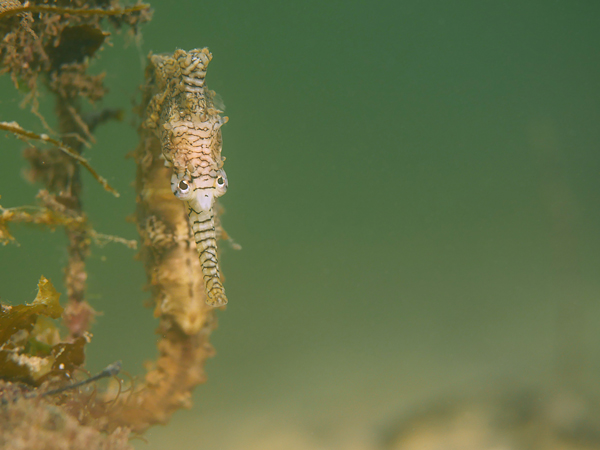
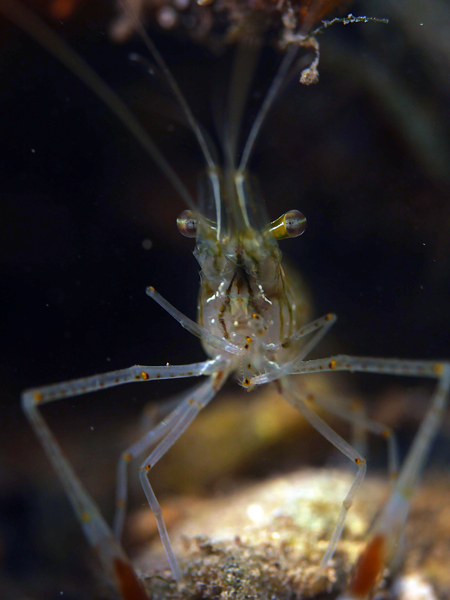
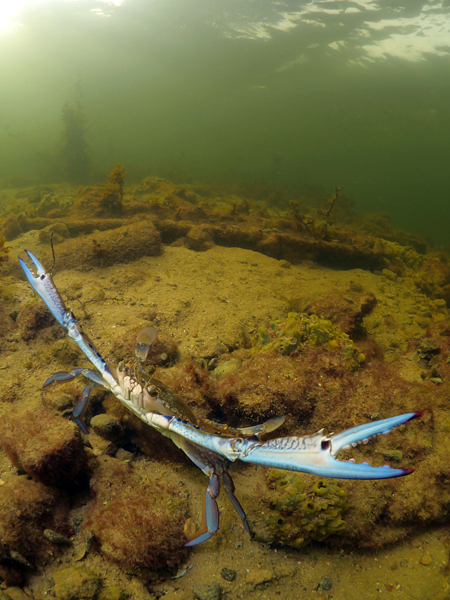
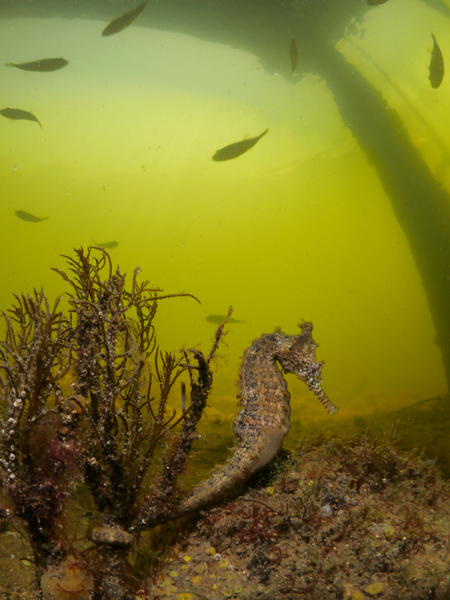
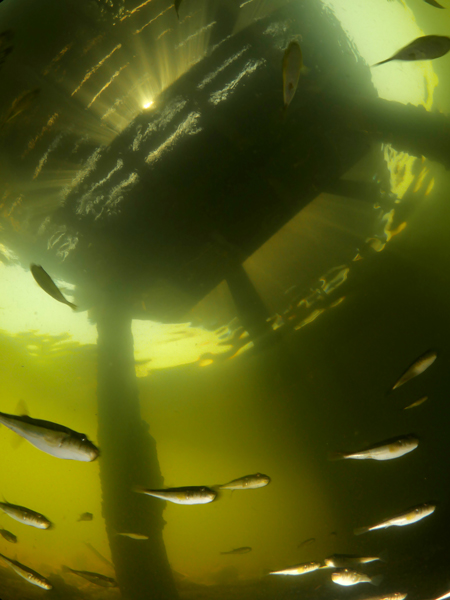
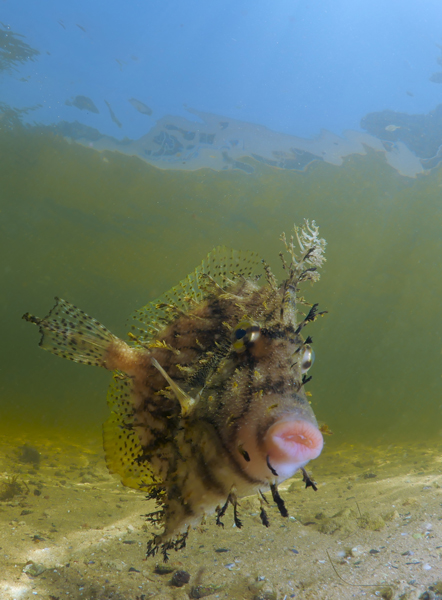
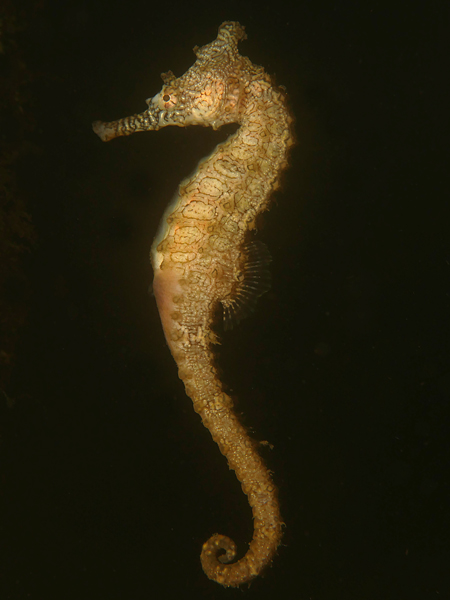
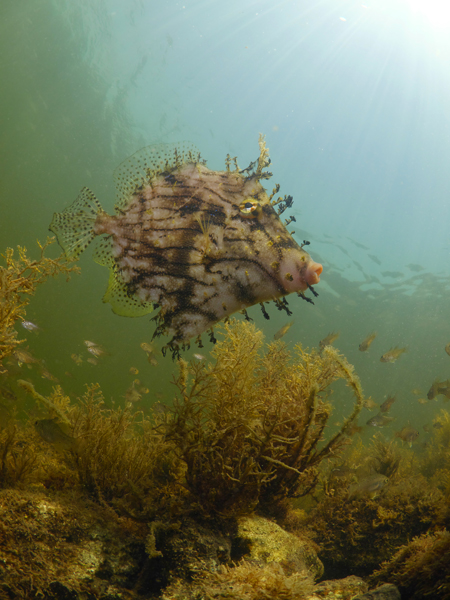
  1. Photos taken on snorkel in Western Australia all in max 2 meters of water in the Swan river/estuary here.

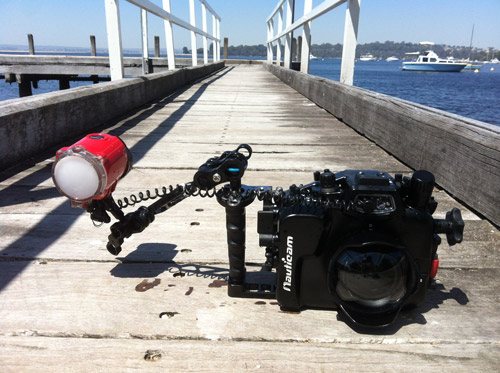
    GH4 in Nauticam housing, with the 8mm FE in Nauticam 3.5" dome and the Olympus macro 60mm in Nauticam macro port 65.

    I heard the 8mm in 3.5" mini dome would vignet slightly, but it does not.

    One handle removed from housing and Single INON S2000.

    Some minor PS tweaks/sharpening, slight crop on a few of the photos.


    Nauticam housing is very good to use, both lenses are great as well.

    I am finding quite some pink/green artefacts in my photos, also in low ISO, especially in smooth gradients of backgrounds.

    Not sure if the GH4 has difficulty with that or if I might have to tweak some of my settings. This was something I did not notice that much in my old RX100 photos.

    For the rest the GH4 in Nauticam is awesome to use.
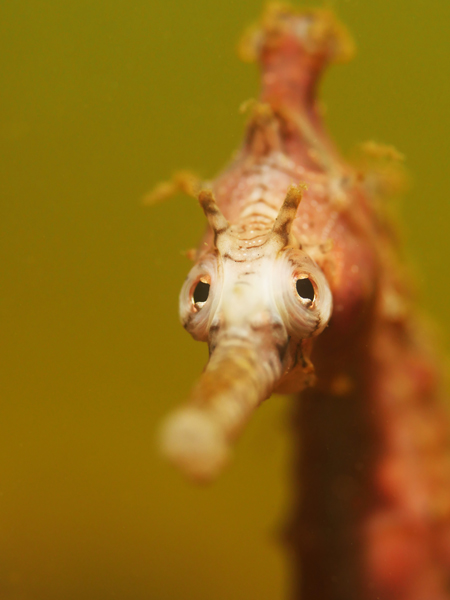
    Macro: I think the RX100 might often be sharper when you see 100% detail, but a lot less versatile than GH4 with dedicated macro lens.

    post-33816-0-91332600-1414222589_thumb.jpg


    post-33816-0-23378400-1414222563_thumb.jpg


    post-33816-0-17311100-1414222578_thumb.jpg


    post-33816-0-17538900-1414222599_thumb.jpg


    post-33816-0-88440200-1414222608_thumb.jpg


  2. post-33816-0-91834700-1414222936_thumb.jpg


    post-33816-0-53844500-1414222948_thumb.jpg


    post-33816-0-40207500-1414222962_thumb.jpg


    post-33816-0-18202000-1414223387_thumb.jpg


    post-33816-0-98844200-1414223316_thumb.jpg

  3. macro on snorkel, very impressive!

Sea & Sea

Account

Navigation

Search

Search

Configure browser push notifications

Chrome (Android)
  1. Tap the lock icon next to the address bar.
  2. Tap Permissions → Notifications.
  3. Adjust your preference.
Chrome (Desktop)
  1. Click the padlock icon in the address bar.
  2. Select Site settings.
  3. Find Notifications and adjust your preference.