Skip to content

Classifieds / Archived topic

(FS) Panasonic GH2 with 10Bar Underwater Housing and Lenses.

Started by Jbiird3 ·

  • 5Posts
  • 5Replies

Read-only discussion

(FS) Panasonic GH2 with 10Bar Underwater Housing and Lenses.

5 posts
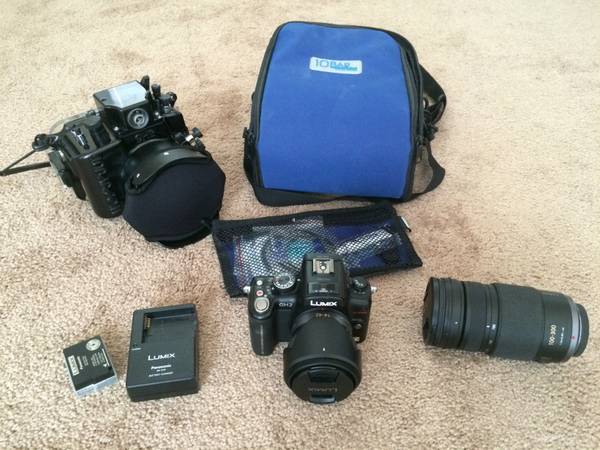
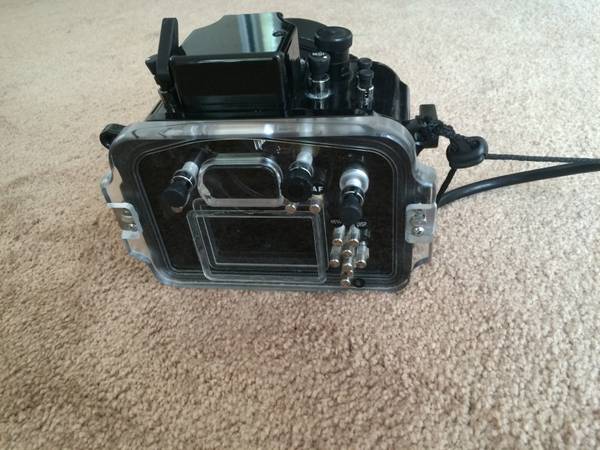
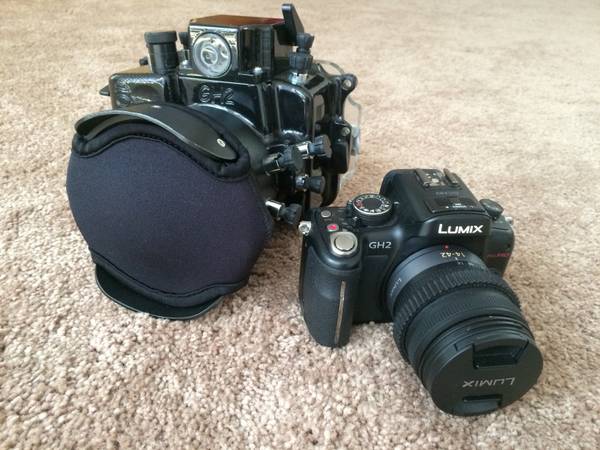
  1. Everything you need to start filming and photographing your aquatic adventures.


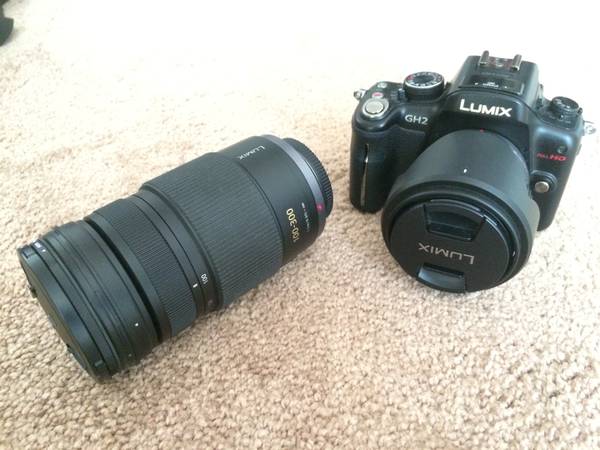
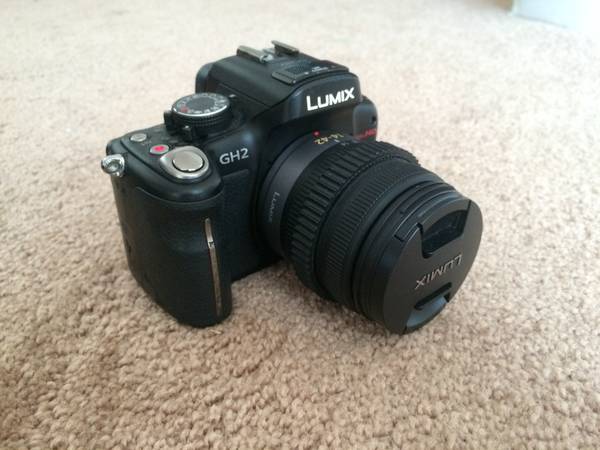
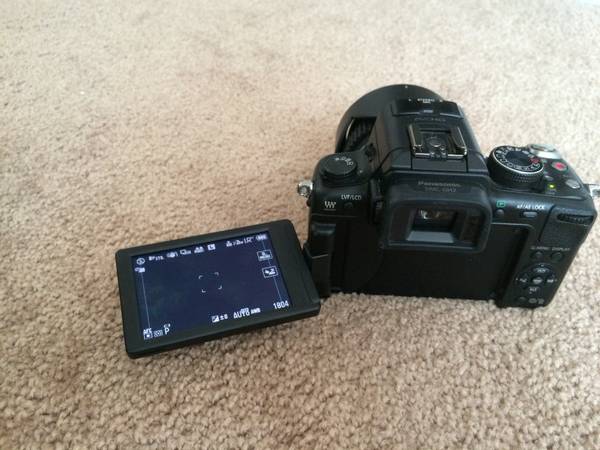
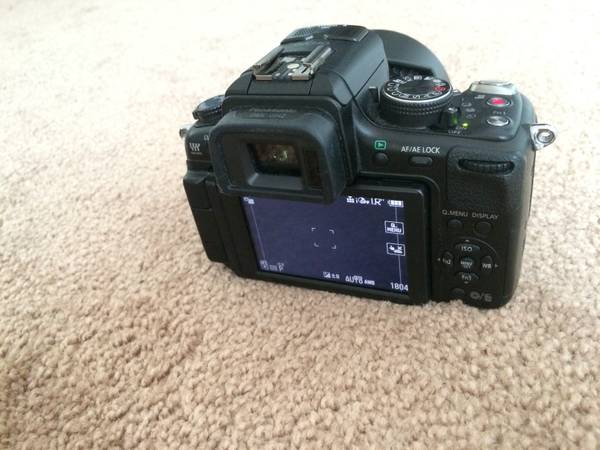
    -Panasonic Lumix DMC GH2- Mirrorless Microbody, 16 megapixel, 1080 Full HD Video.


    -14-42mm Zoom Lens


    (Average used price on Amazon: Camera+Lens $800, $1,400 new)


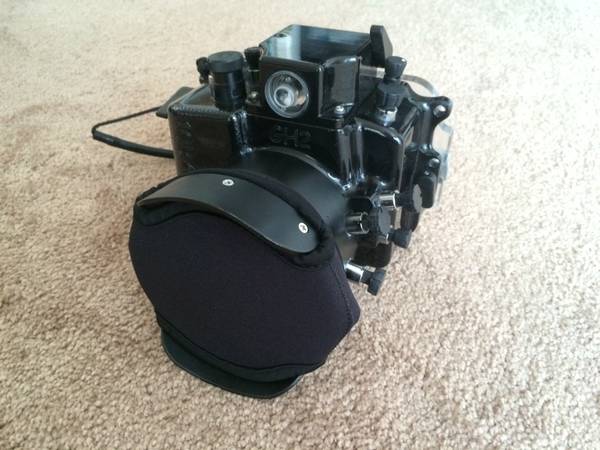
    -10Bar Dive Housing- 294ft./90m depth rating, aluminum and acrylic body.


    (Price on Amazon: $1249)


    -100-300mm Lumix G Vario Zoom Lens


    (Average price on Amazon: $605)


    -Two batteries with charger


    -Gear ring for zoom while in housing


    -Case for housing


    -Housing upkeep supplies


    -Wrist leash


    -Lens port cover


    Everything is in great working condition.


    Asking only $2,200 for everything but I am willing to negotiate.


    I can sell just the housing if you already have the camera, however I will not sell the camera unless I can sell the housing as well. Will subtract $400 off price if you have no need for the 100-300mm lens.


    Contact me for more information: jbirdt3@yahoo.com


    For more information on the camera visit:


    https://shop.panason...model/DMC-GH2KK


    For more information on the housing visit:


    http://www.10bar.com...eet/GH1/GH2.htm
    post-48041-0-28524200-1415068589_thumb.jpg

    post-48041-0-93166900-1415068590_thumb.jpg

    post-48041-0-42990300-1415068592_thumb.jpg

    post-48041-0-03927200-1415068594_thumb.jpg

    post-48041-0-21340000-1415068596_thumb.jpg

    post-48041-0-05596000-1415068598_thumb.jpg

    post-48041-0-64476400-1415068599_thumb.jpg

    post-48041-0-26747000-1415068601_thumb.jpg

  2. bump

  3. bump

  4. bump

Turtle

Account

Navigation

Search

Search

Configure browser push notifications

Chrome (Android)
  1. Tap the lock icon next to the address bar.
  2. Tap Permissions → Notifications.
  3. Adjust your preference.
Chrome (Desktop)
  1. Click the padlock icon in the address bar.
  2. Select Site settings.
  3. Find Notifications and adjust your preference.