



In October I went for six days to the Cayman Islands for underwater photography of stingrays.
All images were shot with my Nikon D800E and a Sigma 15mm fisheye lens in a Seacam housing with Superdome port.
You can find some background information about this trip on my blog:
http://wild-places.com/2014/11/23/stingrays-in-the-cayman-islands/
And some more images in my underwater gallery:
http://wild-places.com/2013/09/07/underwater/
 Cayman-1 by Wild_Places, on Flickr
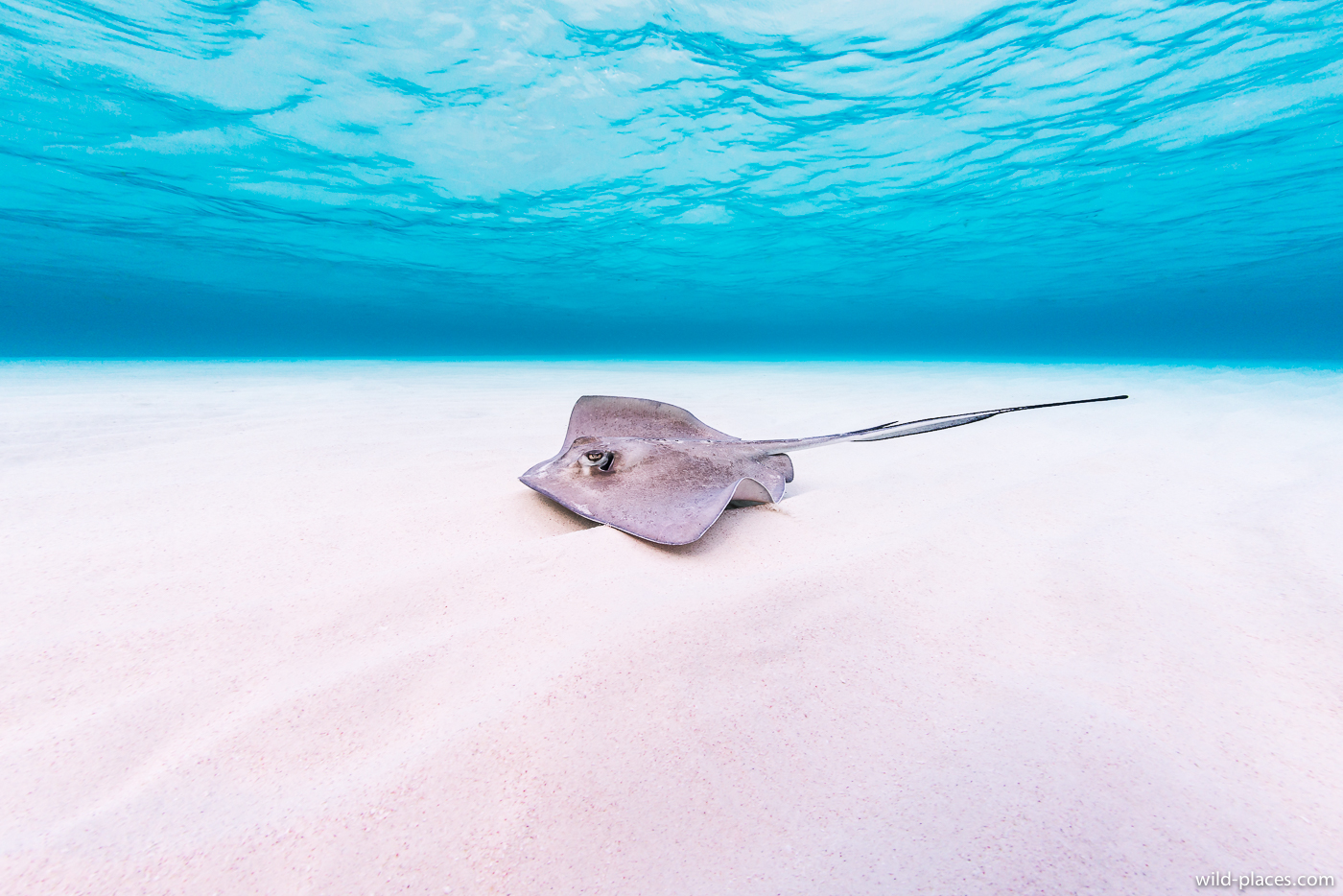 Cayman-2 by Wild_Places, on Flickr
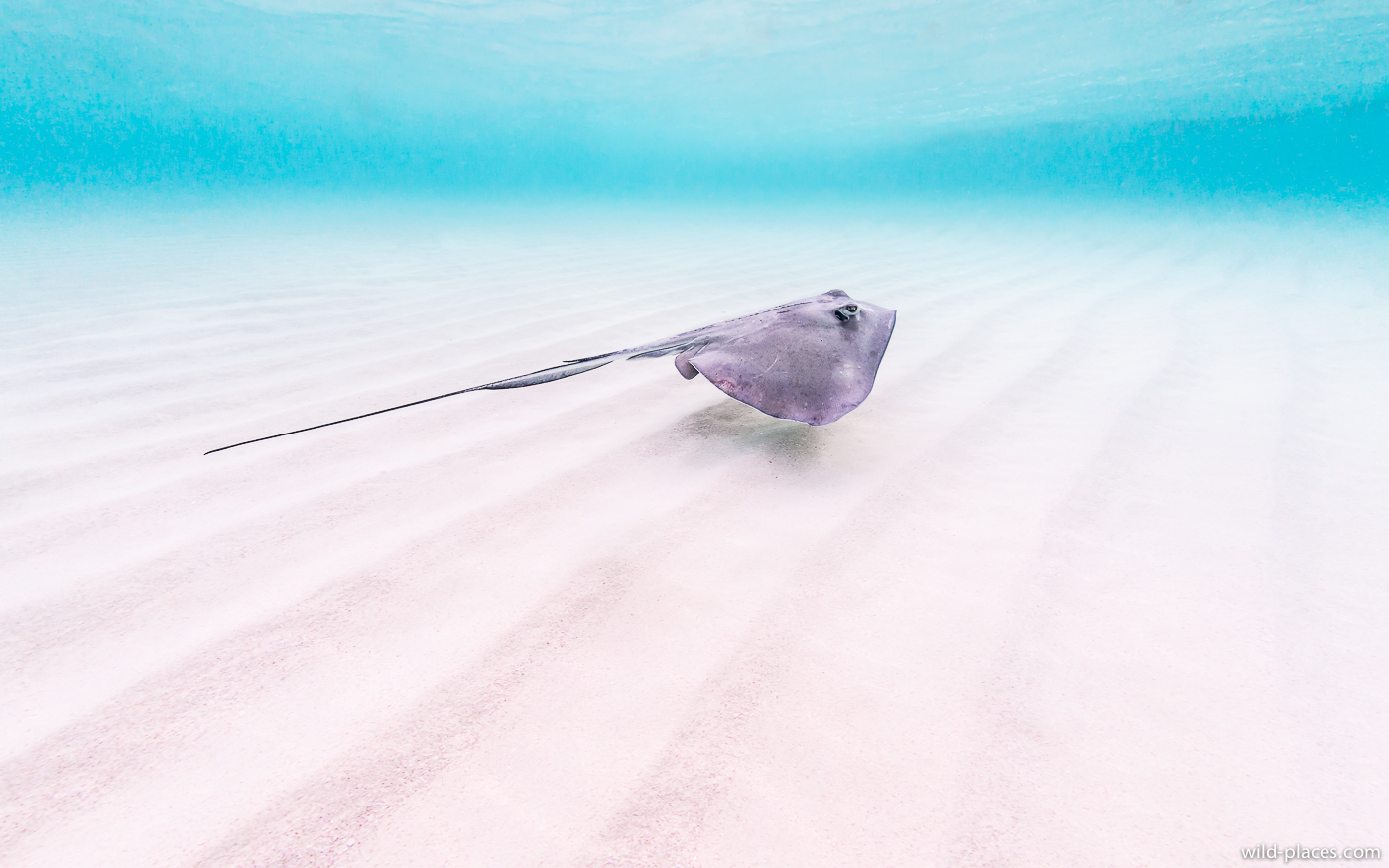 Cayman-3 by Wild_Places, on Flickr
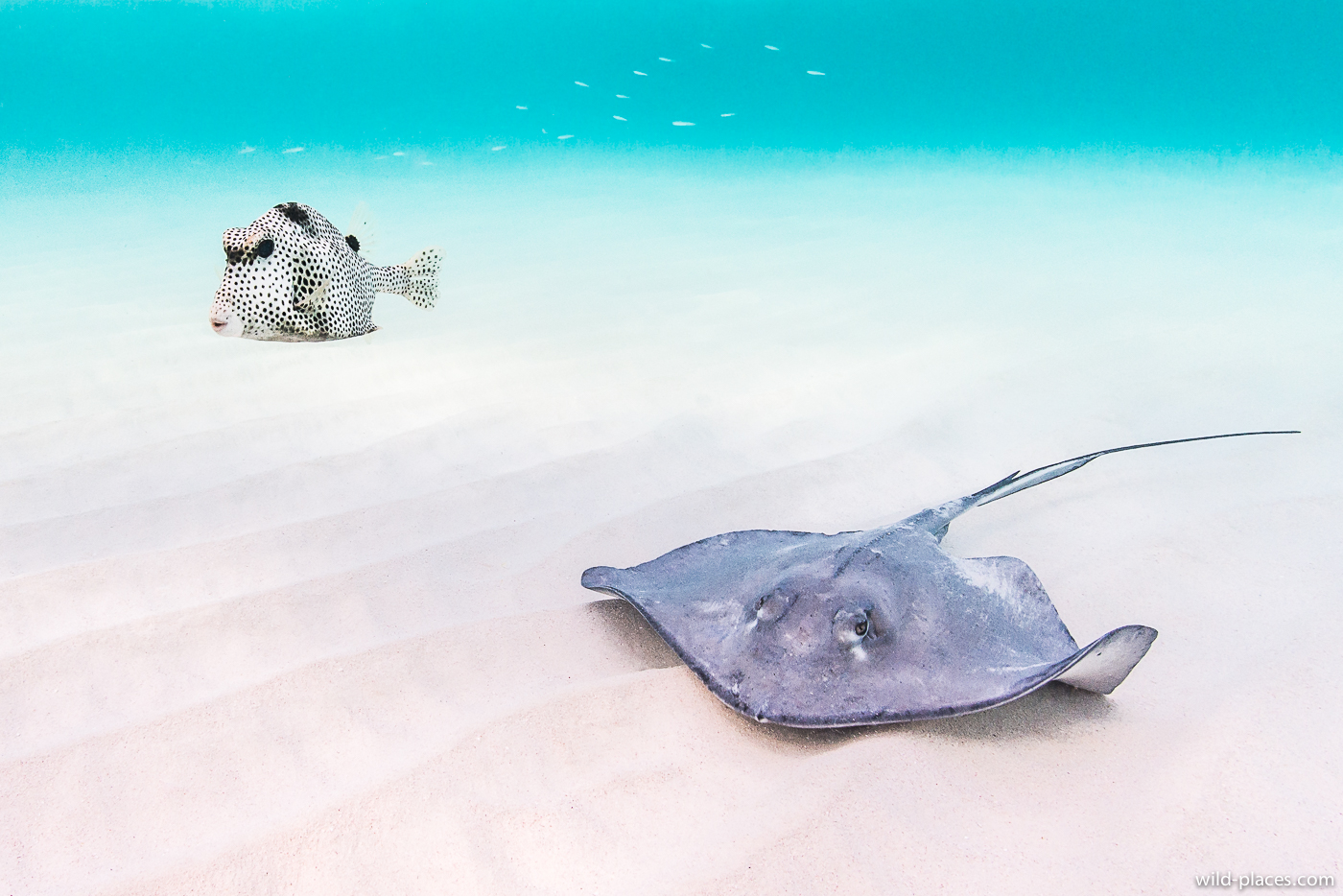 Cayman-4 by Wild_Places, on Flickr
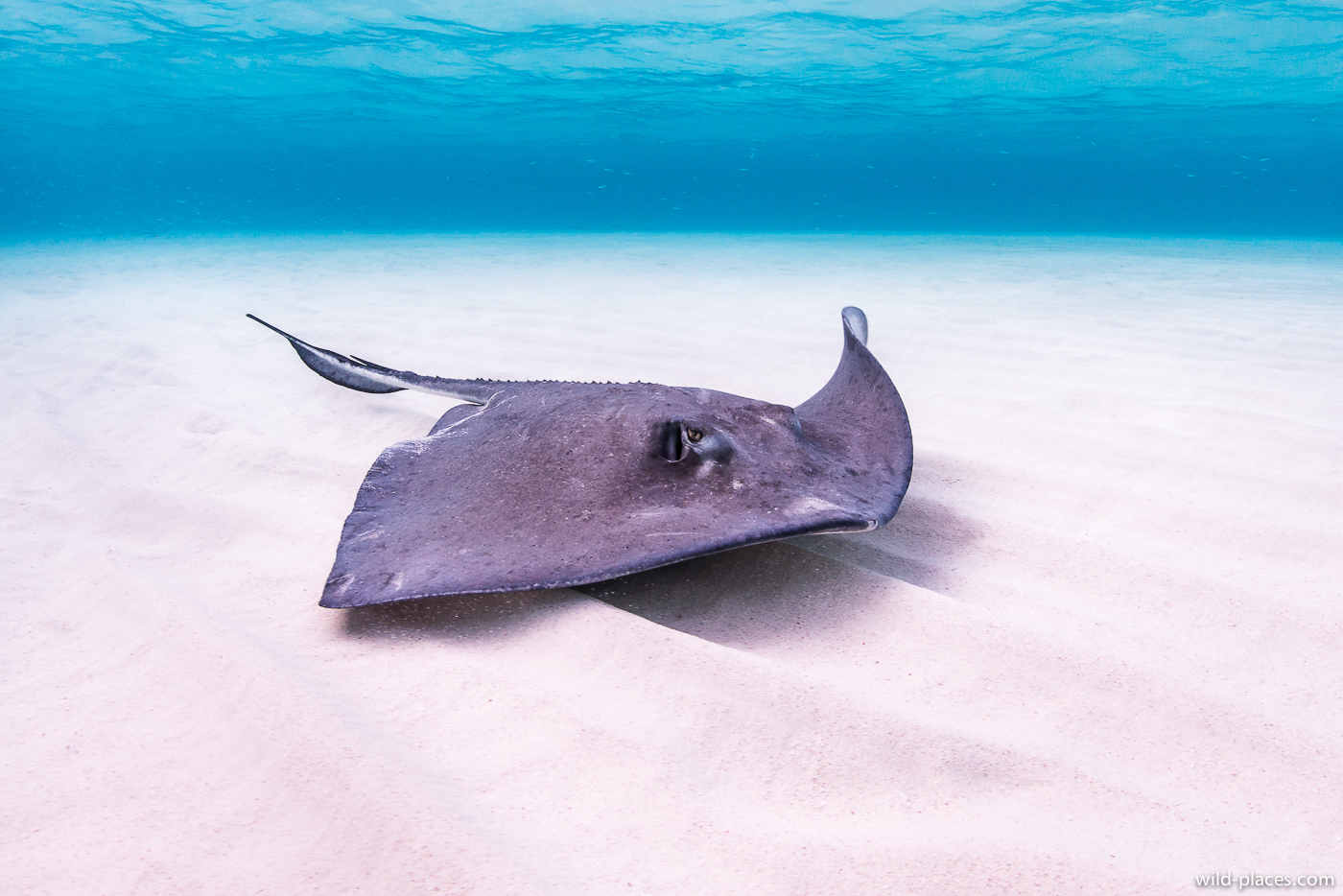 Cayman-6 by Wild_Places, on Flickr
 Cayman-9 by Wild_Places, on Flickr
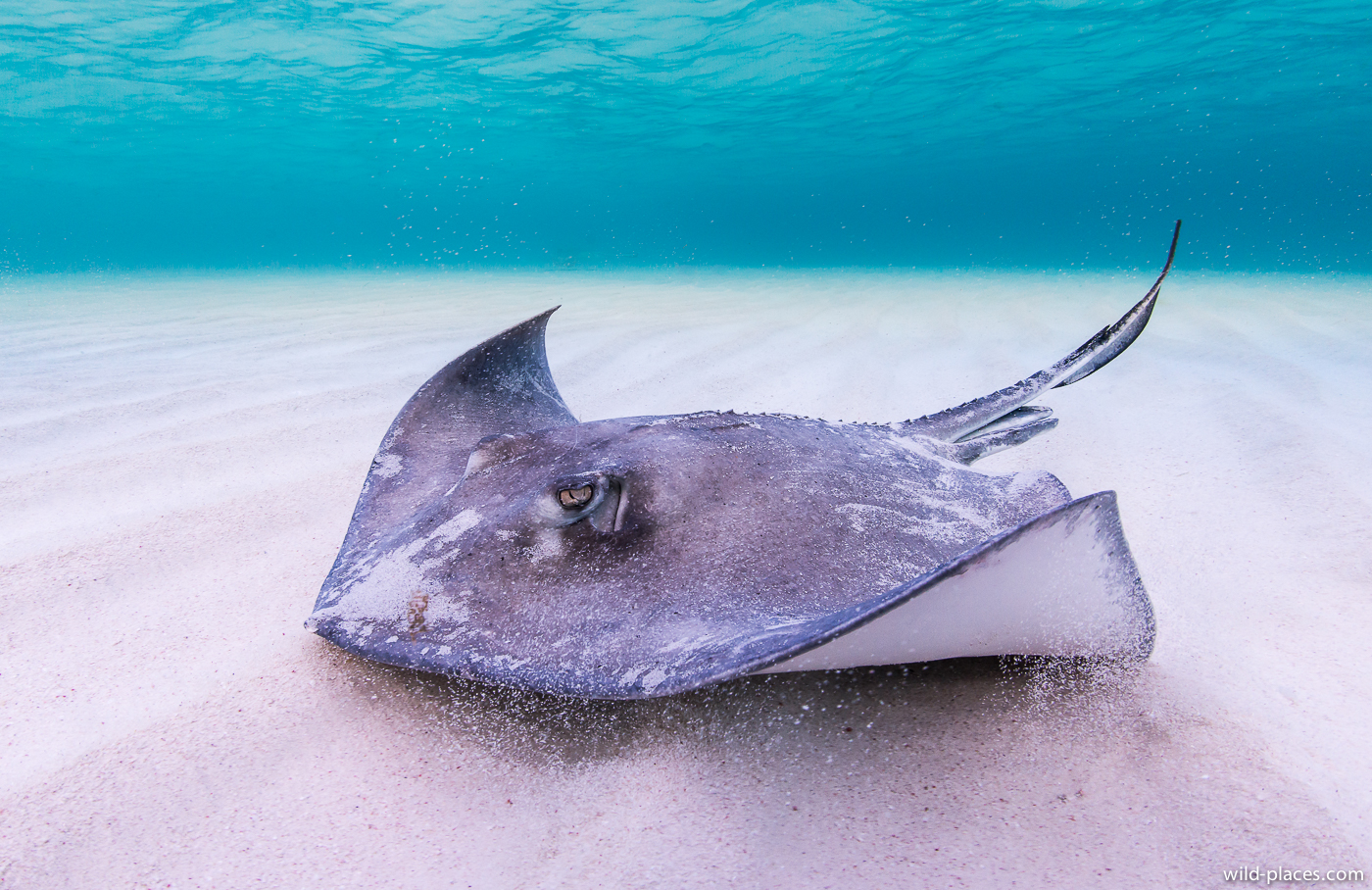 Cayman-10 by Wild_Places, on Flickr
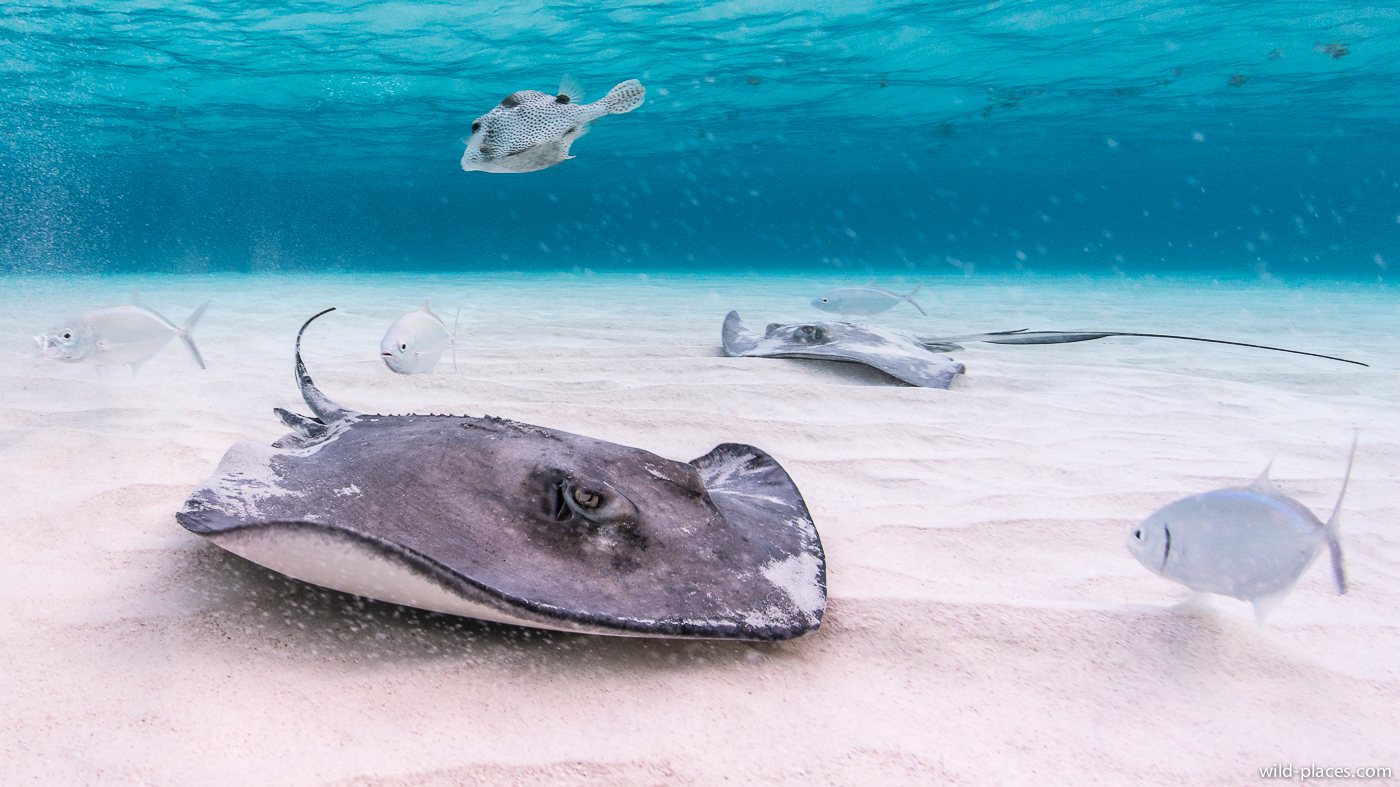 Cayman-12 by Wild_Places, on Flickr
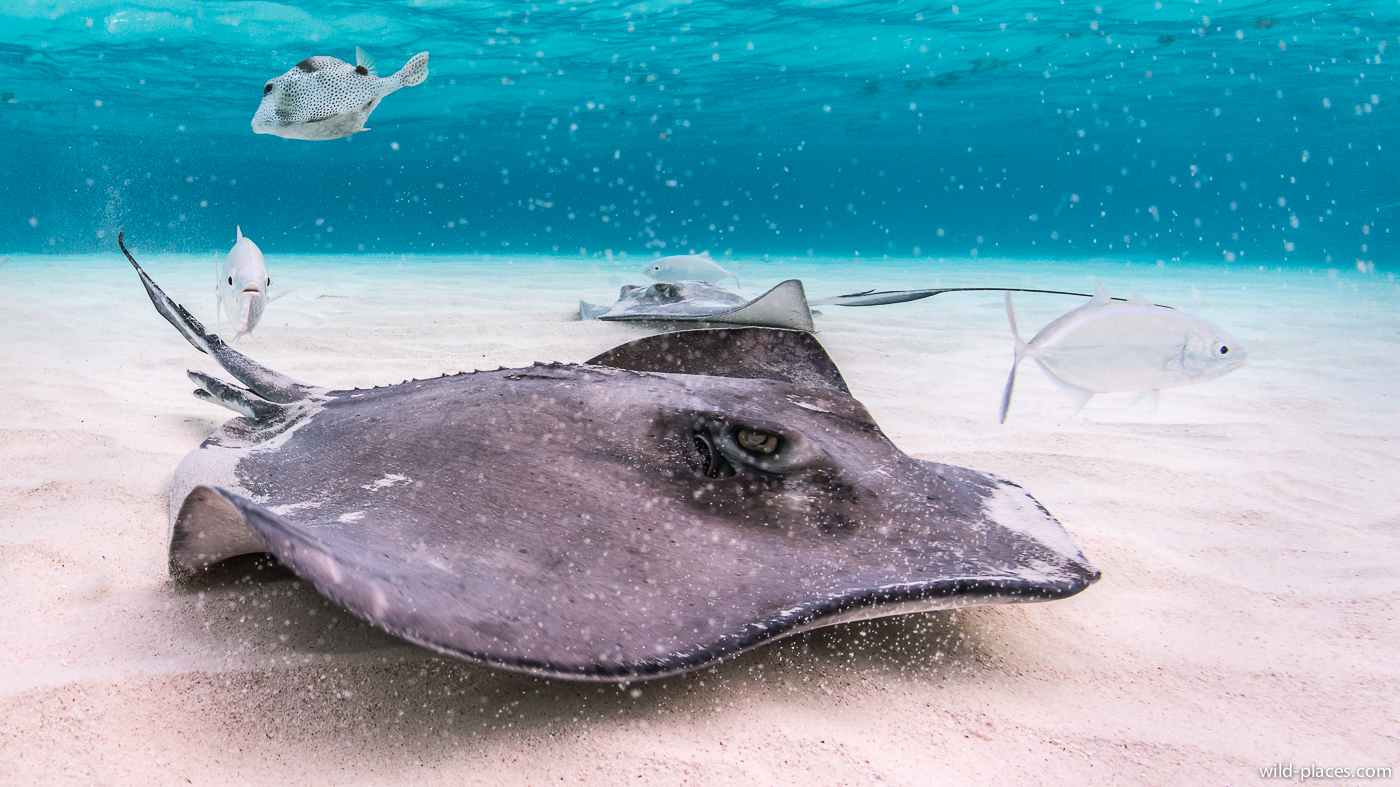 Cayman-13 by Wild_Places, on Flickr
 Cayman-16 by Wild_Places, on Flickr


