Skip to content

Classifieds / Archived topic

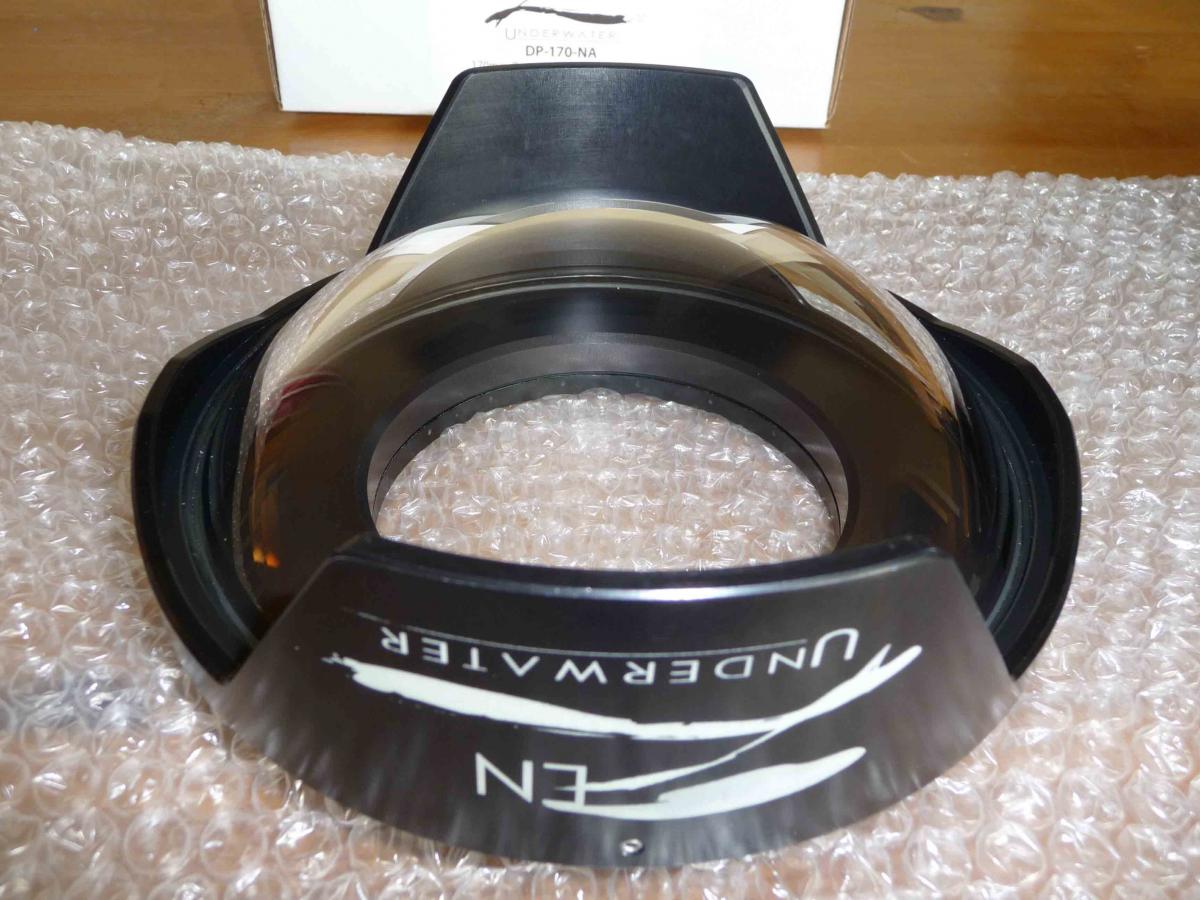
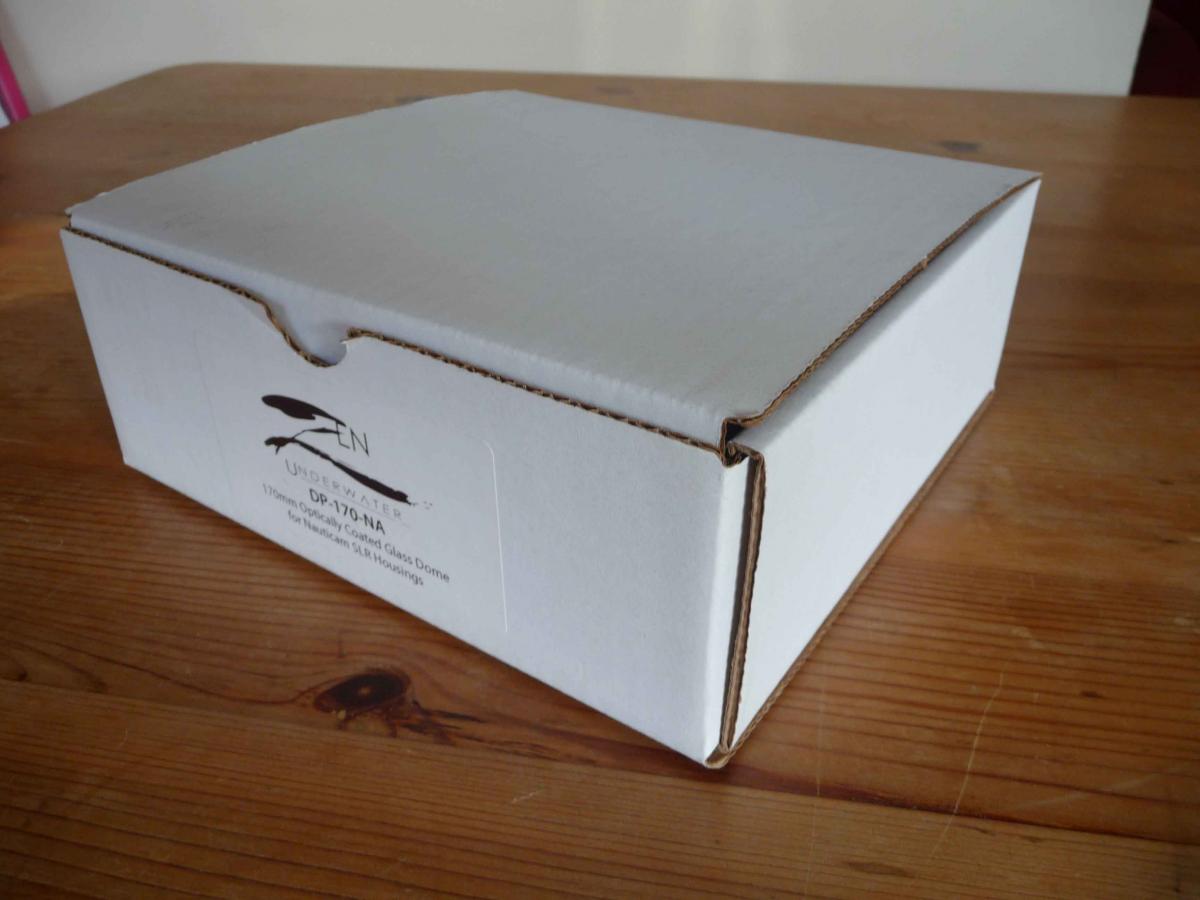
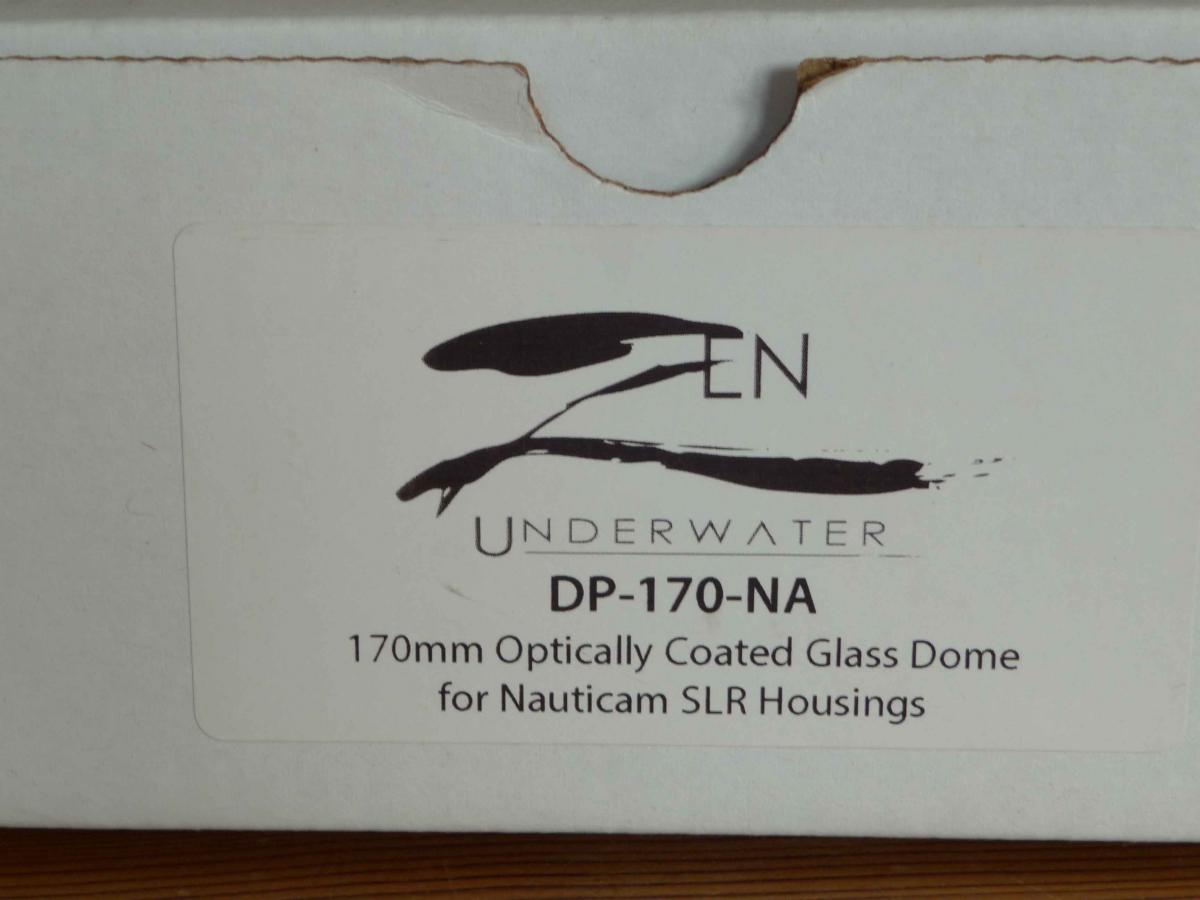
Zen 170 mm Glass Dome Port for Nauticam DSLR

Started by brassmonkey ·

  • 17Posts
  • 17Replies

Read-only discussion

Zen 170 mm Glass Dome Port for Nauticam DSLR

17 posts
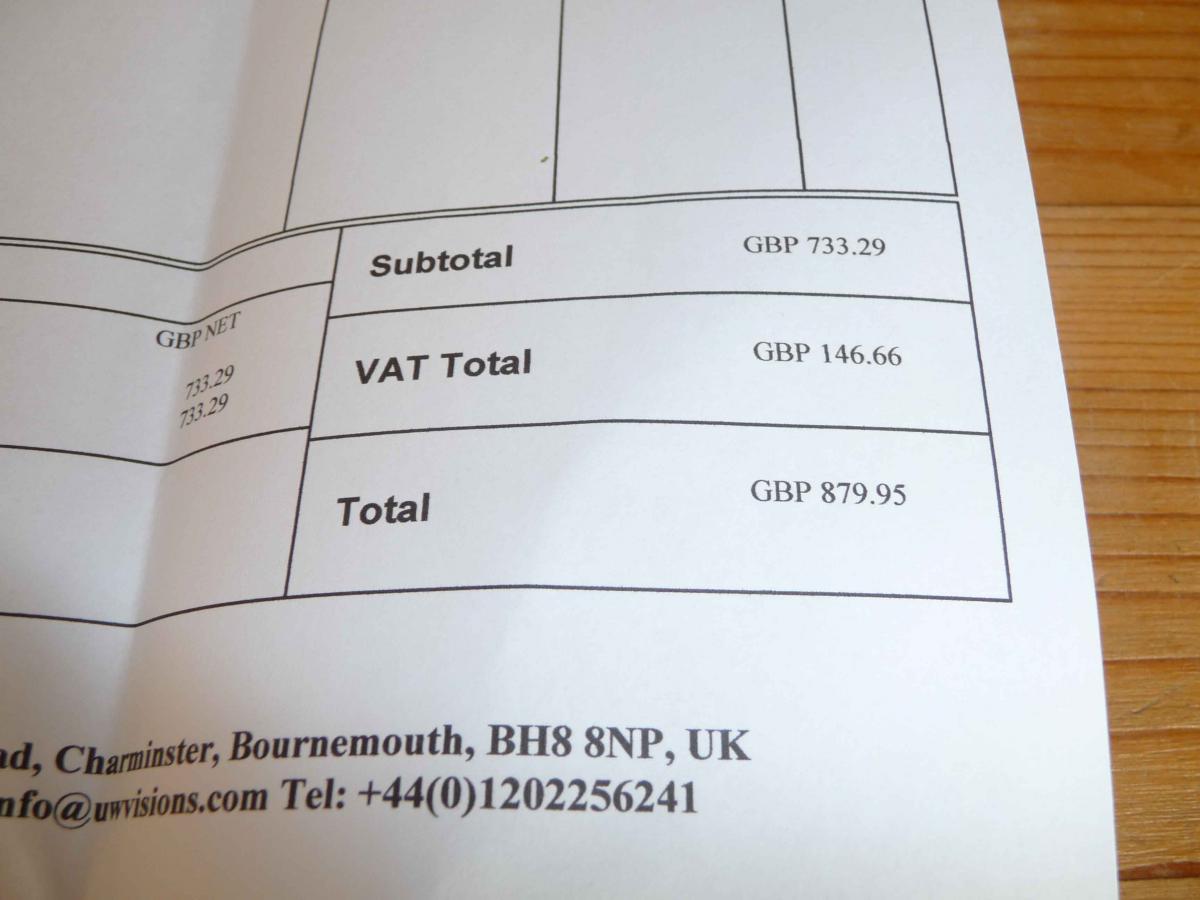
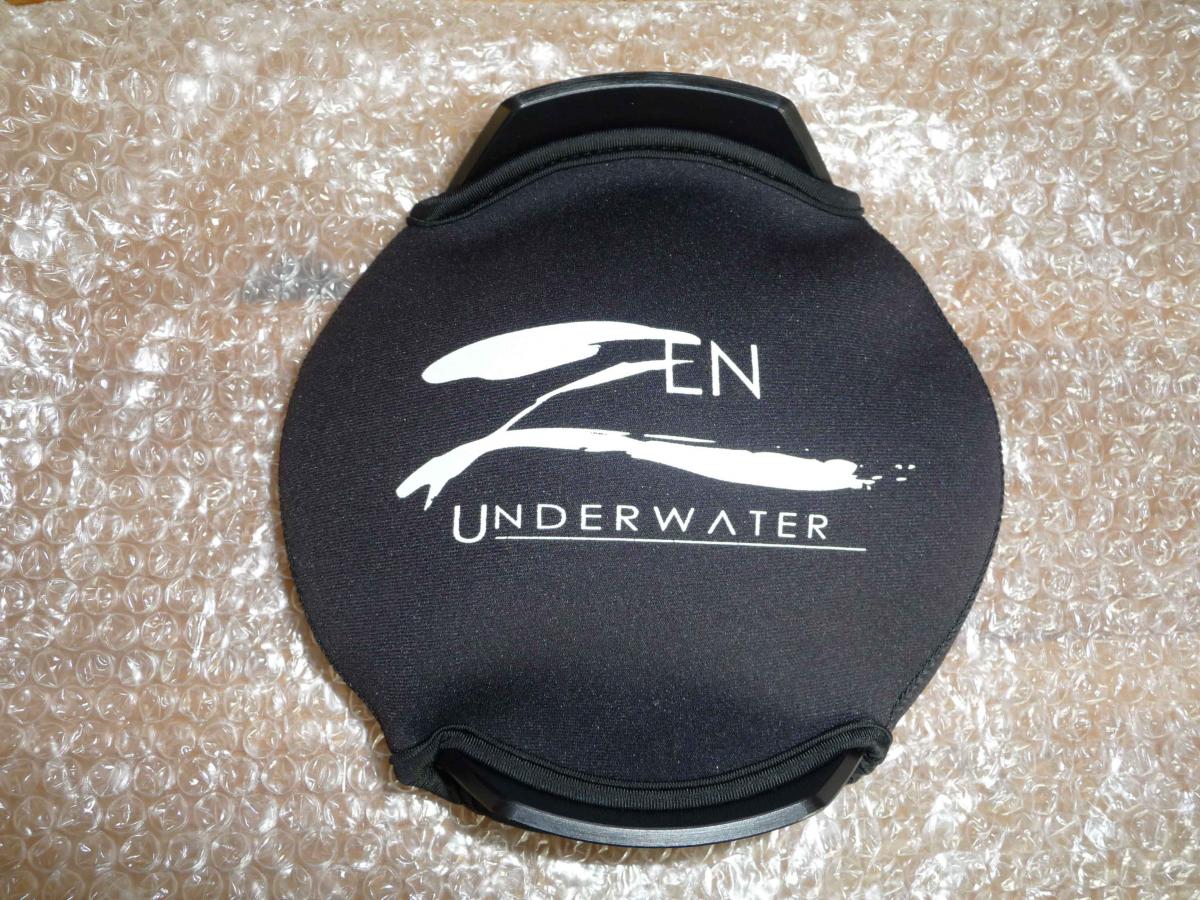
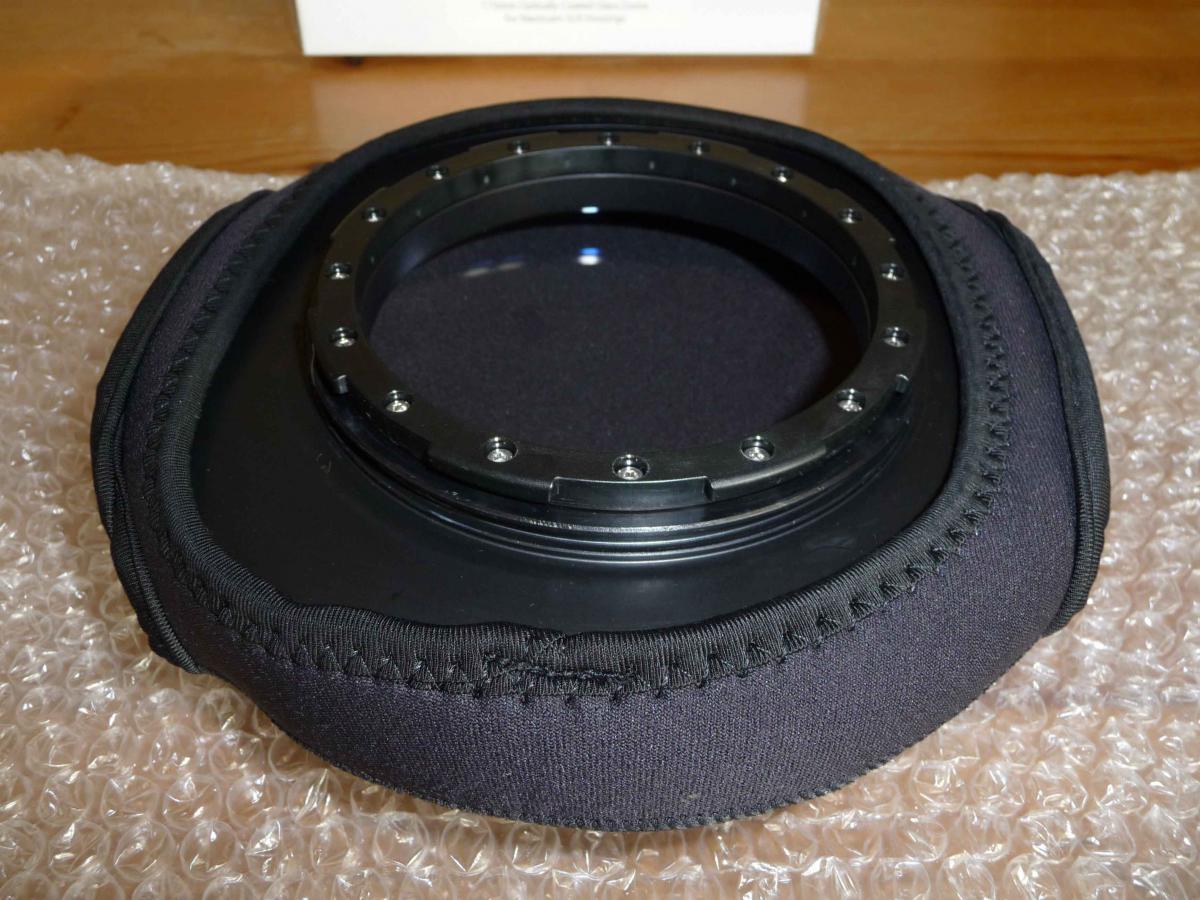
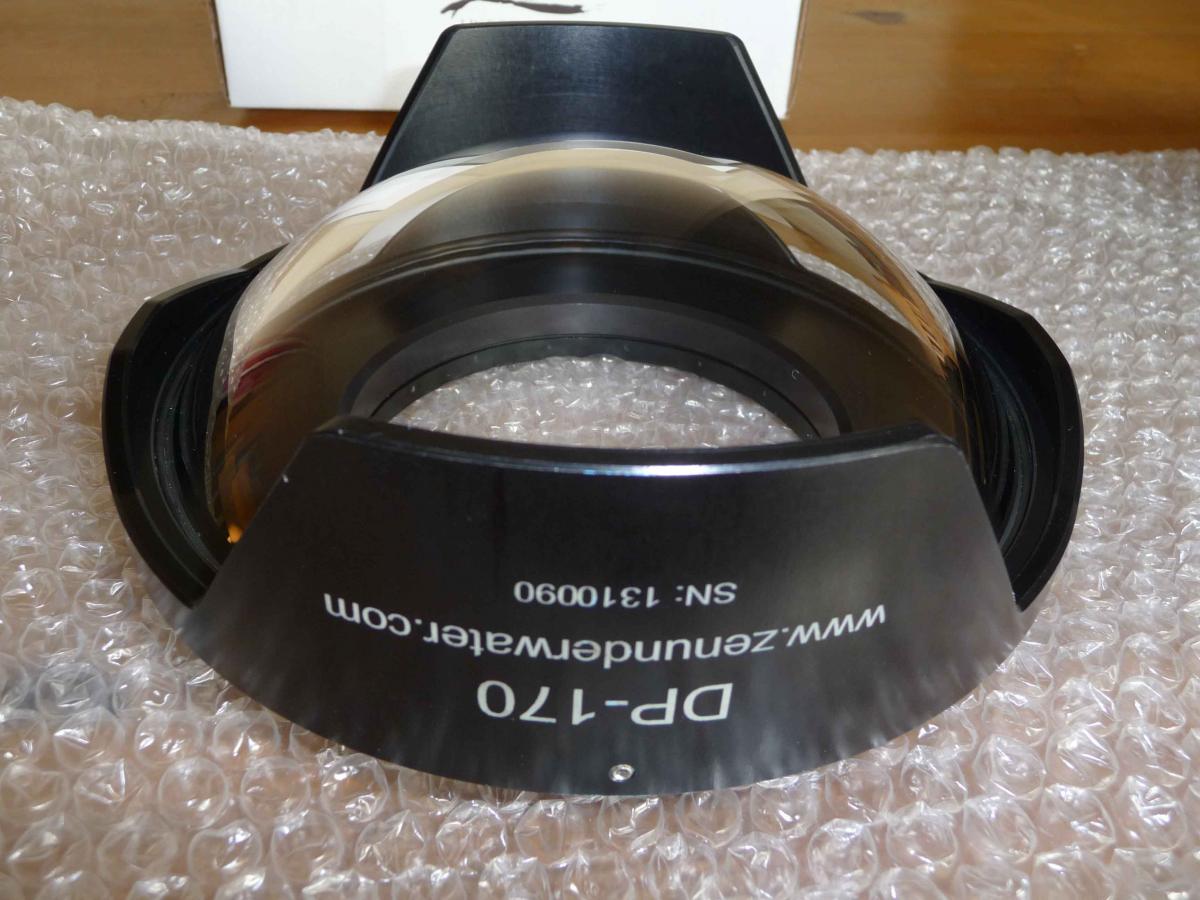
  1. I have a Zen Glass dome port for sale. I purchased the port at the start of this year for £879.95 from UW Visions and have used it on two, one week holidays to Egypt. The only reason for sale is that I have decided on a different lens set up for UW which requires a bigger port. I used the Sigma 15mm fish eye with this port. I am based in the UK Portsmouth area. I would like £675 ovno.


    The port is also on ebay and is due to end on Sunday 7th Dec.


    post-48376-0-72780100-1417633642_thumb.jpg

    post-48376-0-66674800-1417633645_thumb.jpg

    post-48376-0-66056600-1417633648_thumb.jpg

    post-48376-0-78319500-1417633650_thumb.jpg

    post-48376-0-88295000-1417633652_thumb.jpg

    post-48376-0-26120700-1417633656_thumb.jpg

    post-48376-0-36282000-1417633658_thumb.jpg

  2. would you be willing to ship to western aystralia?

  3. shipping to western australia? email info@migrationmedia.com.au

  4. VAT is 20%!? Oof

  5. Bump to top. On ebay 650 may consider off eBay deal.

  6. Bump to top on ebay.

  7. PM sent

  8. Do you still have

  9. Does anyone know why i can't create a topic for me to sell a housing?

  10. Man I wish this was for the mirrorless housing!


    Sent from my iPhone using Tapatalk

  11. Still for sale bump to top. Please send me a PM if interested. Thanks

  12. hi. happy to negotiate again. info@migrationmedia.com.au

  13. Bump to the top would consider 600 ideally within the UK but would consider Europe.

  14. Is this still for sale.????


    Goose

  15. Hi yes it is I will pm you my email address.

  16. Still for sale on eBay

  17. Top

Nauticam

Account

Navigation

Search

Search

Configure browser push notifications

Chrome (Android)
  1. Tap the lock icon next to the address bar.
  2. Tap Permissions → Notifications.
  3. Adjust your preference.
Chrome (Desktop)
  1. Click the padlock icon in the address bar.
  2. Select Site settings.
  3. Find Notifications and adjust your preference.