I have an EM-5 in a Nauticam housing. I think it would be very useful when using the 60mm macro lens in full focus range to know what focus distance the lens was actually at if it was displayed on the screen.
Does anyone know whether there is a setting that will allow this?
In a word, no. You can find the focal length when you zoom a zoom lens but no camera that I am aware of gives you the distance to subject in the camera LCD when using a macro lens. Many of the macro lenses have the distance scale but unless you had a window in the port their would be no way to view it. The scale works best when you are using manual focus which most U/W photographers don't do.
Thanks Phil, I was just curious as to whether the distance scale on the lens could somehow be also read on the screen when the lens is in the port. I use manual focus for macro work, but sometimes you just don't know if you're at 1:1.
I would have thought that for manual focus finding 1:1 was actually the easy part. Just turn the focus all the way. Like Phil I don't think there is a way to display the focus distance while taking the shot. However, you can get the distance later as it is stored in the EXIF data.
Bart
Where in the EXIF data. My EXIF shows only the focal length of the lens and a 35mm equivalent, nothing about where in the focus range the photo was taken.
Bill
Actually I remember seeing this kind of info in the Fuji x10 compact camera. Actually it would be a nice information to have while you do macro I guess so you avoid scratching the domes
Hi Bill,
I used exiftool to extract the information (free download) for my EM-5. I posted info on how well the distance allowed you to calculate the actual size of subjects in your image. You can find the post here http://wetpixel.com/forums/index.php?showtopic=52938
Bart
On a similar note, i wish sooo badly that Oly would let you select the focusing range electronically, as the lens switch isn't accessible while in a housing.
I've sent them the suggestion months ago, no feedback...
Just to be clear when we say 1:1 with this lens it means 17.3x12mm or 36x24?
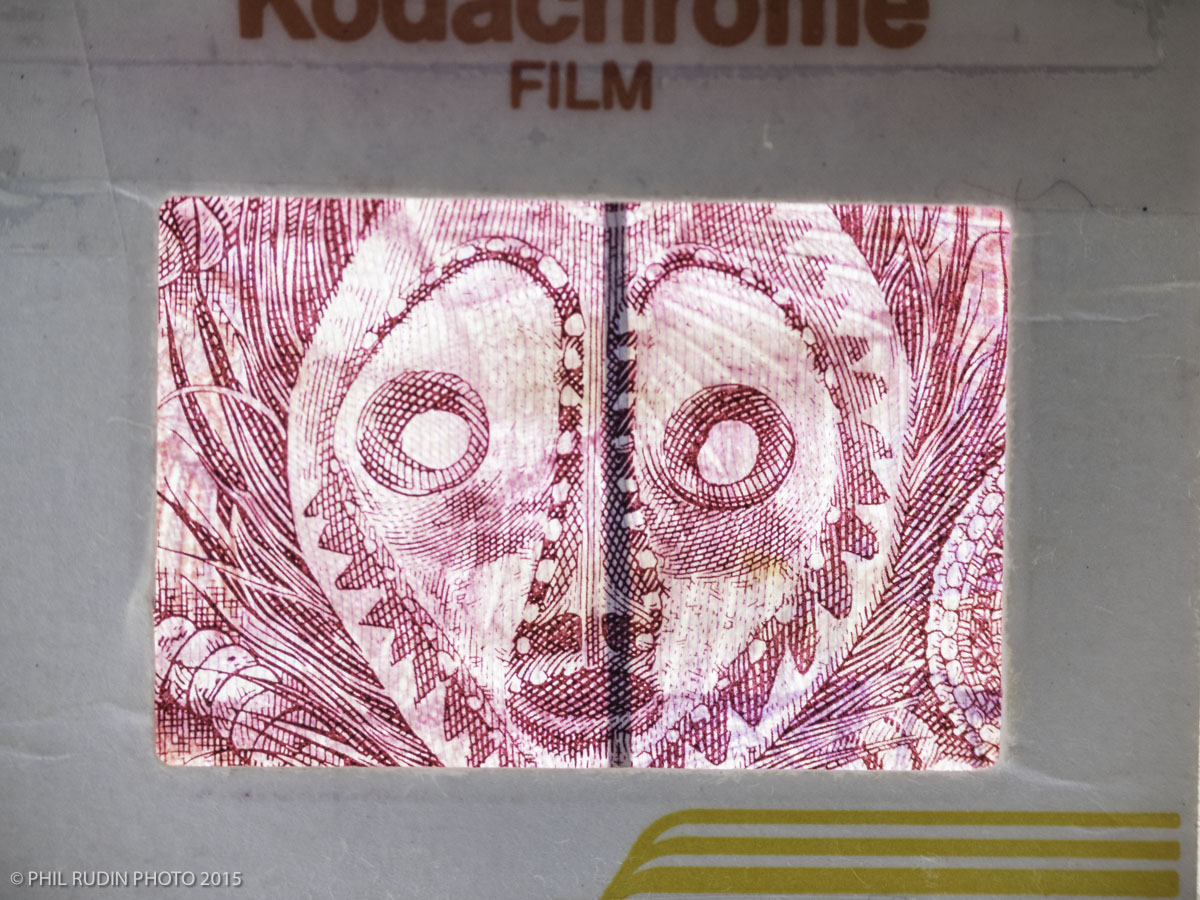
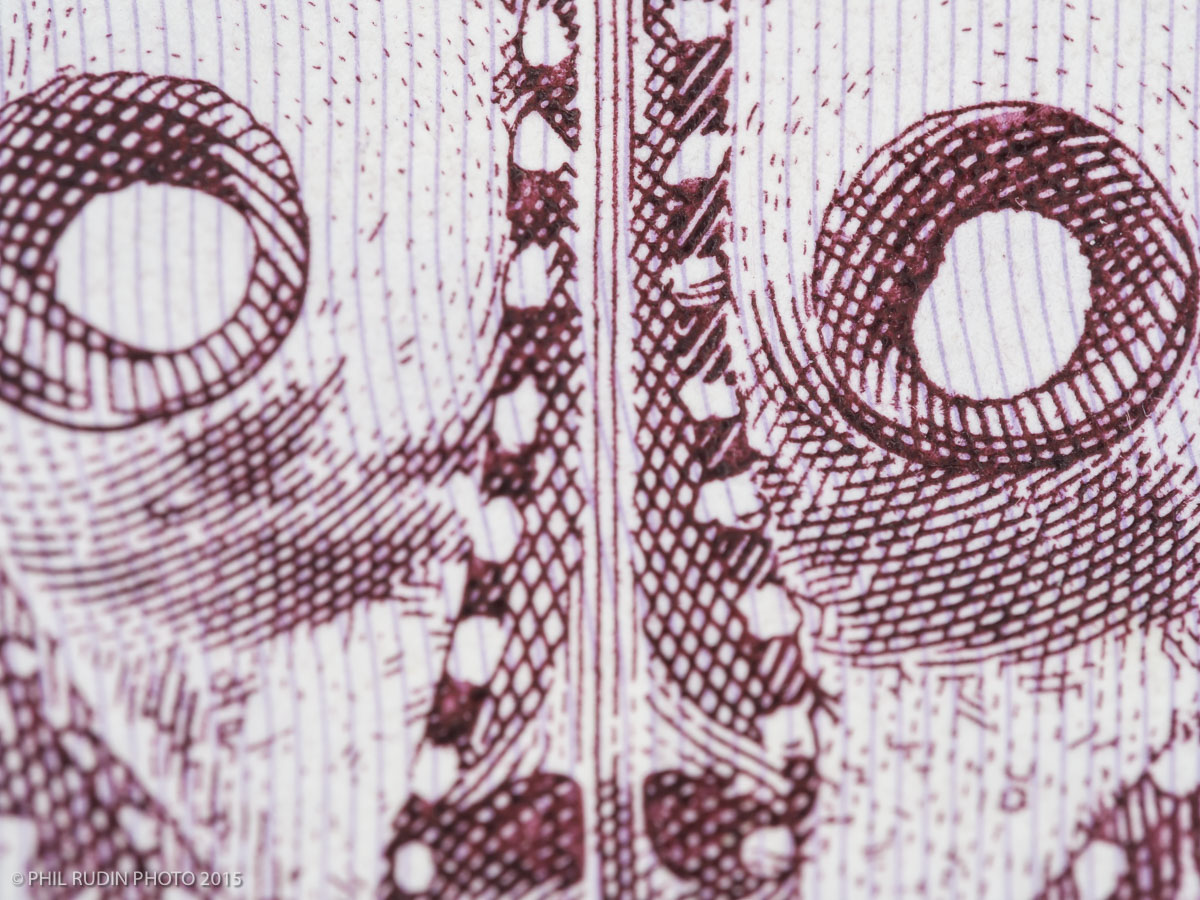
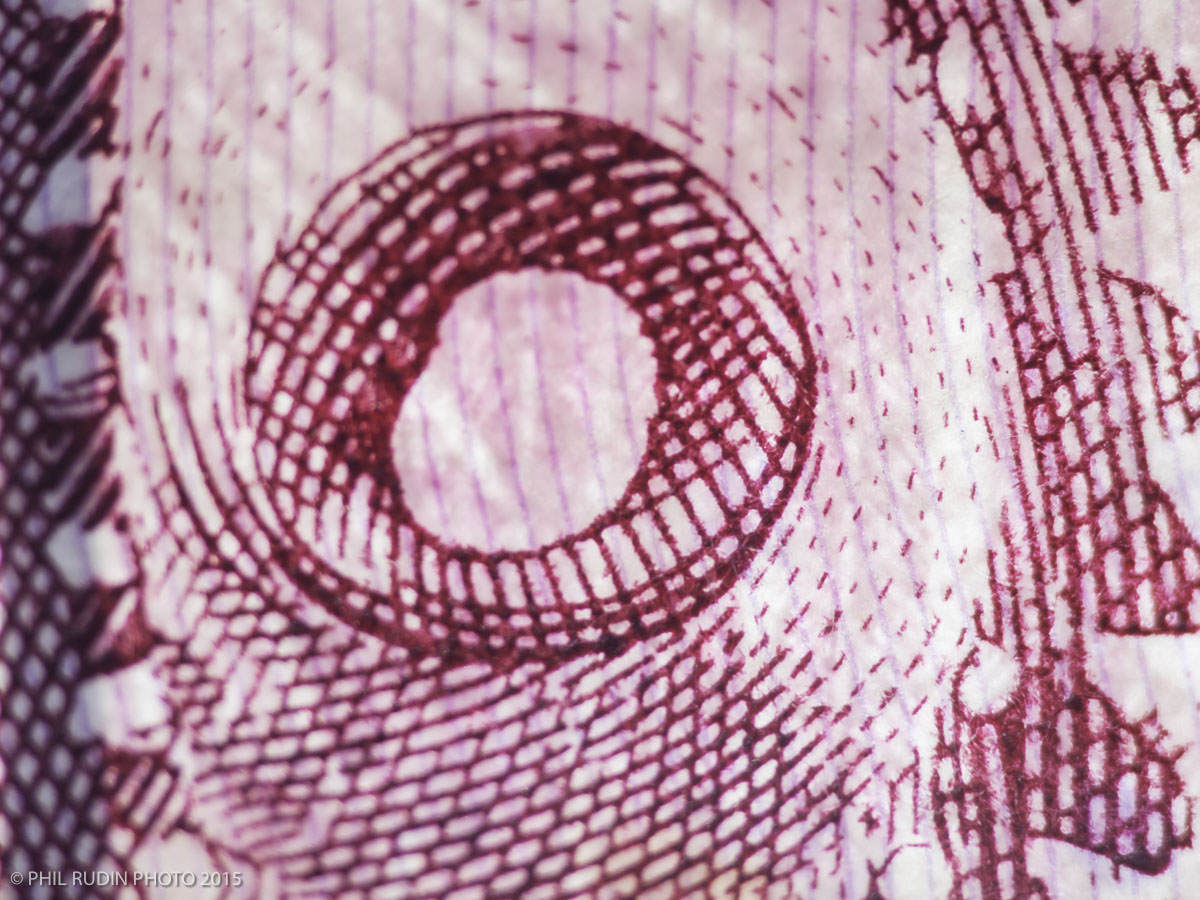
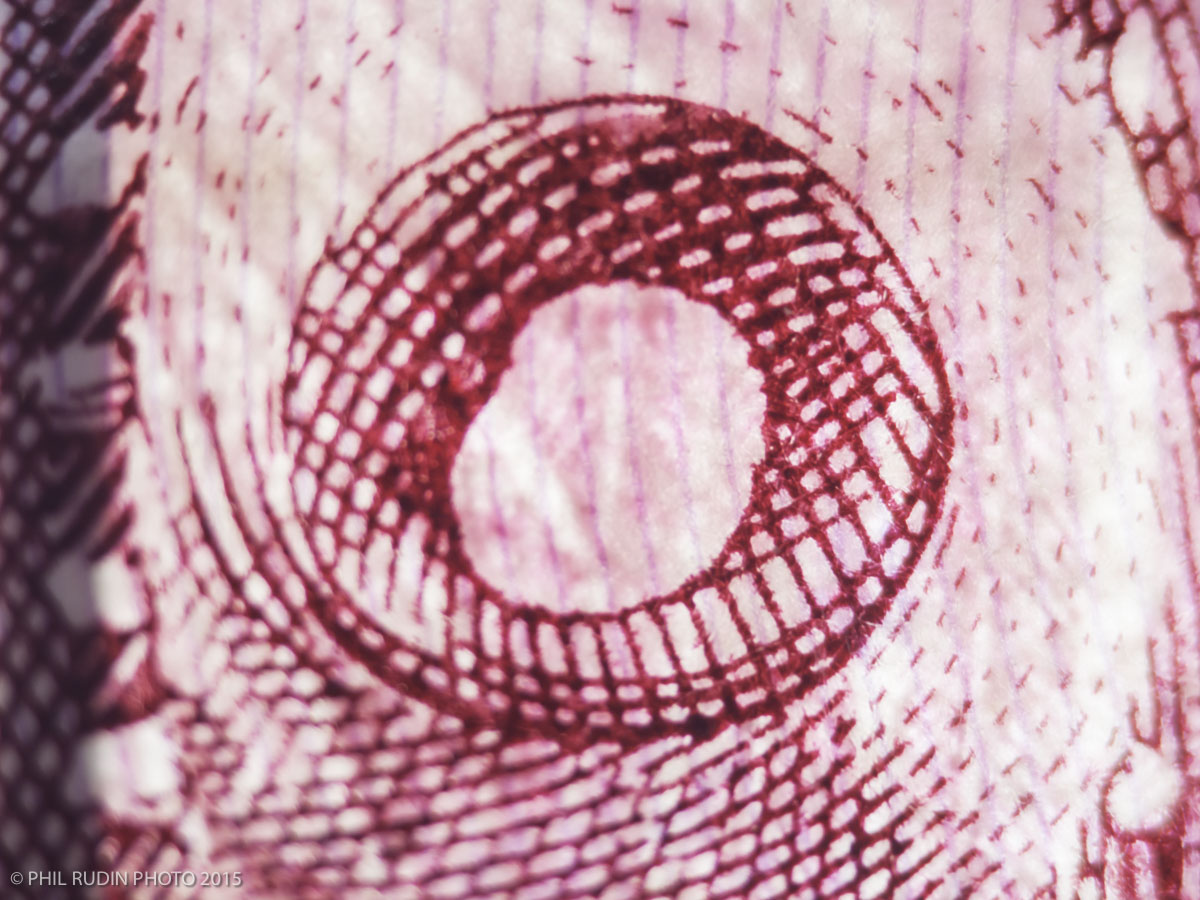
The M43 cameras have a 4:3 aspect ratio sensor (not a 3:2 aspect ratio like 35mm or ASP-C sensors) so with the Olympus 60mm macro lens at life-size or 1:1 the image size is actually 17.3 X 13mm. Images of 35mm at life-size (1:1) and the 60mm macro at life-size (1:1).
Thanks Phil. 17.3x13 is really small. How much working distance you get from the front of the lens in water?
About seven inches at 1:1, adding closeup lenses at 1:1 gets you even greater magnification way beyond 35mm. With a SubSee +10 at 1:1 and a SAGA +15 at 1:1.
That is pretty impressive indeed. I was asking the question as on larger sensor you end up one foot away but 7 inches is workable even without wet lenses
At 1:1, closest focus is 7.5 inch but that is measured from the sensor. Subject distance in front of the lens will be about half of that. A bit less again due to the port. This parameter is not intrinsically dependent on sensor size and a 60mm APS-C lens, or a full frame lens if one existed, will have equivalent subject clearance. The reason that a full frame camera appears to lead to more working distance is that people use longer focal lenses to get the same field of view and, for instance, a 100mm macro lens will have greater working distance.