Zen DP-100-EP Dome Port for use with Panasonic 8mm fisheye + Olympus PTxxx housings.
Started by nickbell ·
7Posts
7Replies
Read-only discussion
Zen DP-100-EP Dome Port for use with Panasonic 8mm fisheye + Olympus PTxxx housings.
7 posts
For Sale,
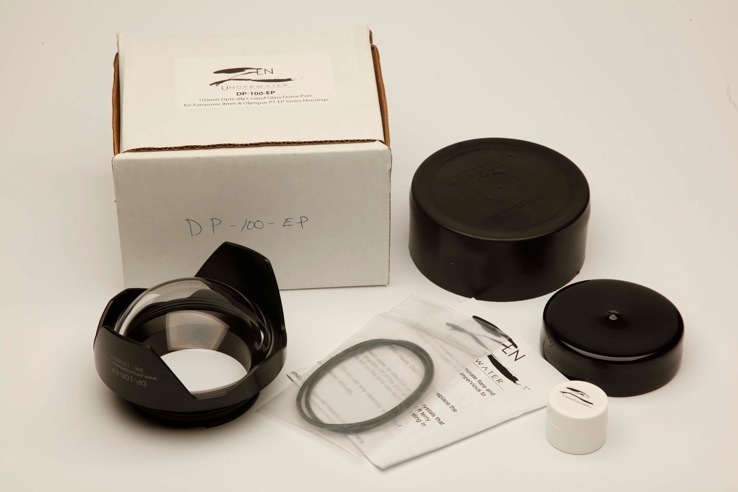
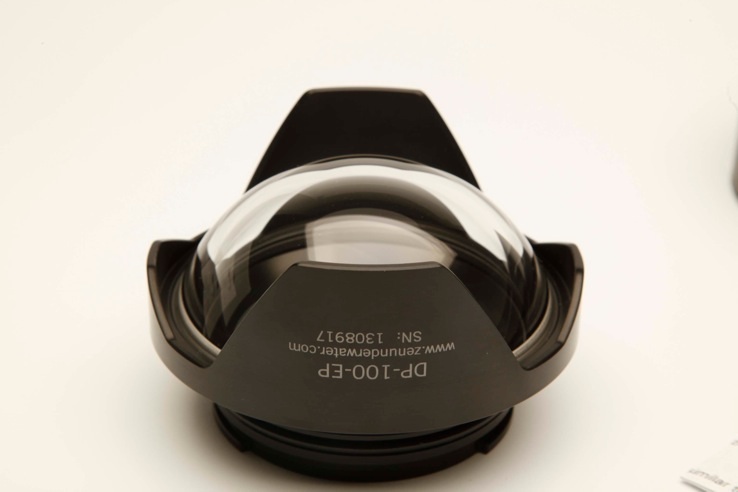
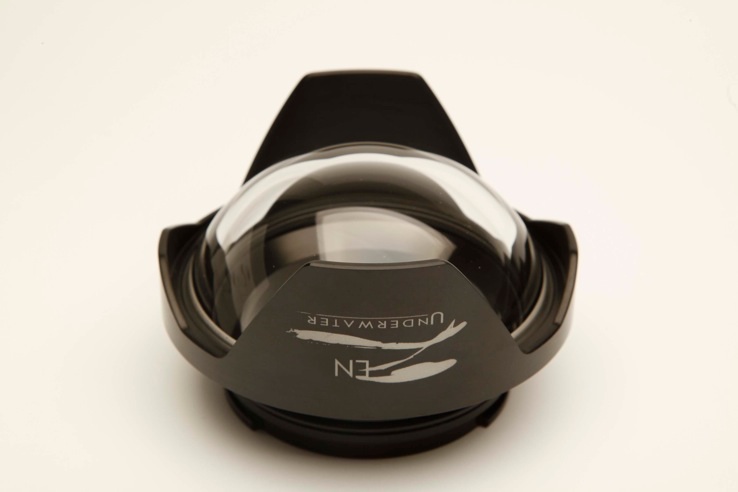
Suit new buyer. As new Zen DP100-EP-100mm(4") optical Glass Dome Port for Panasonic 8mm fisheye lens and Olympus PT-EP01, PT-EP02 & PT-EP03 housings (no modification required) and PT-EPO5, PT-EPO6 & PT-EPO10 ( with slight modification to housing). Near new condition, no scratches or marks. Used only twice (once in a swimming pool). Get a glass port for the price of an acrylic port. Will not be disappointed by condition. Purchased from new in December 2013.Comes in original box with instructions, spare 'O'ring and unopened 'O' ring grease.Price US$500.00 plus postage. Can supply additional photos.
Hi Nick - Can you see what shipping to the UK would be?
I'm certainly interested.
Will take it to the post office tomorrow and get back to you with a price. Thanks.
Registered postage to UK is US$35.00 so total to UK is US$535.00
I replied to you your message yesterday. Have a look around the site - see if you can find it. Scroll to the top, there's a black bar, over to the right of it there's an envelope icon - click that! You should be able to reply there too.
*You do have to be logged in to find it of course.....
Ok Dude, now you need to get your bank details to me. If you're happy with Paypal then just an email address will do.
Otherwise, I need your postal address plus the following: