Hi all!
I'm putting up my backup rig for sale, consisting of:
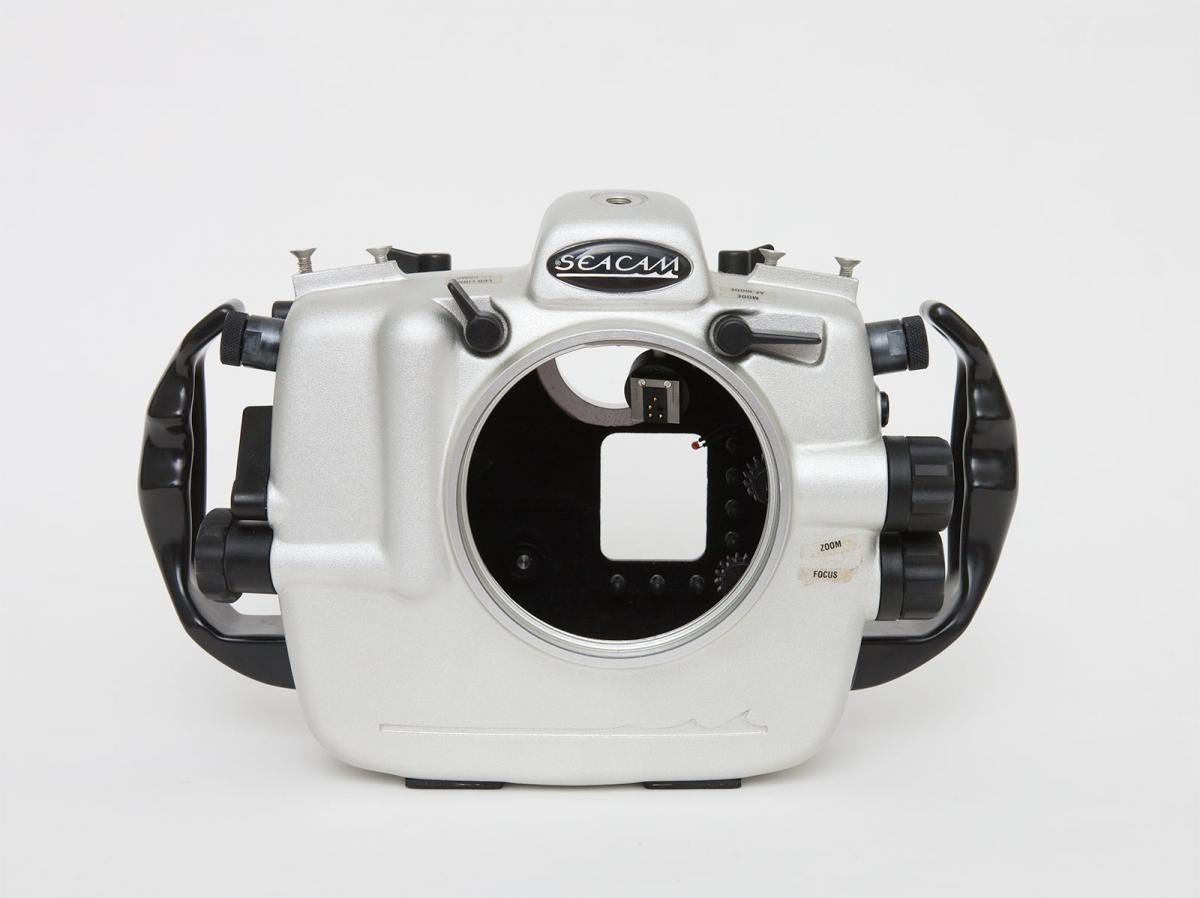
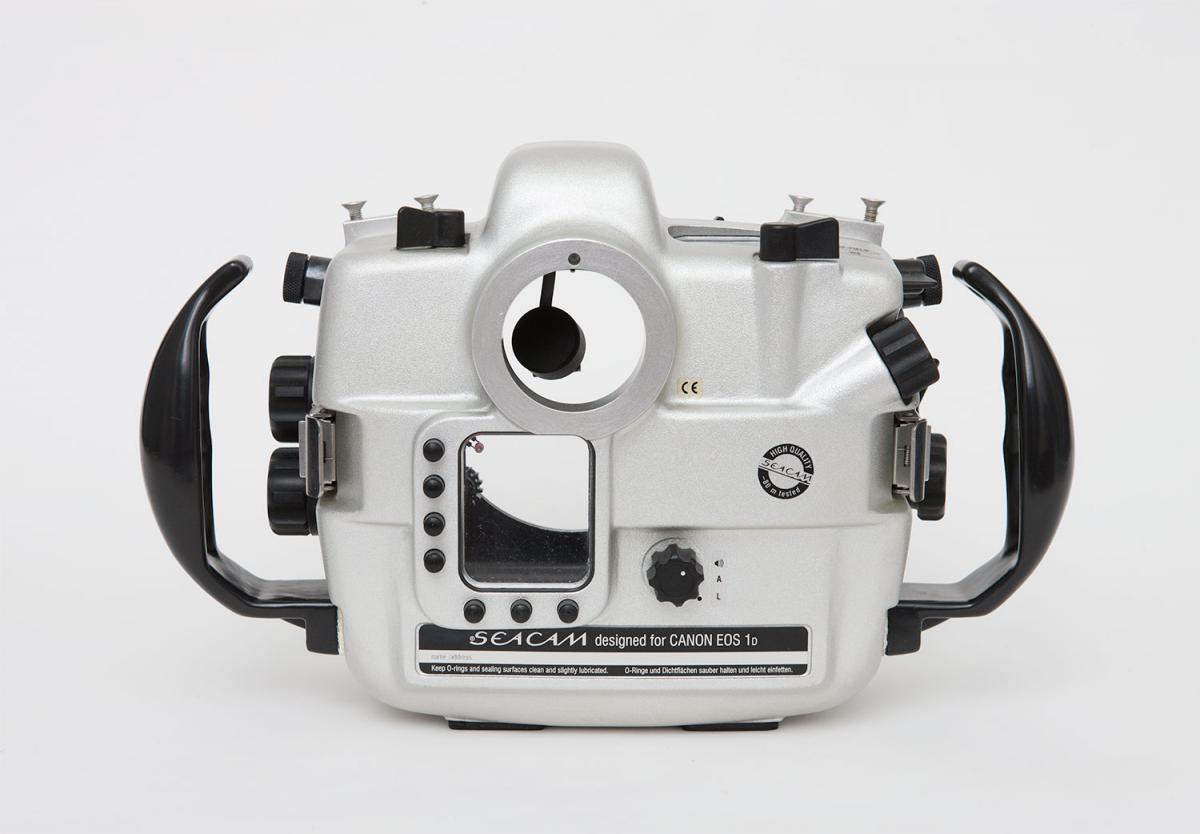
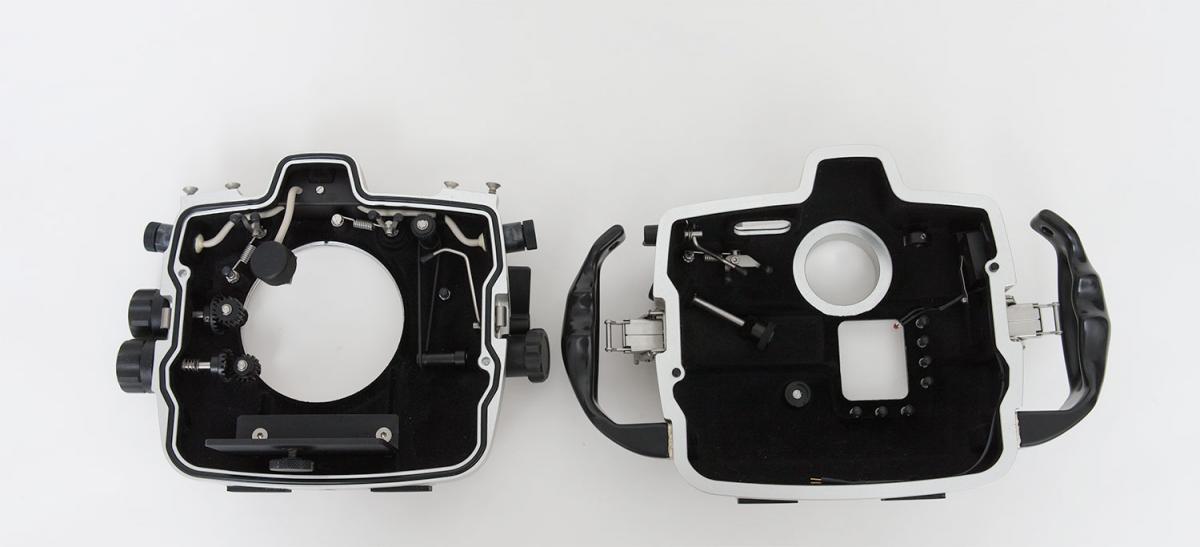
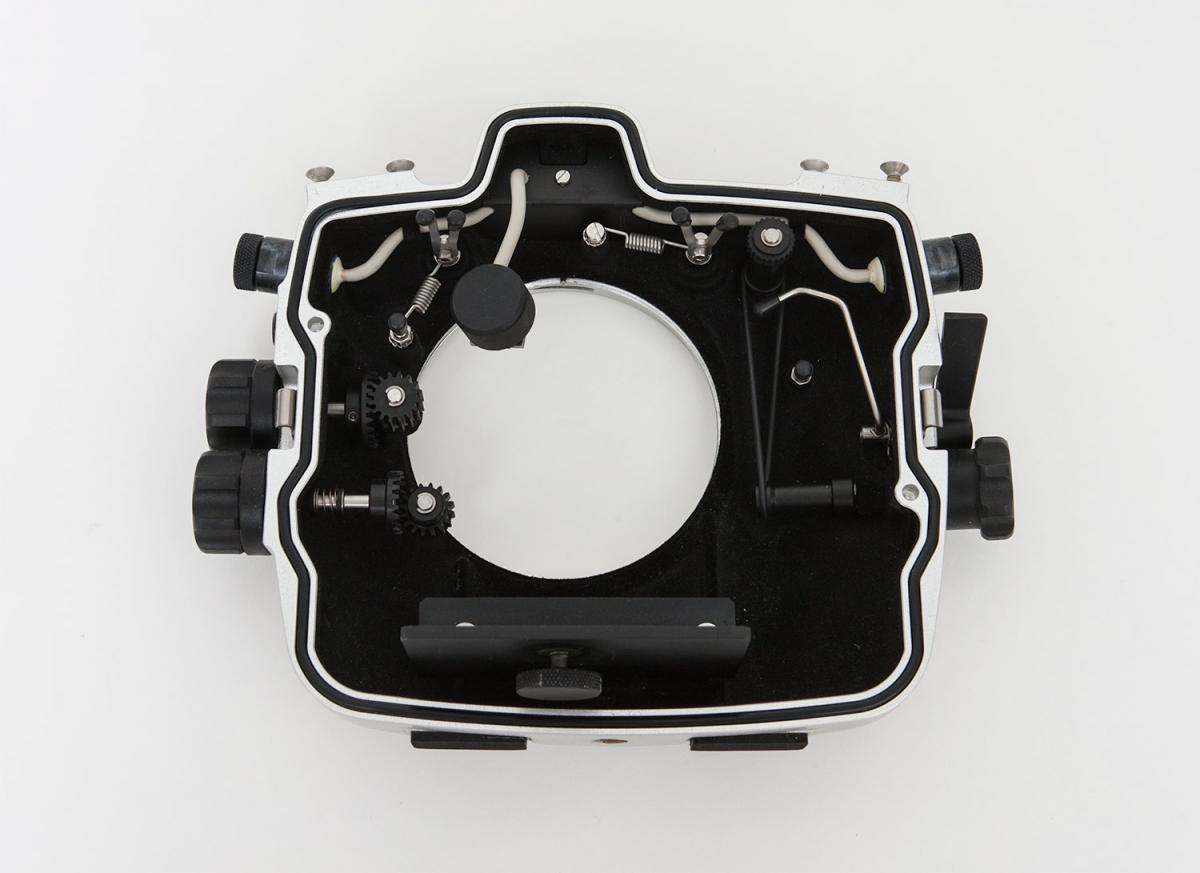
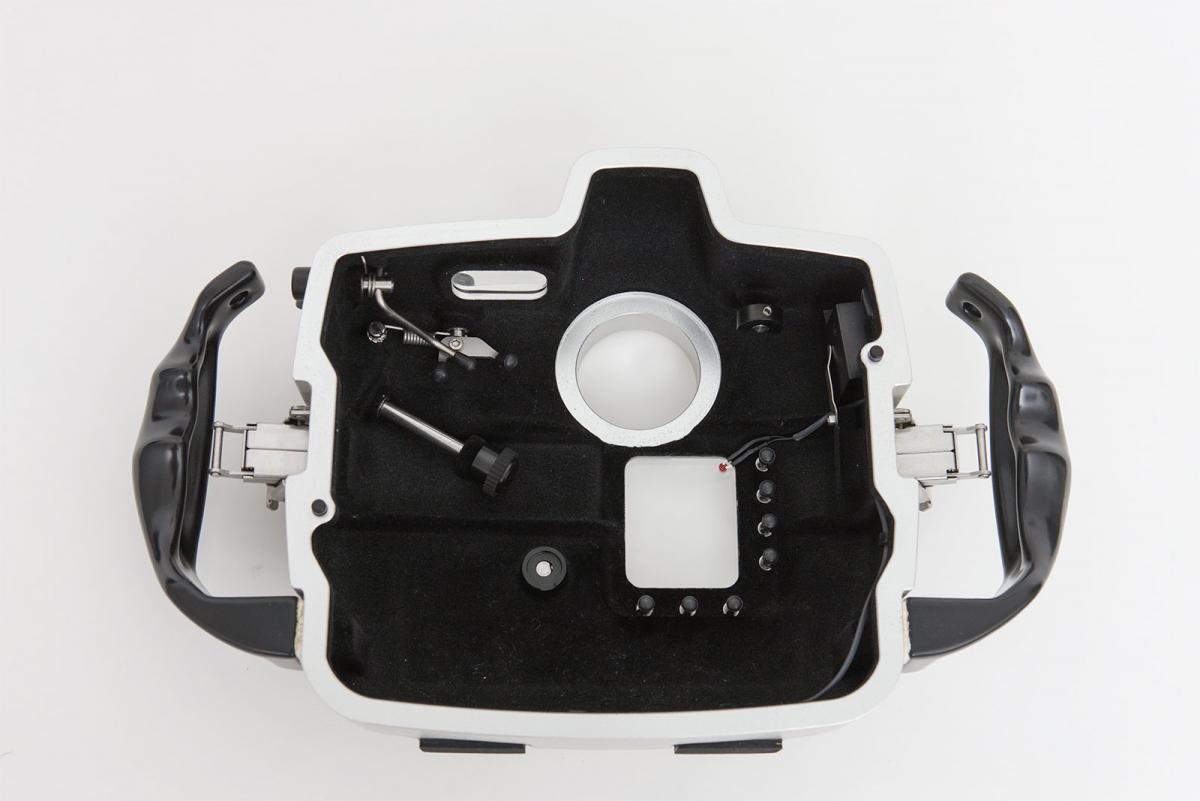
1) Seacam Silver housing for Canon 1Ds Mark II or 1D Mark II, in great condition. Never had a leak - a super reliable housing! Bought new for ~$5000.
Two Nikonos N5 bulkheads and internal leak detector. All buttons, levers and gears in perfect working condition.
Asking price $500 - priced to sell!
Photos attached below.
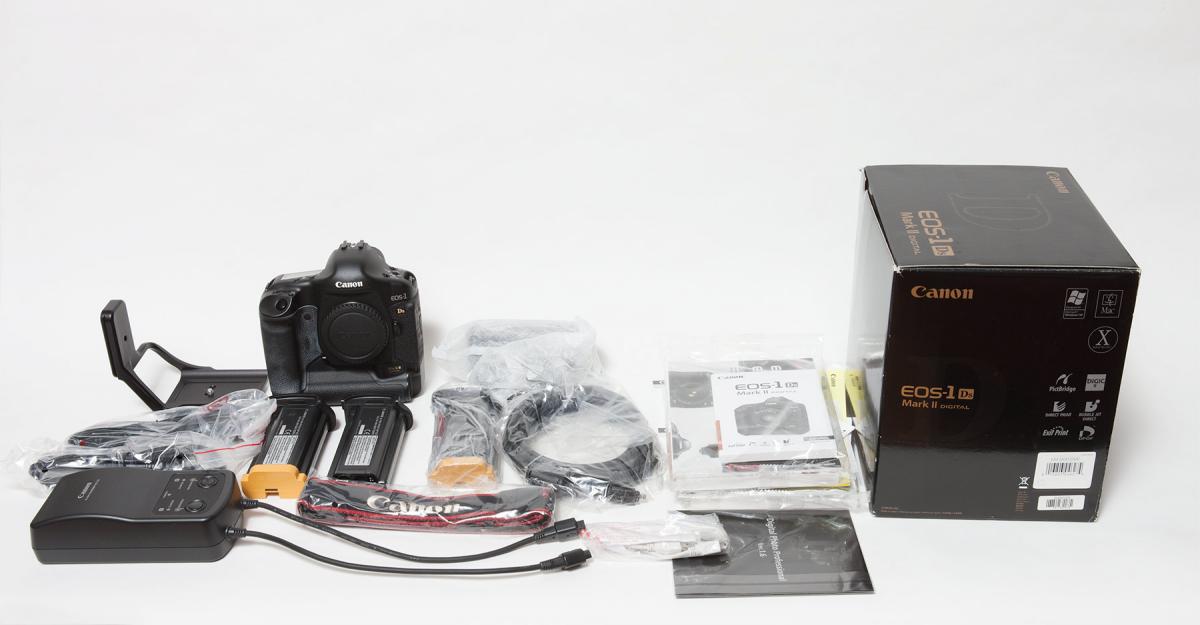
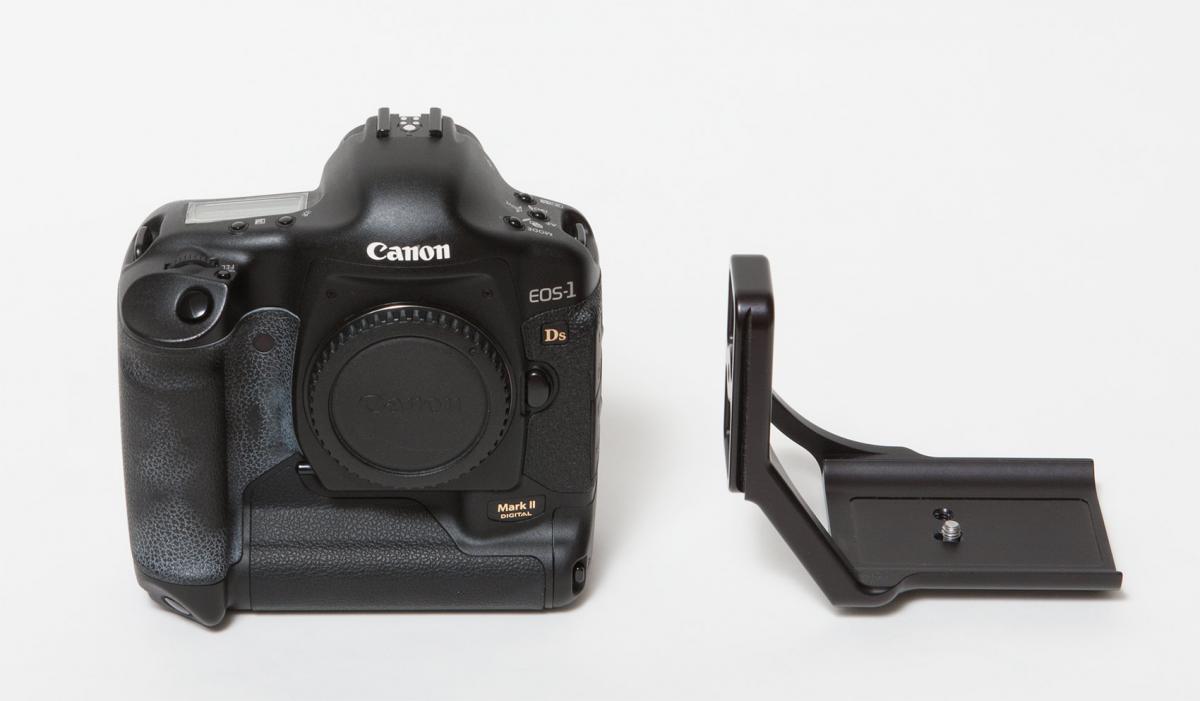
2) Canon 1Ds Mark II body in good condition, with all original accessories, cables, manuals, charger, AC adapter and box.
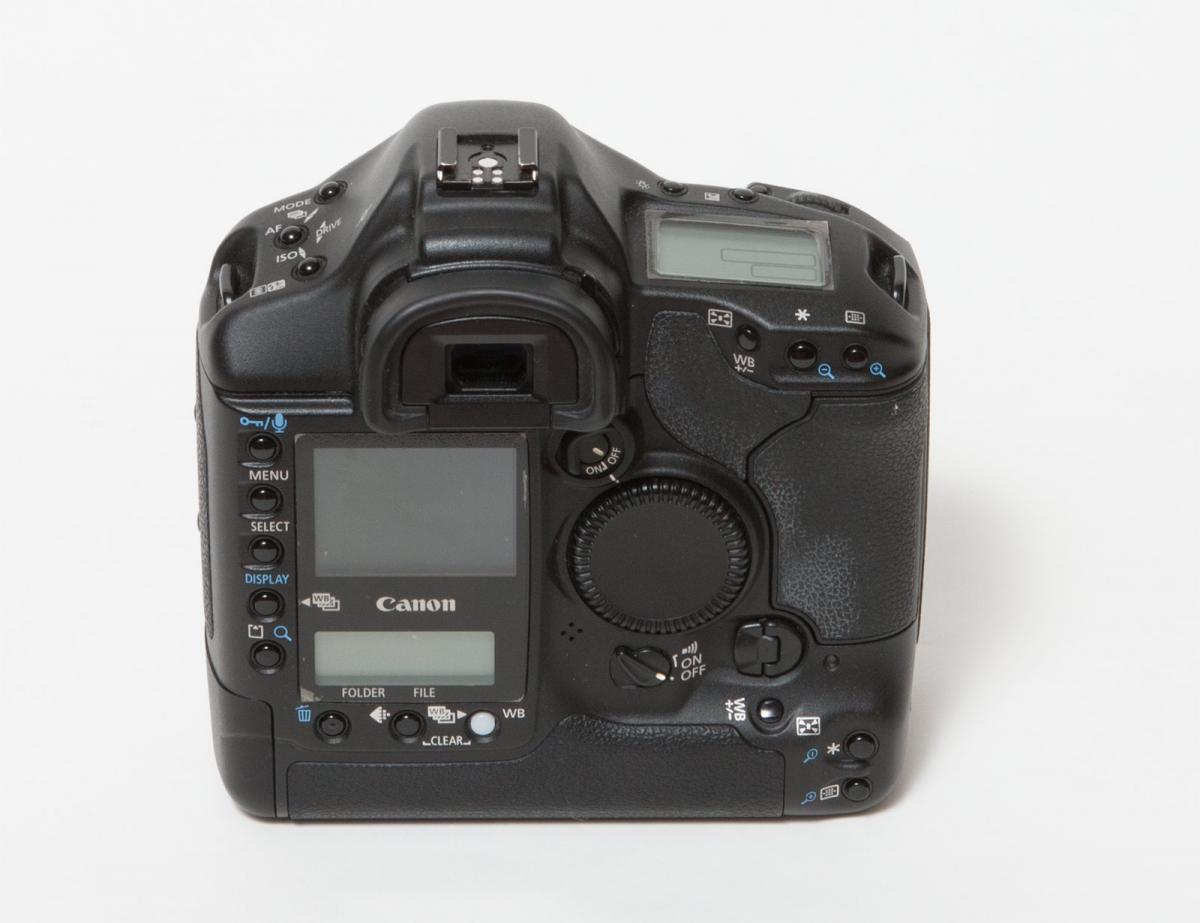
Low shutter count (38,960 of a rated 200,000 which is about 19% of the shutter life), beautiful images. This was my backup camera so did not see much use for the last 4-5 years and was stored in a Lowepro bag in a cool, dry place. Recently did a test studio shoot with it - images are gorgeous! The rear and top LCD displays were protected with sheets of protective film from day 1 and hence are pristine.
Bonus items include:
- extra NP-E3 battery, for a total of two NP-E3 batteries ($130 value)
- Really Right Stuff (RRS) Quick Release plate B57L, for the Mark II body (>$150 value)
- Invisishield Rear and Top LCD protector kit
Canon 1Ds Mark II is listed on Ebay here as a 7 day auction
http://www.ebay.com/itm/131373120694?ssPageName=STRK:MESELX:IT&_trksid=p3984.m1558.l2649