Skip to content

Classifieds / Archived topic

Canon Nauticam NA-7D (7D housing with arms)

Started by bodynmotion ·

  • 7Posts
  • 7Replies

Read-only discussion

Canon Nauticam NA-7D (7D housing with arms)

7 posts
  1. I am listing these as smaller packages as I have had several PM's to buy. All prices will be plus shipping and PayPal fee's.


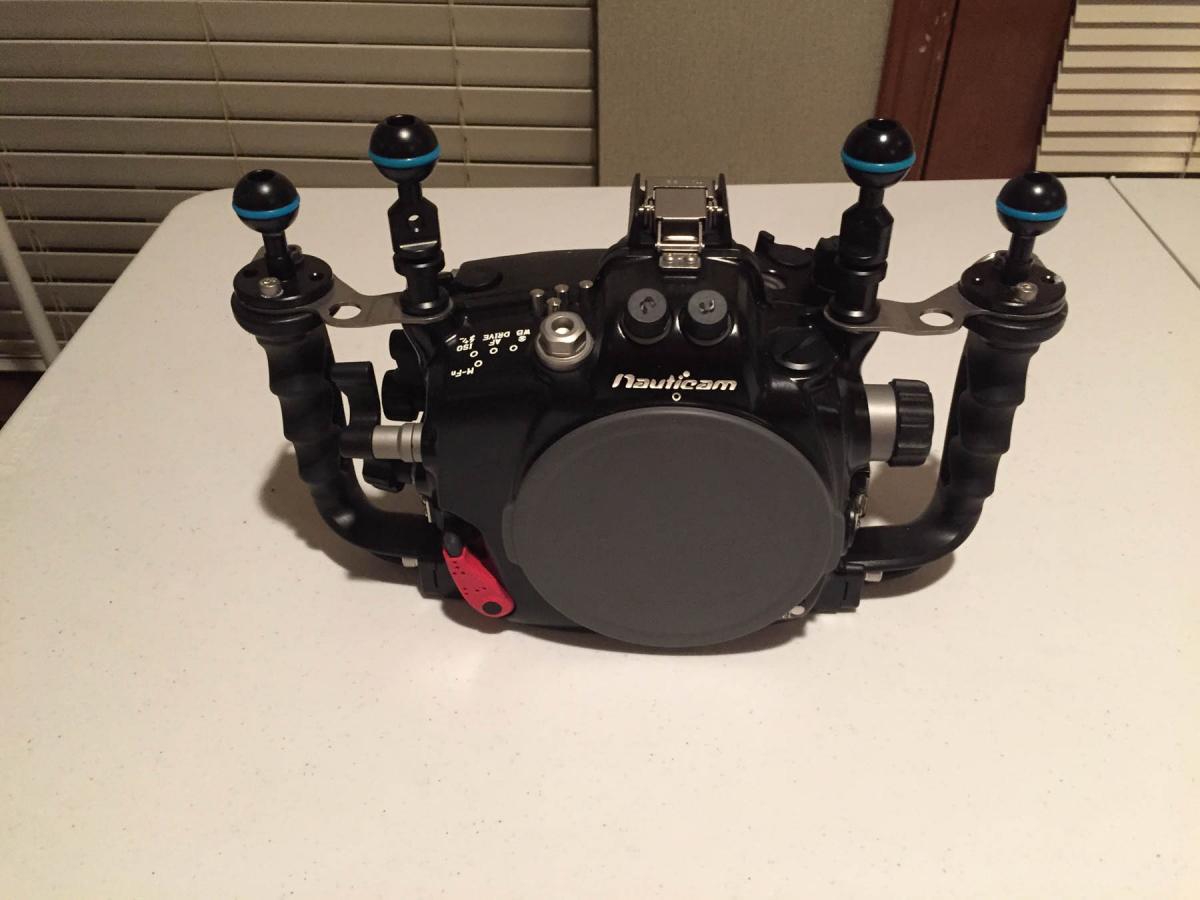
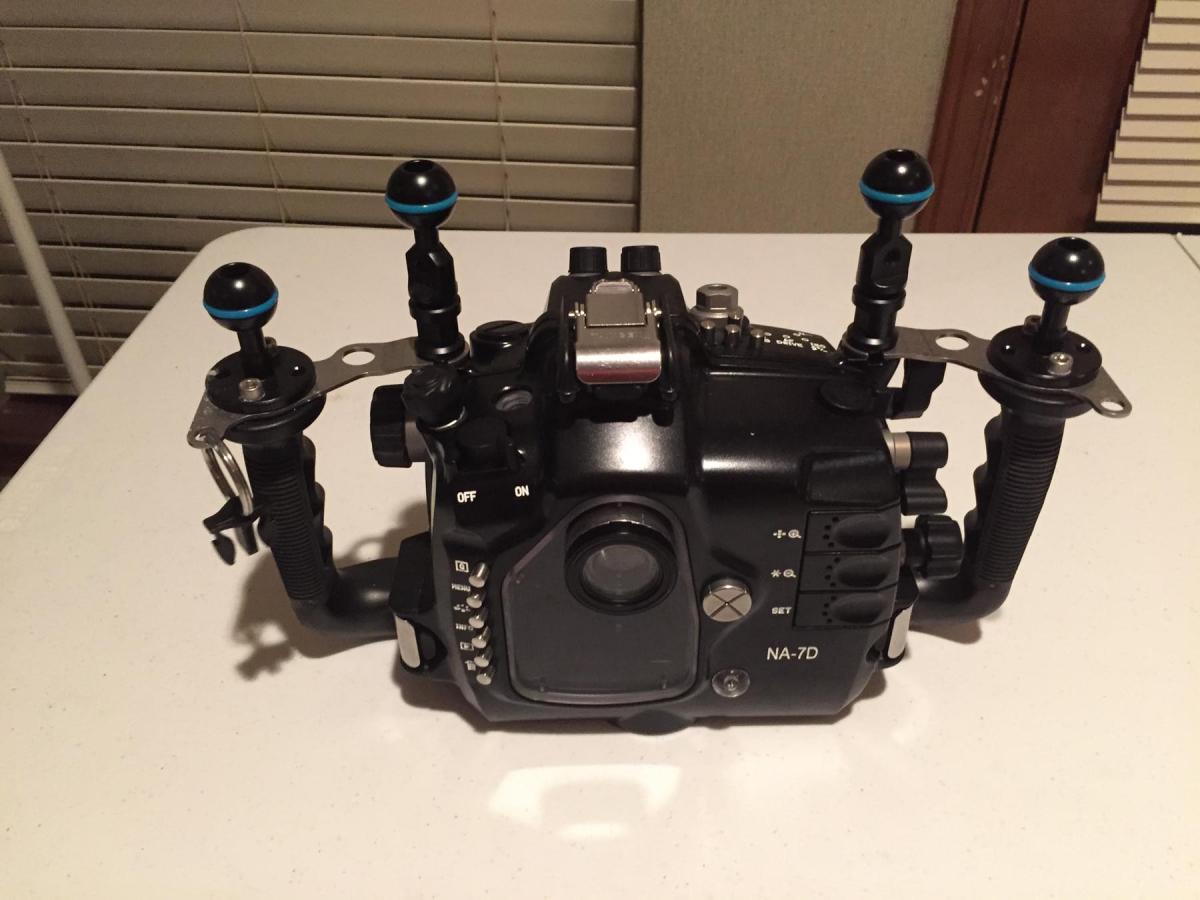
    Nauticam NA-7D $2,800.00

    includes:

    Nauticam handle bracket NA-7D

    Nauticam 1" ball for handles (x2)

    Nauticam 1" ball w/ hole (x2)

    ULCS 5" arm w/ double ball(x2)

    ULCS 8" arm w/ double ball (x2)

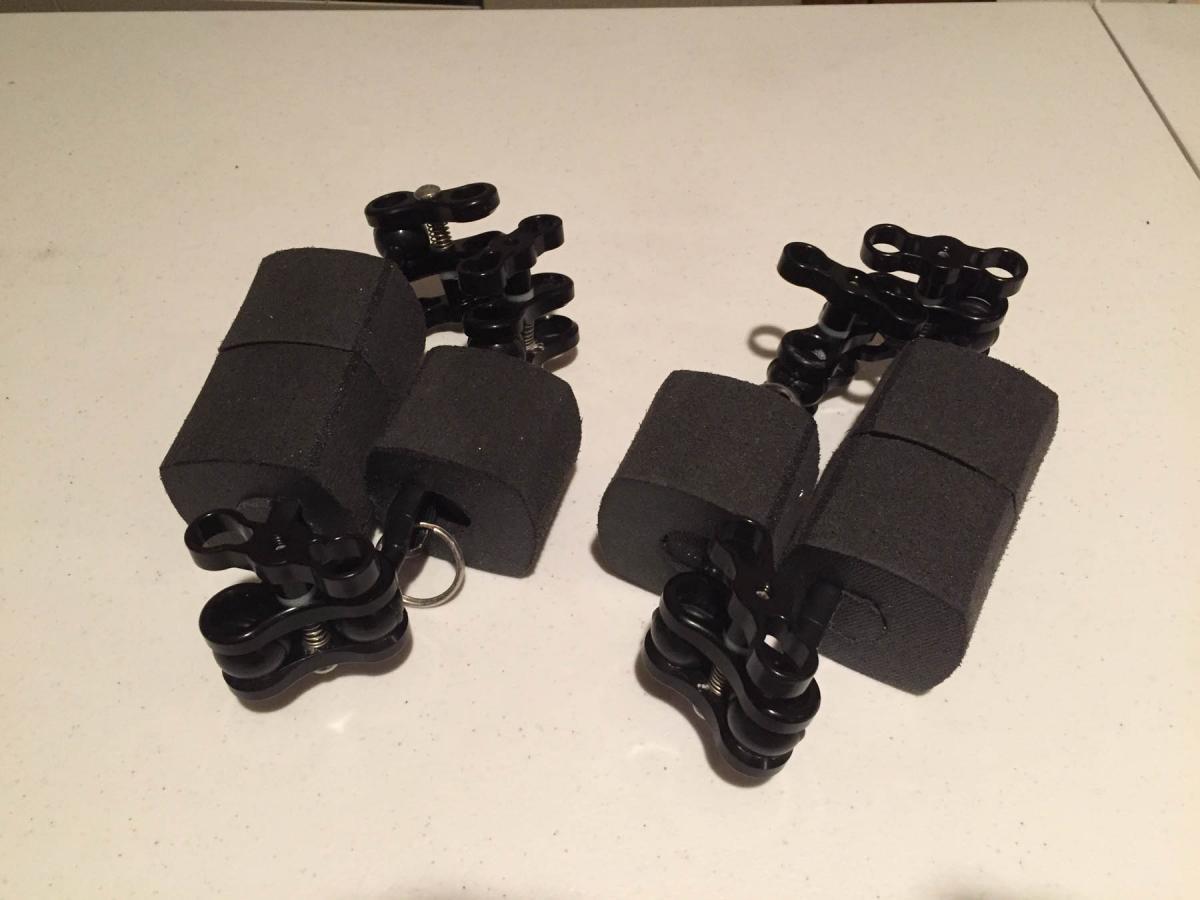
    Stix Jumbo Float (x6)

    Nauticam 1" dual ball clamp (x8)

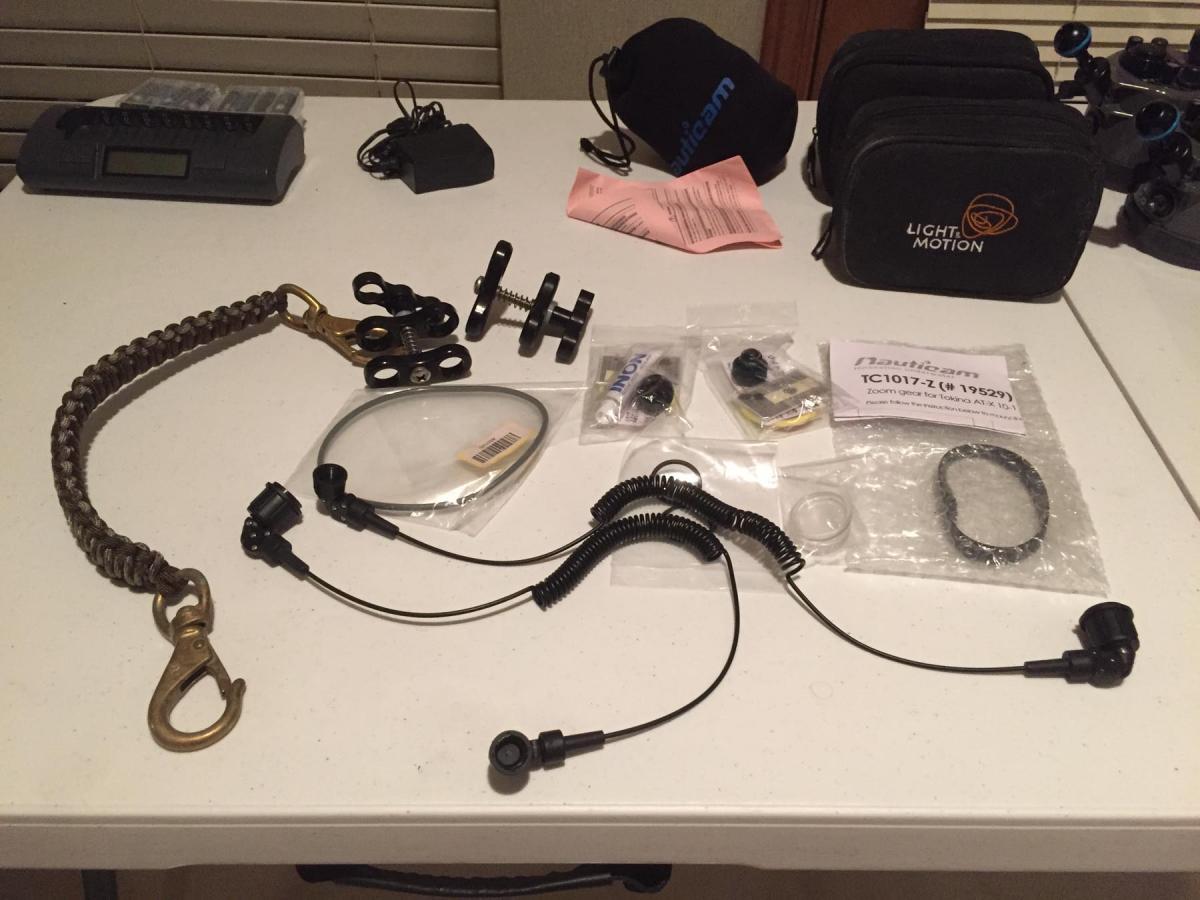
    Braided carry strap with quick release


    PM for payment information or more info


    Note: Final photo is only the carry strap and any spares, fiber cables not included.


    Mike
    post-36567-0-23477500-1418522237_thumb.jpg

    post-36567-0-52817900-1418522238_thumb.jpg

    post-36567-0-67649500-1418522239_thumb.jpg

    post-36567-0-99843100-1418522253_thumb.jpg

  2. Have you sold the inon z240 strobes?

  3. I would like your price on ULCS 8" arm w/ double ball (x2)

    I would also like your price on UCLS 1" dual ball clamp (x4)

  4. I would like your price on ULCS 8" arm w/ double ball (x2)

    I would also like your price on UCLS 1" dual ball clamp (x4)


    I am only going to sell this as a complete set:


    ULCS 5" arm w/ double ball (x2) $305.00

    includes:

    ULCS 8" arm w/ double ball (x2)

    Stix Jumbo Float (x6)

    Nauticam 1" dual ball clamp (x8)

  5. *** SOLD ***

  6. Is the rest of this available?


    If so can I leave the camera body out?


    let me know.


    Pete

  7. Sorry Pete, all of it has sold for asking price. Thanks for the follow up.

WaterPixels Store

Account

Navigation

Search

Search

Configure browser push notifications

Chrome (Android)
  1. Tap the lock icon next to the address bar.
  2. Tap Permissions → Notifications.
  3. Adjust your preference.
Chrome (Desktop)
  1. Click the padlock icon in the address bar.
  2. Select Site settings.
  3. Find Notifications and adjust your preference.