Skip to content

Classifieds / Archived topic

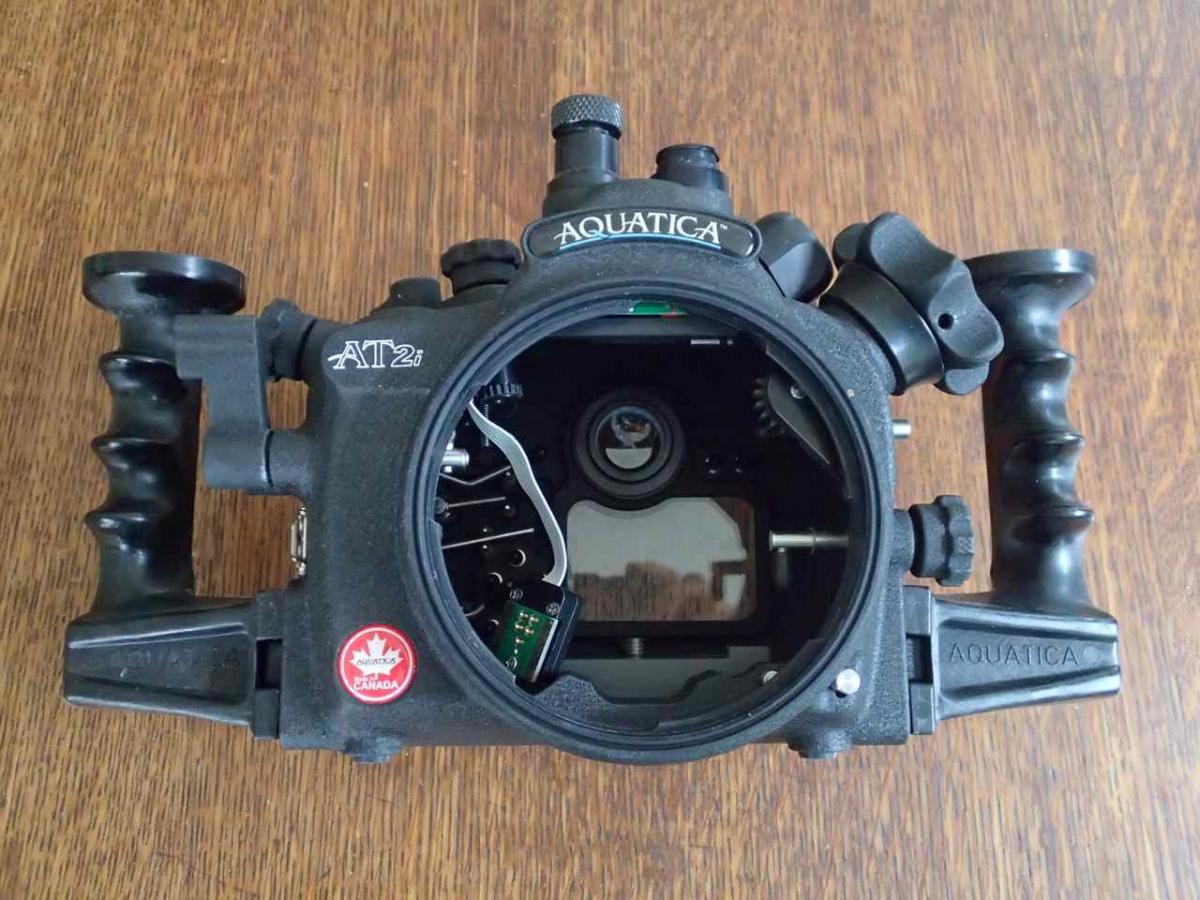
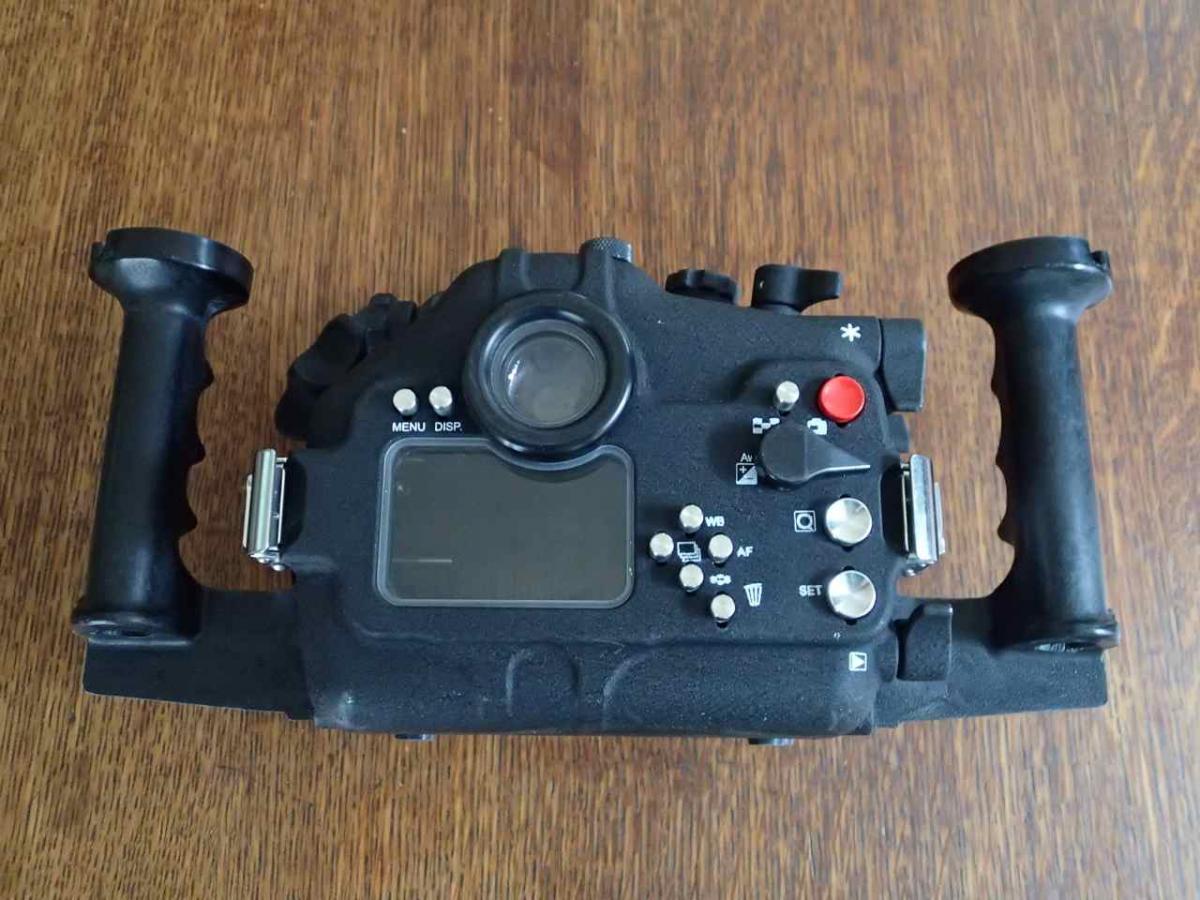
Aquatica Housing, 6" Dome Port, and Gear in Excellent Condition

Started by catalina ·

  • 6Posts
  • 6Replies

Read-only discussion

Aquatica Housing, 6" Dome Port, and Gear in Excellent Condition

6 posts
  1. Aquatica T2i Housing w 1 Nikonos and 1 fiber optic bulkhead............$500


    Aquatica Body Cap for Housing.........$30


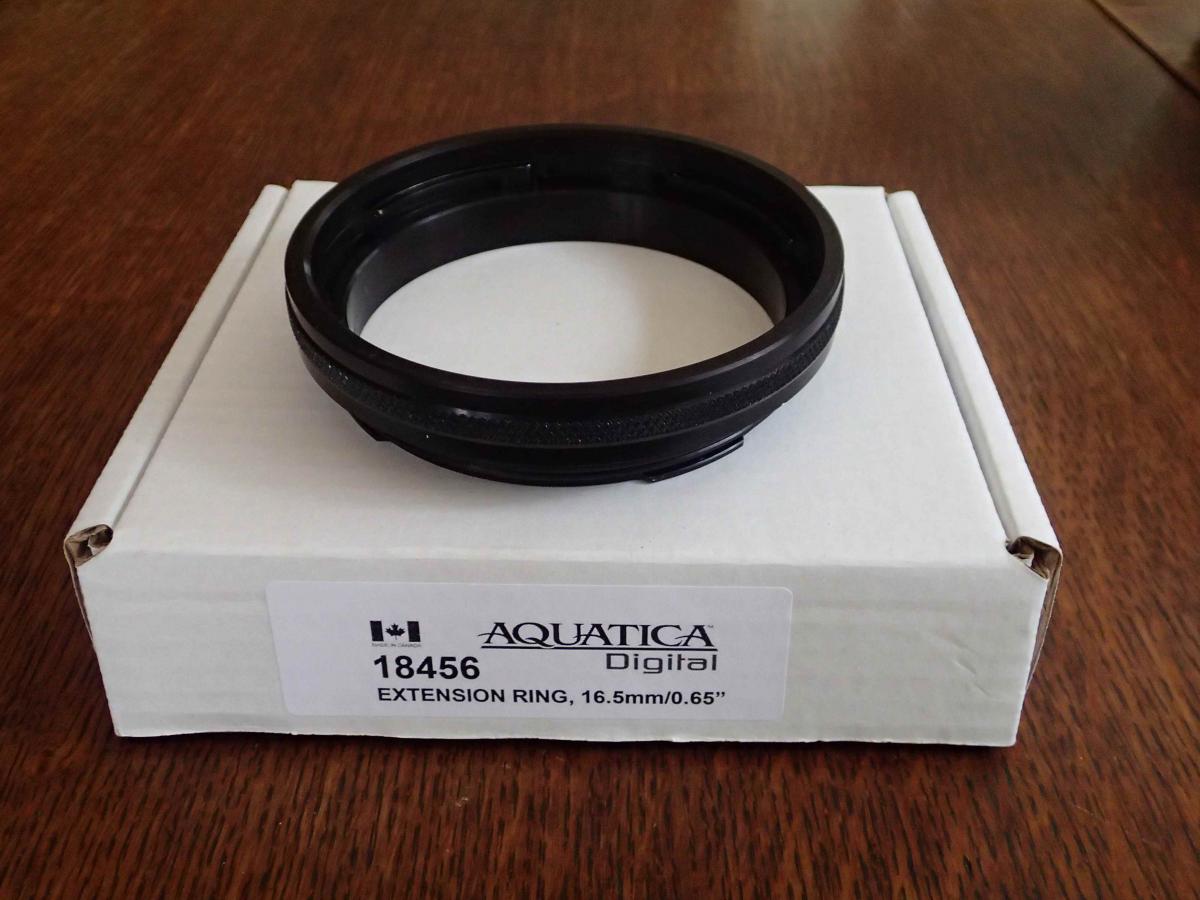
    Aquatica Port Extension Ring, 16.5mm/0.65" ( B&H Photo #18456)........$200


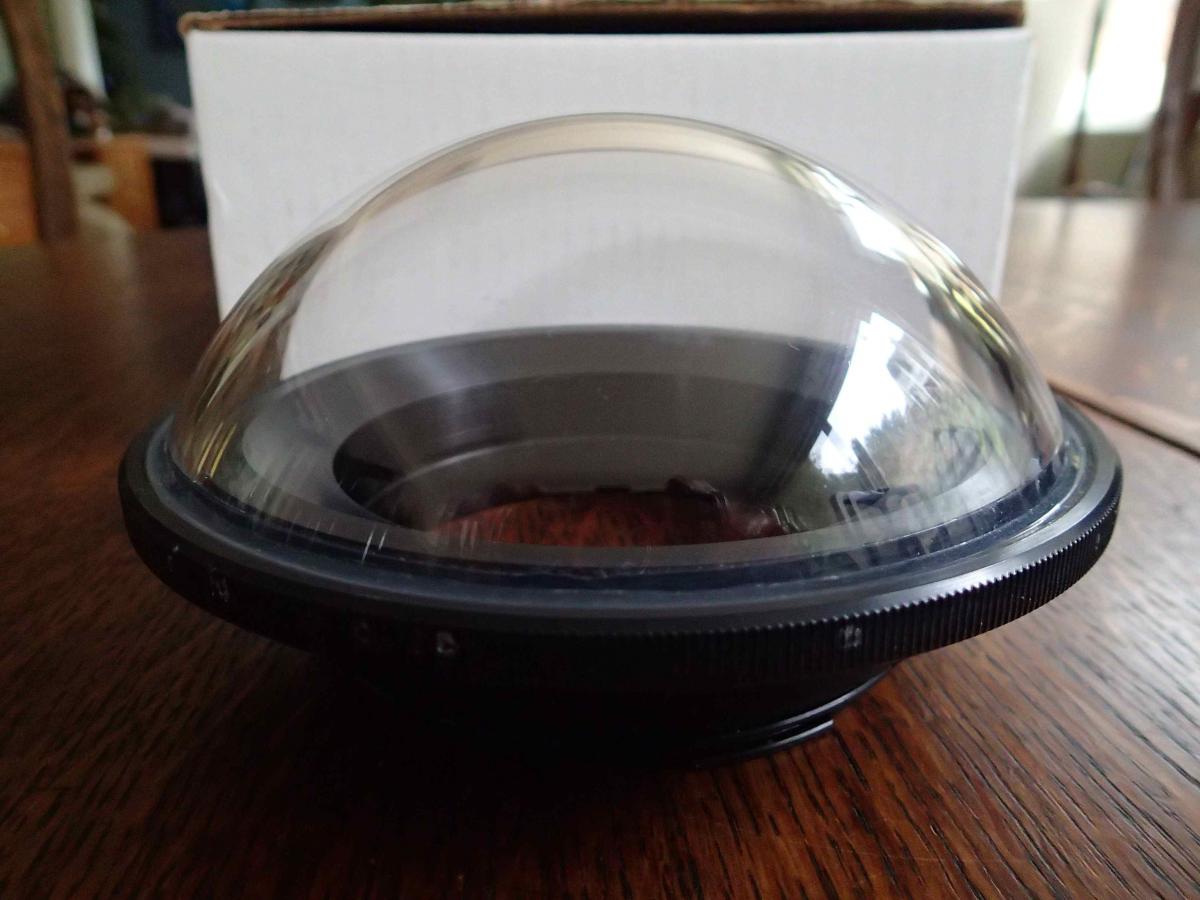
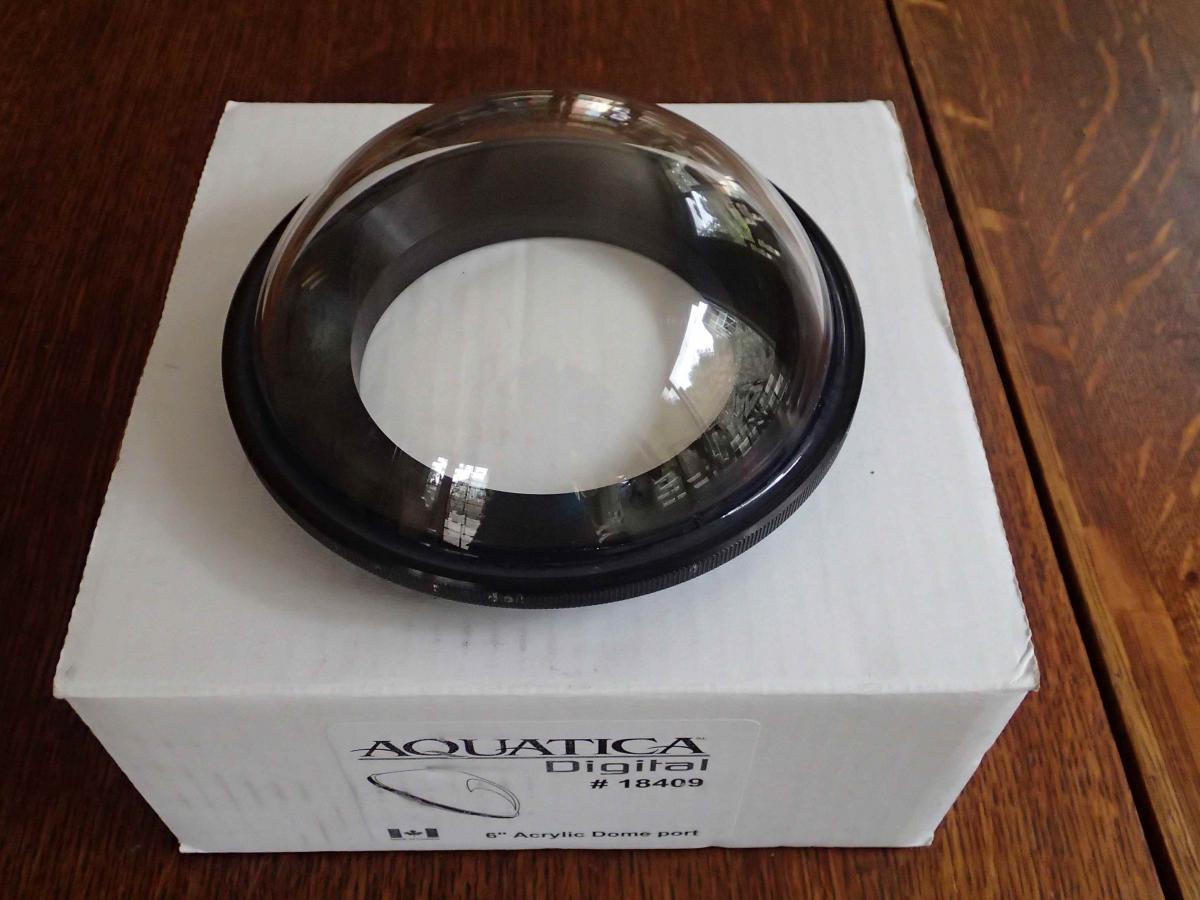
    Aquatica Acrylic 6" Dome Port (B&H Photo #18409).........$275


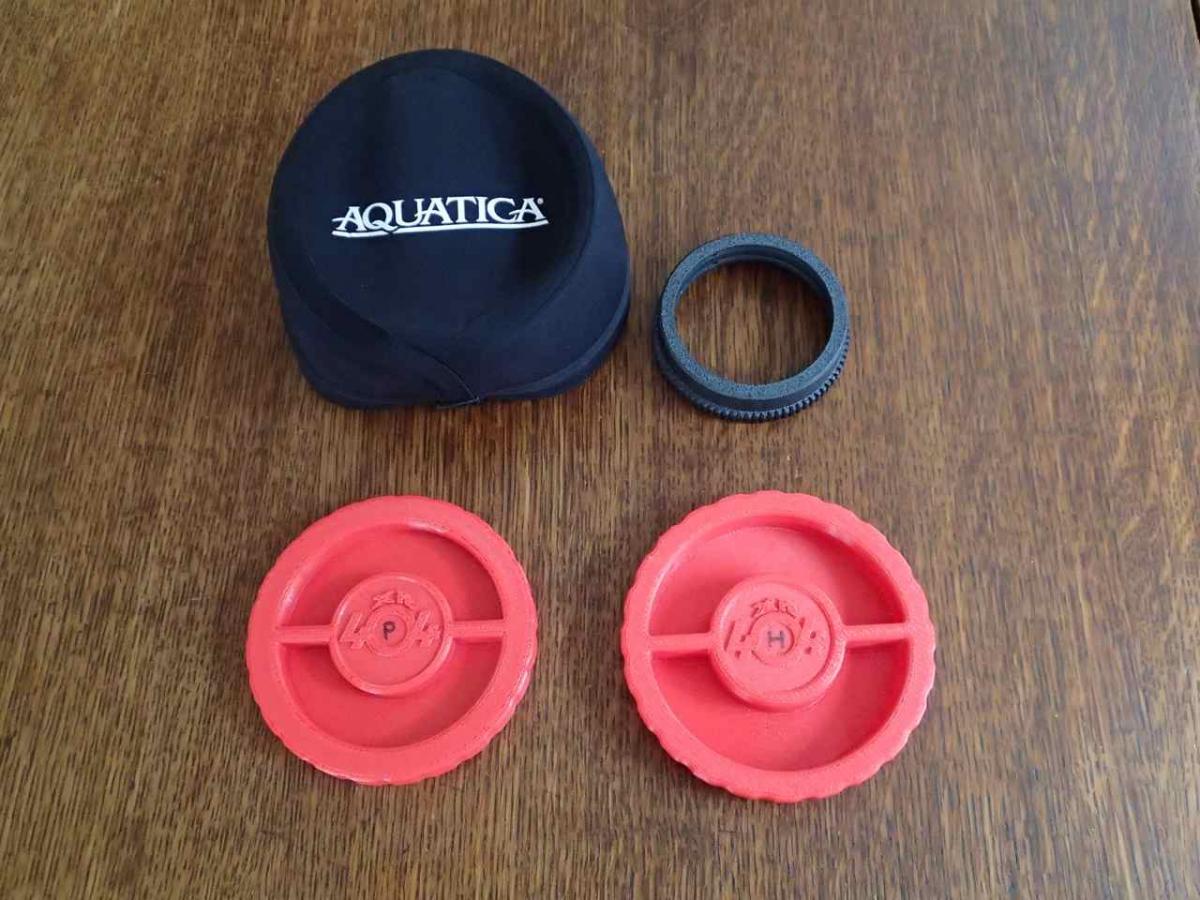
    Aquatica Rear Port Cap - Bayonet style & Extension rings.......$30


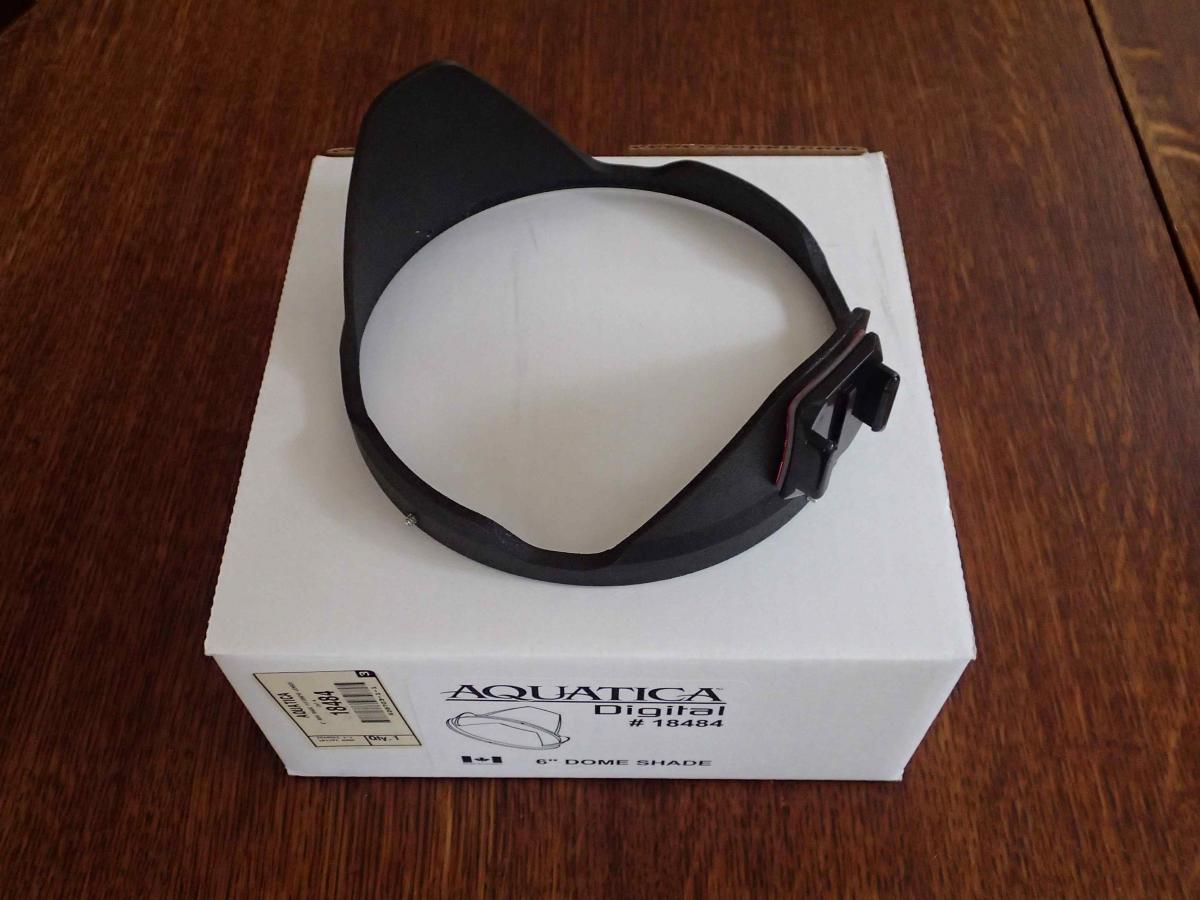
    Aquatica 6" dome shade for fisheye lenses (B&H Photo #18484).........$120


    Aquatica Neoprene Dome Cover for 6" Dome/Shade (B&H Photo #18504)........$35


    Aquatica Zoom Gear 10-17/3.5-4.5 DX Fisheye (B&H Photo #18717)........$115
    Edited by catalina
  2. do you have any pics? Also will you ship to Aus?

  3. Here are photos of the Aquatica Gear. The dome port has no scratches. I prefer to ship within the USA.


    post-34126-0-97629500-1419979830_thumb.jpg

    post-34126-0-39286400-1419980172_thumb.jpg

    post-34126-0-07312200-1419980190_thumb.jpg

    post-34126-0-33373900-1419980194_thumb.jpg

    post-34126-0-18820000-1419981141_thumb.jpg

    post-34126-0-70038200-1419981139_thumb.jpg

    post-34126-0-39668500-1419981295_thumb.jpg

  4. Hi,


    Would like the housing, dome port, shade and cover.

    Email is evolution_bug@hotmail.com


    Am in Australia though but hopefully we can sort something out.

  5. The zoom gear and extension tube are still available for sale, in addition to a Tokina 10-17 lens for a Canon camera. Everything else has been sold.

  6. Tokina 10-17mm F3.5-4.5, AT-X 107 DX Fisheye to fit Canon --$480

    B&H Photo ID #TO101735CAF

Scuba.com

Account

Navigation

Search

Search

Configure browser push notifications

Chrome (Android)
  1. Tap the lock icon next to the address bar.
  2. Tap Permissions → Notifications.
  3. Adjust your preference.
Chrome (Desktop)
  1. Click the padlock icon in the address bar.
  2. Select Site settings.
  3. Find Notifications and adjust your preference.