Skip to content

Lights, Strobes, and Lighting Technique / Archived topic

GoPro Hero 4 Silver, 2x 2500 lumen lights, filters, etc...stick to video or photo?

Started by Matth3w ·

  • 4Posts
  • 4Replies

Read-only discussion

GoPro Hero 4 Silver, 2x 2500 lumen lights, filters, etc...stick to video or photo?

4 posts
  1. So I have what is I'm sure considered an entry level and probably worthy of shunning on here system of a GoPro 4 Hero Silver, these Tovatec Galaxy 2500s (http://www.leisurepro.com/p-tvtgvl/tovatec-galaxy-2500-lumens-video-light) mounted on some Backscatter arms, tray, and I also have the Flip 3.1 filters, 55mm macro lenses as well.


    I live on Oahu where we do mostly shore dives. It's winter here so the water is a little choppy with some debris right now. I'm new to shooting with this camera and setup. Mostly I've just been trying to take photos and then process them a little bit (or a lot) in Lightroom.


    However, they just aren't quite crisp looking. I figure it will probably take some practice. But is it better for me to shoot in video and then screen grab the video, or shoot stills if what I'm mainly after is photos? I came across the video below:


    http://www.divephotoguide.com/underwater-photography-special-features/article/go-pro-underwater-photo-video/


    ...and my pictures definitely do not look like that. The reefs are much prettier in Bonaire it seems, but regardless, my stuff doesn't nearly look like that.


    I have a few other questions as well...


    1. Main question: stick to videos and screen grab or shoot stills? Or doesn't it matter?


    2. Do you keep the filters AND the lights on? I read some places say cardinal rule is don't use both at the same time, other professional sites seem to indicate using both. I dive mostly around 30-50ft.


    3. I don't know what the depth in the above video is, but if it's daytime, do the lights help much? I didn't notice a ton of help from the lights unless I was trying to get under a ledge or something.


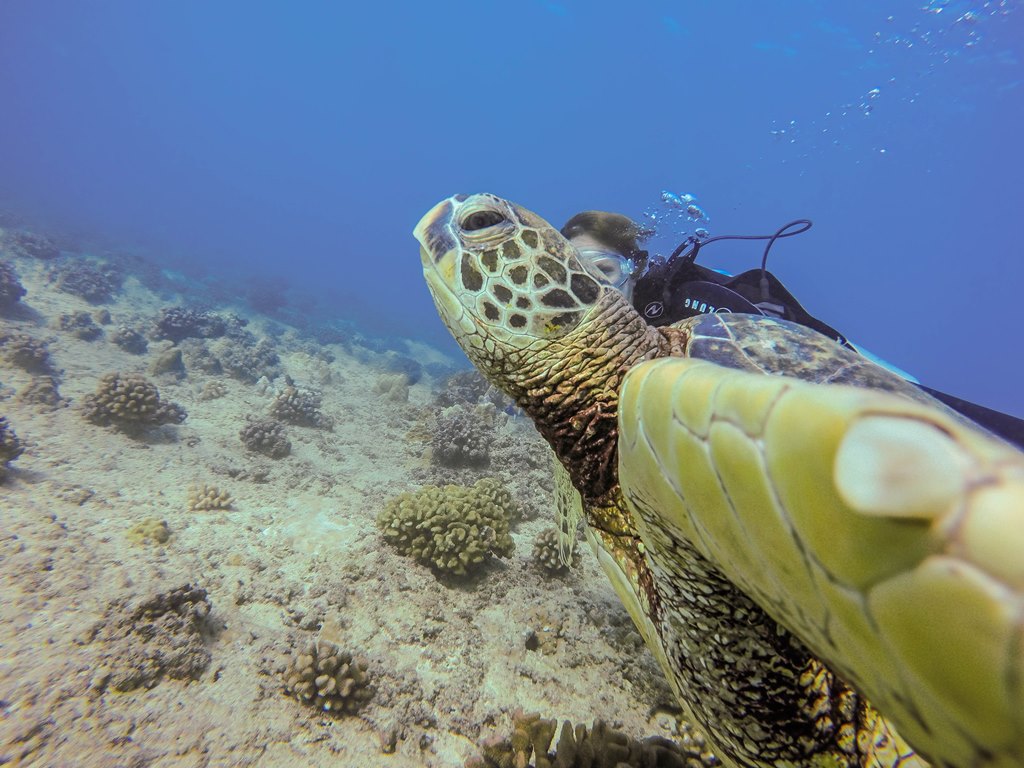
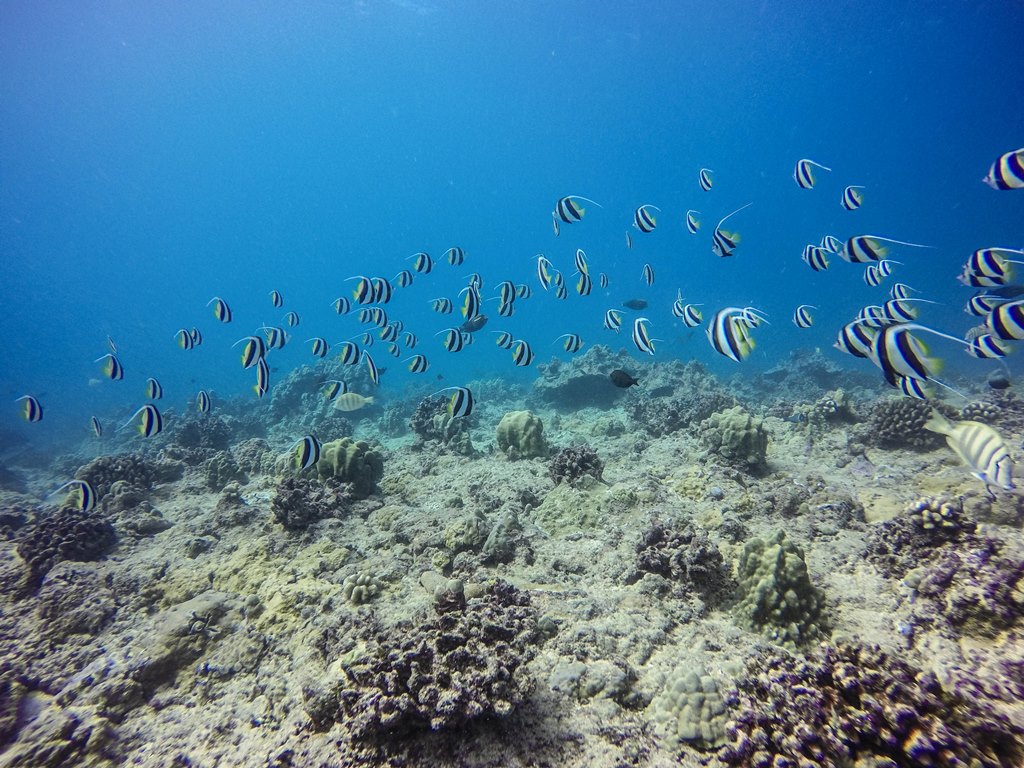
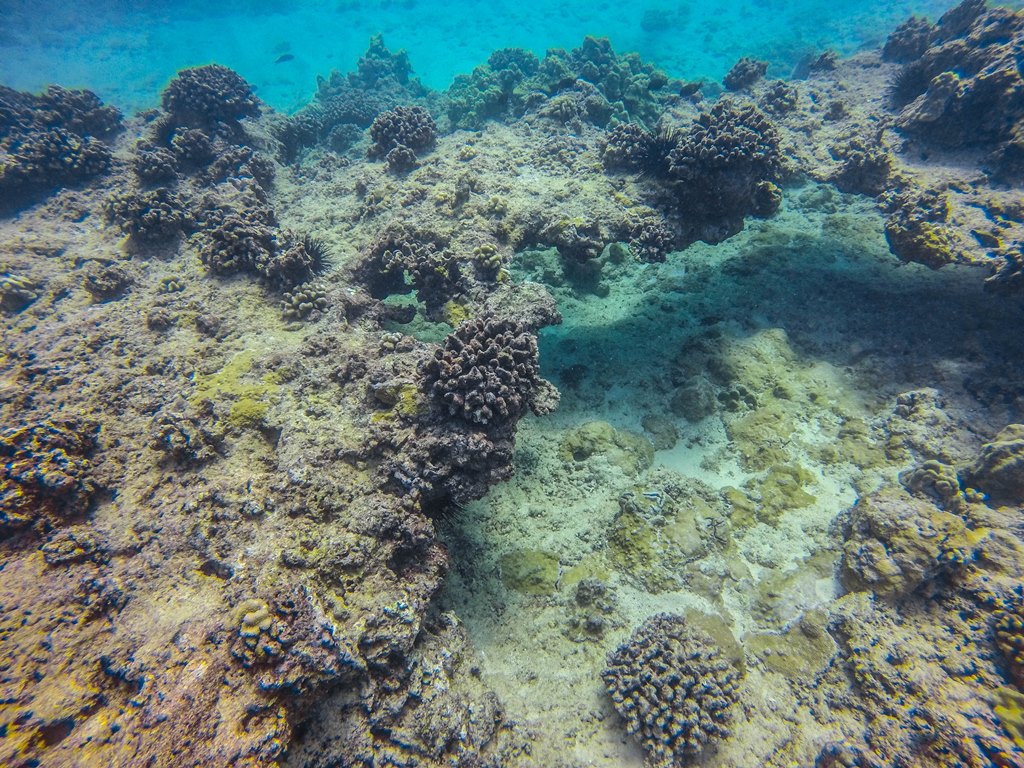
    I've attached a couple of my resized crappy photos from my last dives (first two dives with the GoPro) as evidence. :)


    post-49491-0-66868100-1420141329_thumb.jpg


    post-49491-0-15016900-1420141331_thumb.jpg


    post-49491-0-54303100-1420141332_thumb.jpg

  2. So in general I think that screen caps are never quite as crisp as dedicated stills, but neither will get you photos from even the most simple dedicated camera. Playing around with the pic of the turtle gets some nice results.

    Bill

    Edited by bvanant
  3. but neither will get you photos from even the most simple dedicated camera. P

    Hi Bill, thanks for the response. I don't quite understand what you're saying here.

  4. I think you posted a similar question about lighting for video without the sample photos on another forum.


    A couple of the photos you posted here illustrate shooting beyond the reach of your lights. Your filter will compensate to some extent, but you'll see better results if you get closer. Attempting to shoot subjects beyond the reach of lights is a common mistake; I still try to push beyond the limits in hopes of getting lucky more than I should.


    Keep in mind that the GoPro shoots at a significant wide angle, and it doesn't focus on things that are closer than twelve inches unless you've got an accessory close-up lens installed. Stills are captured in jpeg format at 12 mg pixels which is on par with many point & shoot cameras. Many of us use systems that record in RAW at higher pixel counts. RAW allows for lots more editing


    Your turtle photo captured good detail and its fin that's out of focus is simply closer to the camera than the lens can focus. If you haven't tried tweaking the sharpness with your photo editing software, you might give that a try.


    GoPro's have come a long ways since the company produced and marketed its first model. Lots of folks have been producing some very good quality underwater images and video taken with their GoPro's. Like any piece of underwater photo/video gear, there's a learning curve that accompanies using it effectively. Invariably, when someone posts a really clear video shot with a GoPro, people always ask how the heck he/she did that?


    I received a GoPro 4 for Christmas and played with it while diving in Kona last week. There's a lot I need to learn about it before I produce anything worth posting. I'll probably sign-up for a class. Part of the magic involves getting the settings on the camera configured correctly... it's not rocket science, but I need some help anyway.


    Once you've got the settings configured, you need to get out and shoot pics and video to see what works.


    -AZTinman

Isotta

Account

Navigation

Search

Search

Configure browser push notifications

Chrome (Android)
  1. Tap the lock icon next to the address bar.
  2. Tap Permissions → Notifications.
  3. Adjust your preference.
Chrome (Desktop)
  1. Click the padlock icon in the address bar.
  2. Select Site settings.
  3. Find Notifications and adjust your preference.