Skip to content

Classifieds / Archived topic

For Sale: Sea & Sea MDX-D7000 housing

Started by scubazig ·

  • 7Posts
  • 7Replies

Read-only discussion

For Sale: Sea & Sea MDX-D7000 housing

7 posts
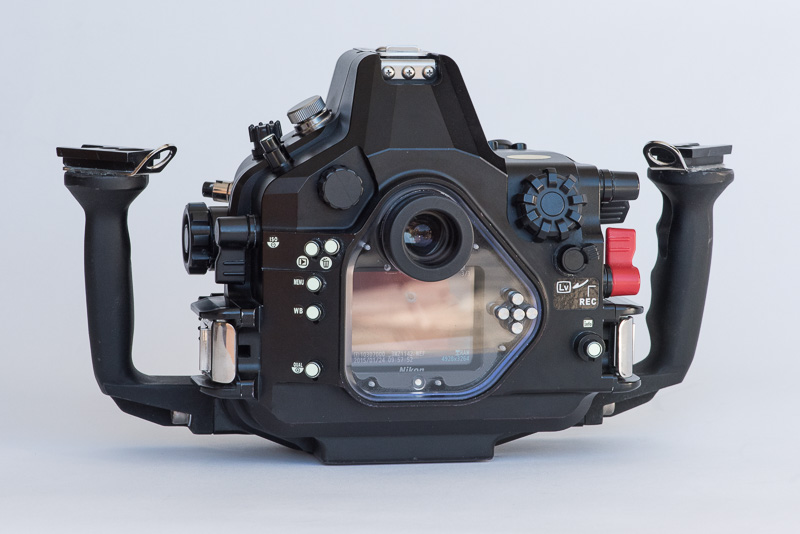
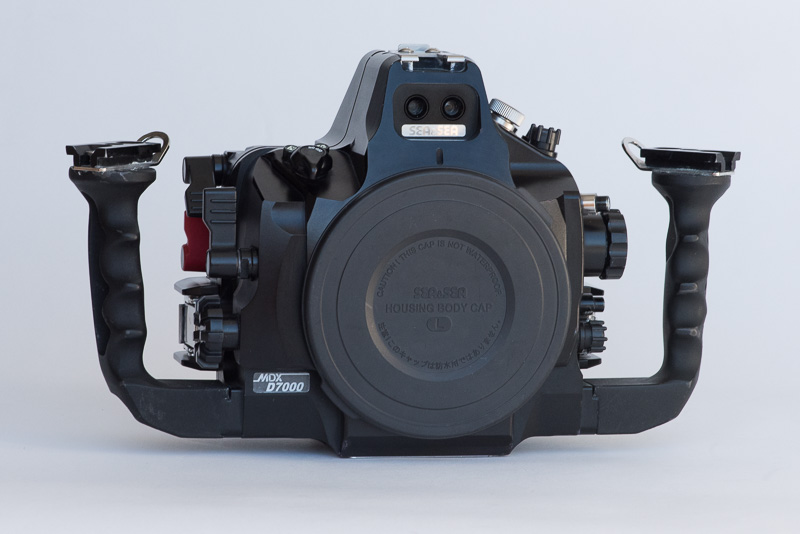
  1. I'm selling my MDX-D7000 underwater housing from Sea & Sea for the Nikon D7000 DSLR camera (selling separately for $480). The housing is constructed from precision-machined anodized aluminum and has a depth rating of 330'. The housing provides access to all essential camera functions via mechanical control.


    Price: $1,775.00 USD

    This housing includes all the original packaging and parts (tool kit, body port cover, leak detector, owner's manual, and housing o-ring). In addition, I'm including the following extras at no additional charge:
    -Ultralight ball mounts
    -Nikonos 5-pin bulkhead for use with Ikelite sync cord ($180 value),
    -Spare housing o-ring
    -Shipping and insurance for domestic shipping!

    Add-ons I'm selling either together or separately:
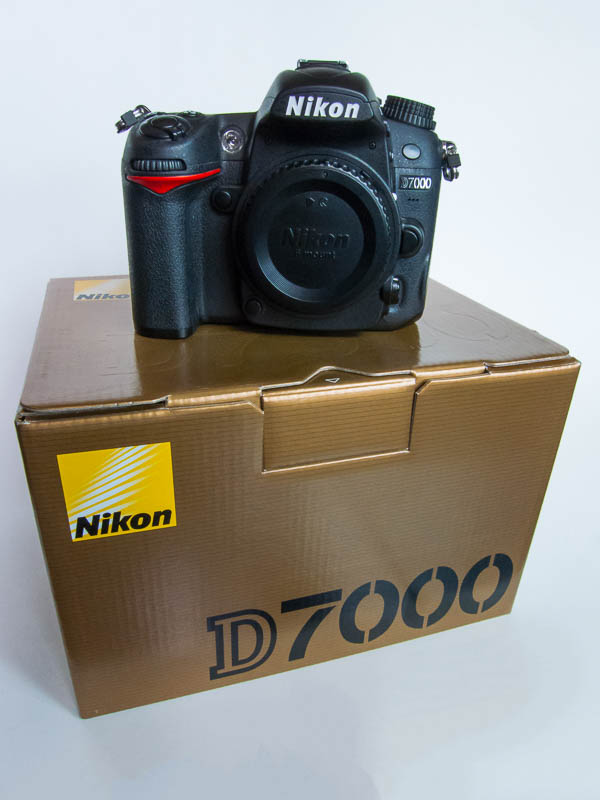
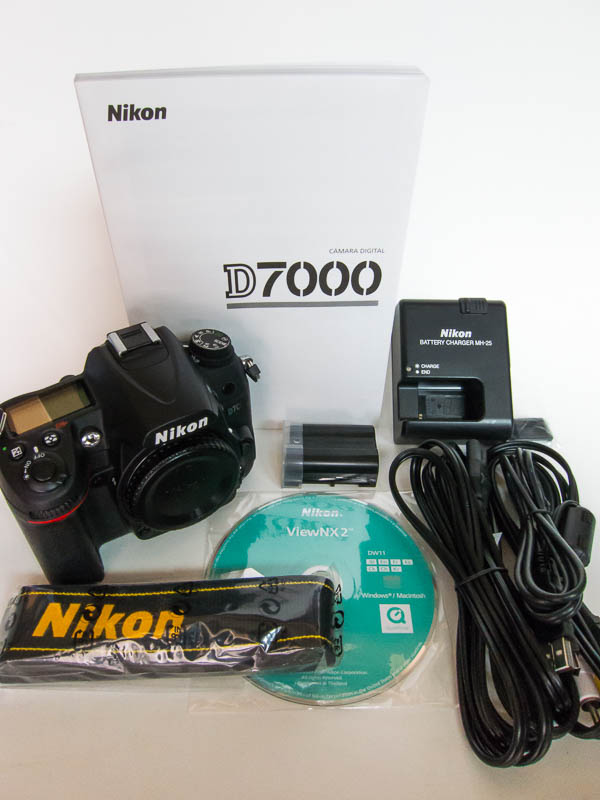
    -Nikon D7000 body: $480
    -Tokina 10-17mm fisheye lens: $425
    -Sea & Sea zoom gear for Tokina fisheye: $175


    If interested, please email me at michael@seainfocus.com. Thanks!
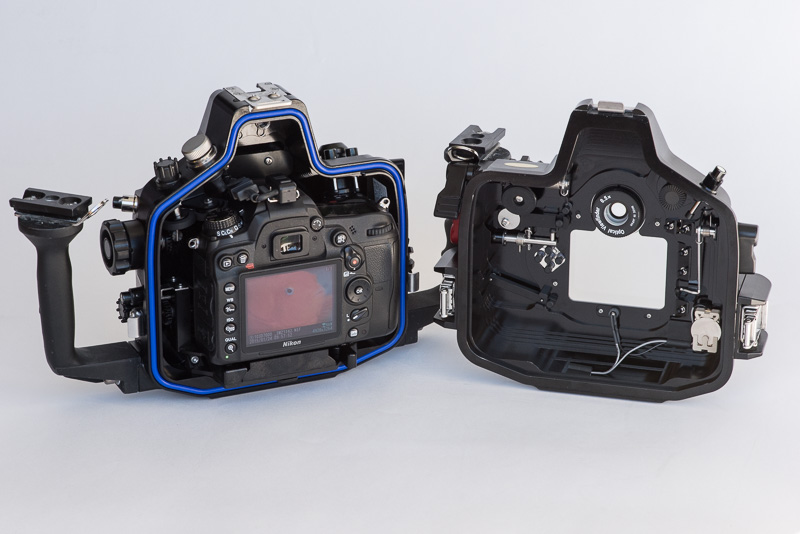
    post-30008-0-74147800-1422192653_thumb.jpg

    post-30008-0-95121800-1422192663_thumb.jpg

    post-30008-0-12165700-1422192674_thumb.jpg

    Edited by scubazig
  2. hi i would like to buy tokina lens 10-17 please. will you post to the uk?.will you pm me to reply chears steve

  3. Housing SOLD. Nikon D7000 camera body still available for $480.00 USD.

    post-30008-0-01736300-1422829788_thumb.jpg

    post-30008-0-48046300-1422829796_thumb.jpg

  4. I s the housing still for sale?

    Michelle

  5. I s the housing still for sale?

    Michelle


    Posted 01 February 2015 - 03:30 PM

    Housing SOLD.

  6. Do you still have this housing? Why are you selling?

  7. Do you still have this housing? Why are you selling?

    As indicated earlier in the thread, the housing has been sold.

Nauticam

Account

Navigation

Search

Search

Configure browser push notifications

Chrome (Android)
  1. Tap the lock icon next to the address bar.
  2. Tap Permissions → Notifications.
  3. Adjust your preference.
Chrome (Desktop)
  1. Click the padlock icon in the address bar.
  2. Select Site settings.
  3. Find Notifications and adjust your preference.