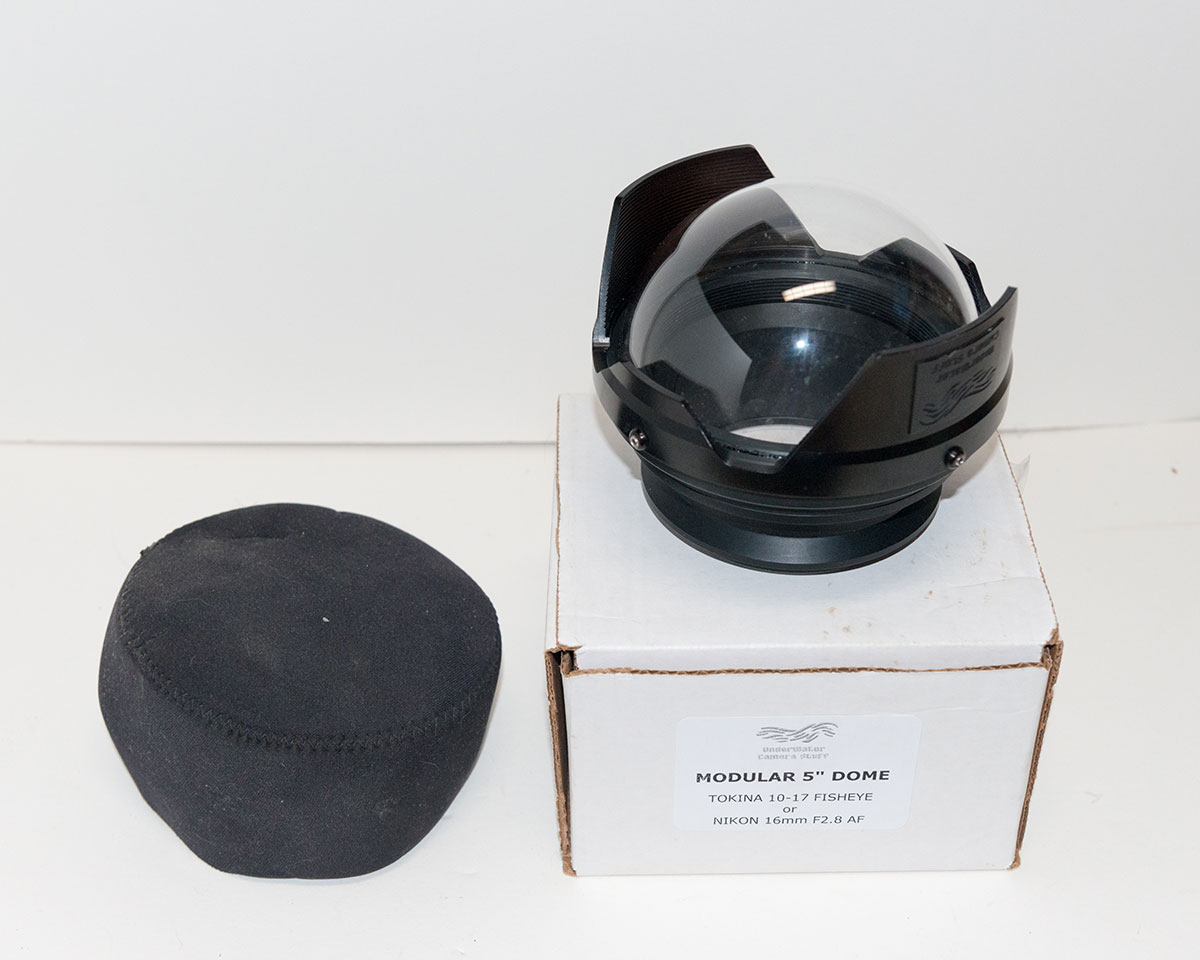
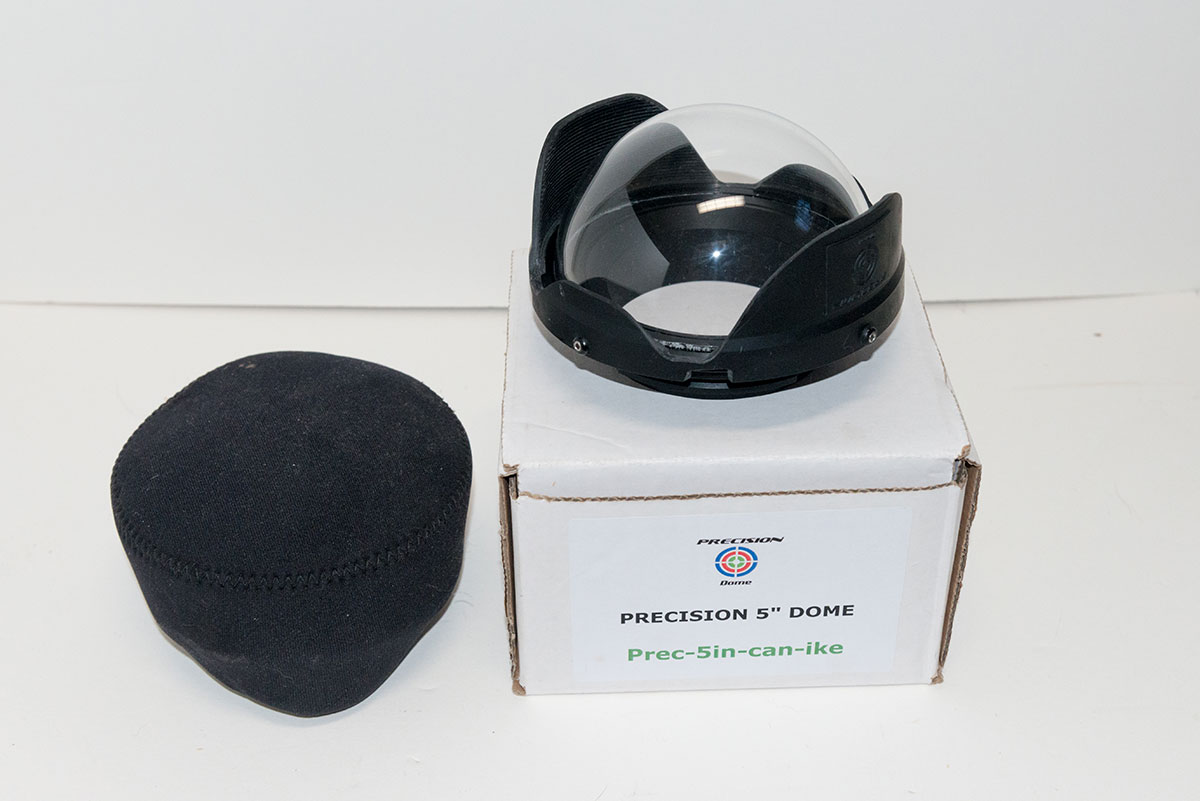
New, these ran $425. Would love to get $275 OBO for each. Thanks for looking!
I forgot to mention, both of these ports come with a port body. The one on the "Can-Ike" is the 5510.11 standard wide angle port body and the other has the extended port body 5510.16 (I think) for use with a 1.4X TC with the Tokina 10-17mm. I can swap them out if someone prefers one port body over the other. Thanks!
Ik vergat te vermelden, zowel van deze poorten zijn voorzien van een poort lichaam. De een op de "Can-Ike" is de 5510,11 standaard groothoek poort lichaam en de andere heeft de verlengde poort lichaam 5.510,16 (denk ik) voor gebruik met een 1.4X TC met de Tokina 10-17mm. Ik kan ze omwisselen als iemand verkiest één poort lichaam boven de andere. Beda
Ik vergat te vermelden, zowel van deze poorten zijn voorzien van een poort lichaam. De een op de "Can-Ike" is de 5510,11 standaard groothoek poort lichaam en de andere heeft de verlengde poort lichaam 5.510,16 (denk ik) voor gebruik met een 1.4X TC met de Tokina 10-17mm. Ik kan ze omwisselen als iemand verkiest één poort lichaam boven de andere. Beda