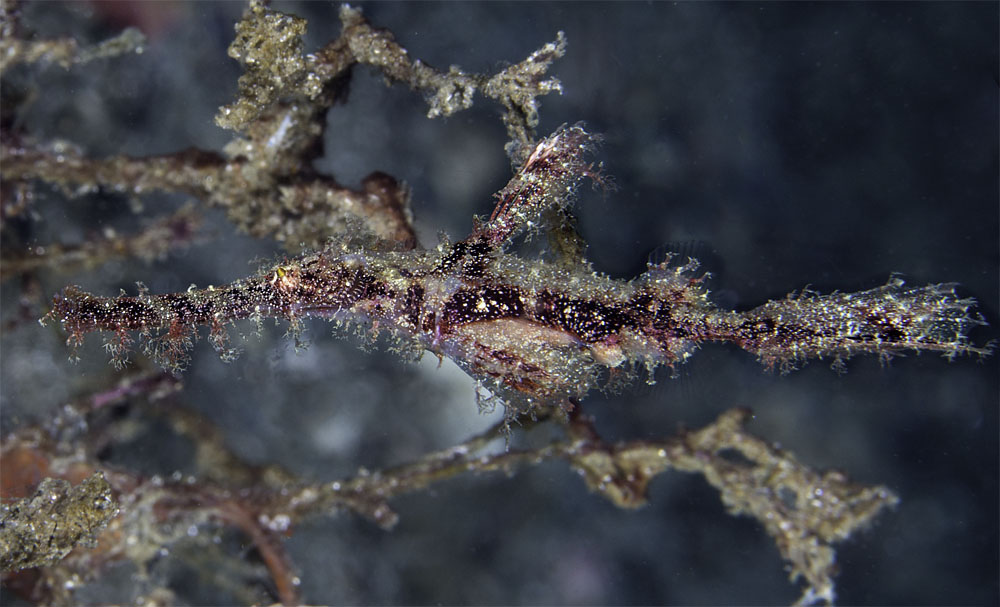
Having some trouble pinning these down due to lack of expert information. Hope somebody can help
.
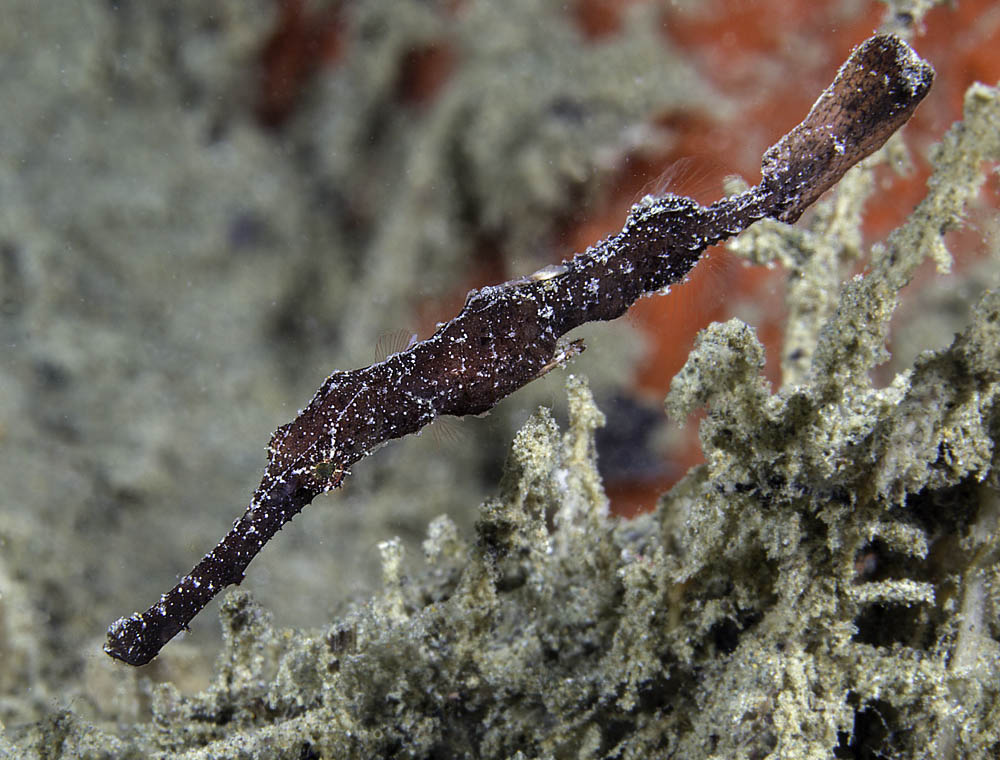
No. 1 looks superficially like a Robust, Solenostomus cyanopterus but the caudal peduncle is far too long. Could it be S.armatus?
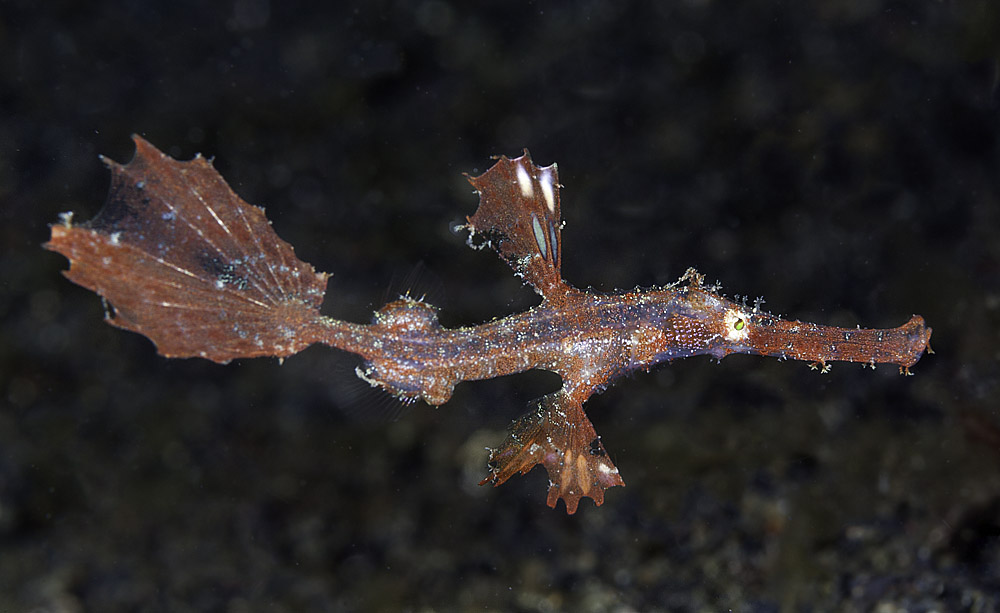
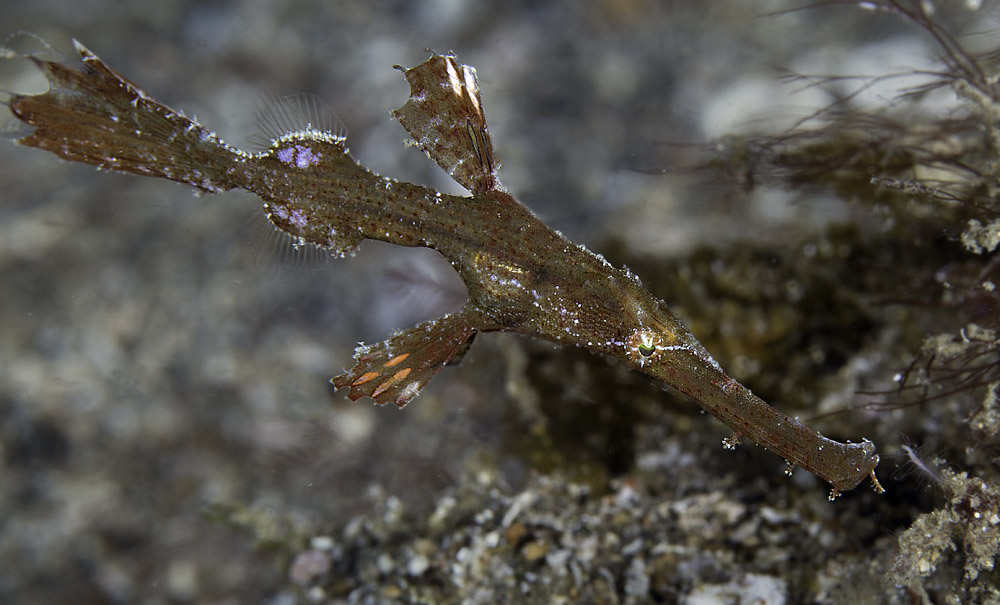
2,3 & 4 I have them down provisionally as S. leptosoma, Delicate Ghostpipefish
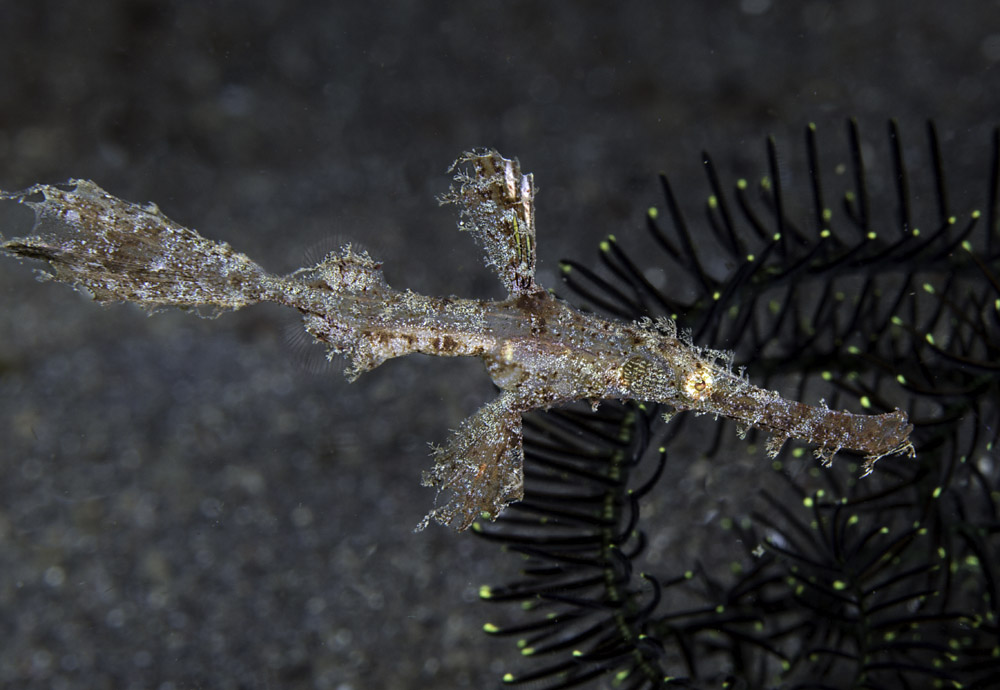
5 Maybe a Roughsnout given all the hairy projections
1 & 5 taken in Ambon, the others in Lembeh
The first almost looks like a velvet.....
(Solenostomus paegnius)
It comes in shades of brown, light tan to green and has skin filaments on the snout and body, which are often long, and hair like. Found solitary or in pairs in sand and rubble areas from depths of 8m/25ft to 20m/70ft, often in association with filamentous algae. Extent of hairy growth is variable and the extremely hairy individuals may even be a separate species. Other common names for this species are the Irish setter ghost pipefish or Rufus ghost pipefish.
Thanks Alison - have seen the one called "Velvet" in Reef Fish of the Tropical Pacific - and now yours - but it is not a described species. It could I suppose be a juvenile form of one of the authenticated types. As you say, mine has some similarities but doesn't seem smooth enough.
S. paegnius is the Roughsnout which I think maybe no. 5 above.