Skip to content

Shooting Technique, Workflow and Editing / Archived topic

Pointers For Snorkeling With Humpback Whales

Started by MandyH ·

  • 3Posts
  • 3Replies

Read-only discussion

Pointers For Snorkeling With Humpback Whales

3 posts
  1. So I went on my dream trip last year with my mother to snorkel with the Humpbacks. It the first time for both of to be snorkeling, let alone with whales so we decided to take it easy on get cheaper camera equipment. I got a Lumix underwater camera for both of us. Mine ended up malfunctioning on the 2nd day. Thankfully my mother's did not so I was able to get some decent shots. We are planning on going back in 2017.


    As for the pictures themselves, well... I'm not very pleased with them. I wasn't expecting spectacular quality, but not one of the best shots that I got prints well. I know with photography, you get what you pay for so I'm looking to get some guidance on what kind of cameras I should look into for my next trip as well as what I can do technique wise to get better shots. I'm assuming a DSLR would be my best bet? What about filters, are any type of filters recommended? Lastly, what settings should I shoot in?


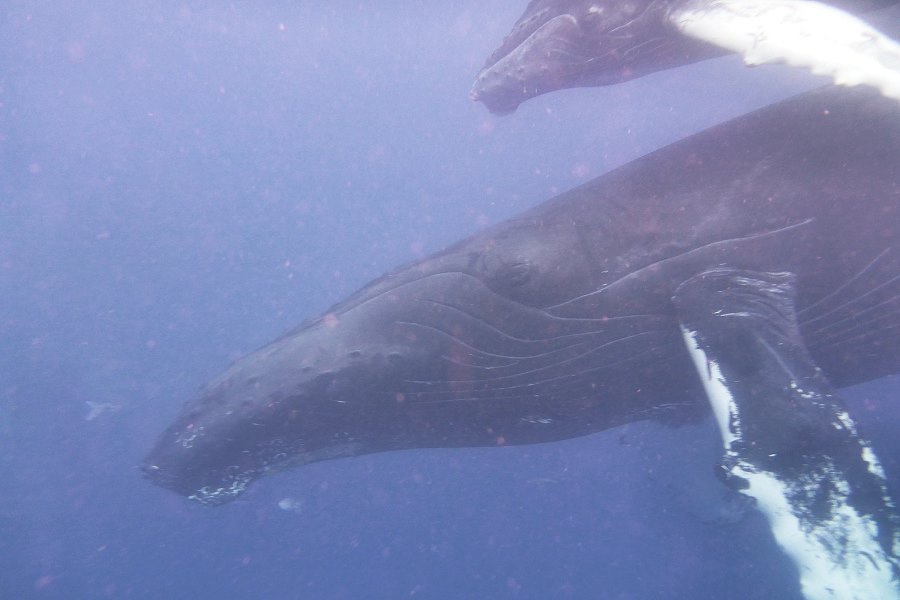
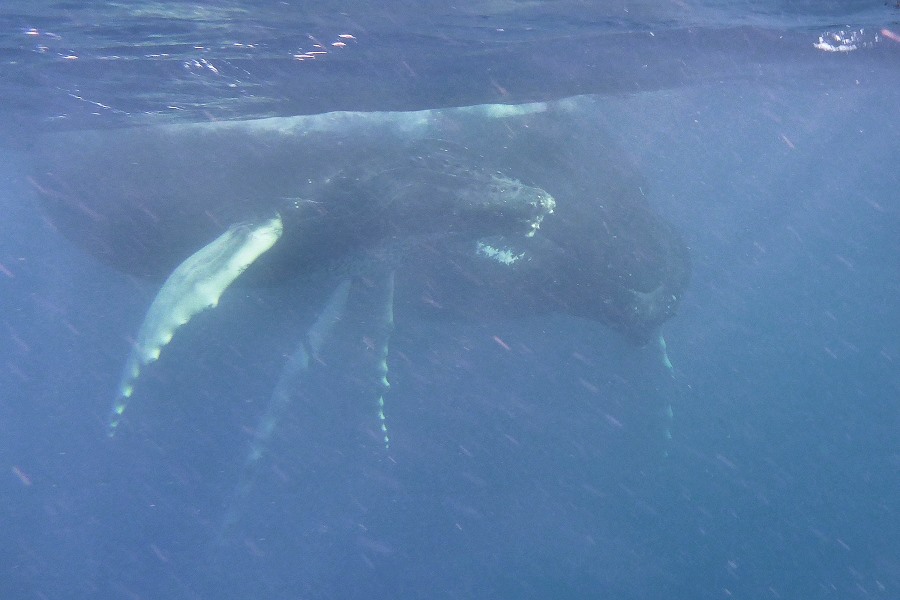
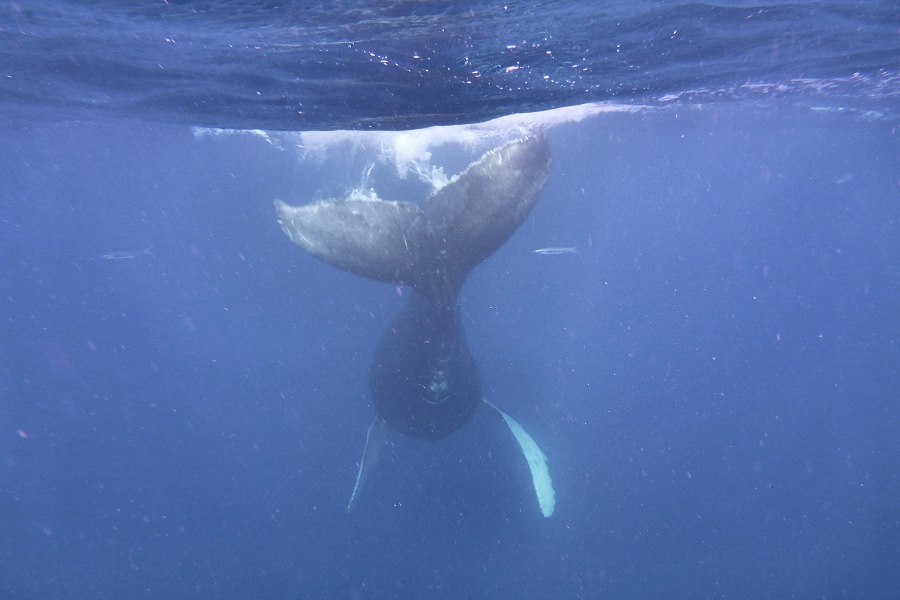
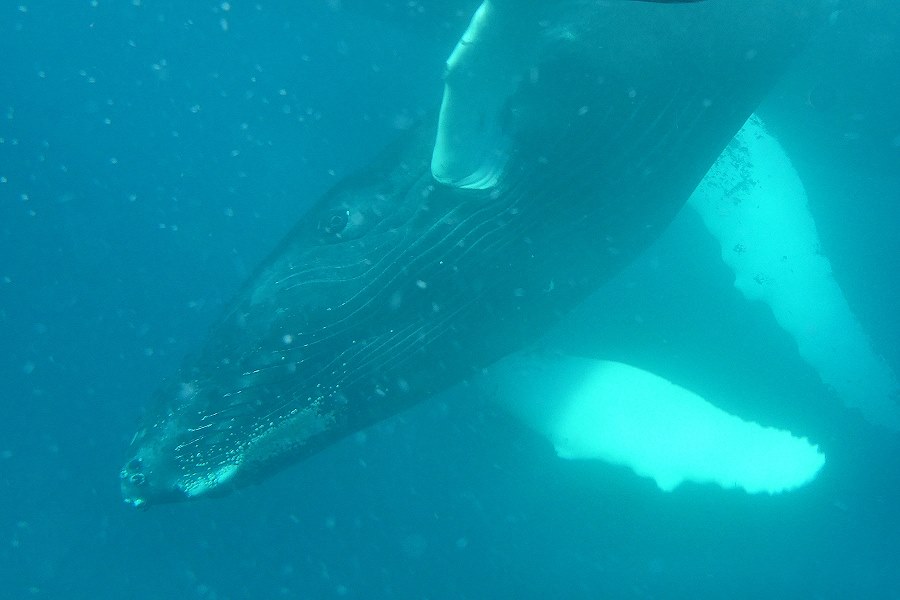
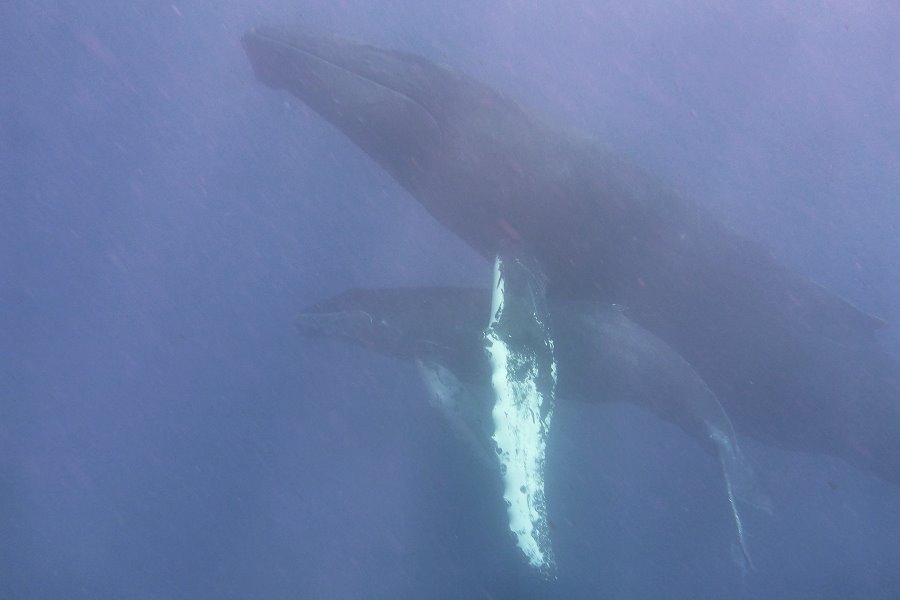
    Here are a few pics from my trip last year. I'm not happy with the "noise" in the water, but I'm sure the camera I used has something to do with it. I think with a better camera it likely would've been a lot better. I should note that we did have pretty murky water so maybe there's not much that could've been done? I just don't know... :(


    The last pic with mom under her pec fin is my favorite from the whole trip and it looks horrible printed. :(
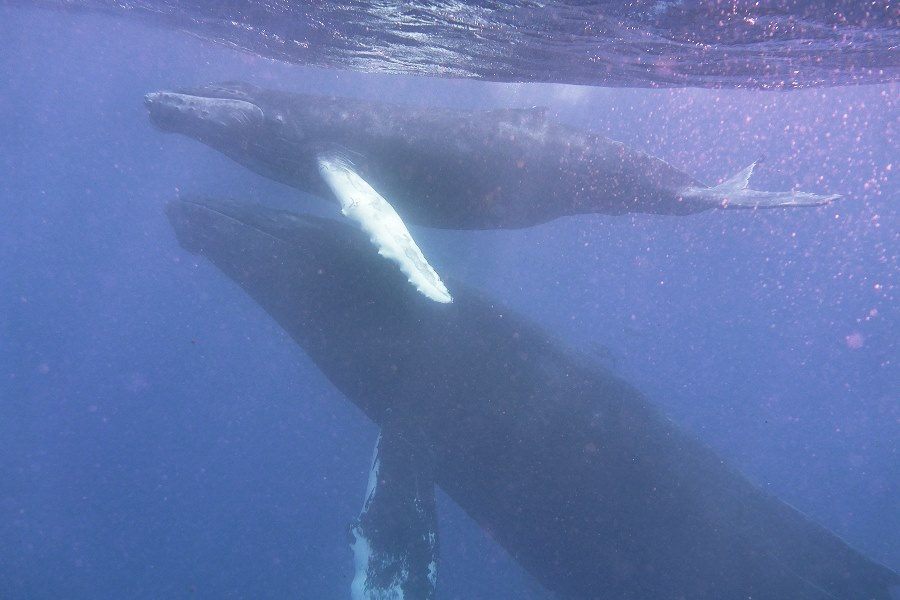


    post-35823-0-19965900-1425173796_thumb.jpg

    post-35823-0-90163400-1425173799_thumb.jpg

    post-35823-0-15955200-1425173804_thumb.jpg

    post-35823-0-70745200-1425173808_thumb.jpg

    post-35823-0-36489100-1425173817_thumb.jpg

    post-35823-0-45937600-1425173834_thumb.jpg

  2. A wider lens so you can get closer. Make sure the camera flash is not going off.


    Limit the ISO to what gives a good image with your camera.


    Try to shoot up, or at least level.

  3. These photos look like the camera's flash was firing - that is probably why there's so much backscatter. There is also a fair amount of motion blur. You can get decent shots with a compact if you turn off the flash, expose for ambient light with maximum feasible shutter speed, and set white balance for the conditions.


    That won't help you rescue these however. I would try adjustments in a photo editing program. Although you probably have only JPG format, you can still adjust the white balance, contrast, and saturation. It's certainly worth a try! Here is a really quick and amateur example of something I did to a low res JPG file in iPhoto a few years ago before I understood the advice in my first paragraph. I use Aperture now (as well as a better camera shooting RAW files) and have obtained much better results, but this shows that even 60 seconds with some digital tweaking can turn murk into something a bit more pleasing.


    4482642985_b95f5b3820_o.jpg


    16068729333_2edd834454_z.jpg

    Edited by troporobo
AOI

Account

Navigation

Search

Search

Configure browser push notifications

Chrome (Android)
  1. Tap the lock icon next to the address bar.
  2. Tap Permissions → Notifications.
  3. Adjust your preference.
Chrome (Desktop)
  1. Click the padlock icon in the address bar.
  2. Select Site settings.
  3. Find Notifications and adjust your preference.