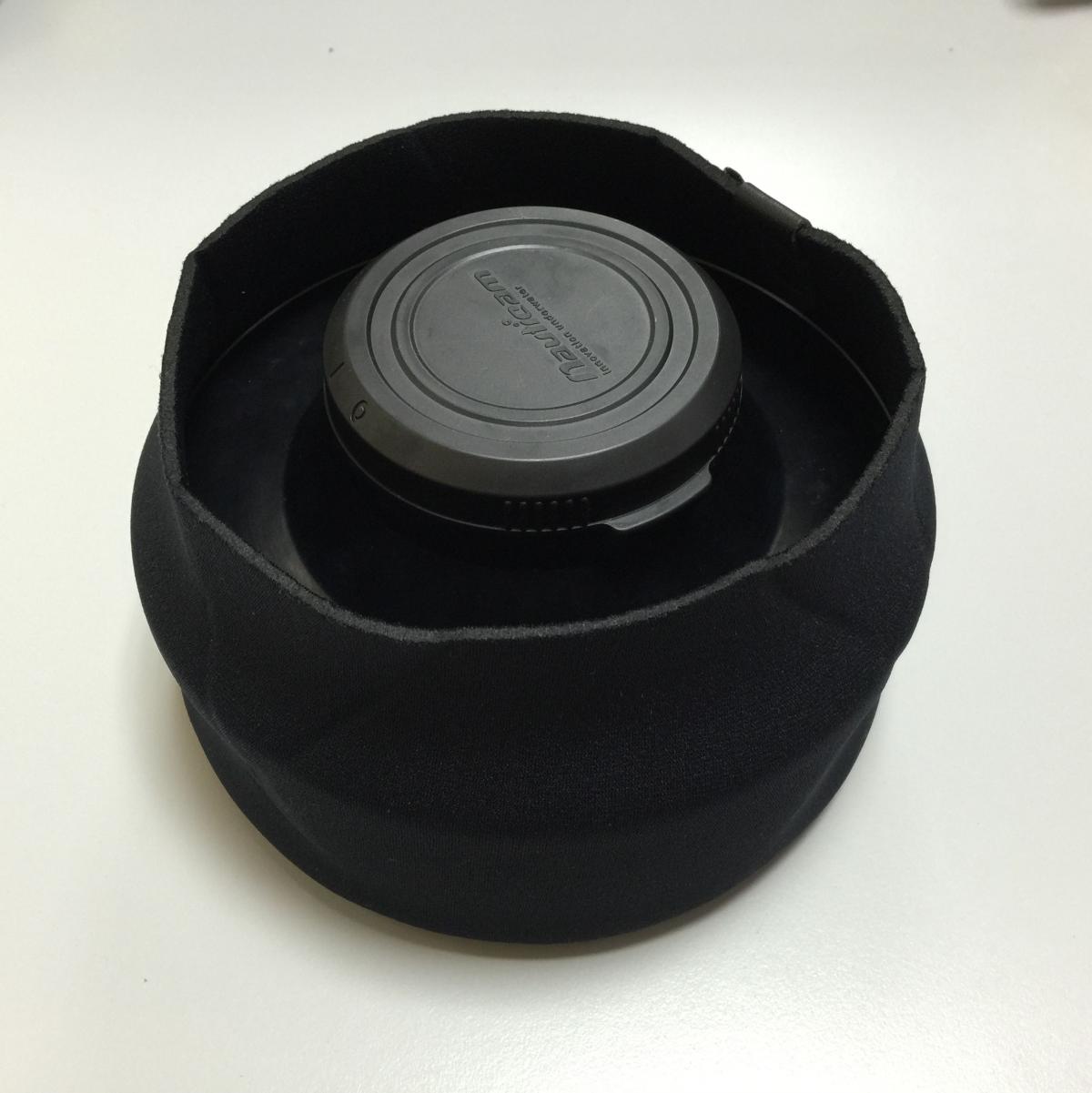
Does anyone know of Ikelite style dome covers for Zen/Nauticam domes? looking for a bit more protection for my 170mm dome and saw someone with a Ikelite housing and thought that the dome cover (for a 8" dome) was a much safer design. As it covered everything including the top and bottom shading hood.
Dragging the camera inside wrecks etc so some more padding would be nice.
Sent from my iPhone using Tapatalk
Backscatter has several custom covers for domes. Perhaps one of theirs will fit.
Or check these out. http://www.lenscoat.com/lenscoatreg-hoodiereg-xxxx-large-p-388.htmlI use an XXL on my 5" dome and it works great. Covers the dome and shade ring nicely and folds over the back of the shade ring a bit. I don't know if there biggest one will stretch over your 8" dome, but if it does, it's less than half the price of similar ones elsewhere. I think I paid $64.95 more my Backscatter cover on my Sea & Sea fisheye dome. They have theirs made locally and they are quite nice.
If you have any old wetsuits laying around I find if you cut off the legs or the arms they make fair lens, and port covers.
My Ikeite 8in. dome came with its own cover, but it's next to useless, as I can hardly get it to easily cover the lens.
It should easily stretch over the dome, it's made of neoprene but has very little stretch.
Thanks to all,
Backscatter don't sell one that fits
But the suggestion from Larry was great! Ordered a LensCoat.
Thankyou.
Just for future reference...
The LensCoat XXXX Large (thats 4X) fits the Zen 170mm dome, great! Just needs some cord to tighten it, but apart from that its great!