Skip to content

Classifieds / Archived topic

Sea & Sea D7000 Housing with Dome Port and Strobes

Started by Pauline ·

  • 9Posts
  • 9Replies

Read-only discussion

Sea & Sea D7000 Housing with Dome Port and Strobes

9 posts
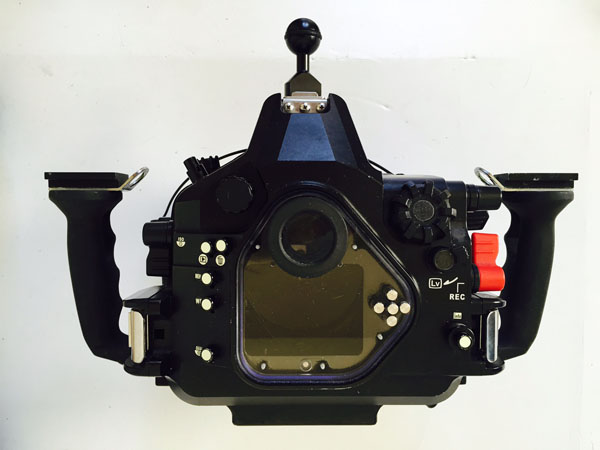
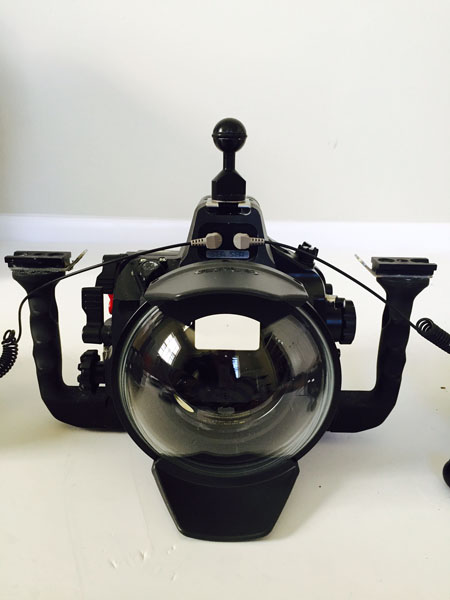
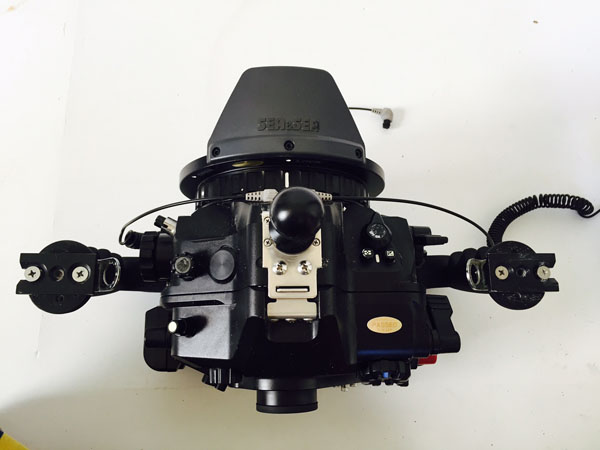
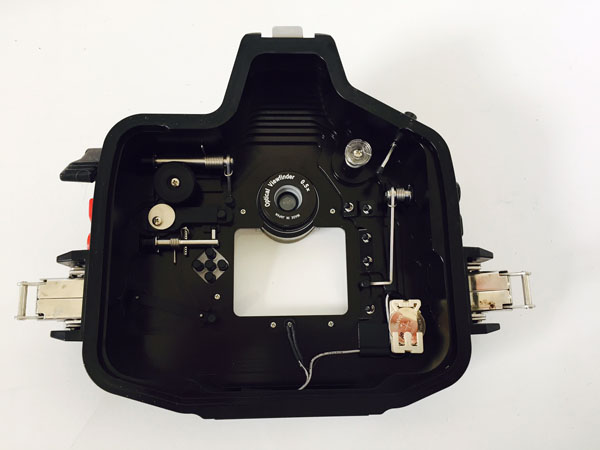
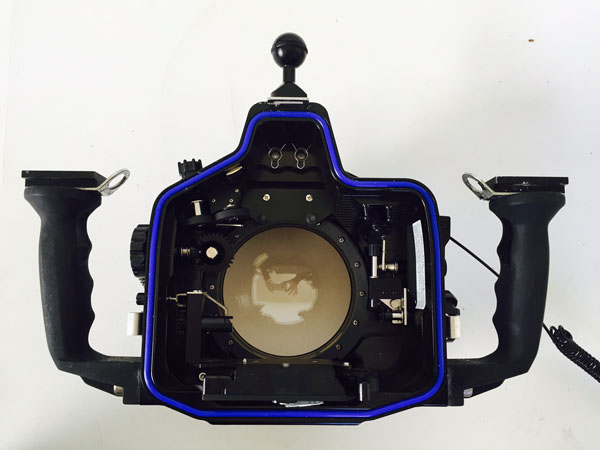
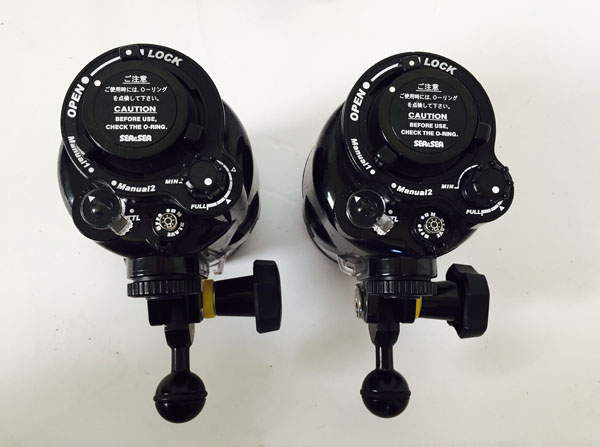
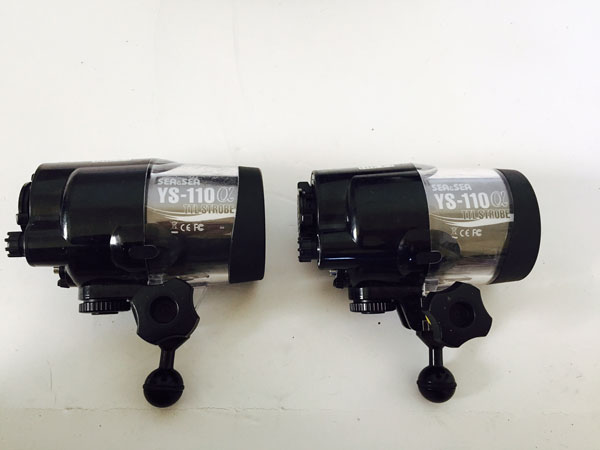
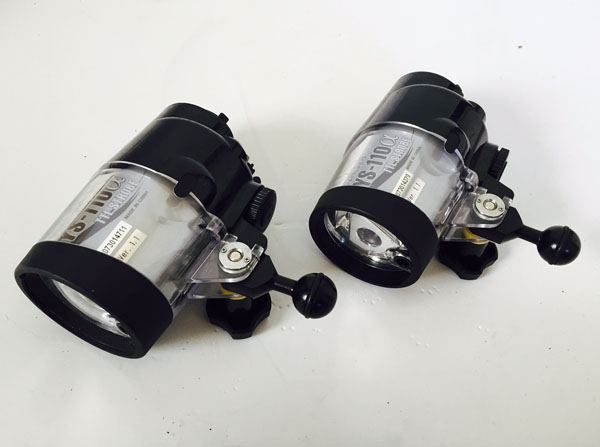
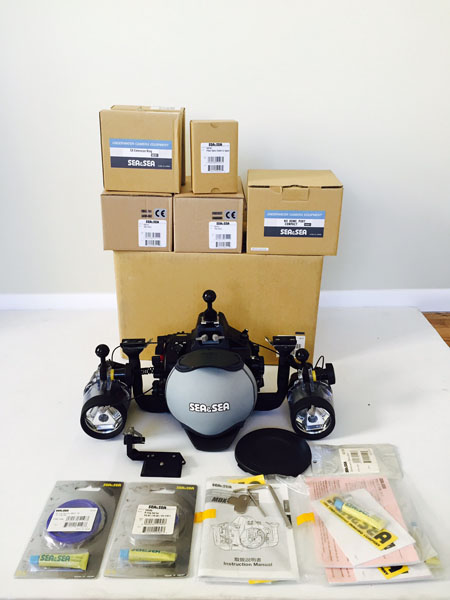
  1. I'm selling my Sea & Sea MDX-D7000 housing for the Nikon D7000 with two YS-110a strobes, dome port, extension ring and extras. Nothing has ever flooded or stopped working.


    Asking $3000


    Included:

    - Sea & Sea MDX D7000 Housing Body in excellent condition with original packaging and parts (tool kit, body port cover, leak sensor, owner's manual, and housing o-ring)

    - Sea & Sea MDX D7000 Spare O-Ring Kit

    - Sea & Sea NX Compact Dome Port (#56601)

    - Sea & Sea Compact Dome Port Cover

    - Sea & Sea SX Extension Ring (#50161)

    - 2 Sea & Sea Fiber Optic Cables (L-type) (#50107)

    - 2 Sea & Sea YS-110a Strobes (#03111)

    - Sea & Sea YS-110a Spare O-Ring Kit

    - 2 Ultralight Sea & Sea Strobe Adapters

    - 2 Ultralight BA-TP “T” Groove Plates


    Also For Sale:

    - Tokina 10-17 Fisheye Lens for Nikon $400
     

    post-35981-0-92475800-1428001006_thumb.jpg

    post-35981-0-49523300-1428001119_thumb.jpg

    post-35981-0-32401600-1428001020_thumb.jpg

    post-35981-0-33214900-1428001033_thumb.jpg

    post-35981-0-00193600-1428001055_thumb.jpg

    post-35981-0-36305100-1428001063_thumb.jpg

    post-35981-0-63269000-1428001089_thumb.jpg

    post-35981-0-75039800-1428001100_thumb.jpg

    post-35981-0-11489600-1428001110_thumb.jpg

    Edited by Pauline
  2. Hi,

    Would you be interested in selling the strobes separately?

    Cheers,

    Rohan

  3. Hi Rohan, Trying to sell it all together but if that changes I will let you know. Thanks, Pauline

  4. Bump

  5. Are you interested in just selling the housing?

  6. Is this still available?

  7. Are you interested in selling just the housing?

  8. Hi


    If this is still for sale please e-mail me.


    mickeyr@xtra.co.nz

  9. Looking for the Tokina 10-17 please.

    seankent1@gmail.com

Backscatter

Account

Navigation

Search

Search

Configure browser push notifications

Chrome (Android)
  1. Tap the lock icon next to the address bar.
  2. Tap Permissions → Notifications.
  3. Adjust your preference.
Chrome (Desktop)
  1. Click the padlock icon in the address bar.
  2. Select Site settings.
  3. Find Notifications and adjust your preference.