I am streamlining my underwater system and trying to sell off some odds and ends. I have the following for sale:
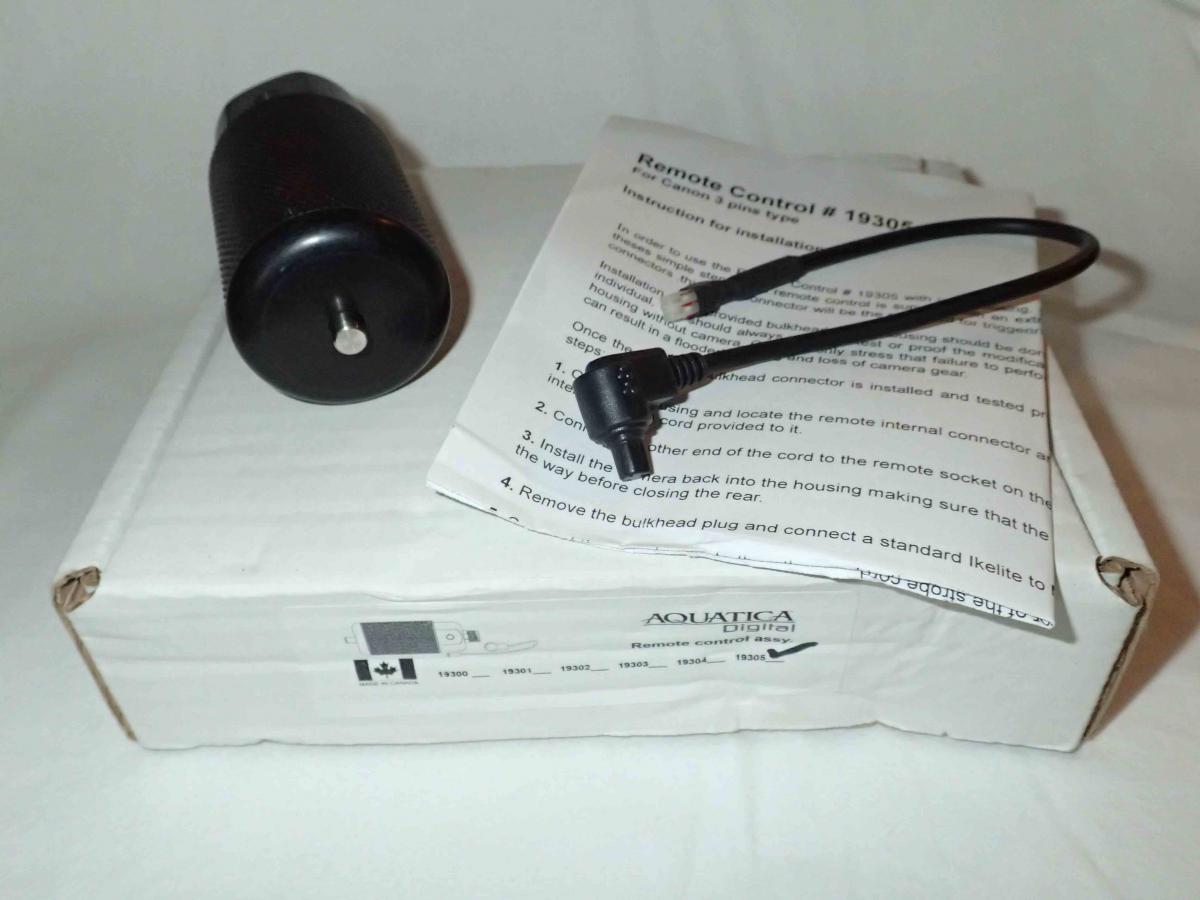
Aquatica Remote Trigger (19305) for Canon Housings (5D MkII, 5D MkIII, models with 3-pin connectors):
Brand new never been used. Came with a housing I bought and I have no need for it. It does not have the extra bulkhead as it was already installed on the housing I bought. It requires a 5-pin sync cord to operate. Below is a link to the potential uses for a remote as well as a link to procure the necessary bulkhead. Retail on Backscatter is $523. I am asking $350.
.
http://wetpixel.com/articles/reefmote-control-aquatica-remote-release-reviewed
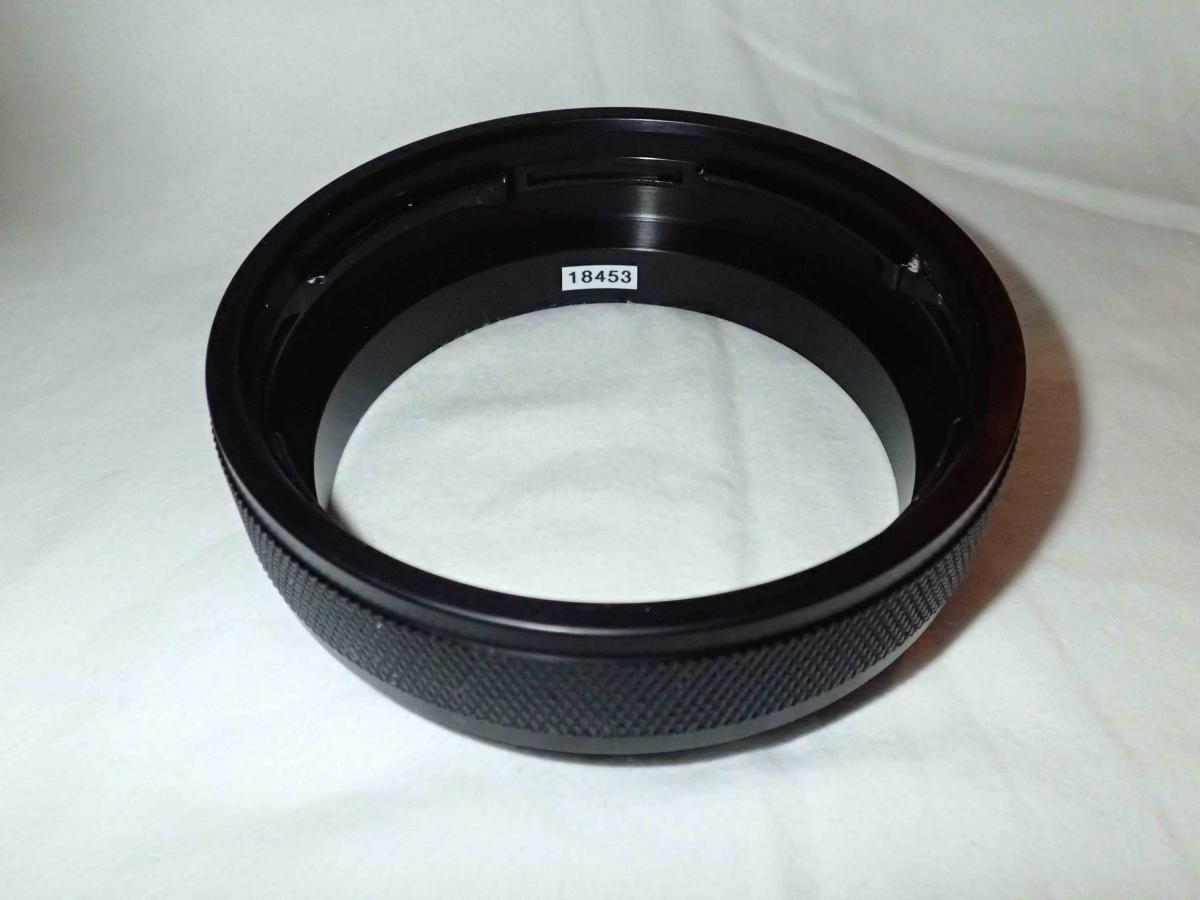
Aquatica Extension Ring, 28.5 mm; 1.12 inch (#18453)
In excellent condition. O-ring is perfect and ready to go. Retail for $232 on Backscatter. I am asking $150.
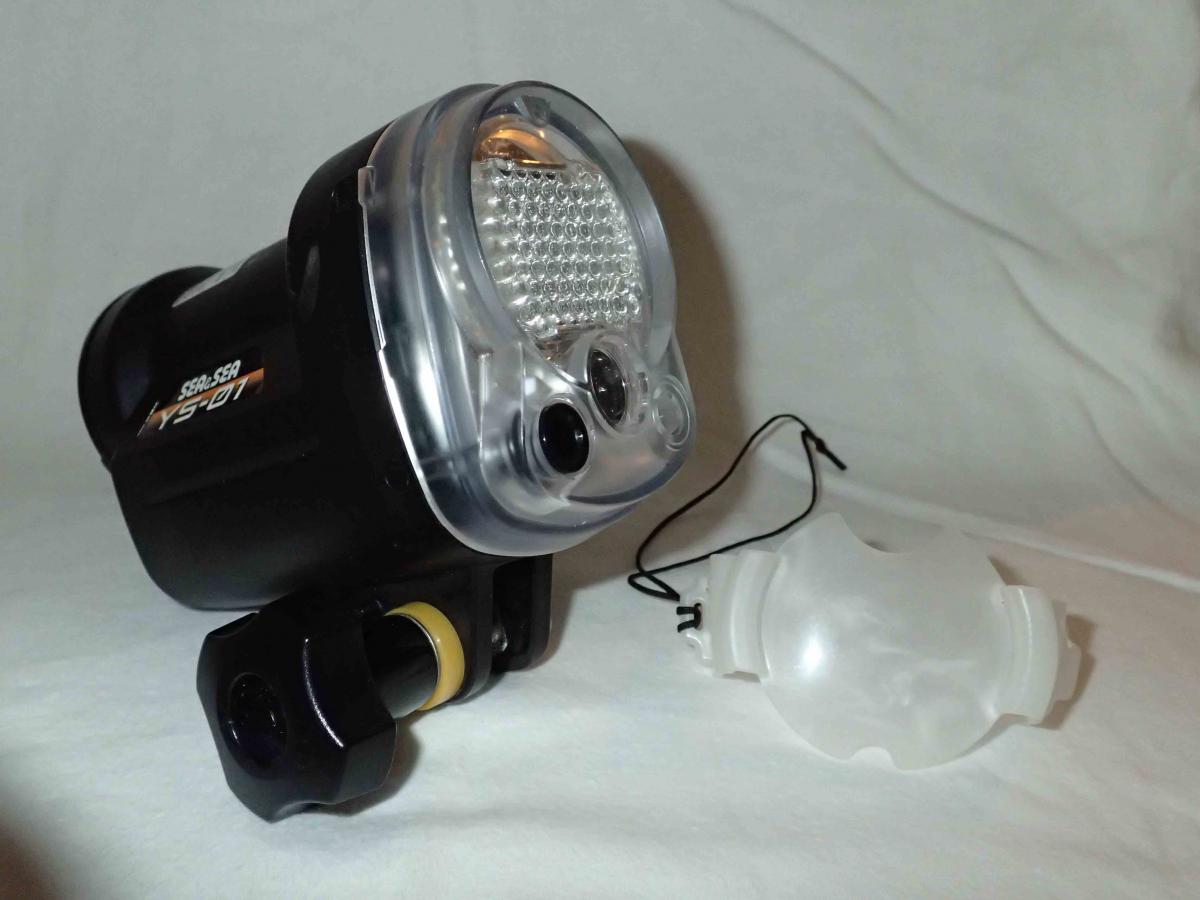
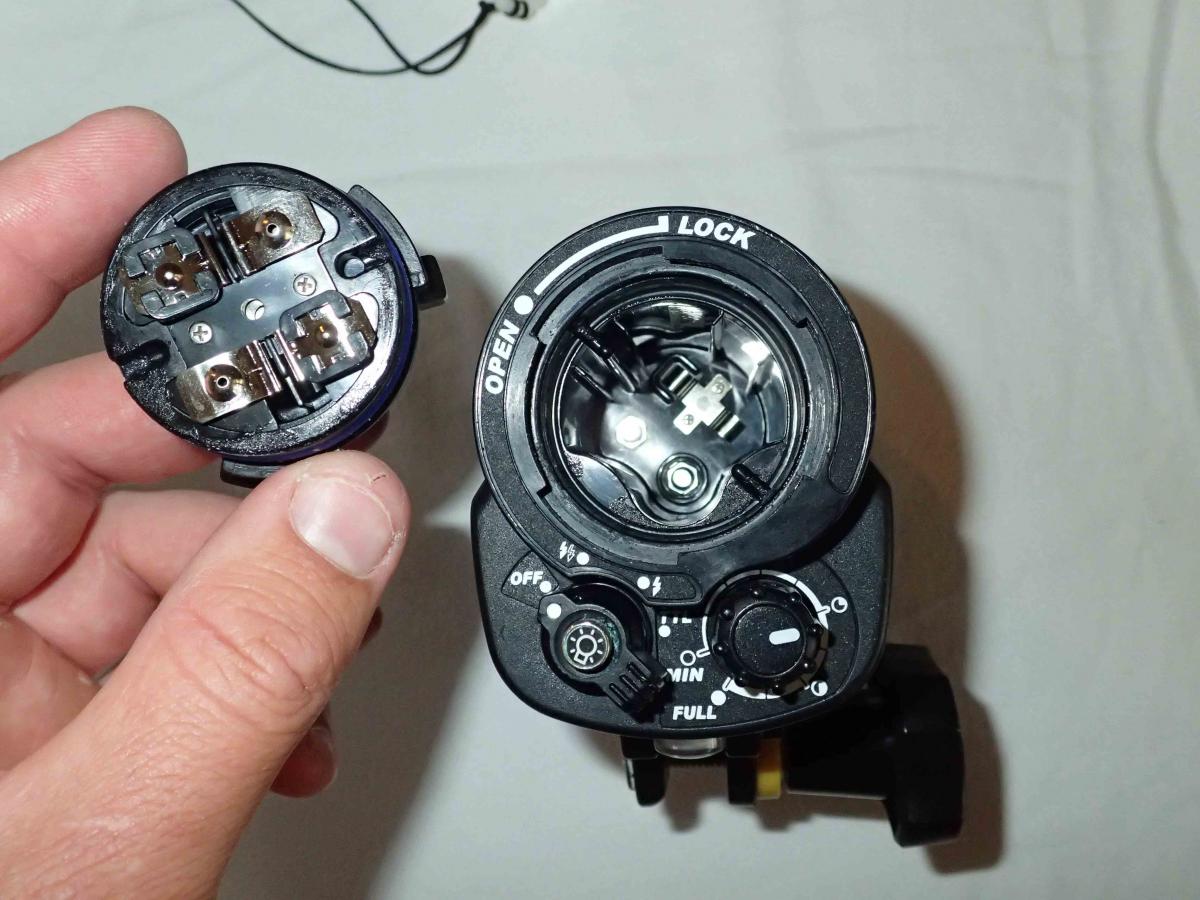
Sea and Sea YS-01 Strobe
Only used a couple times in the Galapagos. Never flooded. Shows some minor scuffs from normal use. Retail for $430 on Backscatter. I am asking $275.
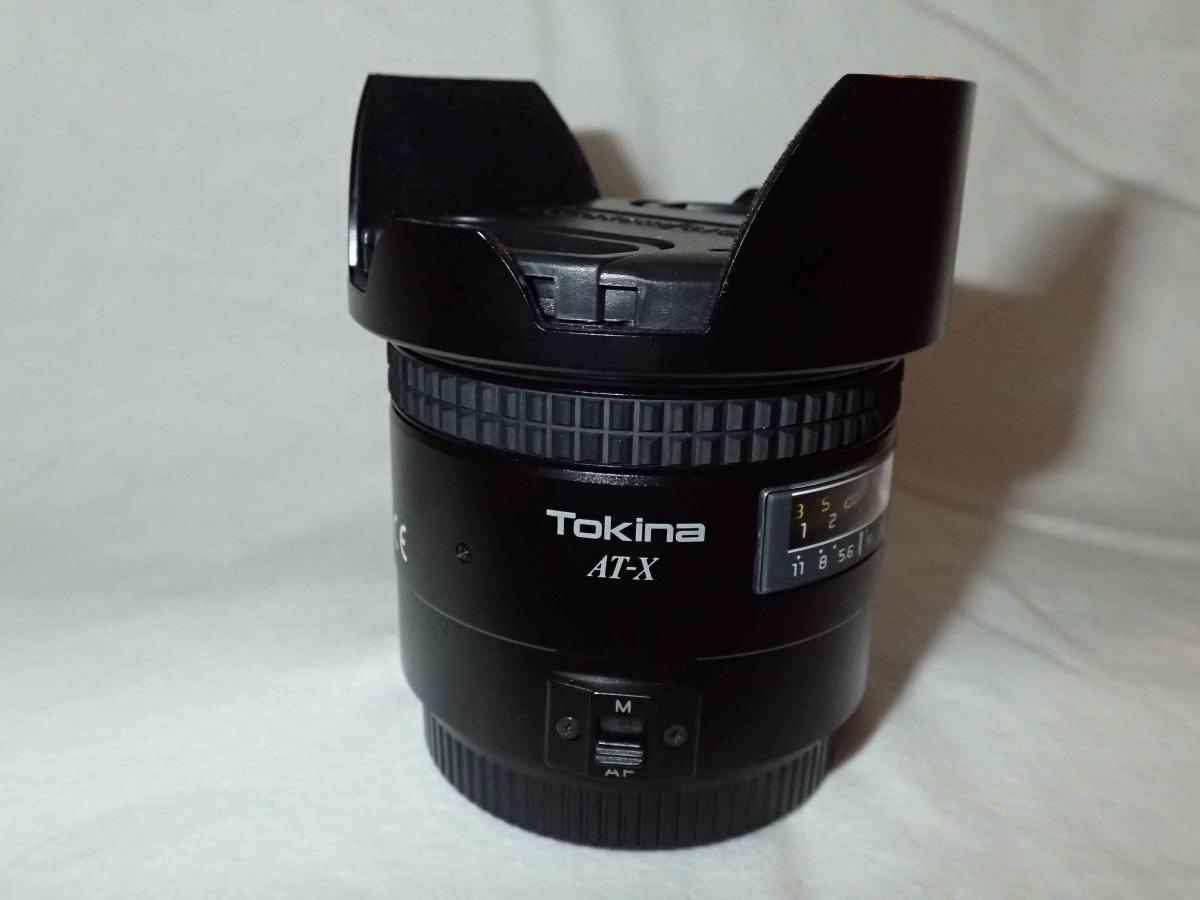
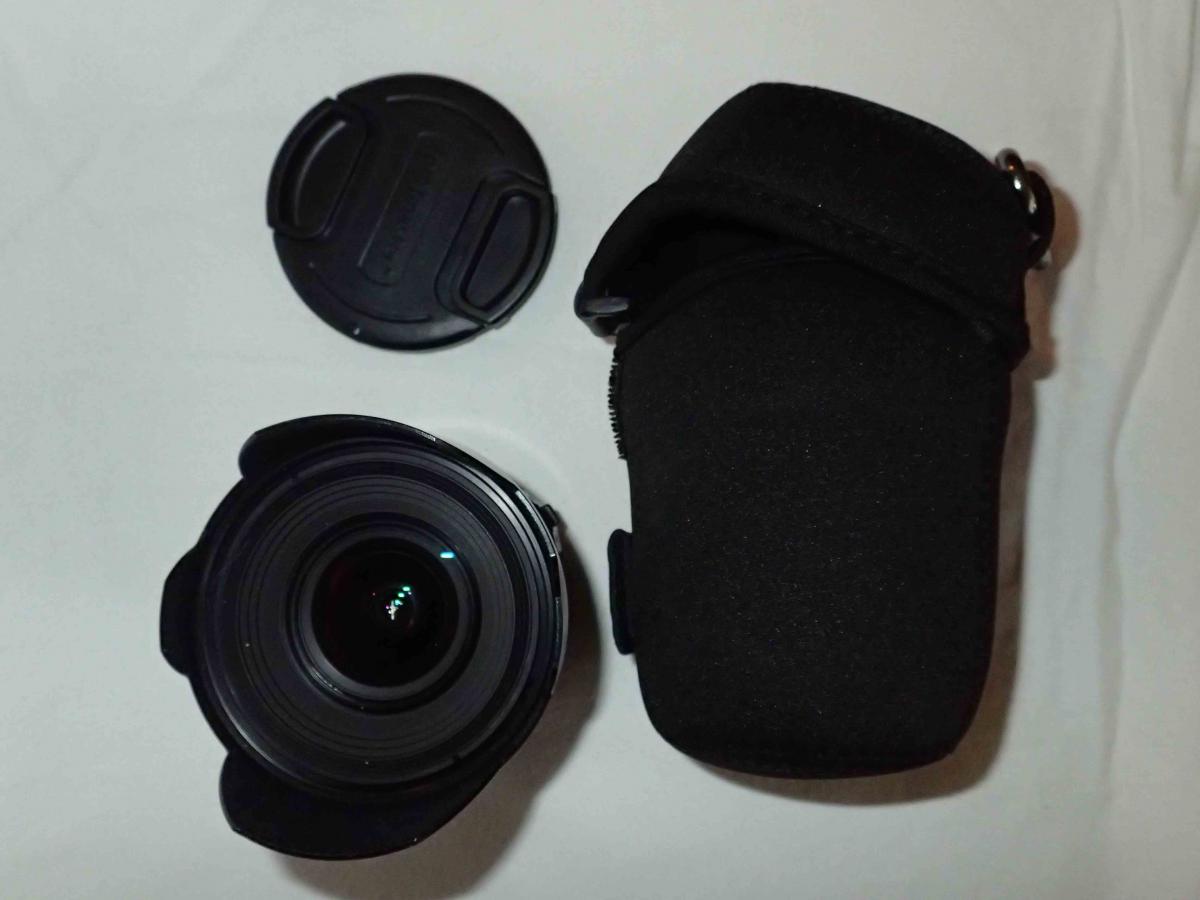
Tokina 17mm ATX F3.5
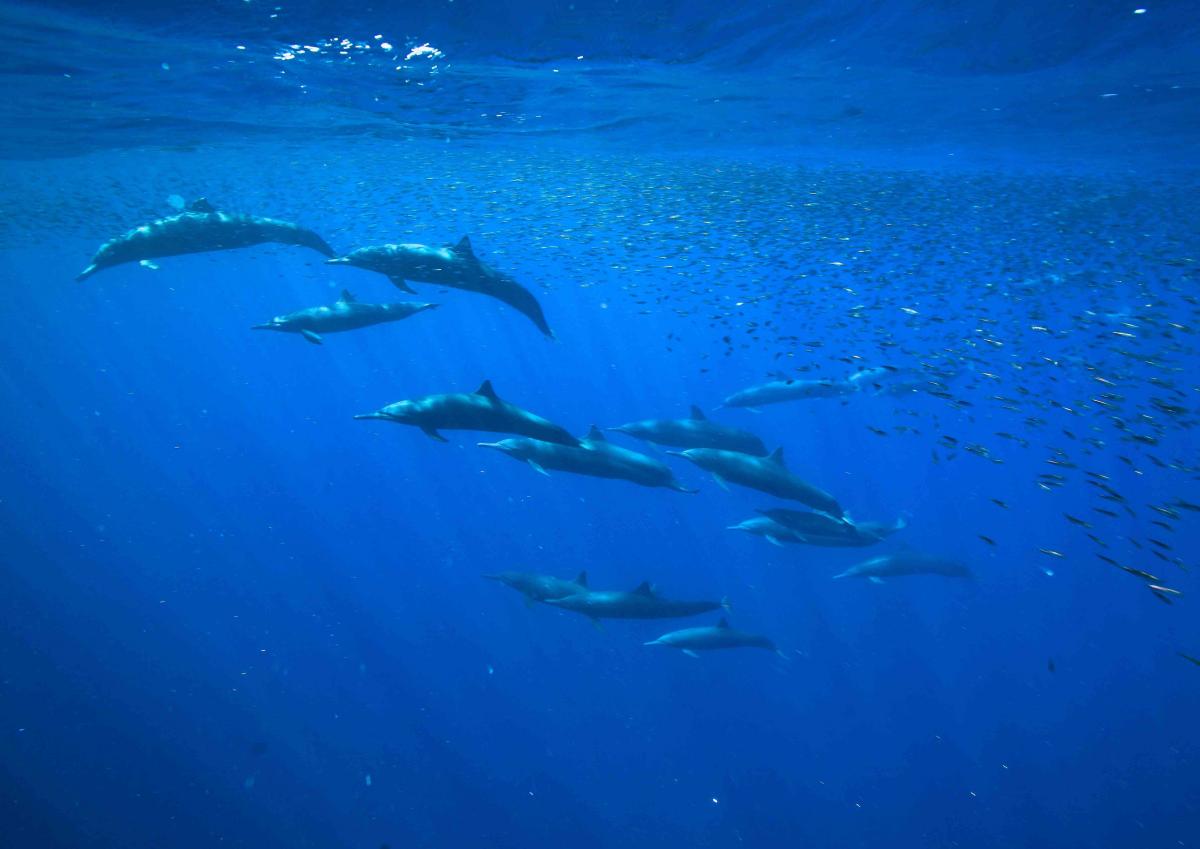
Received with my housing and I have since upgraded. Sweet little lens. Shoots excellent stills and video at a fraction of the cost of other Canon lens. I have attached an example (i.e. dolphins). The low resolution of the photo is a result of posting in this forum and not an indication of lens quality. If you can find one they sell for around $200. I am asking $100
I will cover shipping within the United States. International customers will cover shipping. PayPal only please. Any questions please PM me.
Cheers,
Sam