Skip to content

Classifieds / Archived topic

$2695 Complete Seacam Underwater System with Canon 1Ds Mark II, 20mm lens, Superdome

Started by psouders ·

  • 1Posts
  • 1Replies

Read-only discussion

$2695 Complete Seacam Underwater System with Canon 1Ds Mark II, 20mm lens, Superdome

1 posts
  1. Everything you need to shoot full-frame underwater images in one package.


    $2695


    System includes:


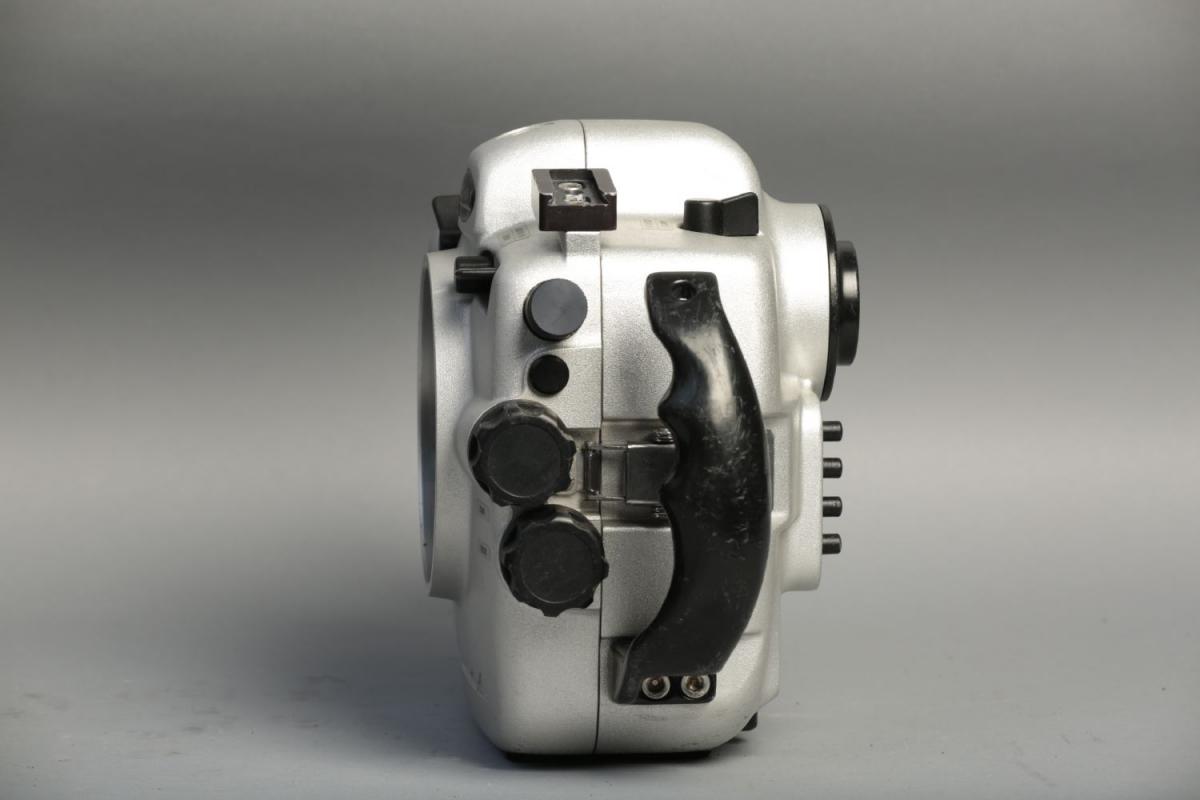
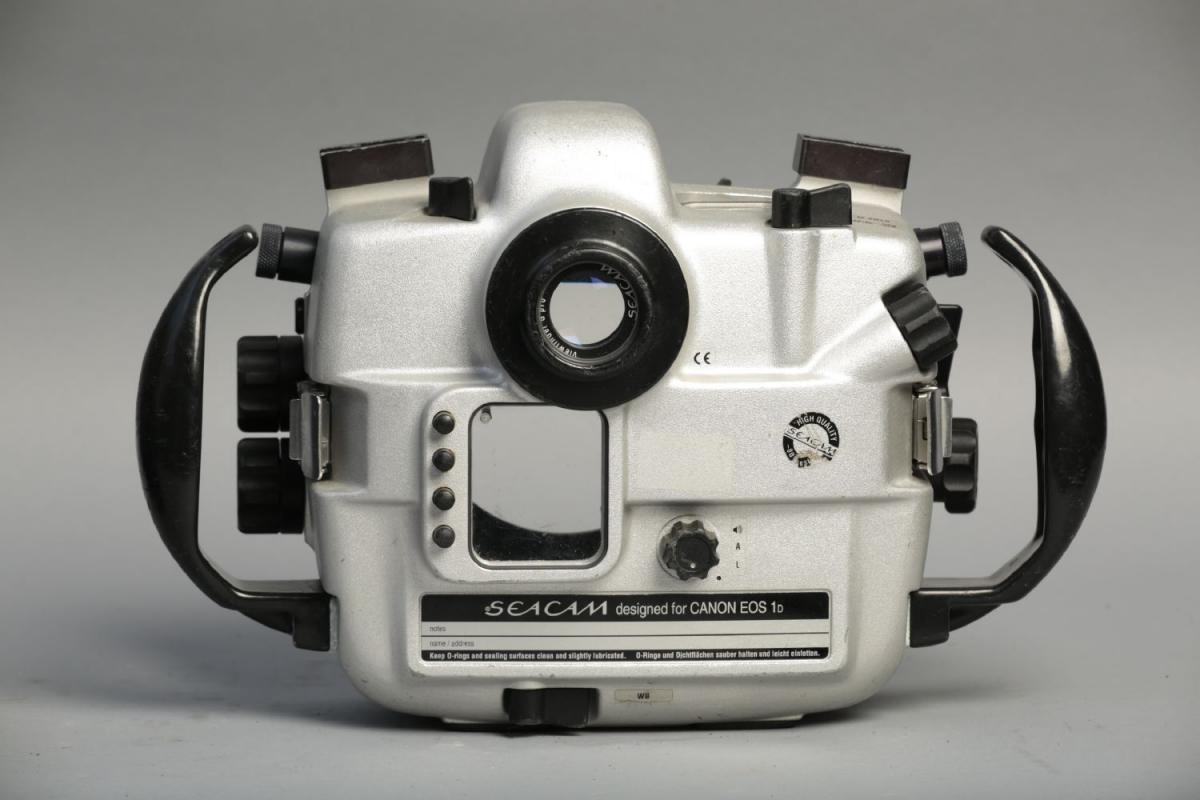
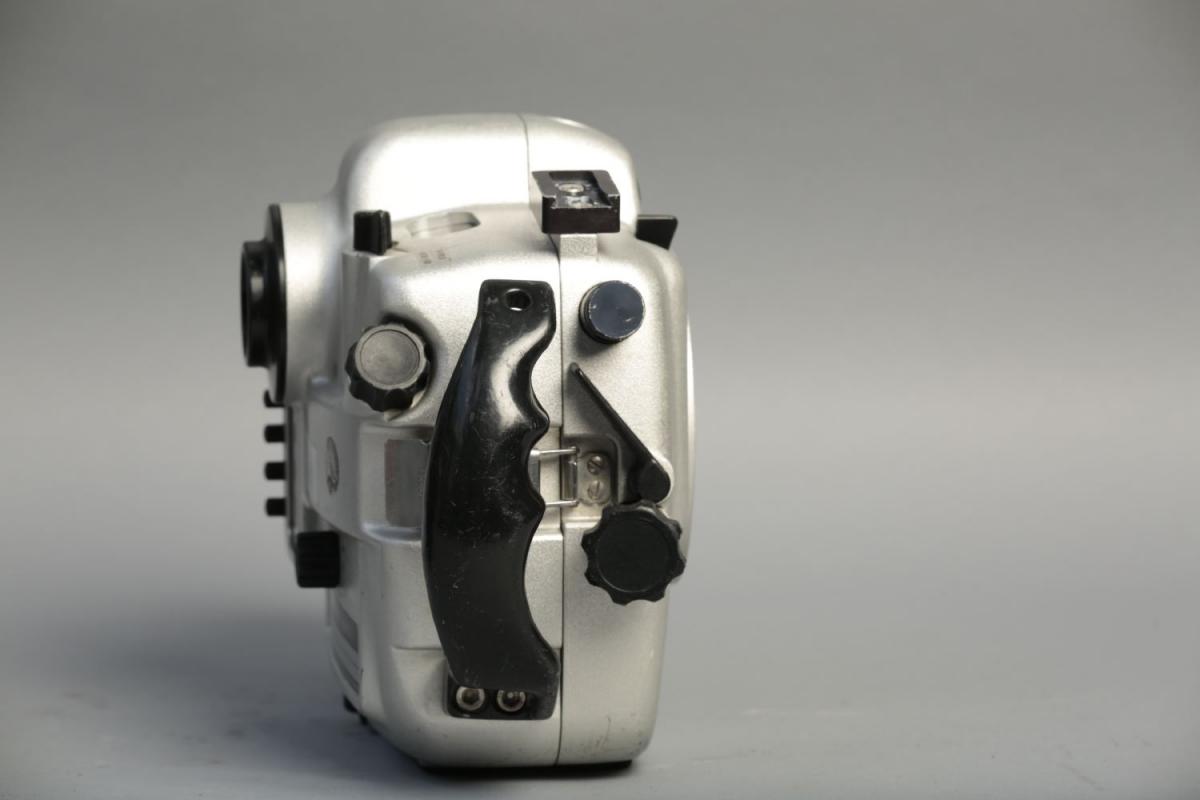
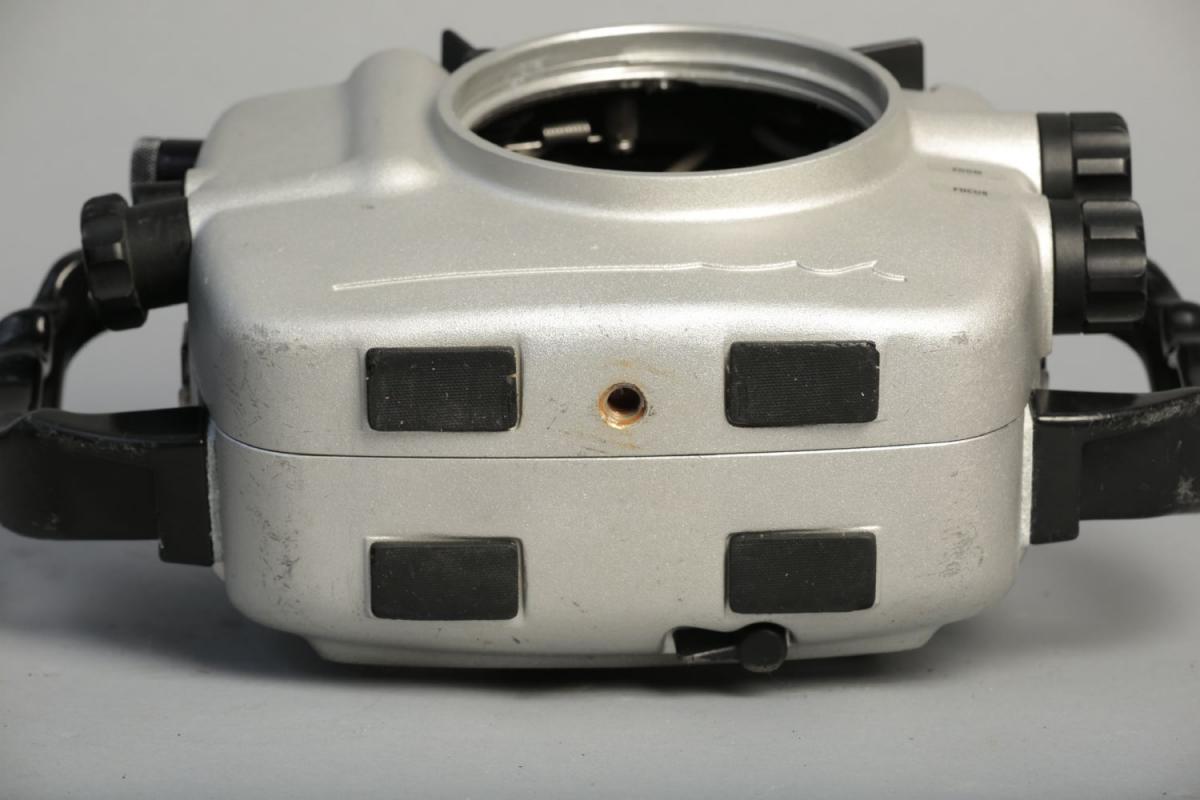
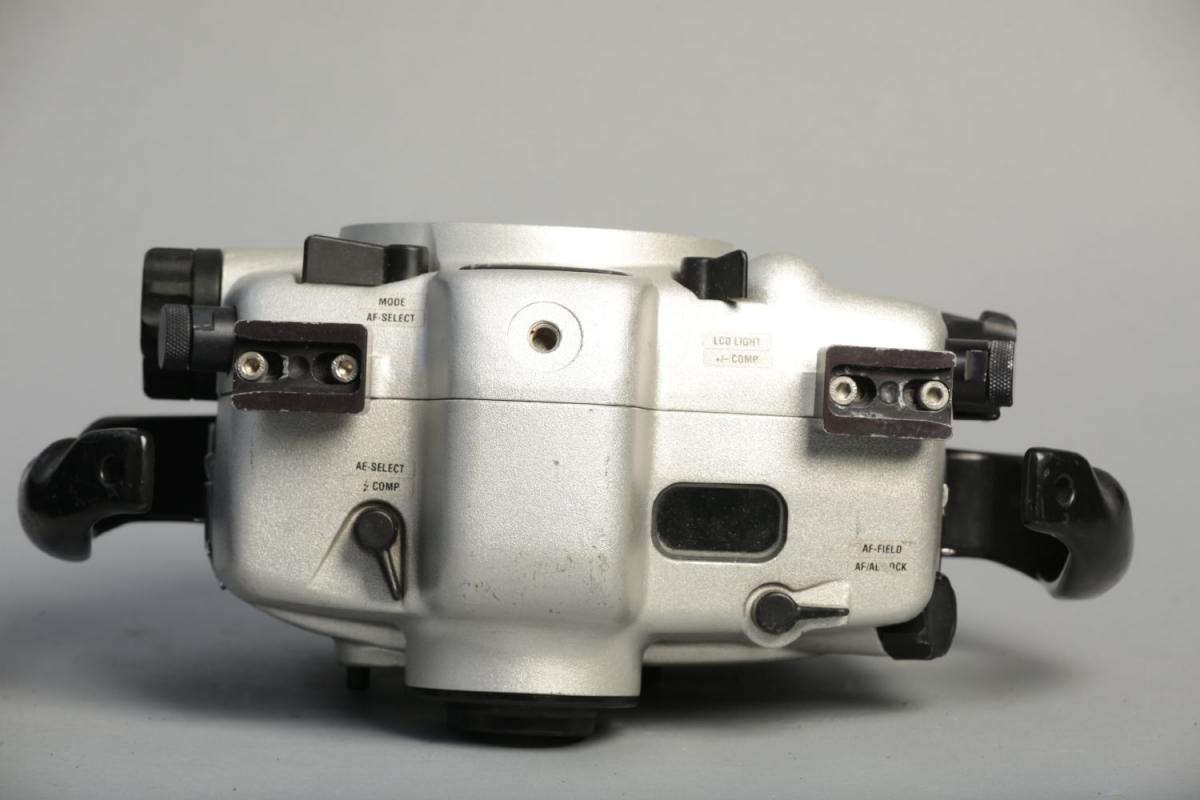
    Seacam Canon 1D Underwater Housing

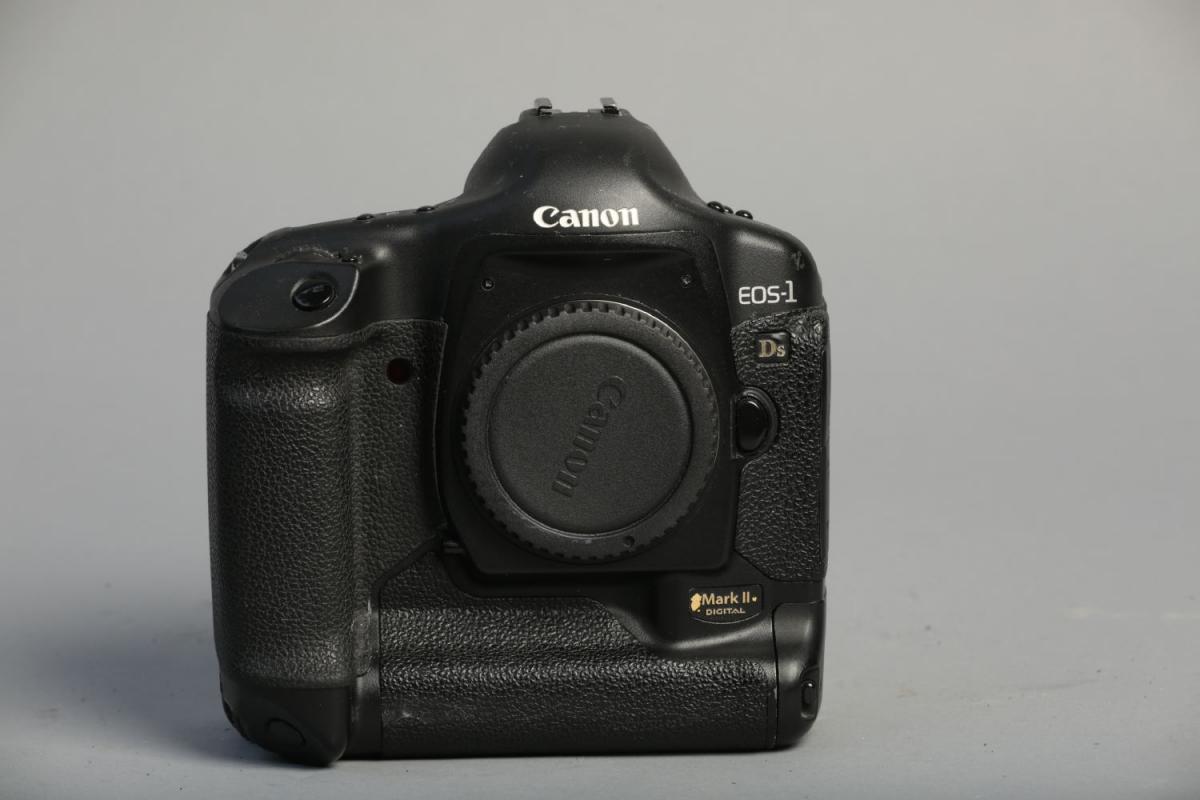
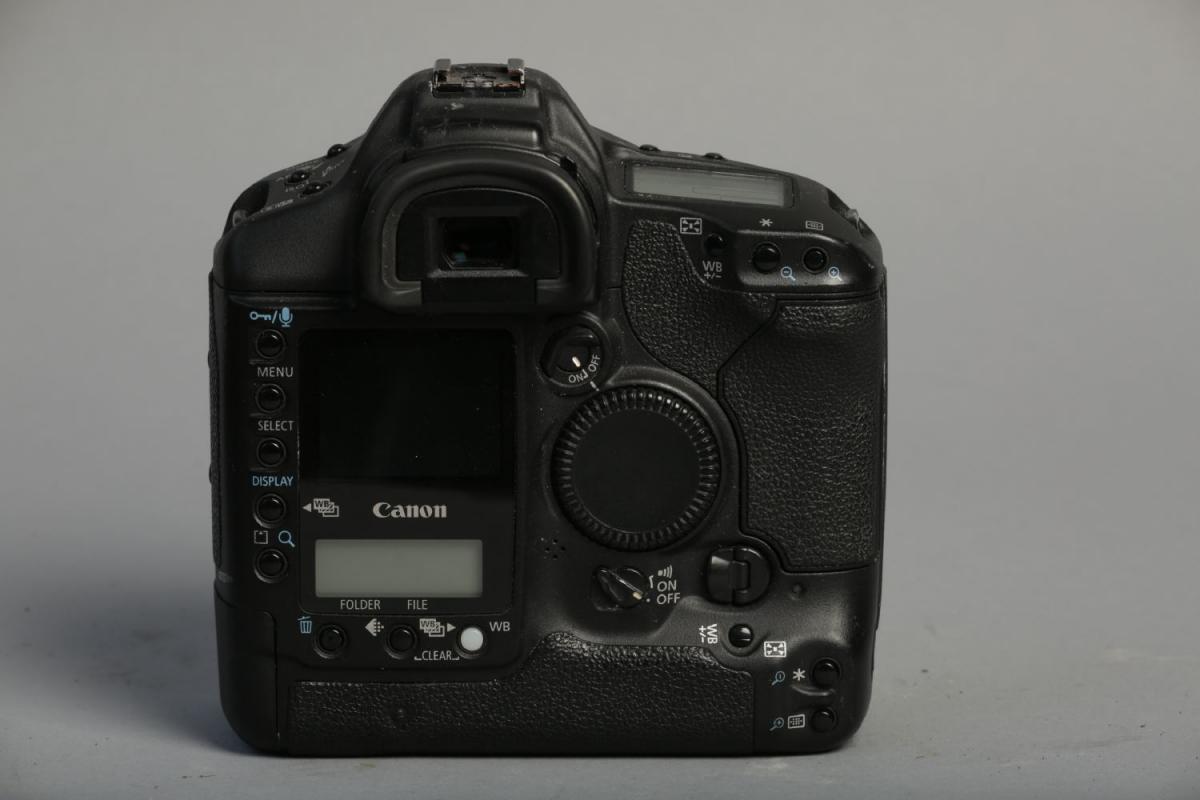
    Canon 1Ds Mark II 16.7 MP full frame camera

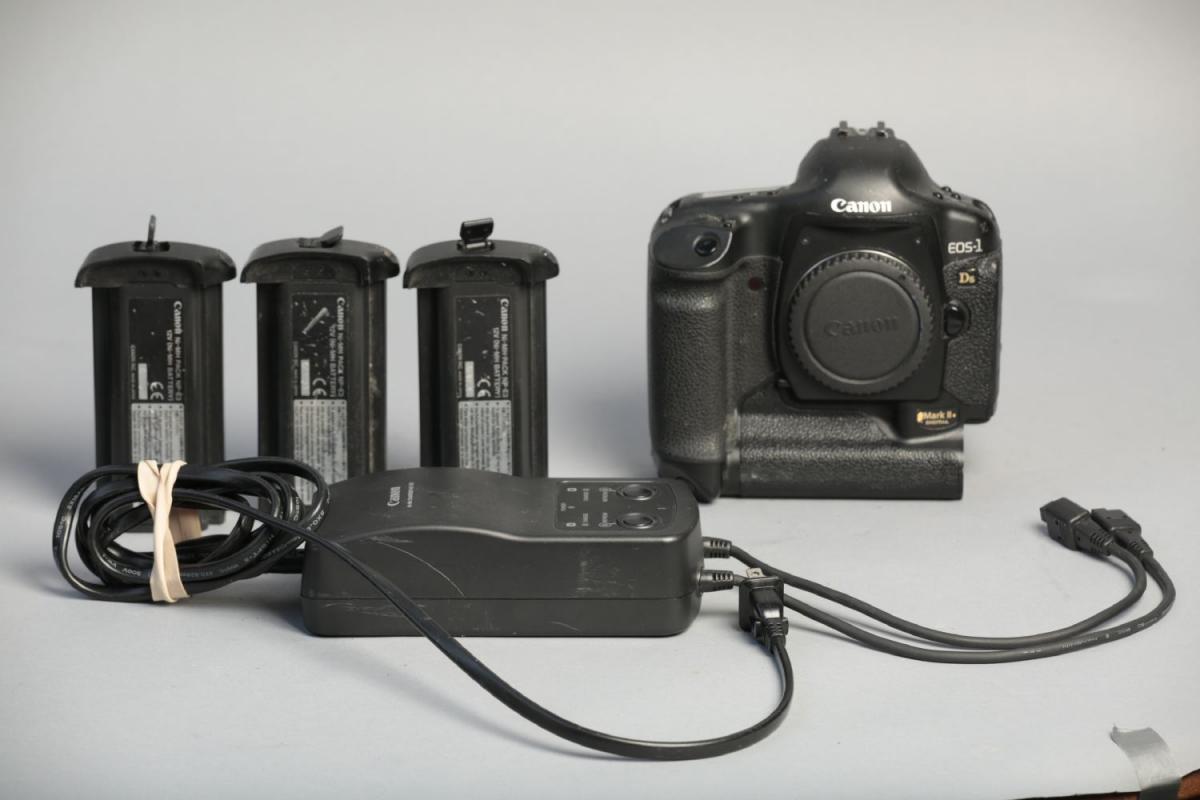
    Canon NC-E2 Charger with three batteries

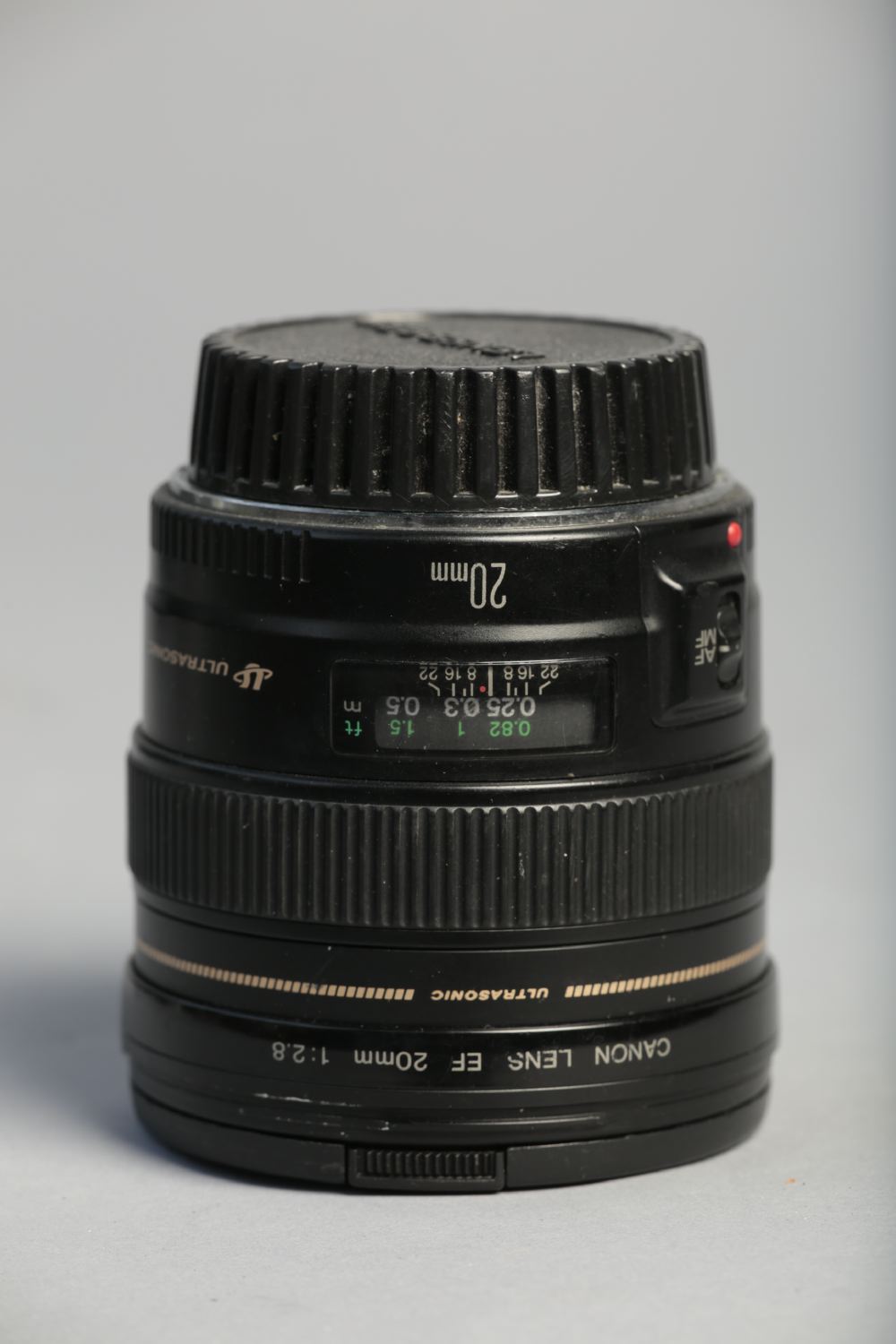
    Canon 20mm f/2.8 lens

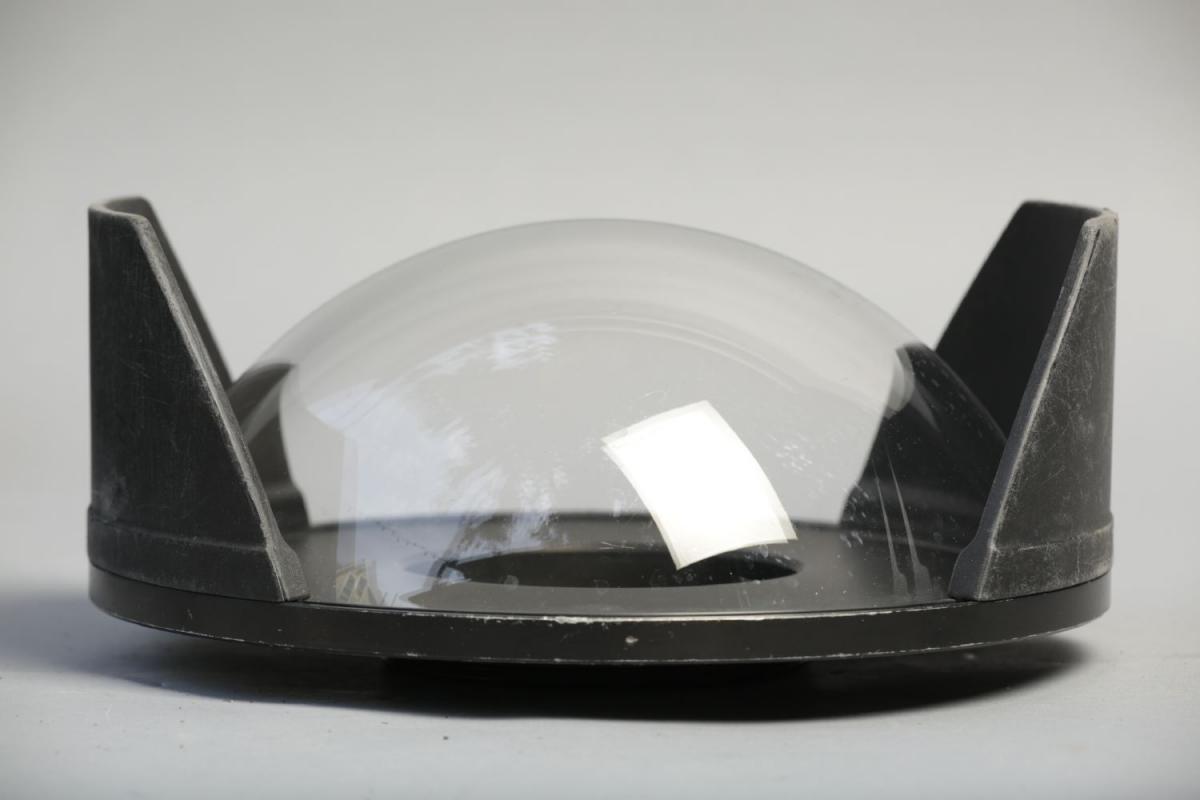
    Seacam Superdome

    Seacam G Pro Viewfinder


    Seacam Canon 1D Underwater Housing: Well loved over the years, but still fully functional. Marks and dings on the exterior and handles. Recently serviced by Mike at Underwater Camera Repair in Miami.


    Canon 1Ds Mark II 16.7 MP full frame camera: Used Canon 1Ds Mark II digital camera body. The camera boasts a full frame 16.7 megapixel sensor that creates incredible images. Includes Ni-MH Charger NC-E2 battery charger and three NP-E3 batteries. There are some minor nicks and marks on the body, as visible in the listing photographs. One of the batteries has a cracked housing at the charger input, but is still functional. I purchased the camera used in 2010 but it has been used only rarely in the past few years


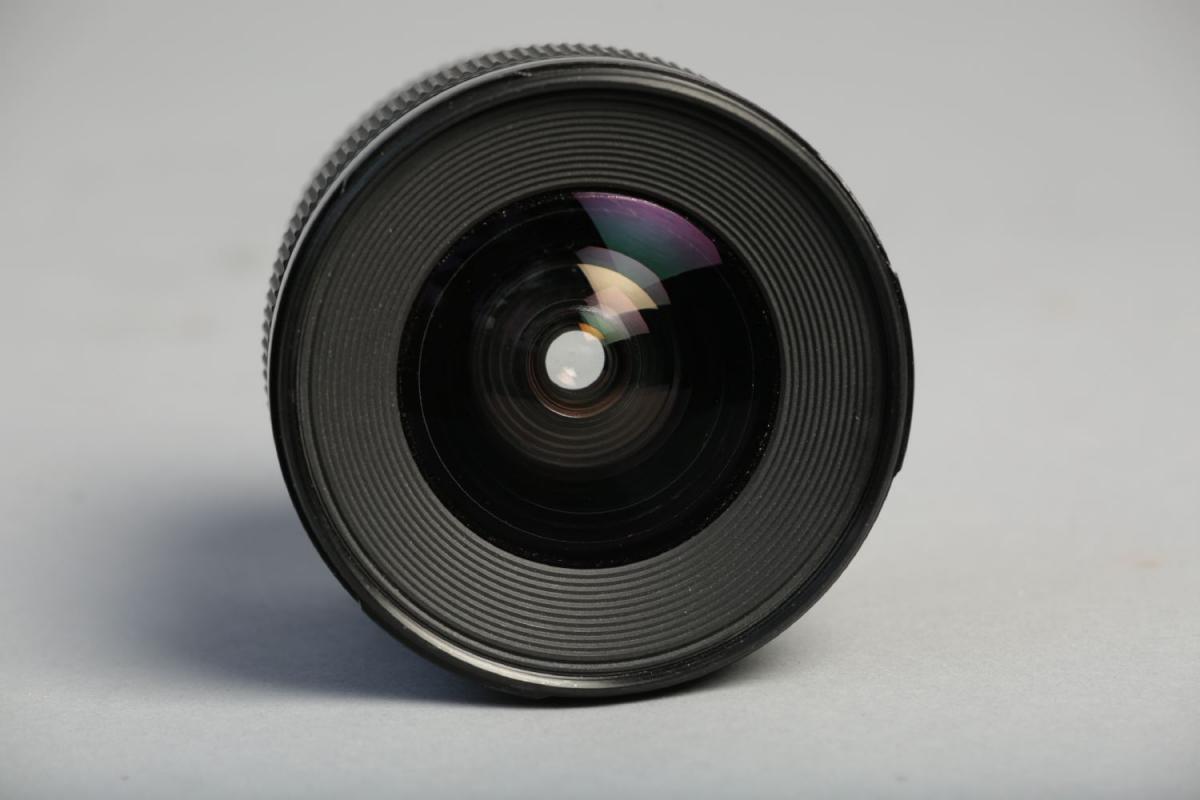
    Canon 20mm f/2.8 lens: Very nice condition lens. Clean front and rear elements. Includes front and rear Canon lens caps.

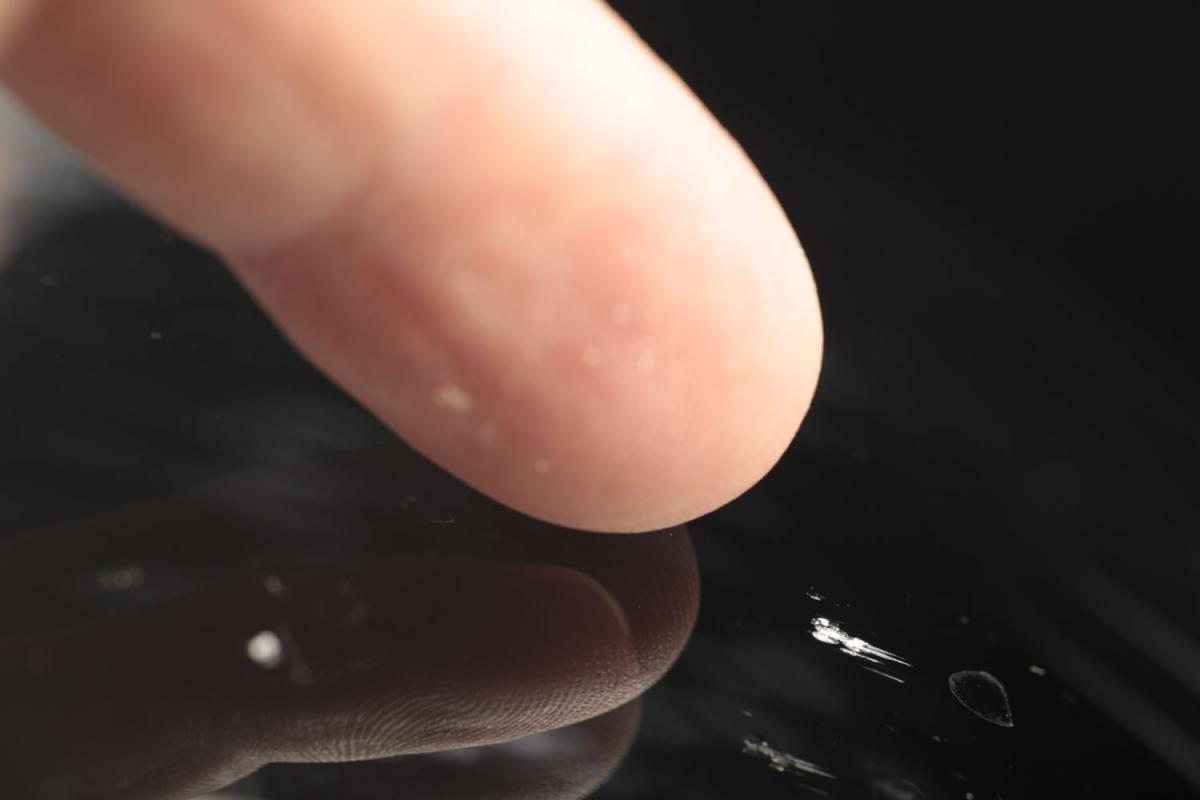
    Seacam Superdome: There are a few small nicks and marks on the massive glass dome, as well as wear on the shades. I'm blaming it on the walrus that whacked the dome in Svalbard.


    Seacam G Pro Viewfinder: Fully functional finder.
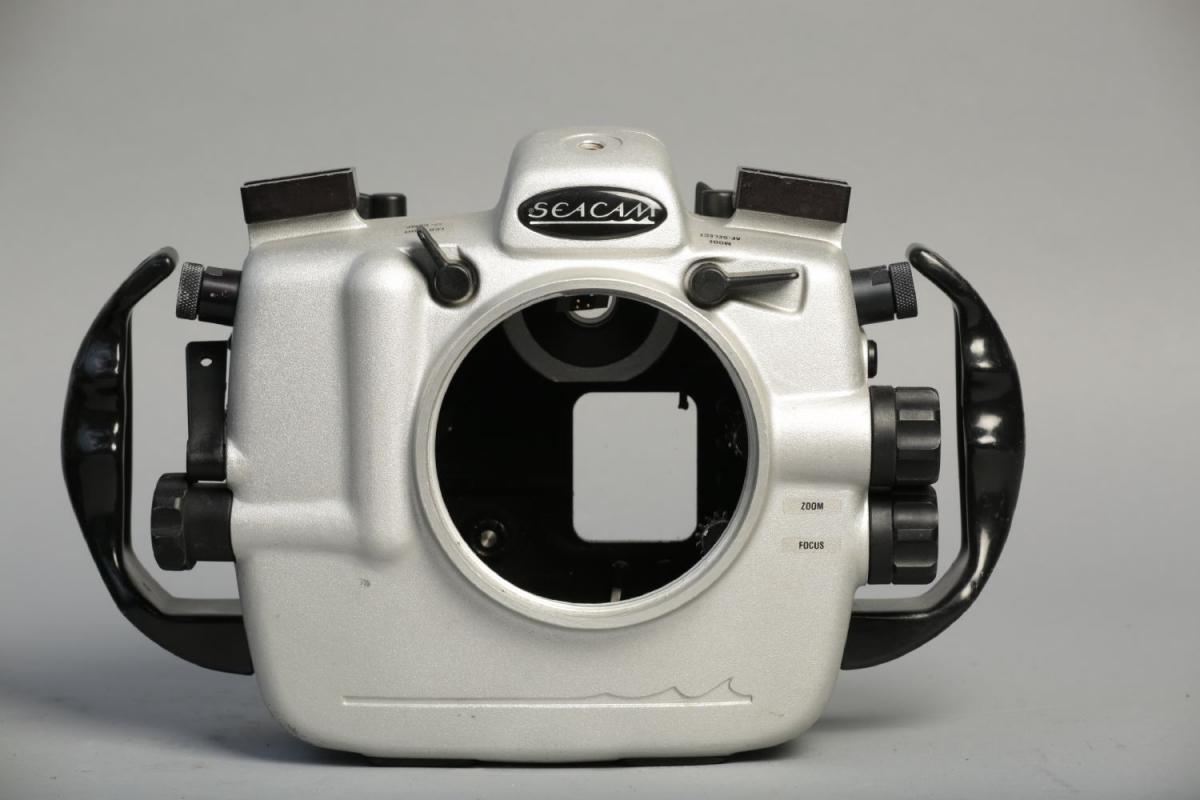
     

    I'm open to offers to sell off individual parts of the system, but would prefer to send them off to a single buyer. US only, please. Free shipping if you take the complete system.
    Payment via secured funds or paypal (+3%).
    Contact paul@worldfoto.com


    post-4408-0-95367900-1433885831_thumb.jpg

    post-4408-0-41691300-1433885833_thumb.jpg

    post-4408-0-98069900-1433885834_thumb.jpg

    post-4408-0-47400700-1433885836_thumb.jpg

    post-4408-0-08685900-1433885839_thumb.jpg

    post-4408-0-41020400-1433885840_thumb.jpg

    post-4408-0-01683900-1433885842_thumb.jpg

    post-4408-0-92138100-1433886003_thumb.jpg

    post-4408-0-98893600-1433886161_thumb.jpg

    post-4408-0-28799100-1433886163_thumb.jpg

    post-4408-0-96888700-1433886174_thumb.jpg

    post-4408-0-38262000-1433886188_thumb.jpg

    post-4408-0-62202200-1433886189_thumb.jpg

Ultralight Control Systems

Account

Navigation

Search

Search

Configure browser push notifications

Chrome (Android)
  1. Tap the lock icon next to the address bar.
  2. Tap Permissions → Notifications.
  3. Adjust your preference.
Chrome (Desktop)
  1. Click the padlock icon in the address bar.
  2. Select Site settings.
  3. Find Notifications and adjust your preference.