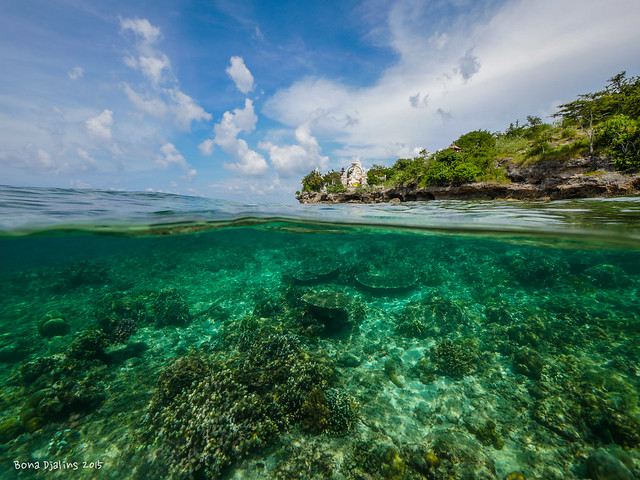
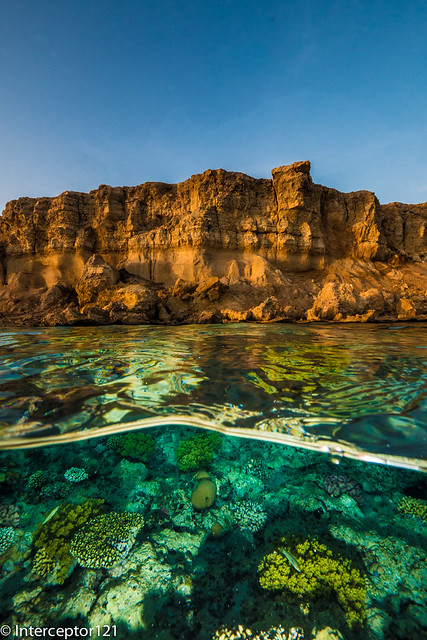
GH4, 7-14 with nauticam housing and Nauticam 180mm glass dome. I've cropped the pic basically to make the "candi" (or castle) a bit bigger in the centre of the frame. Shot at Menjangan island, Bali - Indonesia.
Hope the pic helps.
Good image however 18 cm dome will be definitely easier than 15 to shoot. I can't open the exit on Flickr what settings did you use?
Strange.. I did not hide the EXIF
Anyhow I use f/8, 1/400, ISO 200 at 7mm.
I got myself the lens second hand now looking at the nauticam port that will make splits even more challenging as the water in a way sticks but we should see
Hey bona I looked at your pictures and at f/4.5 the corners look really bad. However I can't really see lots of difference between f/6.3 f/7.1 and f/8. What's your experience been? Have you tried f/5.6?
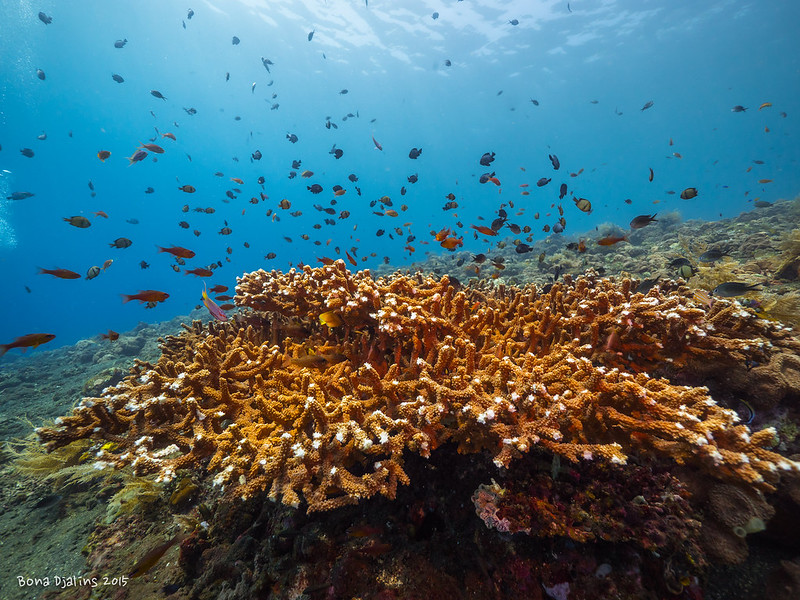
I use f/8 almost exclusively now for still, when I just got the lens I did try f/4 and f/5.6 but both did not give "predictable" corner sharpness. Some times f/4 did give good corner like bellow:
But most of the times f/4 and 5.6 the corner were horrible. So just to be safe I use f/8.
It depends on the distance to the subject. In this case the corners are further behind in other cases they are in the same focal plane of the centre of the picture. For reef shots you really want to use the fisheye, this lens is more for wreck interiors and large fish where there is blue water background
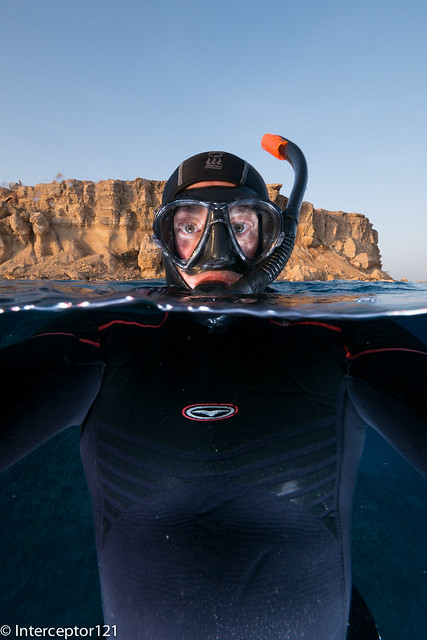
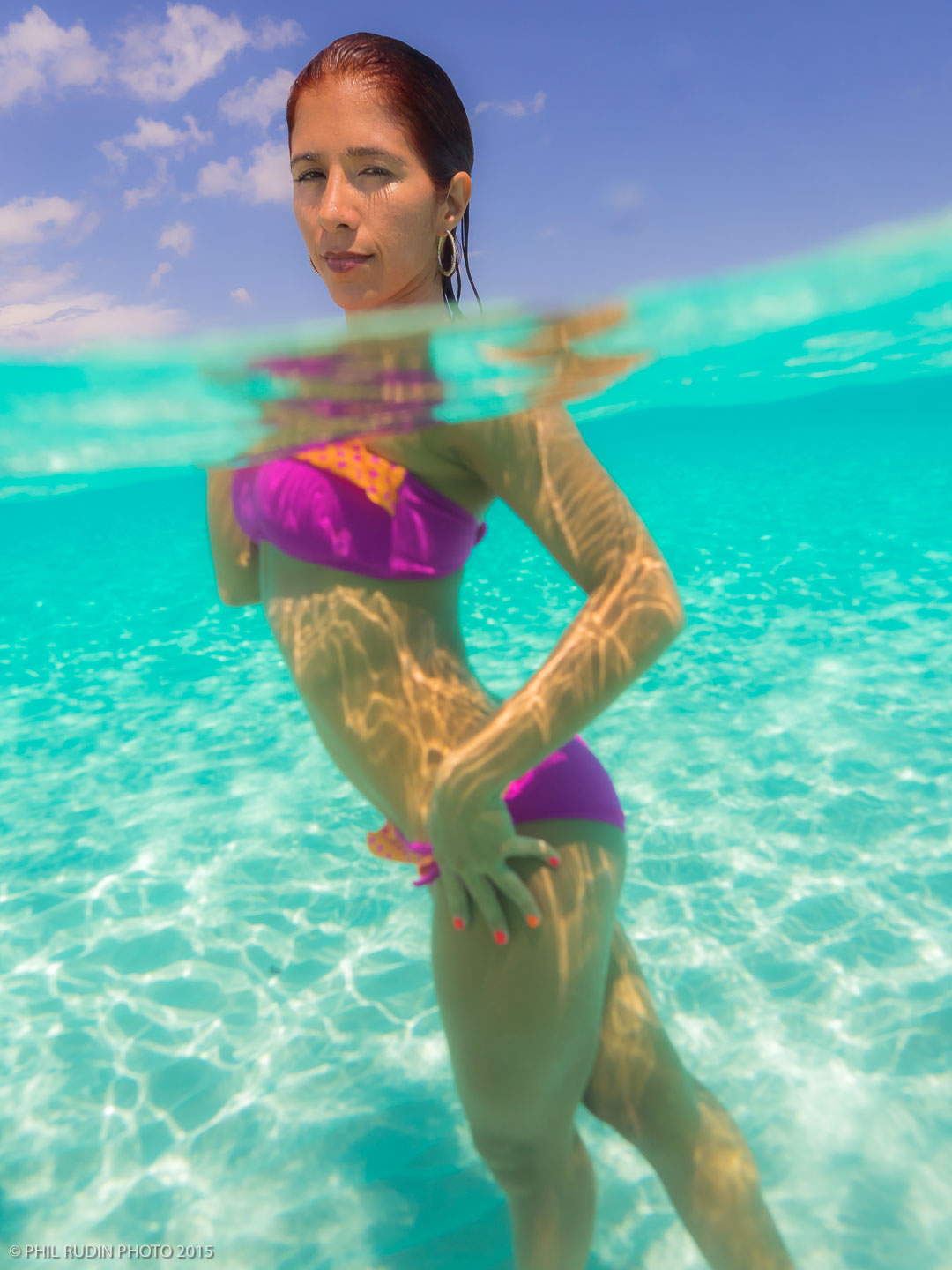
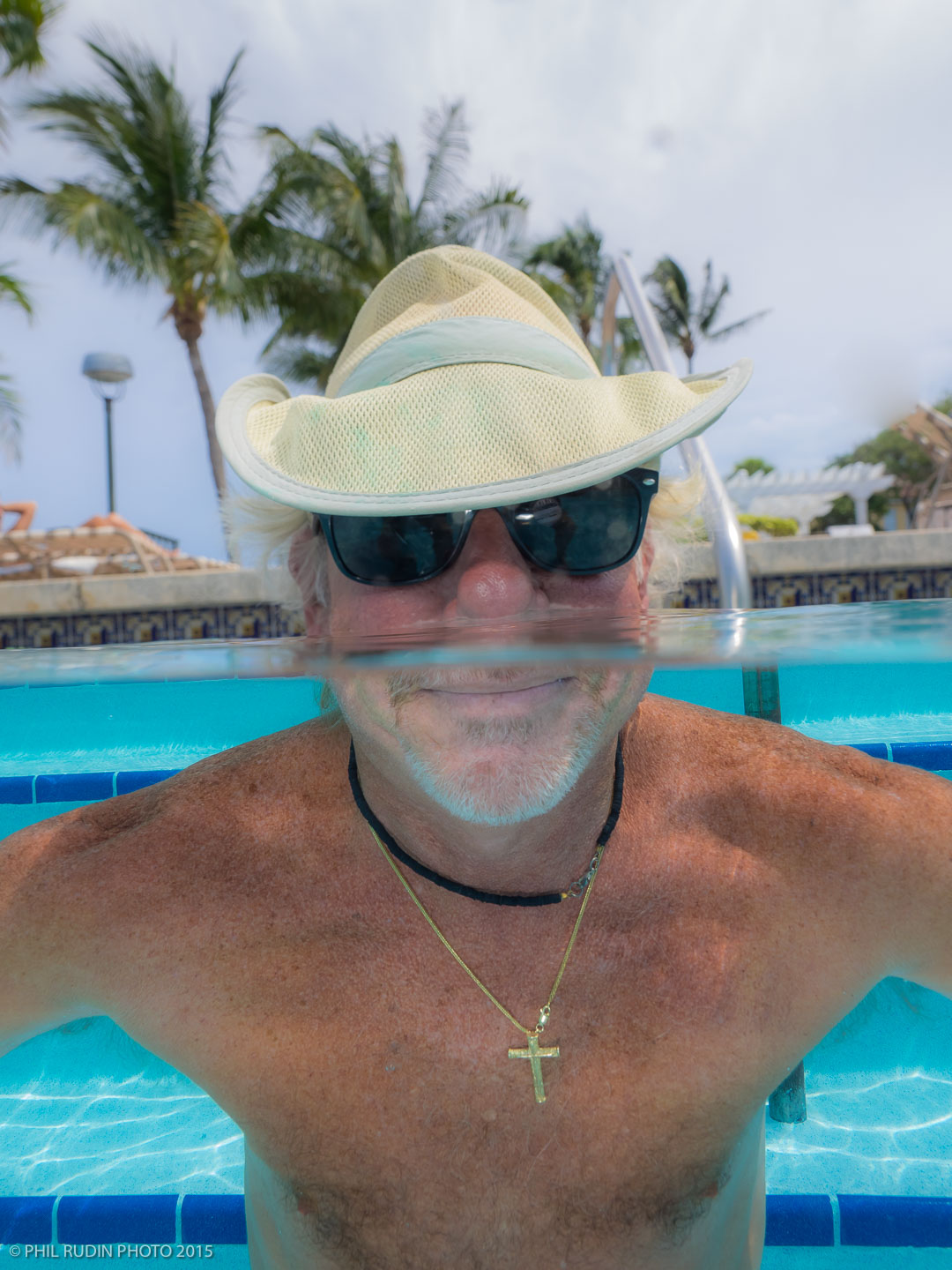
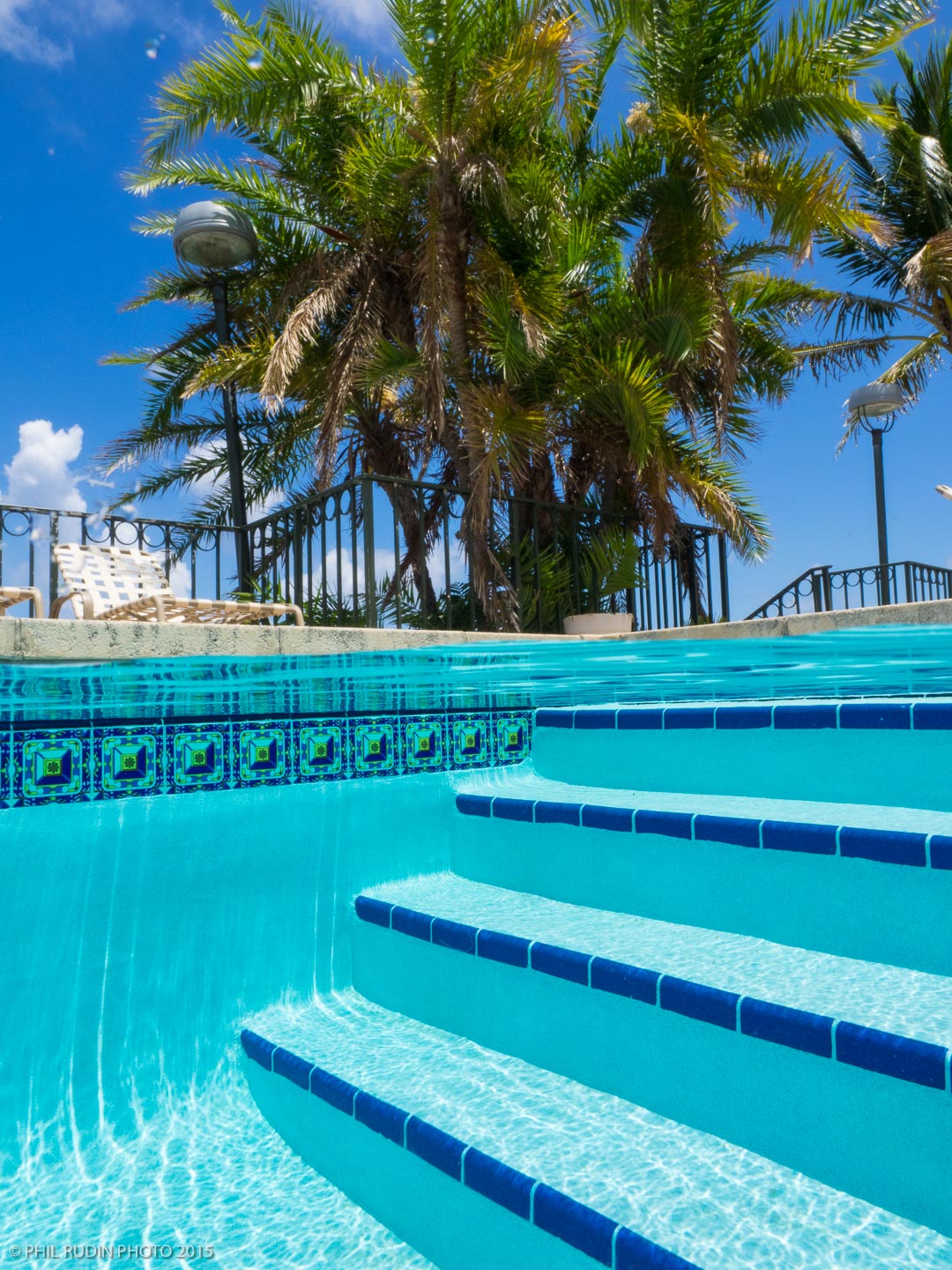
I have used both ZEN 170mm ports, open water shot is ZEN type I with the Olympus 12mm F/2 and the pool shots are with the ZEN type II (longer extension for the Olympus 12-40 F/2.8 and the Panasonic7-14mm zooms). The pool shots are also at 12mm with Olympus 12-40mm F/2.8, I like 12mm for people shots and find the corners look very good compared to some of the wider AOV's of the 9-18 and 7-14mm.
EM-5 in Nauticam housing, Pany 7-14mm with 6"dome port,
Both Wisnu and I use the 6" port. 4" requires very still conditions
ah, thx4info!
and which body do you use?
Panasonic GX7. Panasonic lenses tend to work better with Panasonic bodies as there is automatic distortion as chromatic aberration correction. I understand distortion gets corrected anyway as part of lens profiles but not CA so you may want to check this lens combination with an Olympus body as removing ca in post leads to even more soft corners
Panasonic GX7. Panasonic lenses tend to work better with Panasonic bodies as there is automatic distortion as chromatic aberration correction. I understand distortion gets corrected anyway as part of lens profiles but not CA so you may want to check this lens combination with an Olympus body as removing ca in post leads to even more soft corners
the correction is also done in the RAW-file, or just in the jpeg?