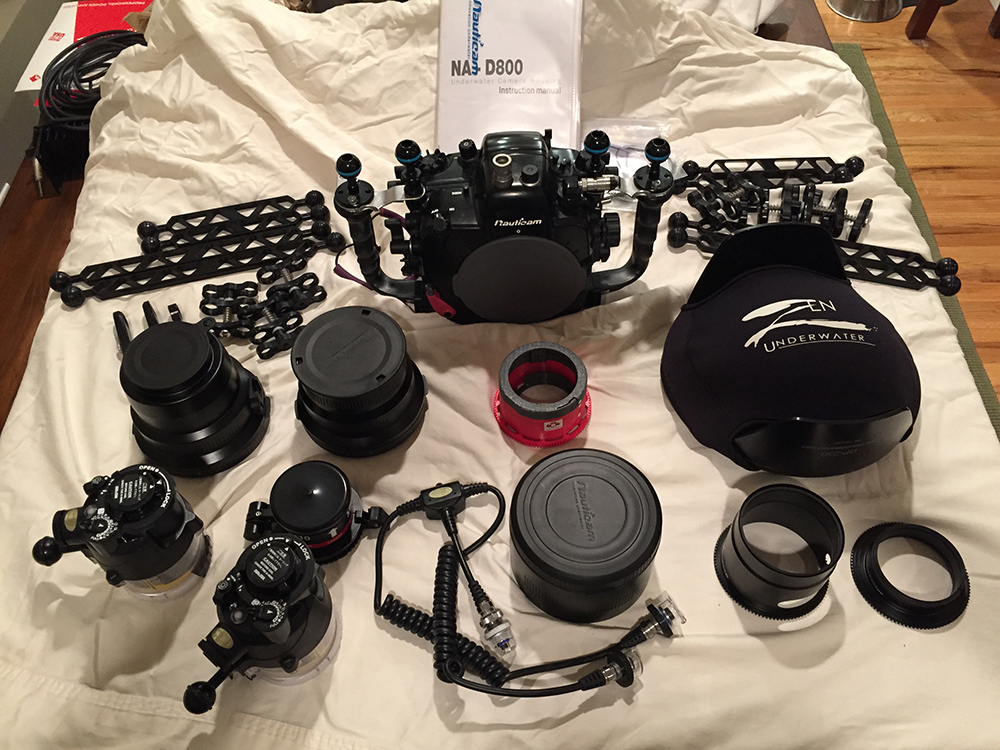
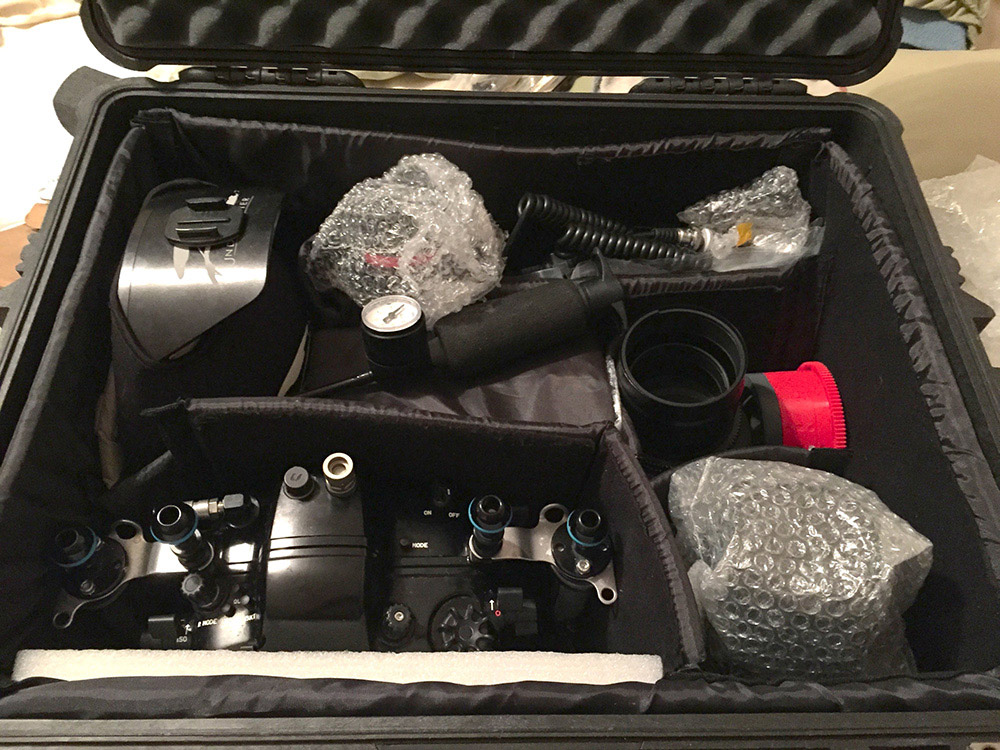
I am selling my complete Nauticam system for D-800. Everything you need except the camera. Ports and gears for wide angle, macro, and Sub See super macro. This system is in excellent shape, having only been on 3 trips. I'm including the Pelican case andair-lock vacuum system. It has been well cared for and maintained.
Here's what's included:
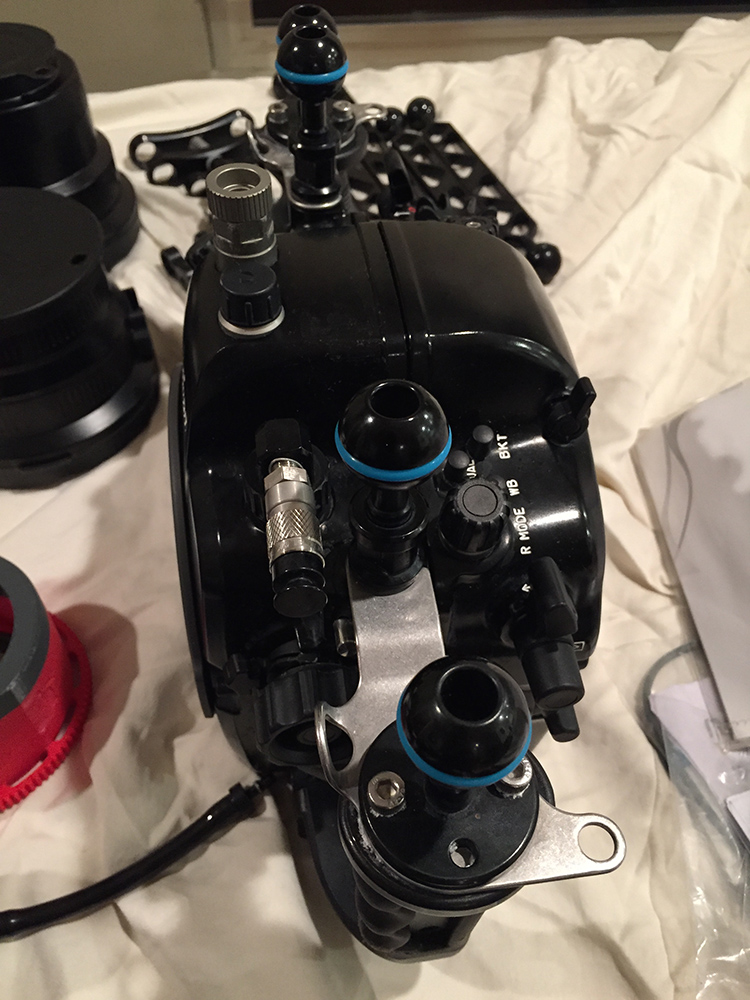
Nauticam NA-D800 housing
8" Zen glass dome port
Nauticam Compact Port Base
Nauticam Compact Port 30
Nauticam Macro Port 87 for Nikon 105 mm VR w/ 67 mm thread
Nauticam N1635 Z Zoom gear for Nikon 16-35 lens
2 Sea & Sea YS-D1 DS TTL Strobes
Nauticam M67 Flip Diopter Holder for M67 Macro Port
4 Ultra Light 8" Double Ball Arms
4 Ultralight 12" Double Ball Arms
8 Ultralight New Style Clamps
2 Nauticam M10 Strobe mounting balls
4 Stix Jumbo Arm Floats
1 Backscatter Air Lock Vacuum Manual Sytem & bulkhead (Bulkhead already attached to housing)
Nauticam Extension Ring 70 with lock
ReefNet Subsee Magnifier +10 lens
Sea & Sea 5 pin Dual Synch Cord- Single Nikonos Bulkhead to 2 Sea & Sea strobes
Pelican 1620 case with padded dividers
Extra O-rings, lubricant & and accessories
I'm asking $7500.00 for the entire system. I am not selling individual parts. Let me know if you have any questions, I'm happy to discuss anything. More photos available. Thanks ! Andy