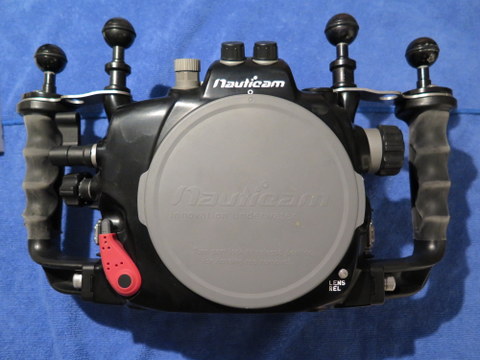
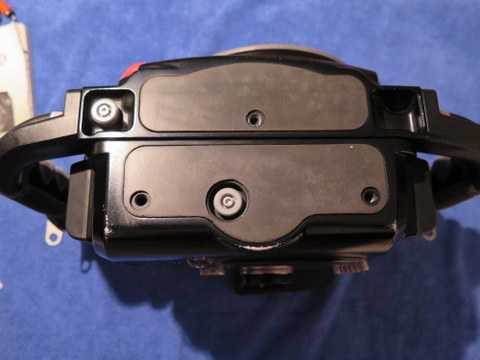
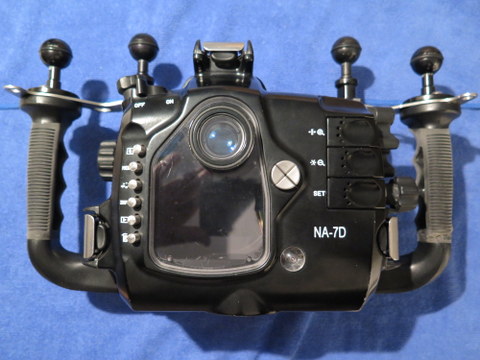
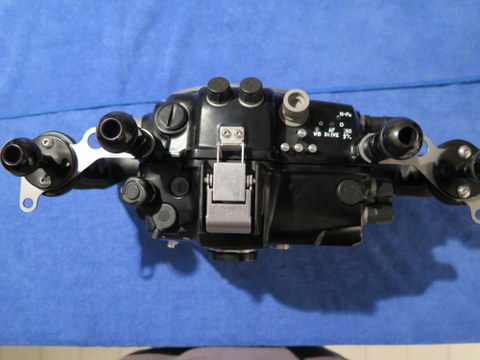
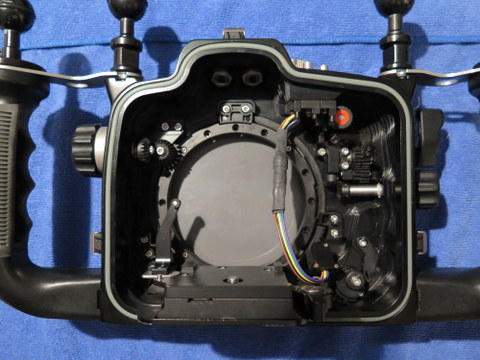
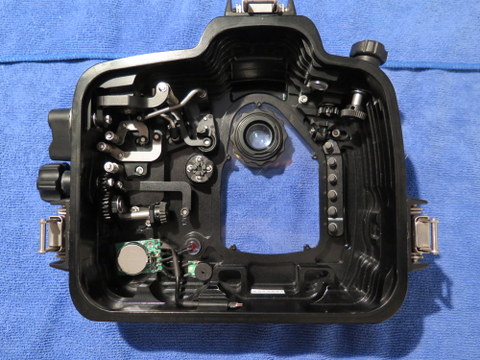
I have a Nauticam NA-7D housing in great condition. This housing was soaked in fresh water after every dive, very well maintained. It has never been in chlorine or flooded. It includes the Nikonos bulkhead.
Nauticam NA-7D Underwater Housing for the Canon 7D
The first impression of the 7D housing is the compact and robust outlook, and like its precedent, the beautiful contour surface come from precision CNC machining and hard anodized finishing. If you compare the 7D housing with previous Nauticam housing, you will find that the new housing has embraced a new way to access the camera buttons without moving hands from the handles. There is a set of piano keys in the rear case of the housing for accessing AF-on selection, star and set function and the most frequently used camera functions can be easily reached through handy levers. And divers don't have to align the camera switch positions to use the on/off lever and still/video lever before closing the housing, the spring loaded actuating mechanisms do automatically engage themselves.
The 7D housing come with standard 0.66x viewfinder, and dual optical fiber bulkhead. In addition to standard port option, there are broad choices of extensions to work with different lens length, and various port adaptors and gear adaptors are available for making most of your existing diving photography equipment.
Technical Data
- Depth Rating: 100m
- Dimensions:
- Length: 350mm (193 mm without handles)
- Thickness:183mm
- Height: 137mm
- Weight: Approx. 2.8kg
I will ship to the lower 48 states. Buyer to pay actual shipping cost PLUS Paypal fees. Will accept Paypal only. $1800 USD