Skip to content

Classifieds / Archived topic

Recsea Housing with Canon G12 and Inon Strobes

Started by Bette ·

  • 5Posts
  • 5Replies

Read-only discussion

Recsea Housing with Canon G12 and Inon Strobes

5 posts
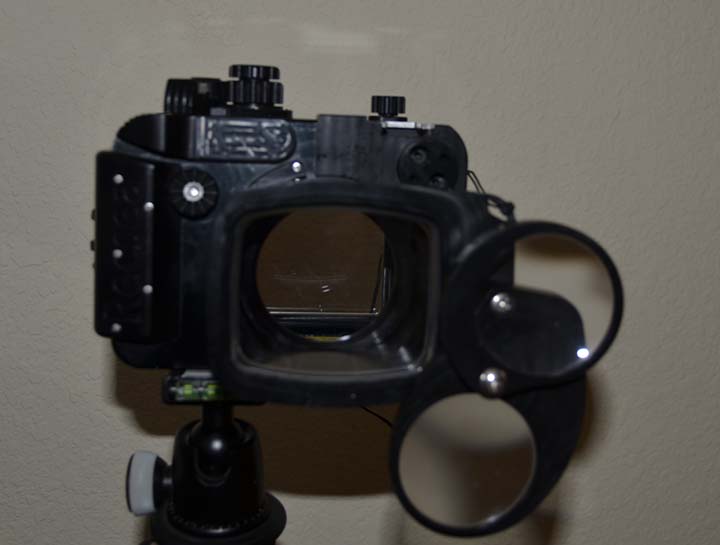
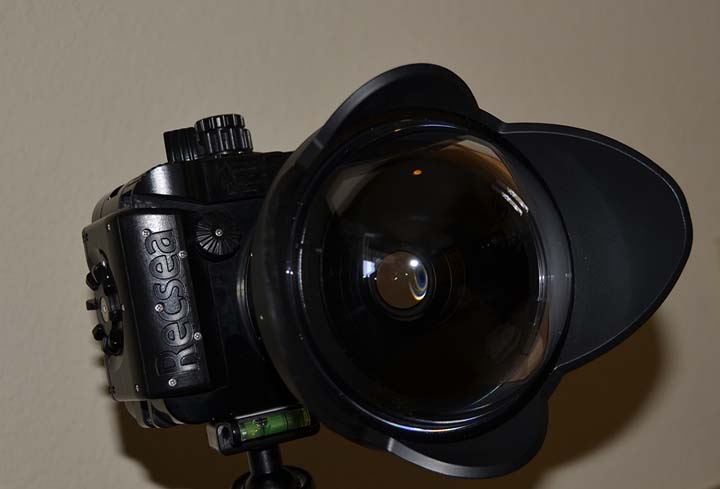
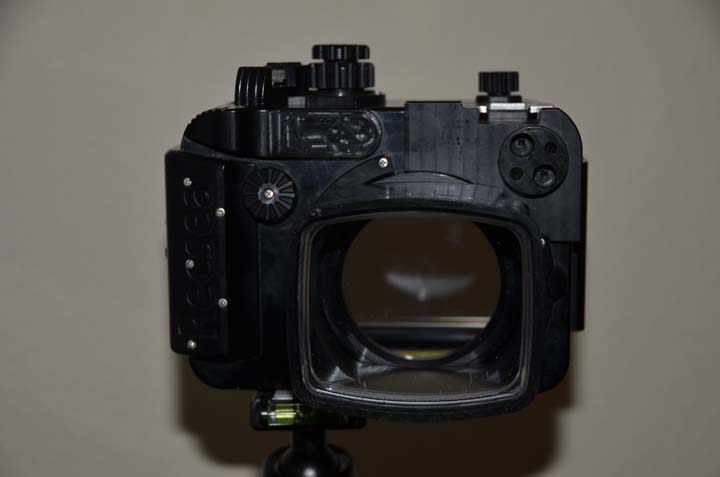
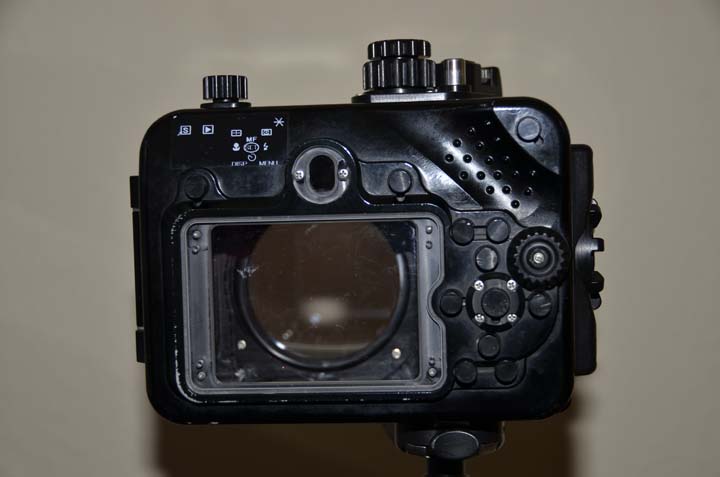
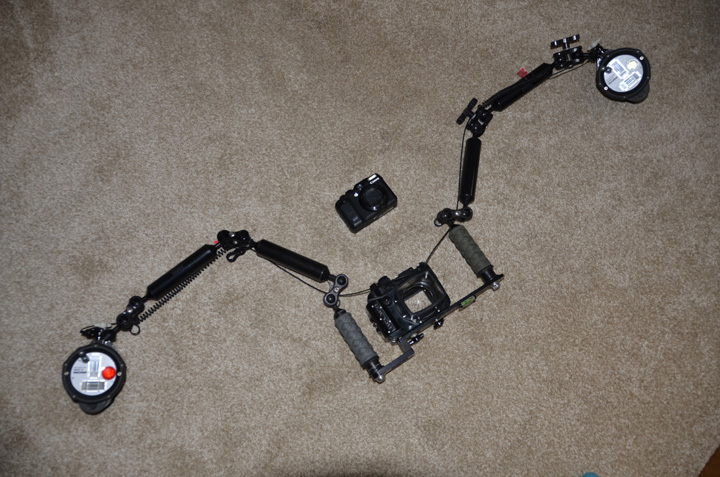
  1. I have recently had to stop diving due to medical reasons and thus have my complete underwater photo set up for sale. I have had the set up for about 4 years and have had it on about 7 dive trips so it is in very good condition. I prefer to sell the complete set up however if individual items have a fair market value offered I will consider them. I am asking $3499.00 for the complete set up.


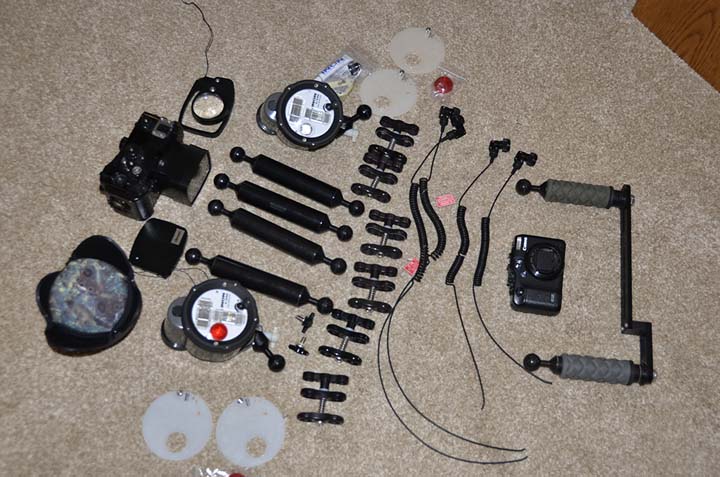
    These are the components of the set up

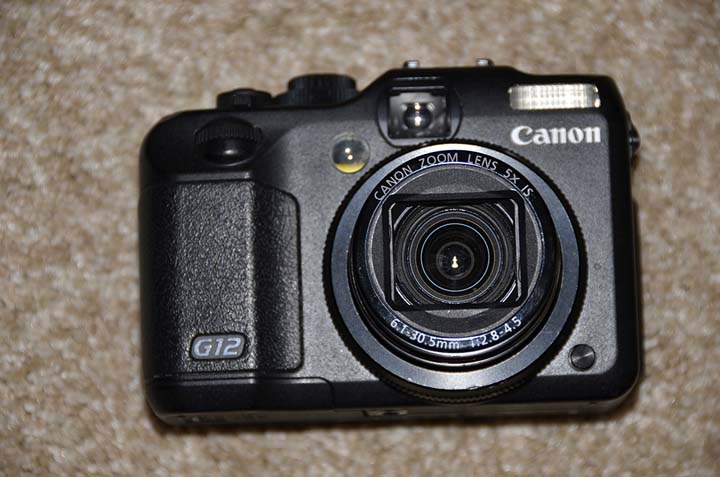
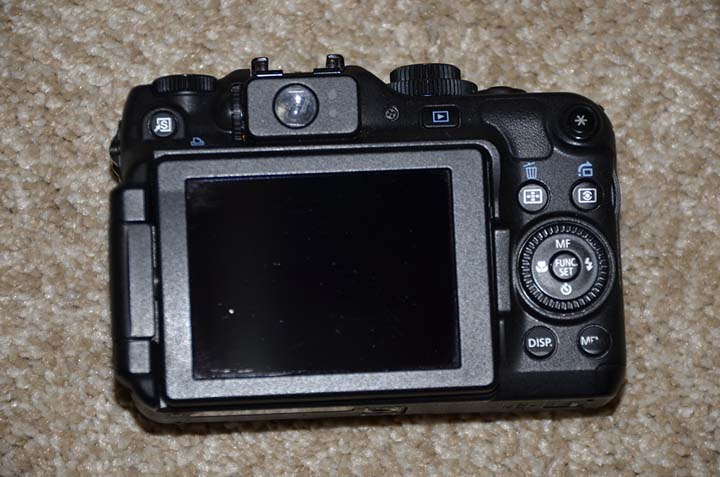
    Canon G12 shoots photo and HD video

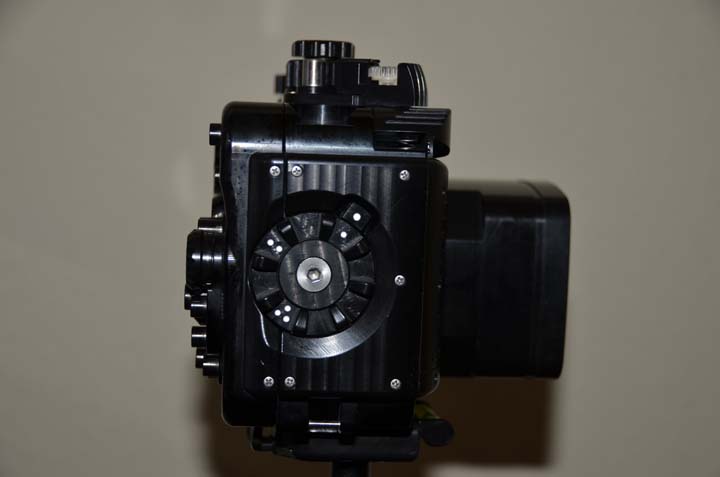
    Recsea Housing accommodates Canon G11 and G12 camera

    Recsea ball adapter used for video lighting

    Dryon Fisheye FIX lens

    FIX easy close up lens, has macro and super macro lens

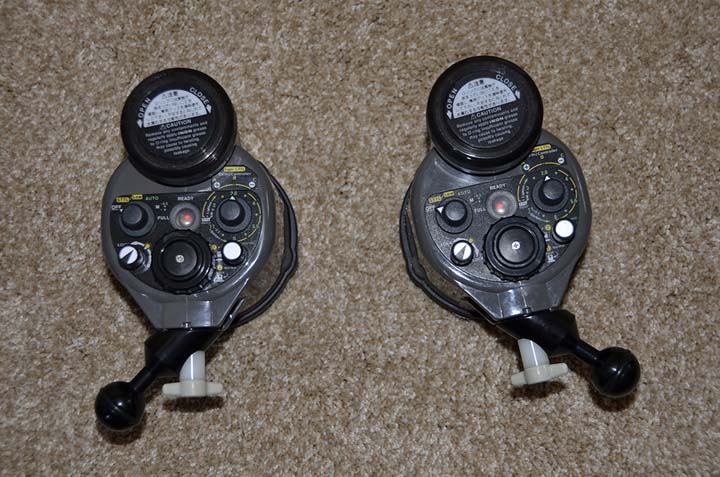
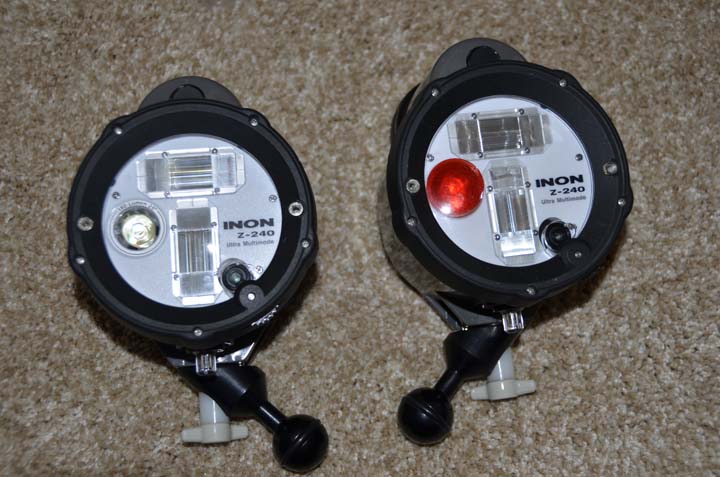
    Inon Z 240 (2strobes) type 4

    Inon optical D cables (17")

    Inon optical D cables short, used when only using 2 arms for macro

    External diffusers for strobes

    Inon O ring replacement sets (2)

    Inon strobe adapter ball mount (2)

    Ultra lite clamps (6)

    Ultra lite tray

    Ultra lite grip handles with ball for arms

    Ultra lite buoyant arms 8" (4 arms)
     

    post-11143-0-69766700-1435415860_thumb.jpg

    post-11143-0-97997600-1435415898_thumb.jpg

    post-11143-0-91506600-1435415911_thumb.jpg

    post-11143-0-60841400-1435415926_thumb.jpg

    post-11143-0-65993100-1435415954_thumb.jpg

    post-11143-0-20485300-1435416392_thumb.jpg

    post-11143-0-78777500-1435416413_thumb.jpg

    post-11143-0-83561300-1435416459_thumb.jpg

    post-11143-0-99128500-1435416509_thumb.jpg

    post-11143-0-70264700-1435416546_thumb.jpg

    post-11143-0-30773500-1435416796_thumb.jpg

  2. I have reduced the price to $2500 for the entire set up.

  3. hello,


    Is this still available? would you be willing to split it up?

  4. Is the Recsea housing still available? Thanks.

  5. This set up has been SOLD in its entirety. Thank you for all of your inquiries.

WaterPixels Store

Account

Navigation

Search

Search

Configure browser push notifications

Chrome (Android)
  1. Tap the lock icon next to the address bar.
  2. Tap Permissions → Notifications.
  3. Adjust your preference.
Chrome (Desktop)
  1. Click the padlock icon in the address bar.
  2. Select Site settings.
  3. Find Notifications and adjust your preference.