



These are few underwater shots which i took using my always reliable Powershot s110 in nauticam housing.... sorry for the qualilty ( it is really small files).. your critics are much sought after... 
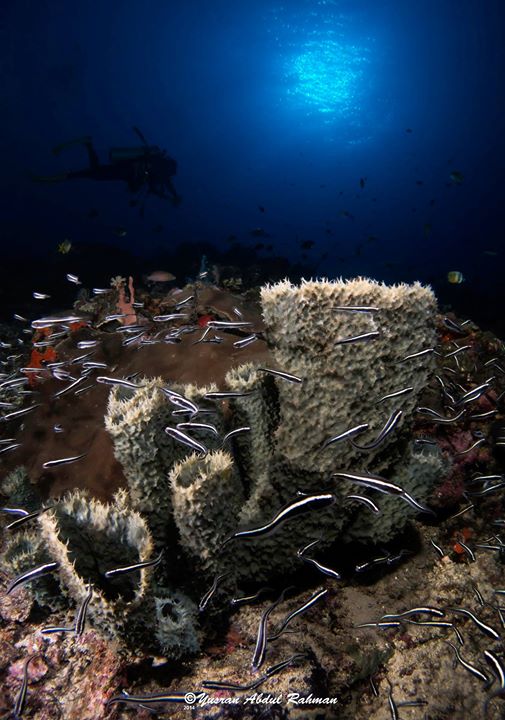
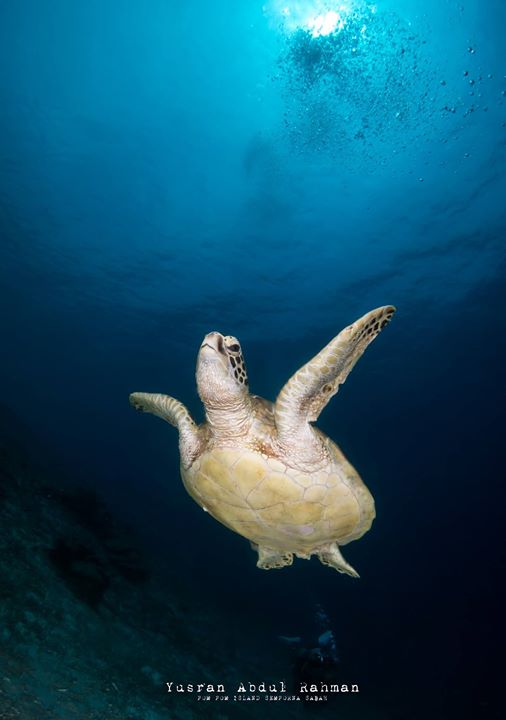
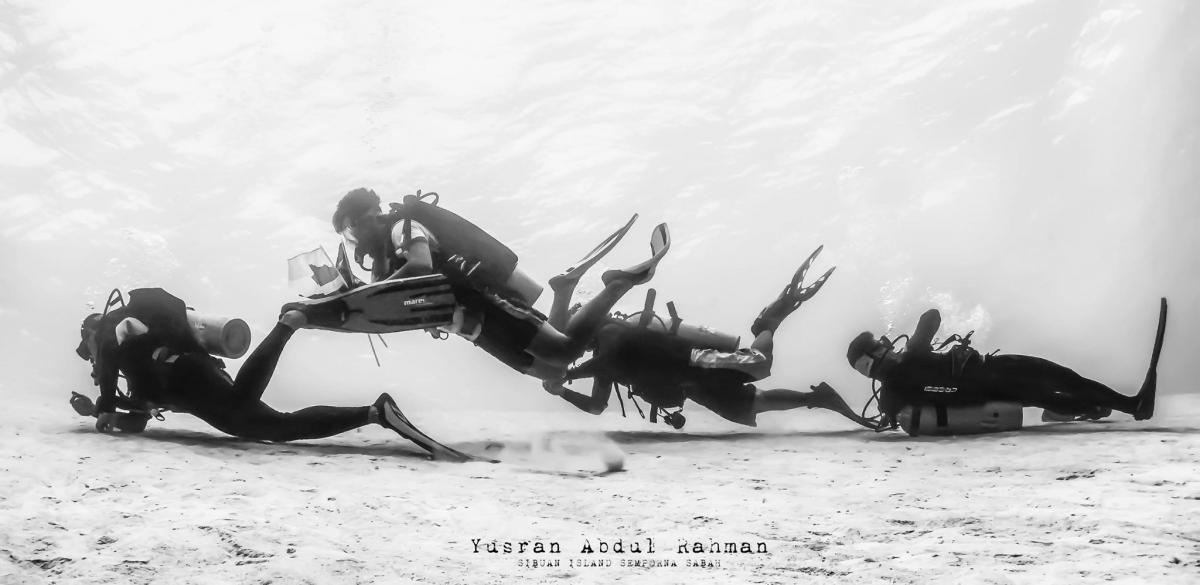
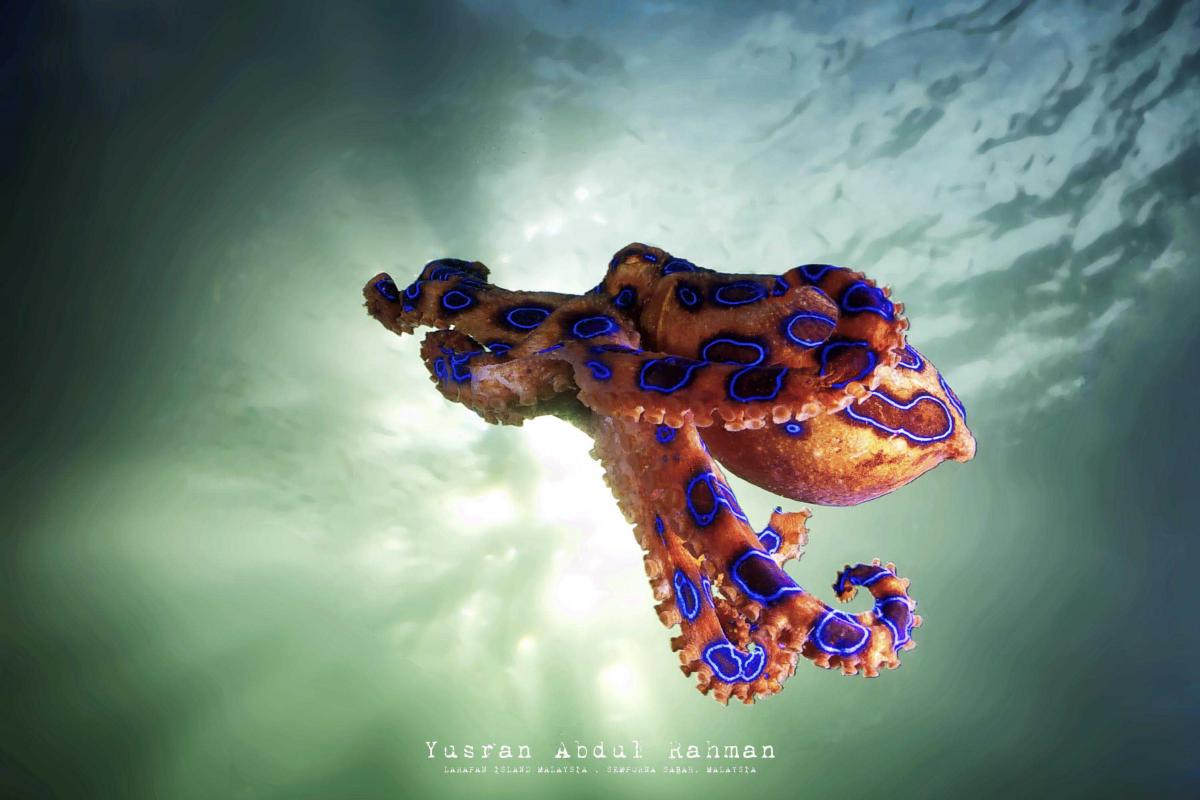
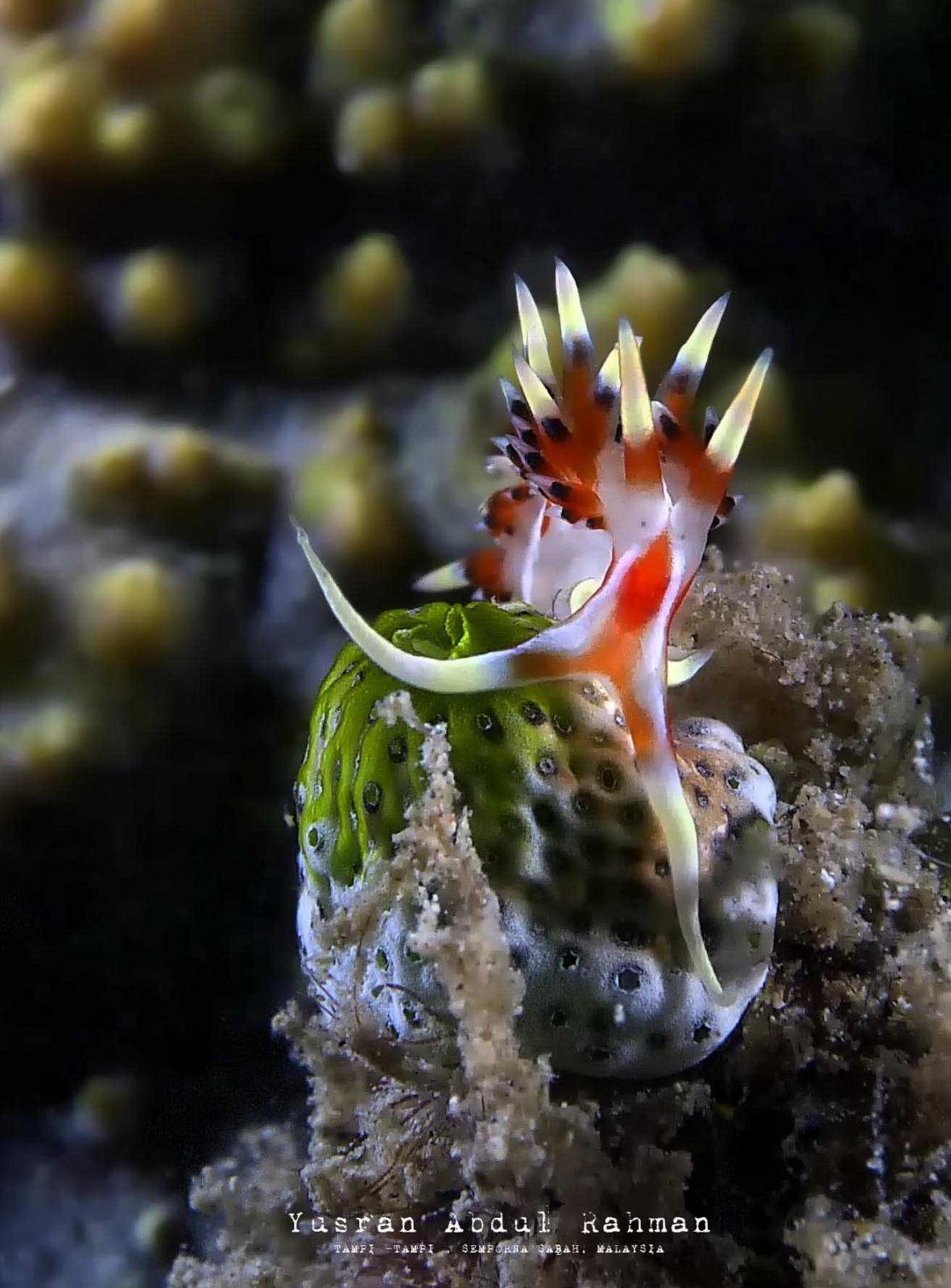
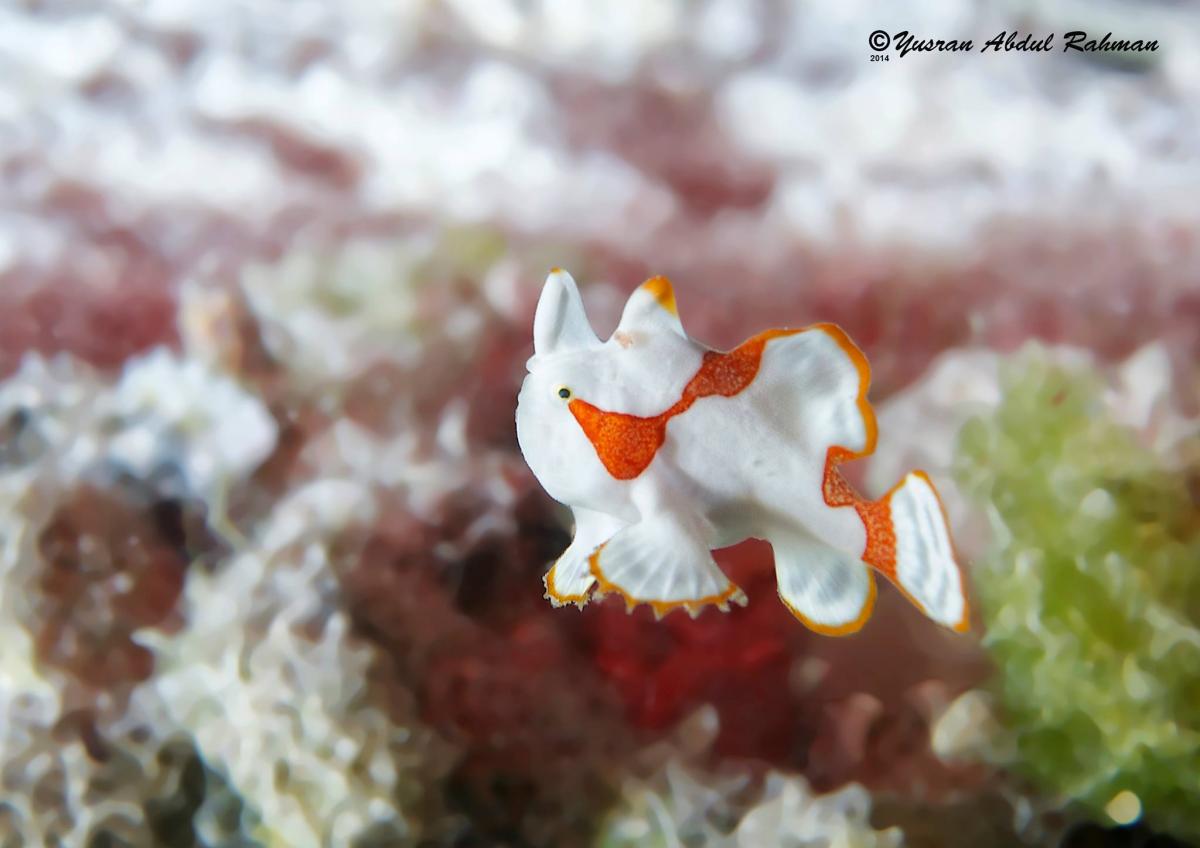
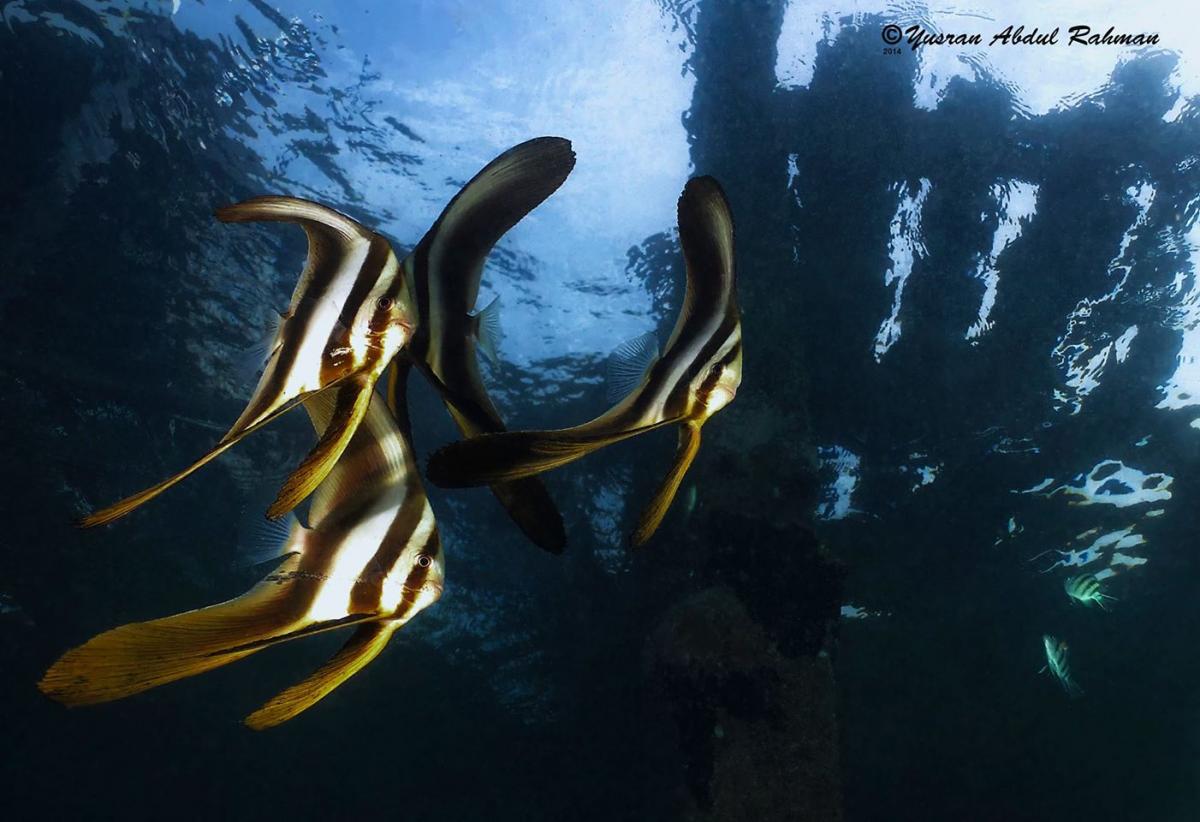
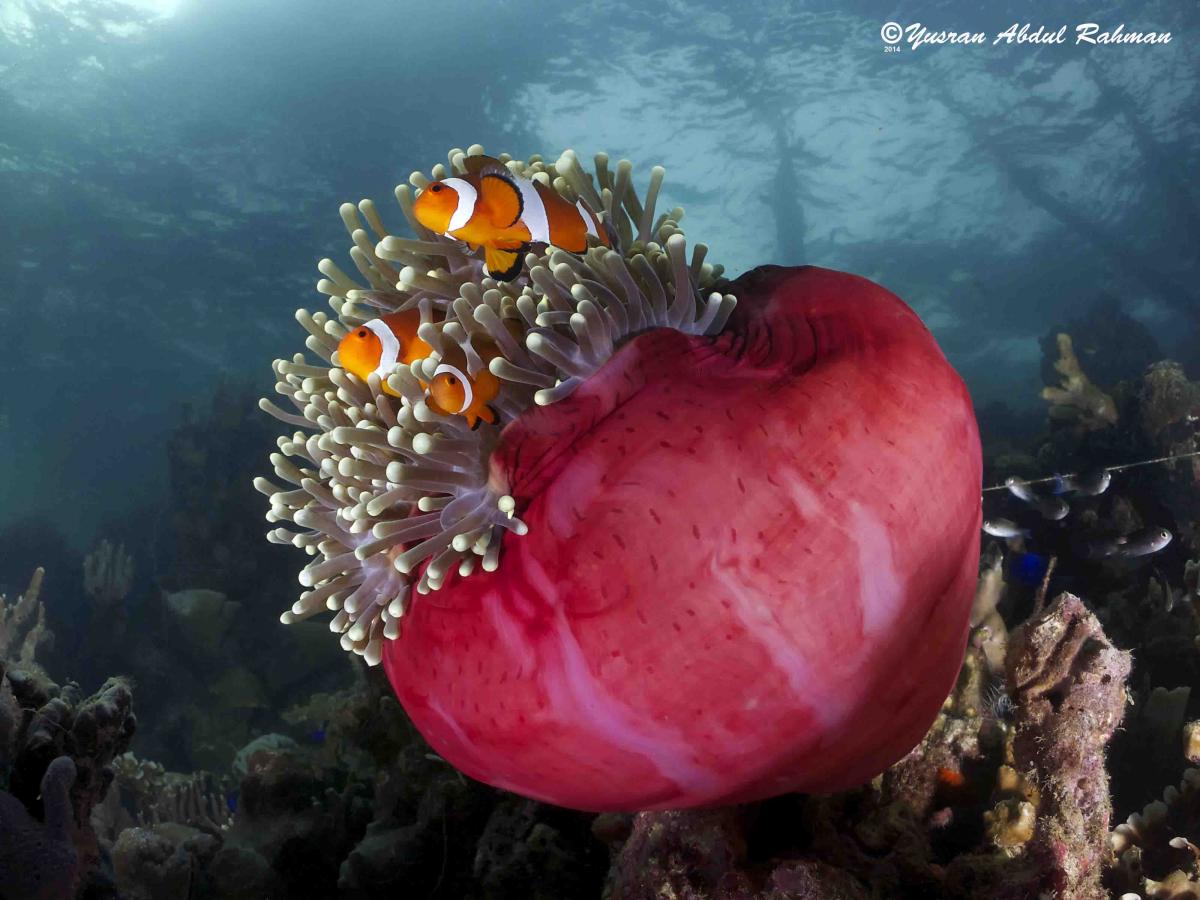
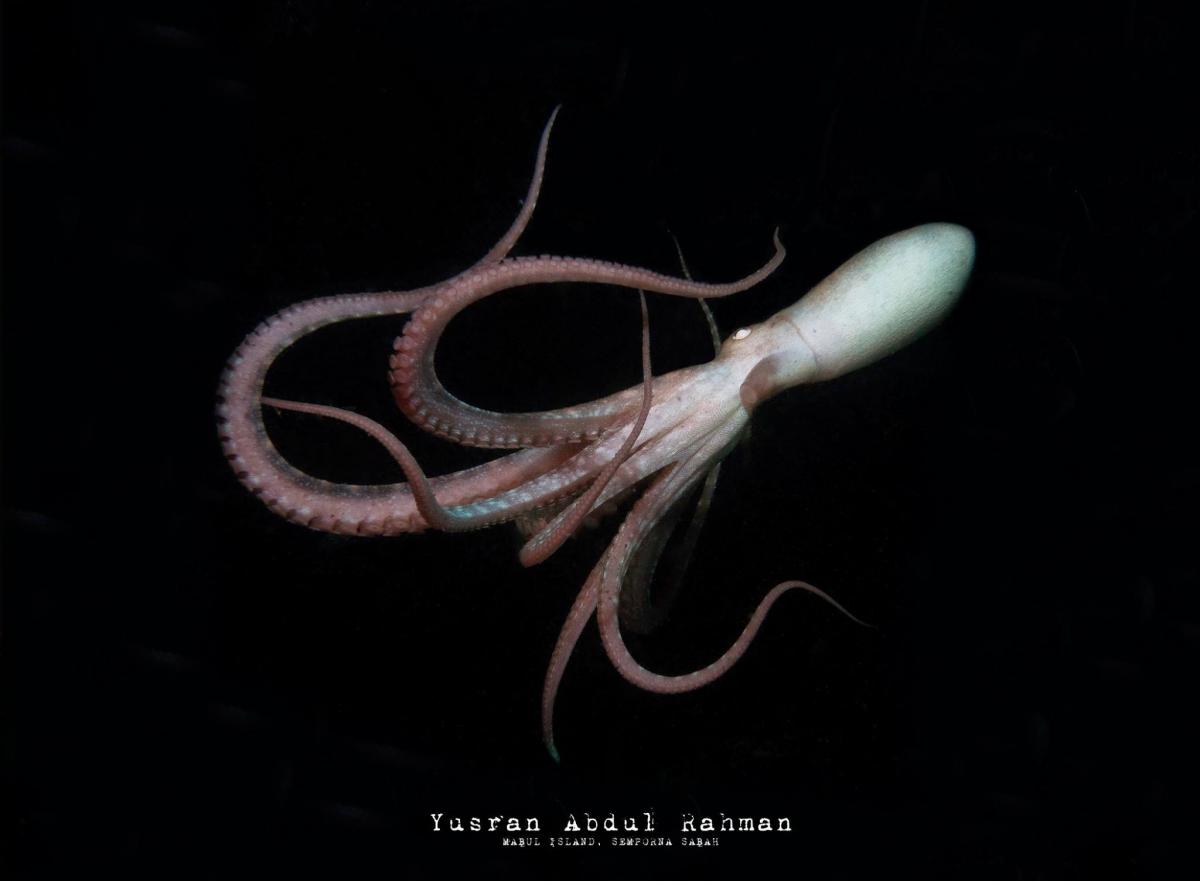
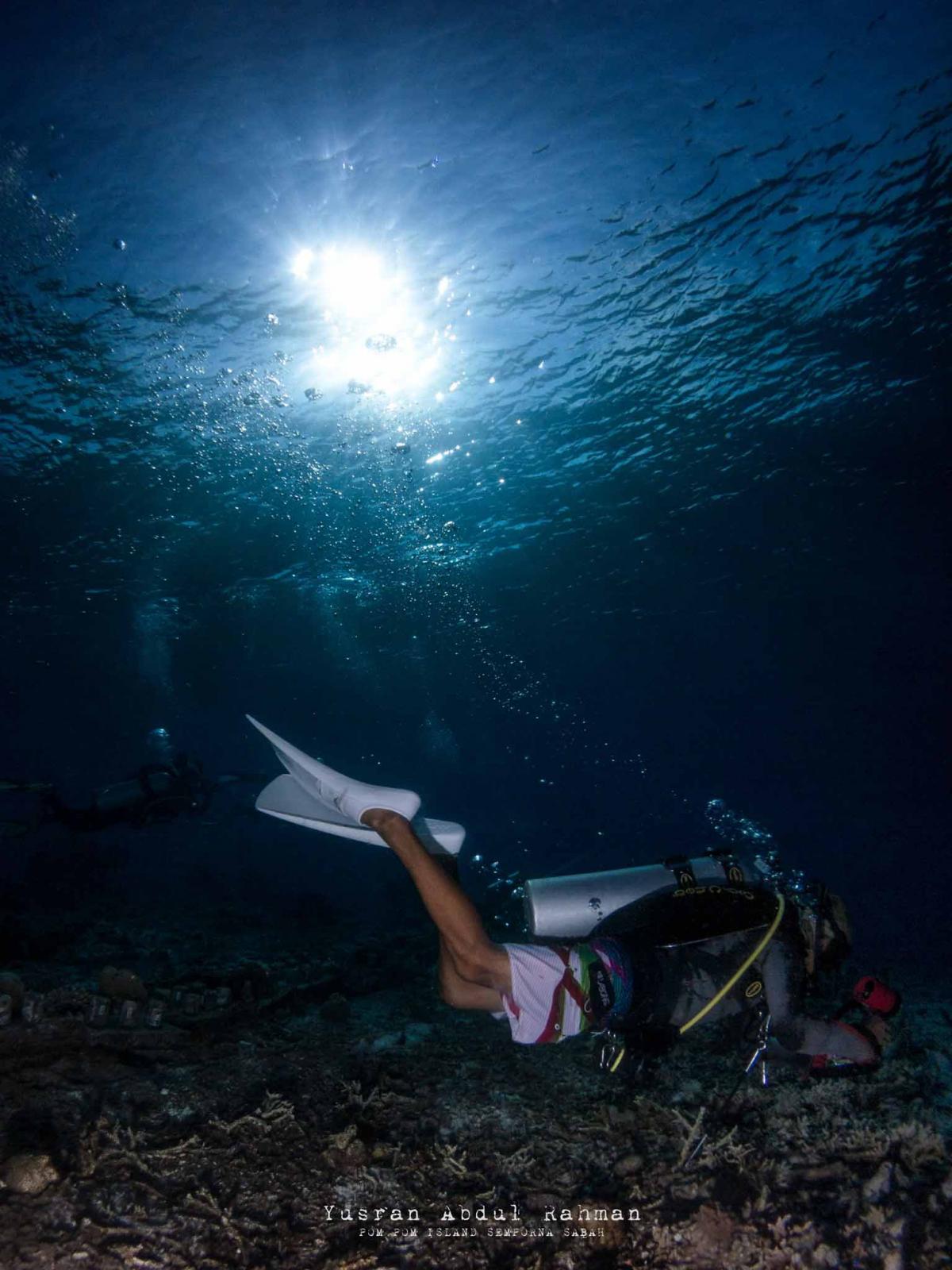
Photo / Video Showcase / Archived topic
Started by Yusran Abdul Rahman ·
Read-only discussion
These are few underwater shots which i took using my always reliable Powershot s110 in nauticam housing.... sorry for the qualilty ( it is really small files).. your critics are much sought after...
Wow, well done - these are really neat pics.
I think the one of the blue-ringed octopus is one of the best I have seen of that particular critter. Was it really in mid-water? Likewise the painted frogfish?
+1 to what Tim said, that's an awesome blue-ringed octopus. And the clownfish are nice too. The nudibranch seems a bit over-sharpened?
thanks Tim.... the blue ring got agitated by my presence, yes it is a benthic species... it is a cropped image by the way.. otherwise, you'll see clearly why the blue ringed is in mid-water.. and yes i agreed with you Coinee.. the nudibranch is over sharpened... the raw file is deleted by mistake.. there's no way for me to make proper corrections.. :-)
You got some really nice looking shots. I enjoyed them. What lenses and strobes did you use?
Also, it would help a lot of other S-110 shooters if you would add a few notes for each picture as to the camera and strobe settings. Your comments about any special techniques used for those images would also be helpful. Thanks for sharing.

Terms of Use Privacy Policy Guidelines We have placed cookies on your device to help make this website better. You can adjust your cookie settings, otherwise we'll assume you're okay to continue.

A worldwide community for underwater imaging.
