



Got the opportunity to put my new rig through its paces in Norway a couple of weeks ago, impressed with the low light capabilities.
A few more...
And a few more...
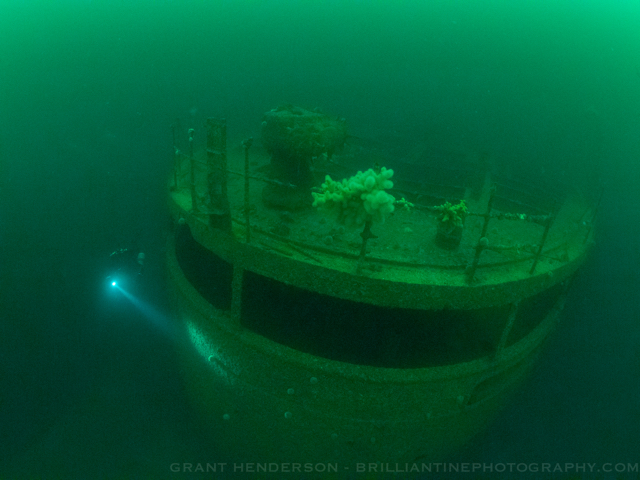
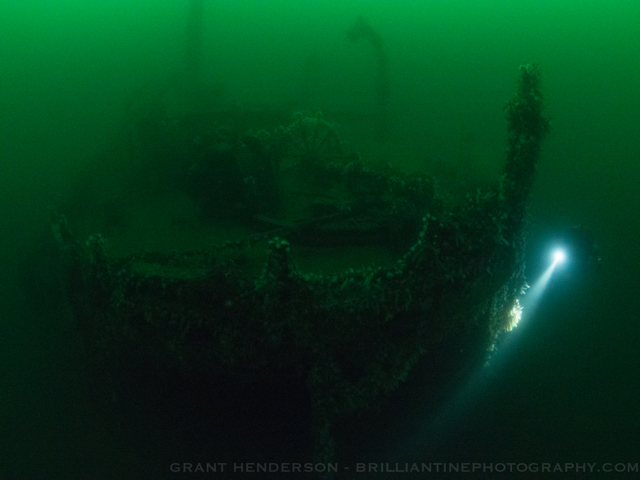
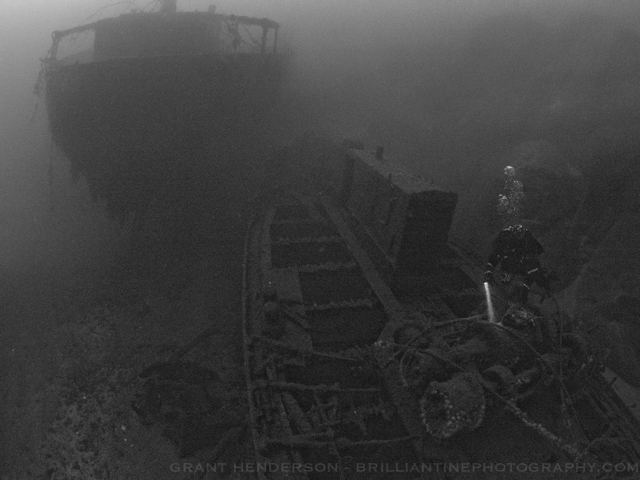
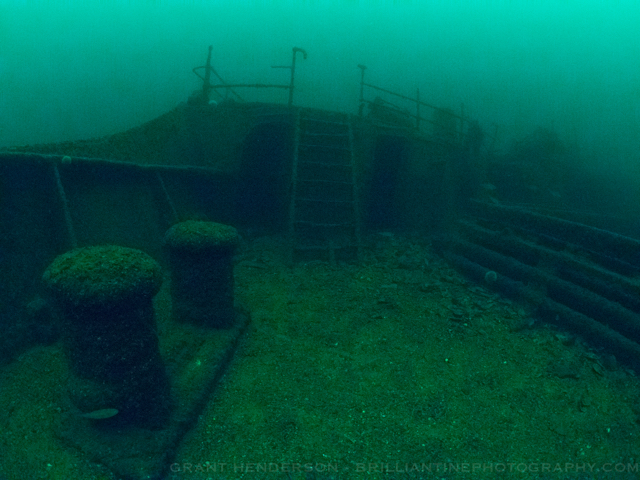
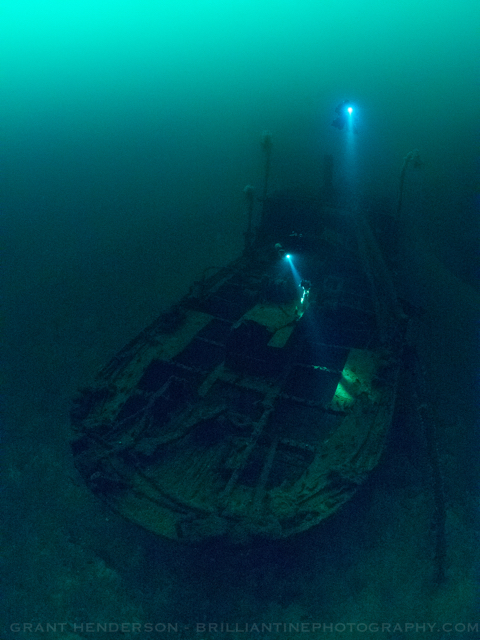
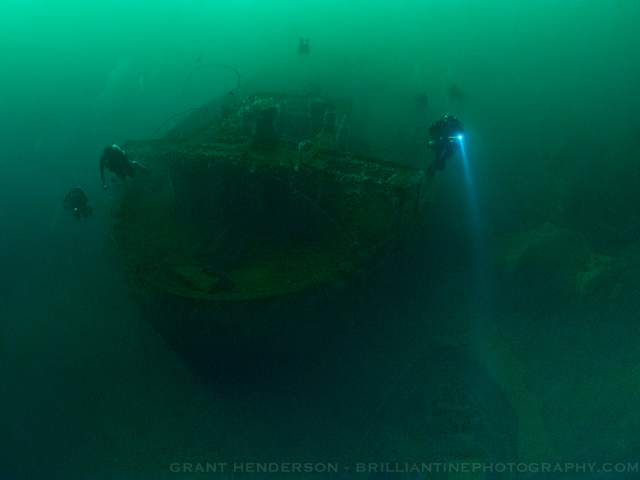
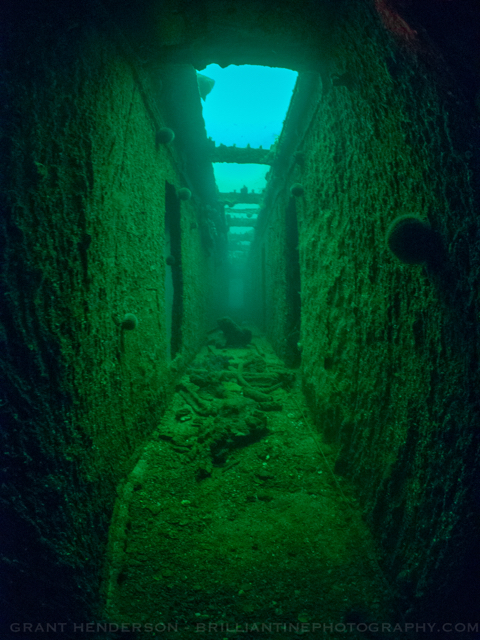
Photo / Video Showcase / Archived topic
Started by brilliantinephoto ·
Read-only discussion
Got the opportunity to put my new rig through its paces in Norway a couple of weeks ago, impressed with the low light capabilities.
A few more...
And a few more...
Spooky stuff! Very cool!
Hi, cool green/cold water pictures, I like !
I guess you used the panasonic 8mm. How high did you crank the ISO up ?
Hi - yes the Pana 8mm. I set the ISO to auto in manual mode and set parameters of Low-6400 - the camera invariably always selected 6400. Generally shutter speed of 1/60 and aperture of f5.6.
Thank you for the info. Do you apply any noise reduction ?
Pretty good pics, yes. Kudos to the photog (which is more important for the outcome than the gear is  ). I've been using the E-M5 for a couple of years now, and I'm quite happy with that, too.
Which wreck is is?
Great shots! The light bundles of course add that extra suspense. It would be interesting to see how the new Olympus 8mm PRO at its widest apertures behaves in these conditions.
Nice! I love the diving in Norway:) What wreck is this?

Terms of Use Privacy Policy Guidelines We have placed cookies on your device to help make this website better. You can adjust your cookie settings, otherwise we'll assume you're okay to continue.

A worldwide community for underwater imaging.
