Aloha!
Low post count here but plenty of feedback on photography-on-the.net for well over $10k in transactions under my full name (Lyle Krannichfeld) as well as Ebay under the Lylefk for over a decade. Please let me know if you have any questions!
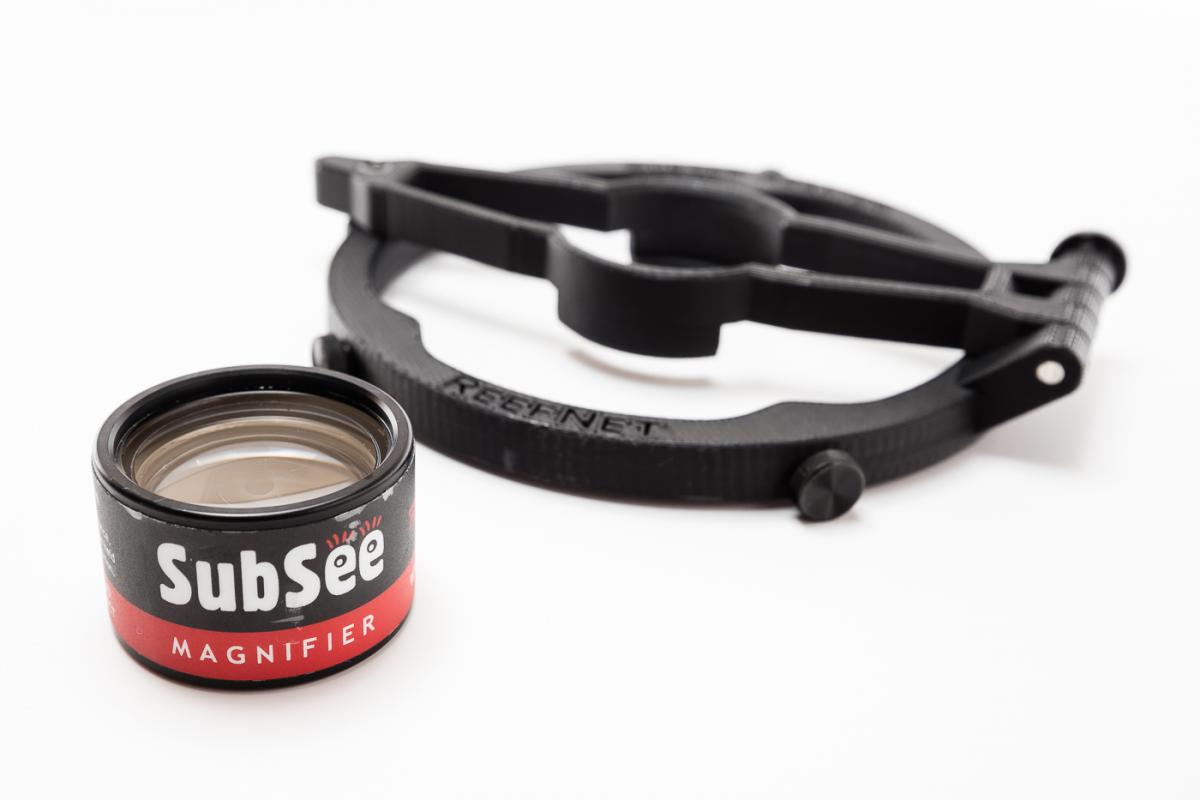
Item #1: Reefnet Subsee adapter for Aquatica.
Condition: 9/10. A couple minor marks but nothing major.
Reason for selling: Want to put the funds into sometihng I'll use more (see possible trades). Bought as part of a package here on wetpixel and have never used.
Possible trades (with cash from me): YS-D1, Canon 8-15 fisheye or Aquatica extension 18463 all in excellent condition.
Shipping: USPS priority included in price.
Payment: Paypal
Price: $125
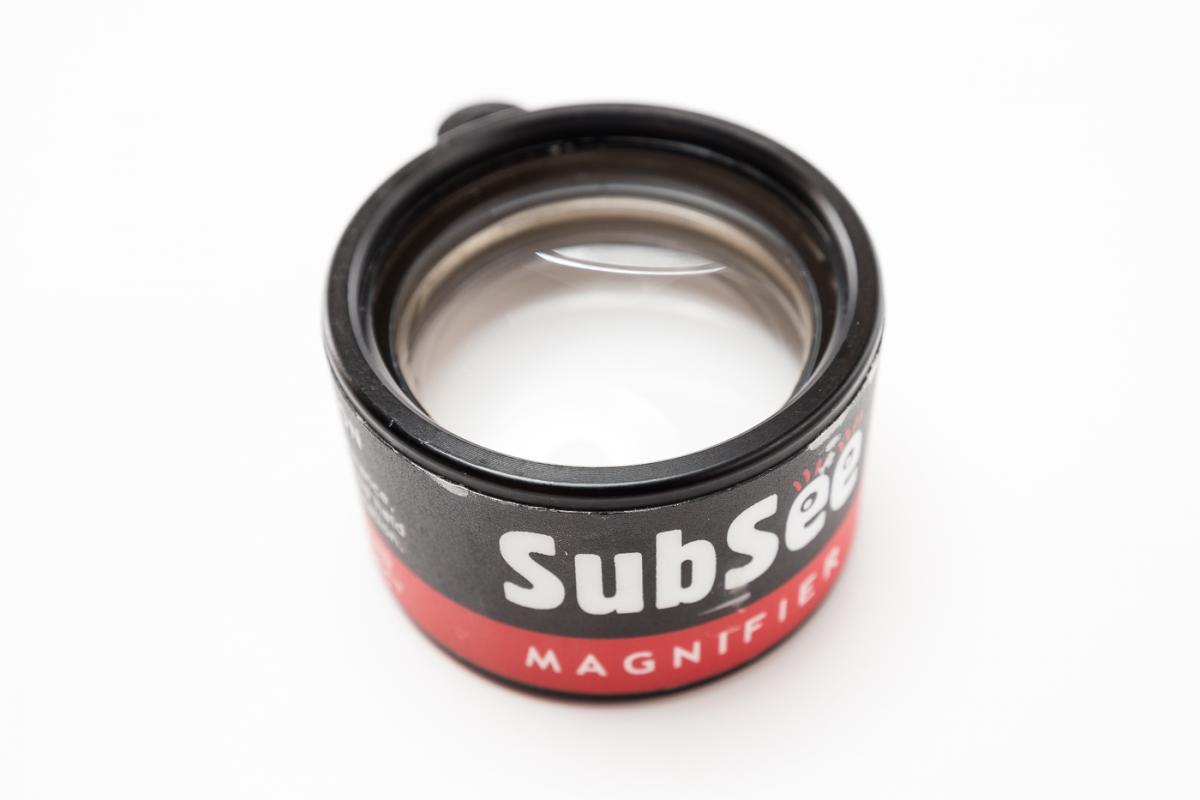
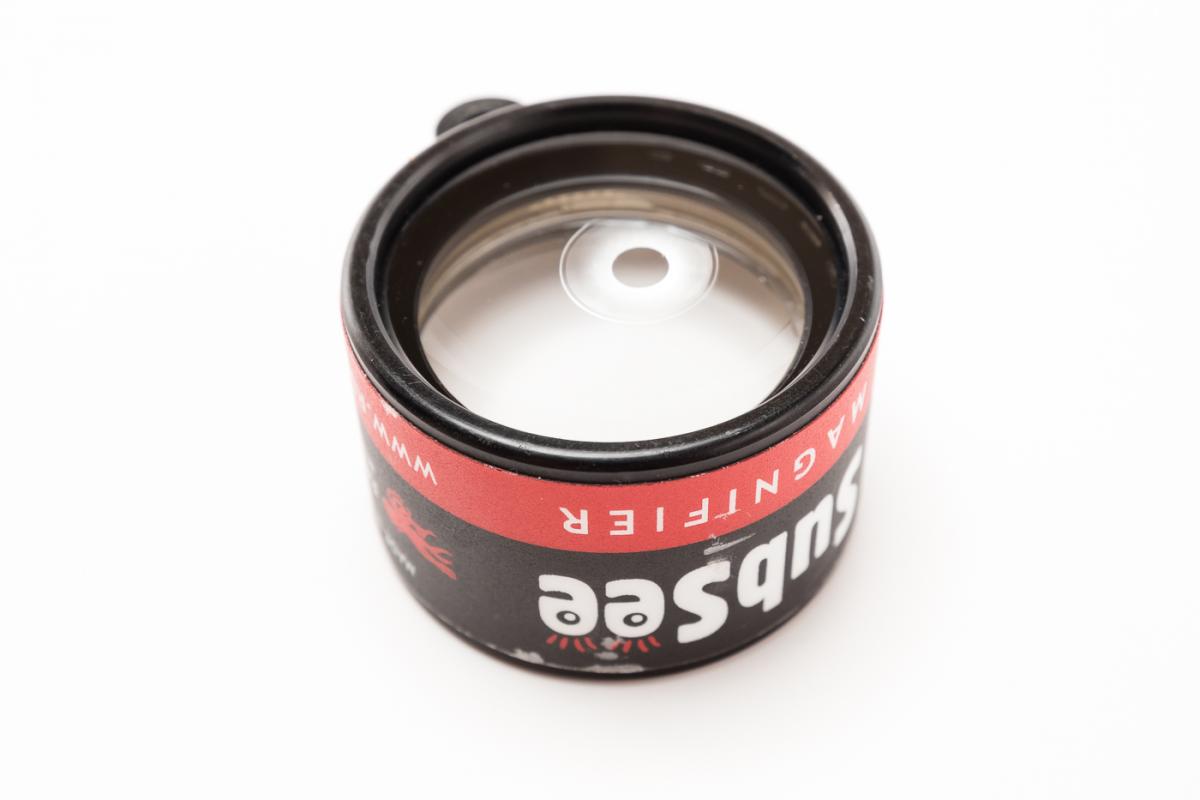
Item #2: Reefnet Subsee magnifier.
Condition: 8/10. Has some minor scratches, the only significant one I see is on the edge and shouldnt impact images.
Reason for selling: Want to put the funds into sometihng I'll use more (see possible trades). Bought as part of a package here on wetpixel and have never used.
Possible trades (with cash from me): YS-D1, Canon 8-15 fisheye or Aquatica extension 18463 all in excellent condition.
Shipping: USPS priority included in price.
Payment: Paypal
Price: $100
Or $200 for both.
Thanks for looking,
Lyle