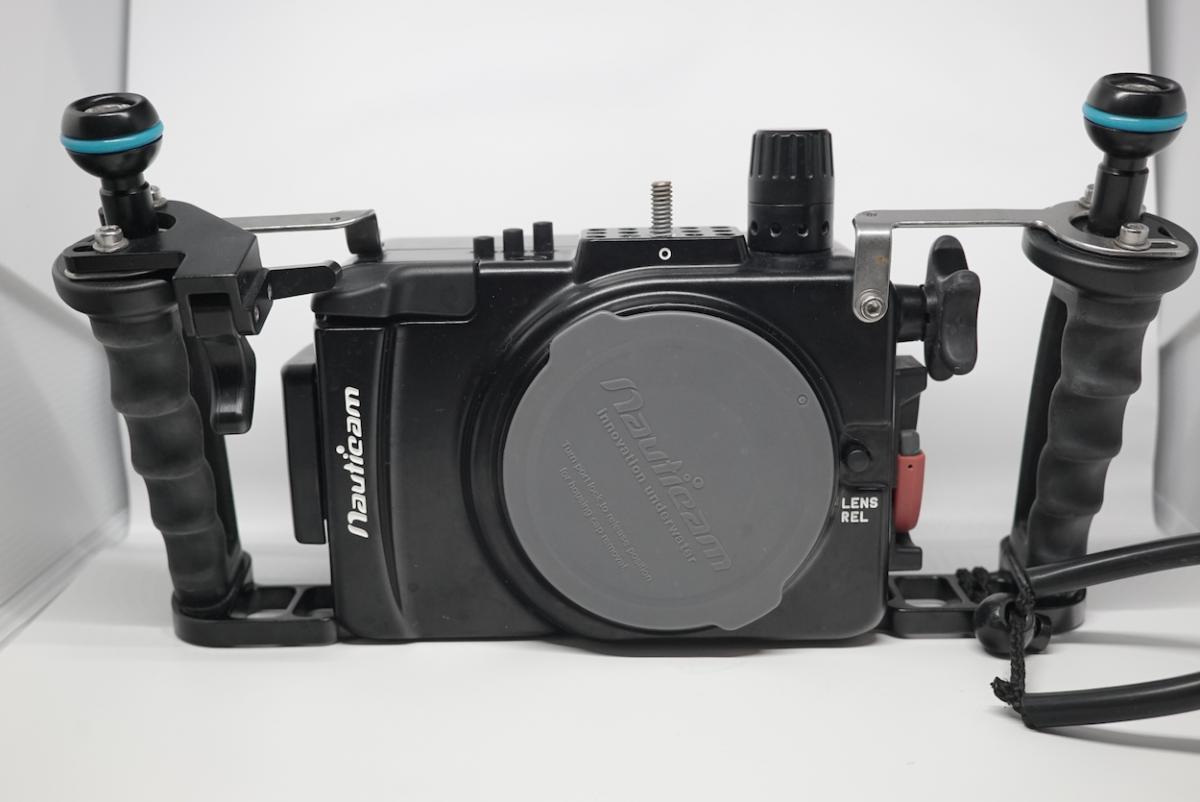
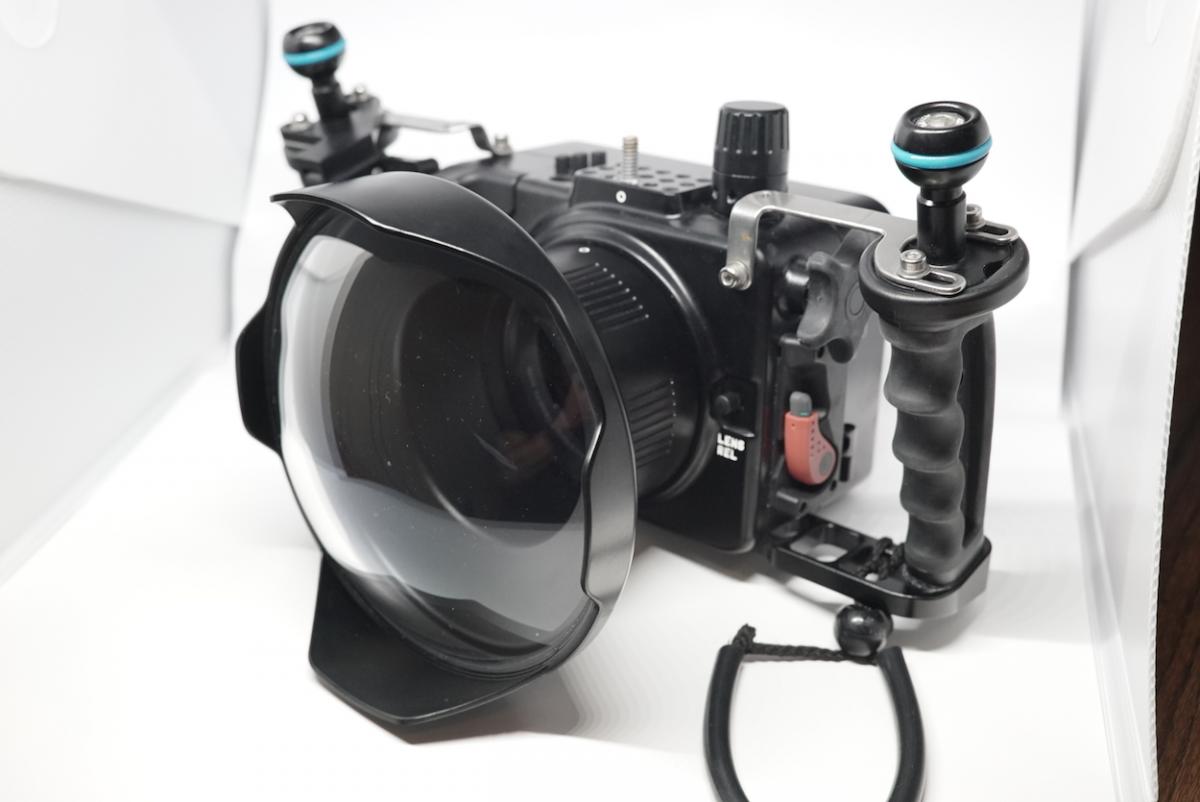
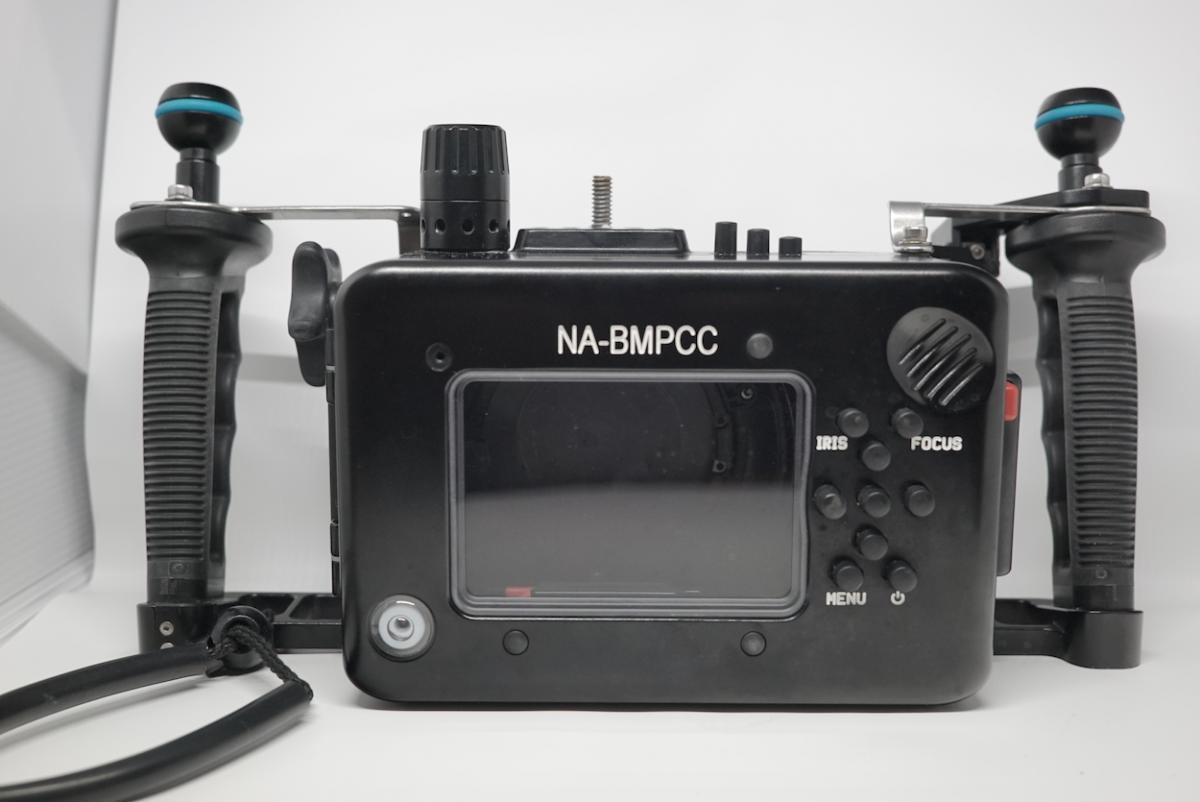
Hi all! I'm a documentary filmmaker who just wrapped up 6-months of shooting a documentary series on the invasive lionfish in the Caribbean and Atlantic Ocean. As a filmmaker, I bought a nauticam housing for my Black Magic Pocket Cinema camera to be able to shoot in beautiful RAW with a flat picture profile. It takes some coloring once you're done, but the results are pretty great.
I'm moving back away from the sea, so I won't have time to pursue my new underwater video passion for a few years. But this is an awesome setup (and small, light, and generally easy) for someone who is looking to really get into underwater filmmaking.
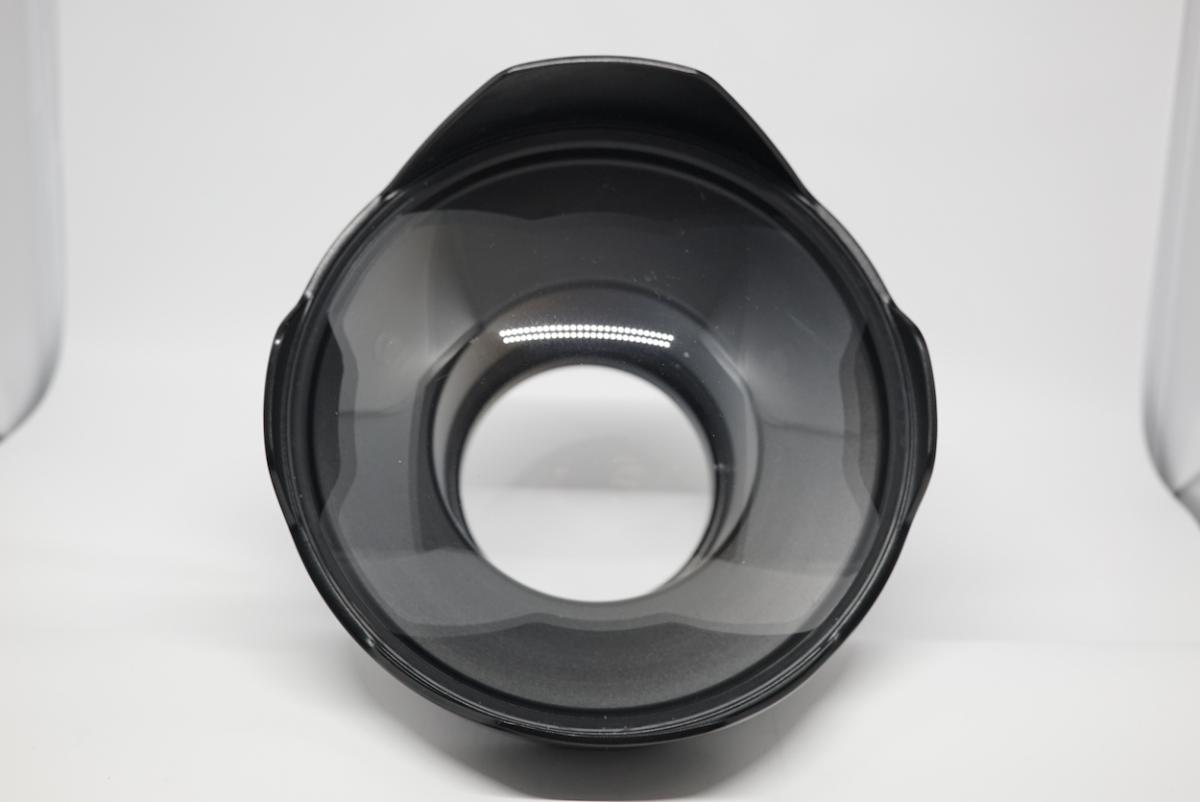
DOME fits Panasonic 7-14mm lens and a few other lenses, I believe.
Everything is in great condition. I rinsed each piece of equipment thoroughly after each dive and lubed up the O-Rings before almost every dive. The housing has never been flooded and comes with the electronic vacuum check. NOTE: You will need to replace the battery for the vacuum seal to work. They're cheap.
A couple of small notes:
- The nauticam doesn't line up perfectly with the record button, so you'll need to put a tiny bit of padding on the grip of the Black Magic (I use a bit of microfiber cloth folded twice) to line up the record button with the actual depressor. It works fine once you spend a few minutes getting it right.
- The dome has a small buff on it. Not sure when or how it got smudged, but it doesn't show up in any of the underwater footage. If you're above water and pointing it against a blue sky, you can see it at the lenses widest angle (7mm), but zoom in at all and you can't see it anymore.
Let me know if you have any questions. Thanks!