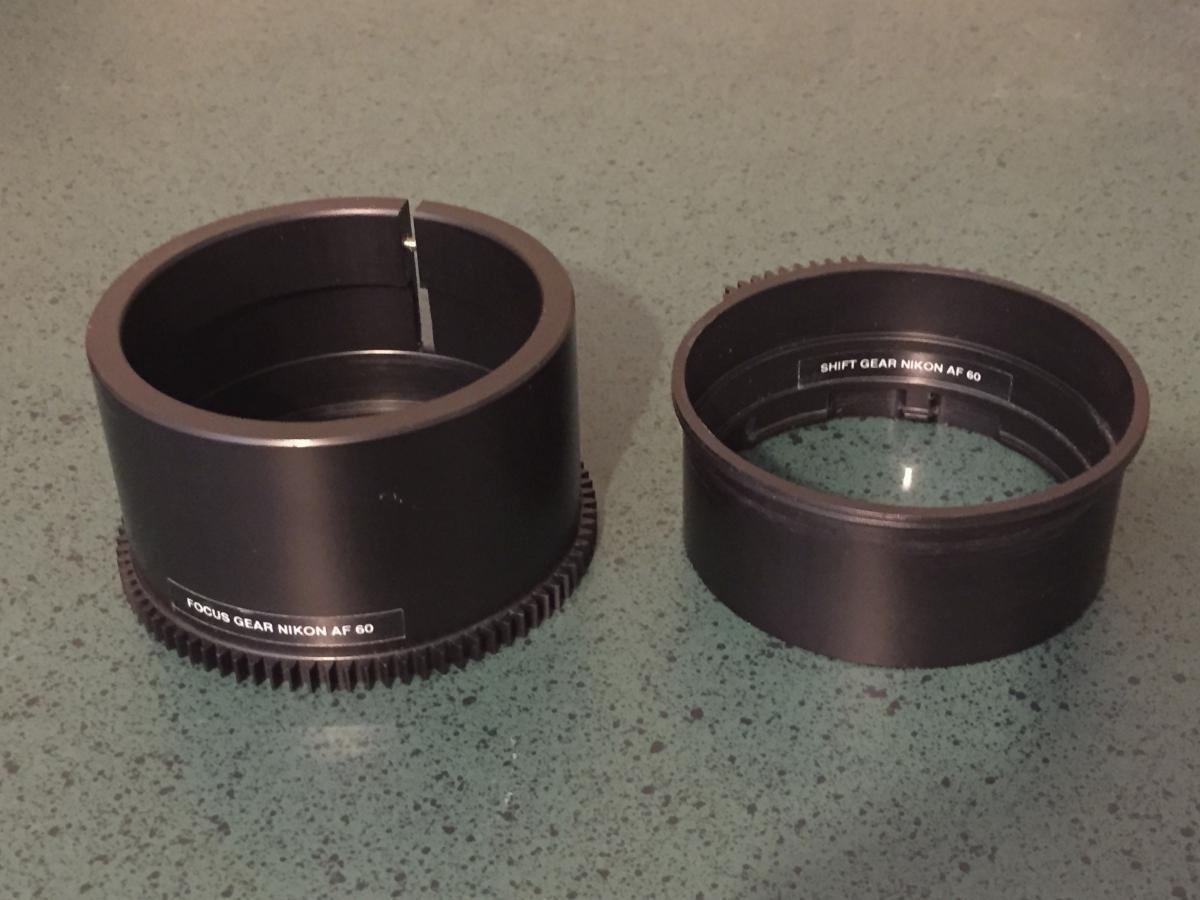
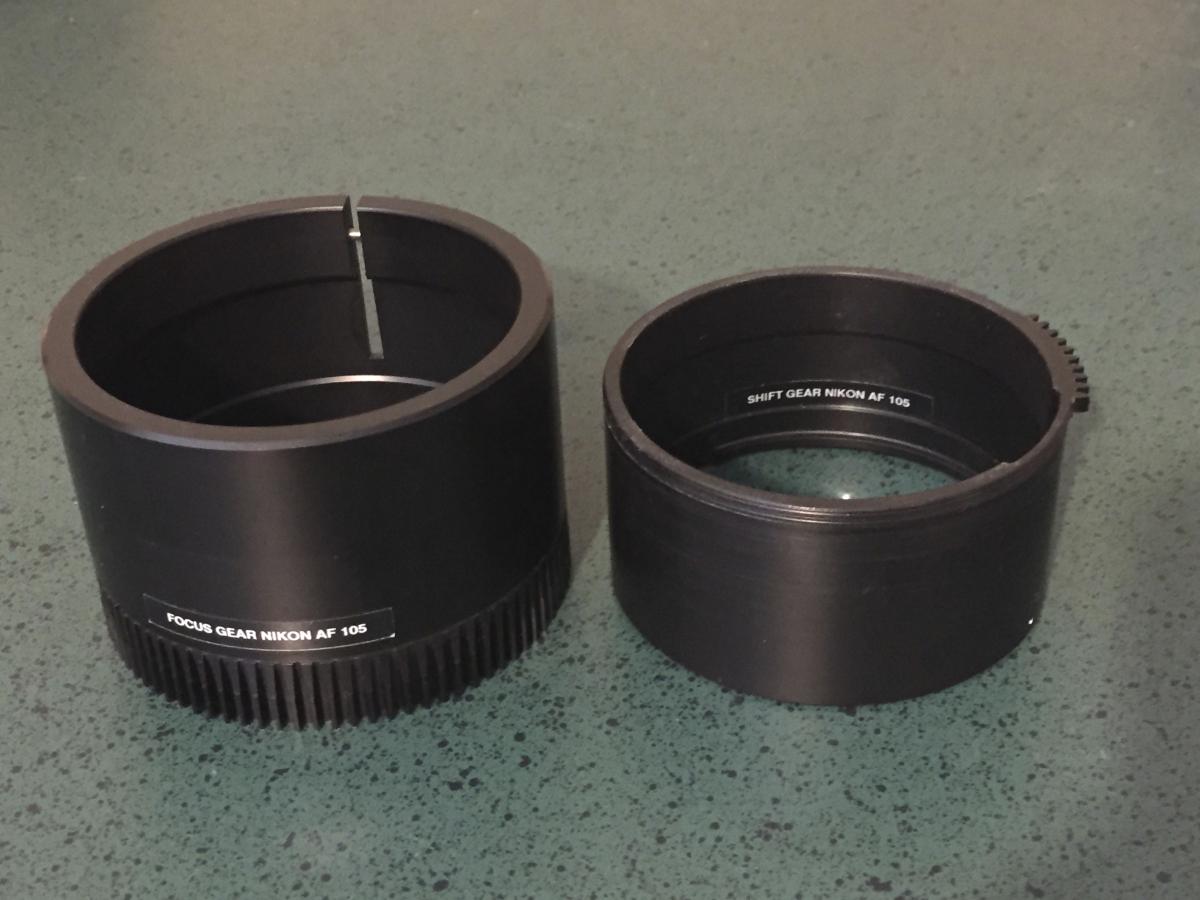
For Sale Seacam Focus & Shift gear set for Nikon AF Micro-Nikkor 60mm f/2.8D and Nikon AF Micro-Nikkor 105mm f/2.8D.
Each 2 gear set is $125 or buy both sets for $200.
Gears are in perfect condition.
If interested in one set or both, please email me at mikem@jimchurchphoto.com
Hi. Just replying to confirm these gears are still for sale. Thanks.
hi Mikem
I am interested.......I have an older version of the 105 2.8 AF....it is a D lens, but is not a G lens nor the newer VR.....I wonder will your 105 ring work for MF on my version?
Same for the 60mm.
Presumably the shift gear allows you to move from AF to MF/back?
I presume both work with one or other of the two rotating controls on the left side of a seacam housing and that the focus rings do not require focus control to be on the lens port?
If you can answer the couple of q's I can make a decision,
thanks NIck
Hi Nick,
Thanks for your interest.
Those are the very same lenses I used with these Seacam rings.
The shift gears allow you to shift the lens back and forth between AF & MF.
You are correct in that the focus gear lines up with one of the left hand knobs on the Seacam housing and the shift gear lines up with the other knob. No control knobs are needed on any of the Seacam ports.
I still have the rings available. Let me know if you would like to purchase them or if you have any other questions.