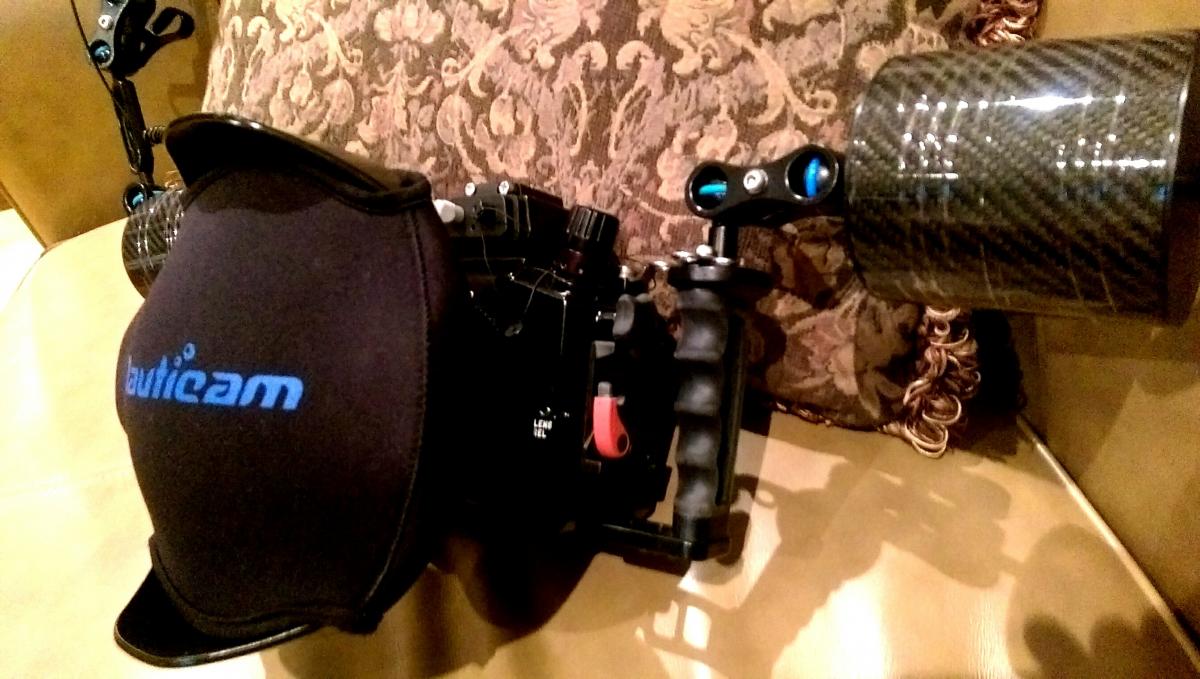
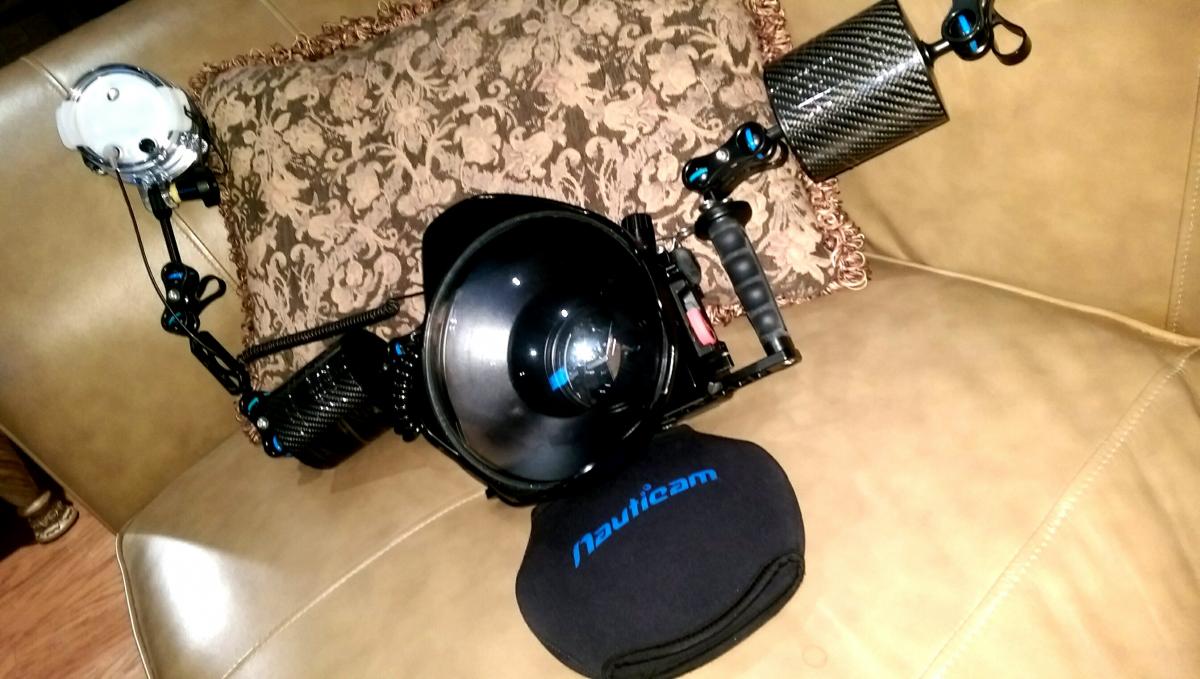
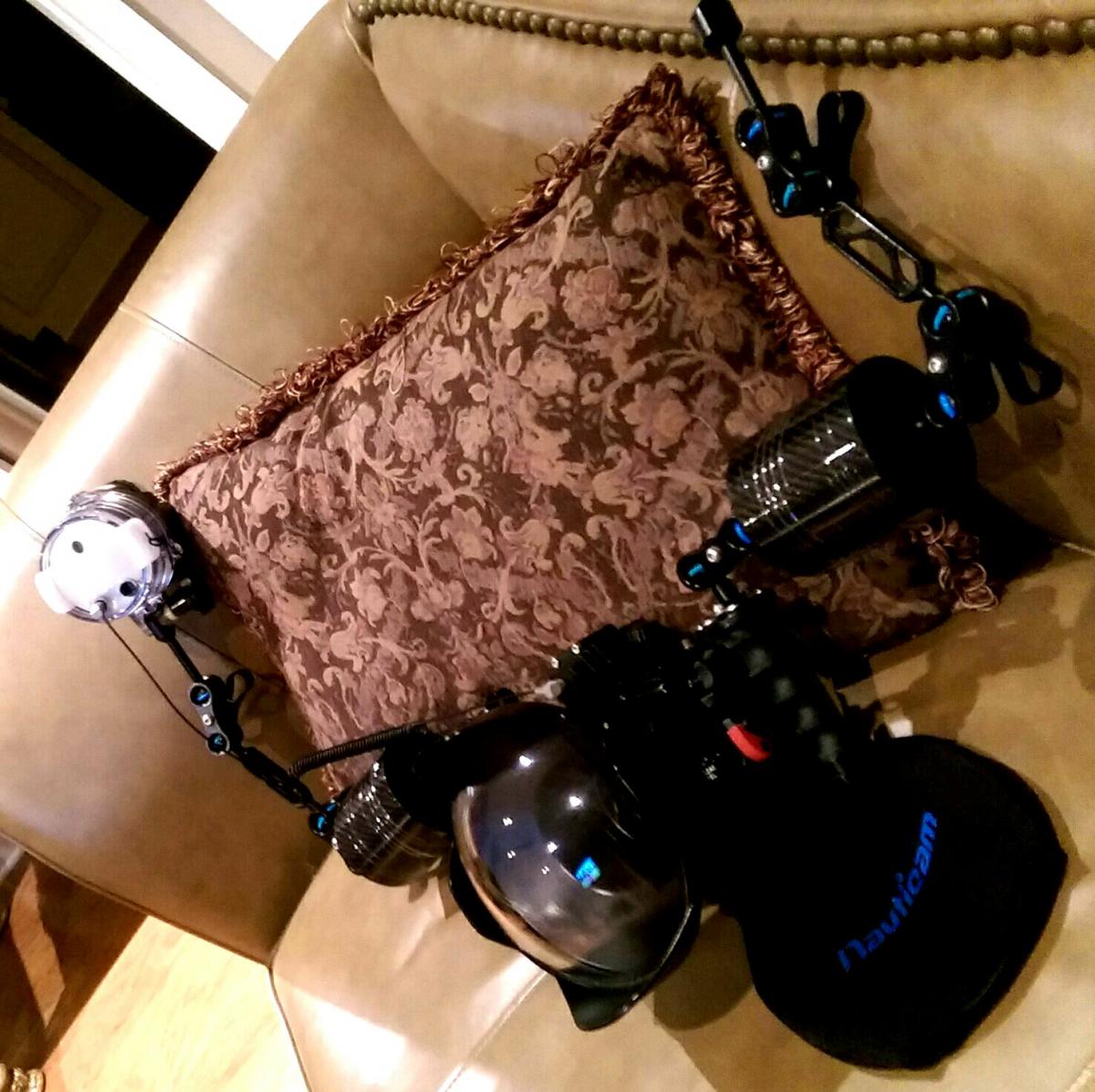
Received my 6" 18ounce/510gram buoyancy arms from Diver Vision online store. I also ordered 3" YS adapter arms as well. Quality looks fantastic especially when the price was $75-10 per arm respectively. Much cheaper than Nauticam's comparable carbon fiber and aluminum adapter arms. $30 shipping from Taiwan to US delivered in 4 days from shipment.
How did the float arms do underwater?
Aldijo2 I have not yet had my rig underwater. I am planning a dive trip to Komodo to break it in! Will be later this year, however, I might go wreck diving on a aircraft carrier near me if I decide to wait longer in the year before going to Komodo. I'll update this thread when I do. All I can say at this point is that the floats are far cheaper than the Nauticam carbon fiber float arms of the same size & bouyancy and the service getting them to me from DiverVision was 5 days from Taiwan to U.S. after placing order. The end caps are aluminum vs. plastic on the Nauticam arms. They look great,, time will tell if they are durable and don't leak like I've read some other carbon arms to do. Not much information out there on this brand.
Hi BengalBoy,,
how did your howshot float arms so far?
Is it still normal?
After 4 years and 200 dives across the world, one of my HowShot carbon fiber arm has leaked. One arm filled with water on recent trip to Revillagigedo Archipelago. I feel I got some good service out of these carbon fiber float arms. I will attempt to repair the arm, but, replacement may be necessary.
Do they have a Lifetime Warranty, like the Nauticam Carbon Fiber arms?