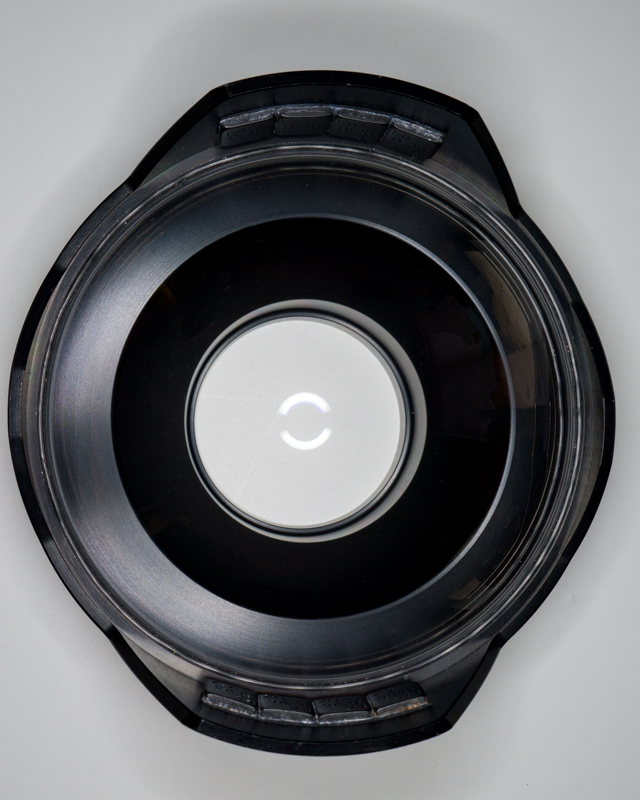
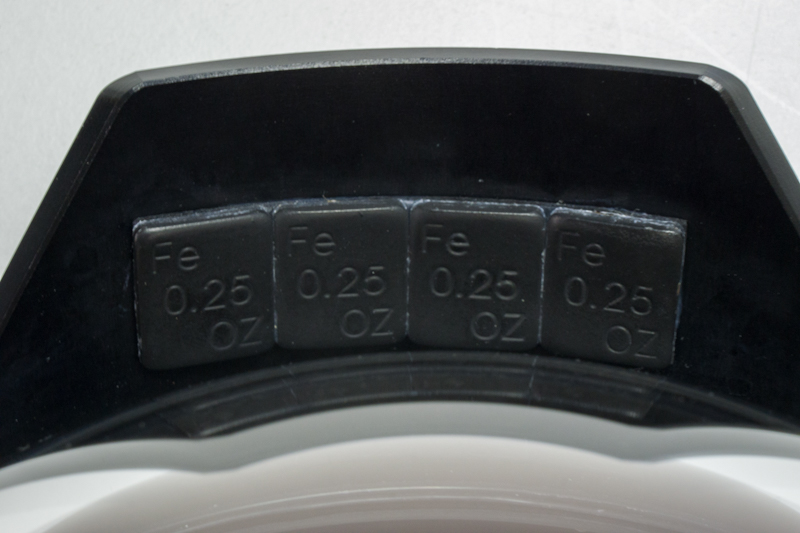
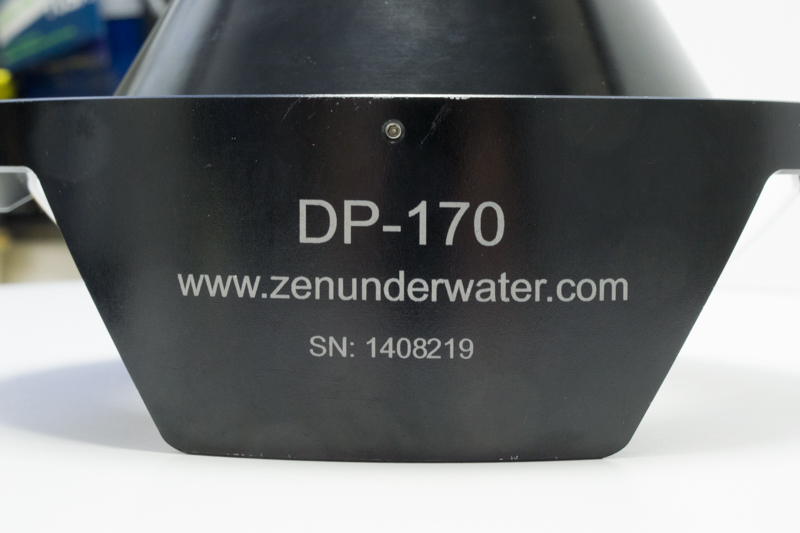
Up for sale is a nearly new Zen Dome port. It has less than 20 dives and includes the neoprene cover, Zen lube, an extra O-ring and the original packaging. I used this port with a Nauticam housing for a mirrorless Sony NEX7 and the Sony 10-18 f4 lens with excellent results. I bought a Zeiss 12mm lens that I later discovered requires the 2 piece Zen dome port. As the photos show, I added 2 ounces of weight to the port to achieve neutral trim. Full disclosure-there is a very very tiny scuff off center that does not affect image quality and can’t even be seen in the photos of the glass.
The return policy is 10 days for a full refund and the buyer pays the return shipping.
Compatible with:
- Panasonic 7-14mm f/4
- Olympus m.Zuiko 9-18mm f/4-5.6
- Panasonic 12-35mm f/2.8
- Olympus m.Zuiko 12-40mm f/2.8
- Sony 10-18mm f/4 E-mount
Images of the port and a few shots taken with it can be seen at: https://viejo.smugmug.com/For-Sale/Zen-DP170N85II/
More info can be seen at:
http://reefphoto.com/shop/index.php?main_page=product_info&cPath=161_166&products_id=7202
Purchased new for $1100. This outstanding port can be yours for $850.
I'll ship it UPS ground free to the 48 states. Anywhere else buyer pays cost of shipping.
Paypal only or local pickup with cash in the San Francisco Bay area.
Thanks for looking,
Larry Garvey