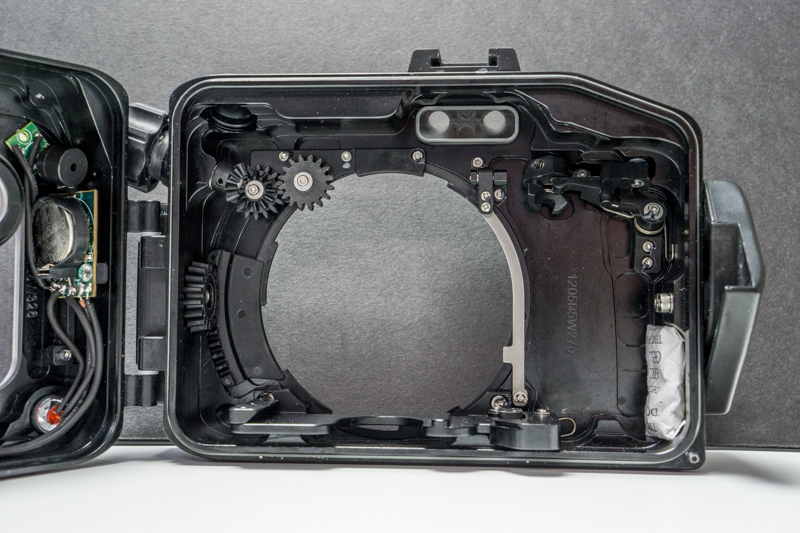
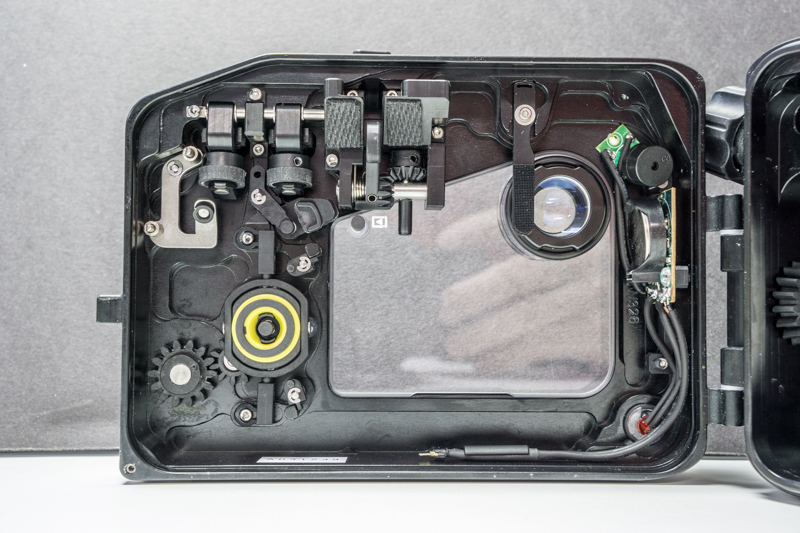
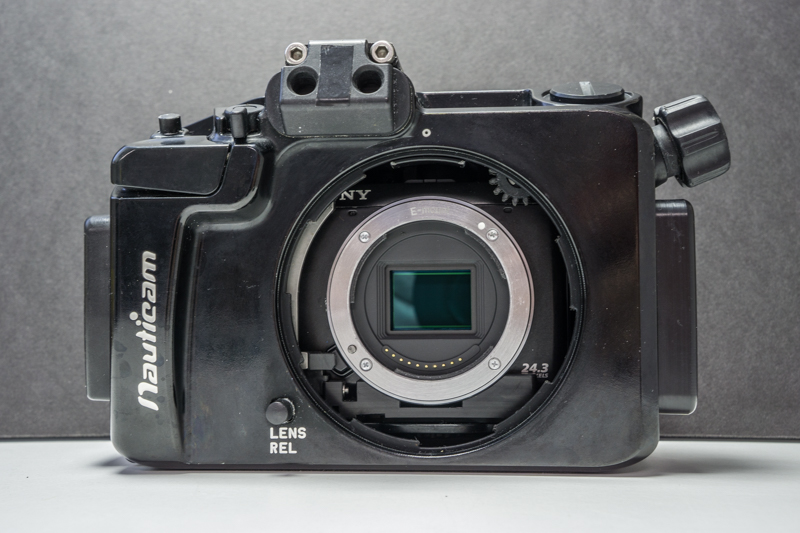
Up for sale are a Nauticam NA-NEX7 housing and a Sony NEX7 body.
The housing has 160 dives and was recently serviced the Nauticam service center, Reef Photo.
The leak alarm works perfectly although the housing has never leaked at all and has been completely reliable.
The Sony NEX7 delivers DSLR image quality in a much smaller and lighter package ideal for travel and underwater photography. The video quality is outstanding and there is a sample at the link below.
The sale includes everything shown in the photos (see link below) namely the housing with port plug and original packaging, Sony NEX7 body with body plug, Sony NP-FW50 battery, Wasabi battery charger, 2-32 gig class 10 sd cards, 2 Nauticam housing O-rings and 1 tube of Nauticam lubricant.
Get a port and lens and you are in bisuness!!
Photos of the items for sale and pics/video taken with them can be seen at: https://viejo.smugmug.com/For-Sale/NA-NEX7-and-Sony-NEX7/
More info can be seen at:
http://reefphoto.com/shop/index.php?main_page=product_info&cPath=76&products_id=5531 and http://www.dpreview.com/reviews/sonynex7
The return policy is 14 days for a full refund and the buyer pays the return shipping.
The housing and camera were purchased new for $1850 and $1100. This housing and body are yours for $1100. I'll ship it UPS ground free to the 48 states. Anywhere else buyer pays cost of shipping.
Paypal only or local pickup with cash in the San Francisco Bay area.
Thanks for looking,
Larry Garvey