Skip to content

Lights, Strobes, and Lighting Technique / Archived topic

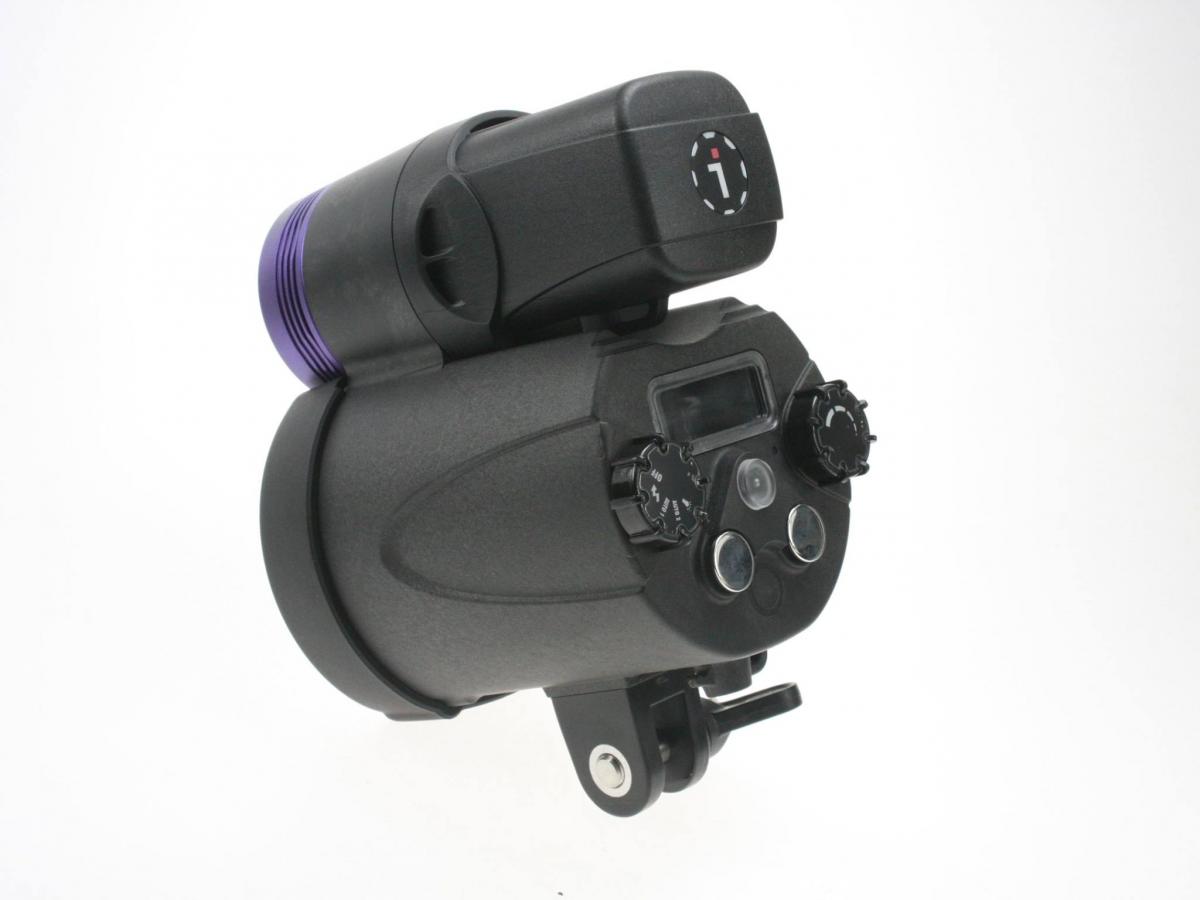
Anyone seen the new i-Divesite SS-2 strobe?

Started by 50fathom ·

  • 5Posts
  • 5Replies

Read-only discussion

Anyone seen the new i-Divesite SS-2 strobe?

5 posts
  1. Just released at DEMA, it looks interesting. But since it so new, not sure what to think of it nor are the details that specific.


    SS-2 with 4000 lumens LED Video head.

    Model No. SS-2 (Pro version)

    Guide Number GN 32

    Color Temperature 5600K

    Weight 1050g (50g UW)

    Beam Angle 90 x 80 (Diffuser 100 x 100)

    Battery 14.8V Li Battery (50Wh)

    Number Of Flashes 700+

    Re-cycle Time 2s

    Display Auto Directional LCD (w/ backlit)

    Mode Rotary Knob Off / Manual flash / Auto 1 flash / Auto 2 flash / Light

    Level Rotary Knob Step-less rotary knob

    Test / Learn Button v

    Light Mode Button v

    Focusing Light White Light / Red Light

    Battery Level Indicator LCD battery level indicator

    Manual Flash Mode 15 levels


    Video Light 10 Steps Brightness Control

    Battery Temp Protection v

    Light Head Temp Protection v

    Flash Head Temp Protection v

    Repetitive Flash Protection v

    Synchronizing Learning v

    Auto-power Off v


    White Light

    Color Temperature 5700K

    CRI 80

    Red Light XP-E x 3

    Luminus Flux 1000/2500/4000 lm

    Beam Angle 120°

    Light Mode White 10~100% Red 10~100%
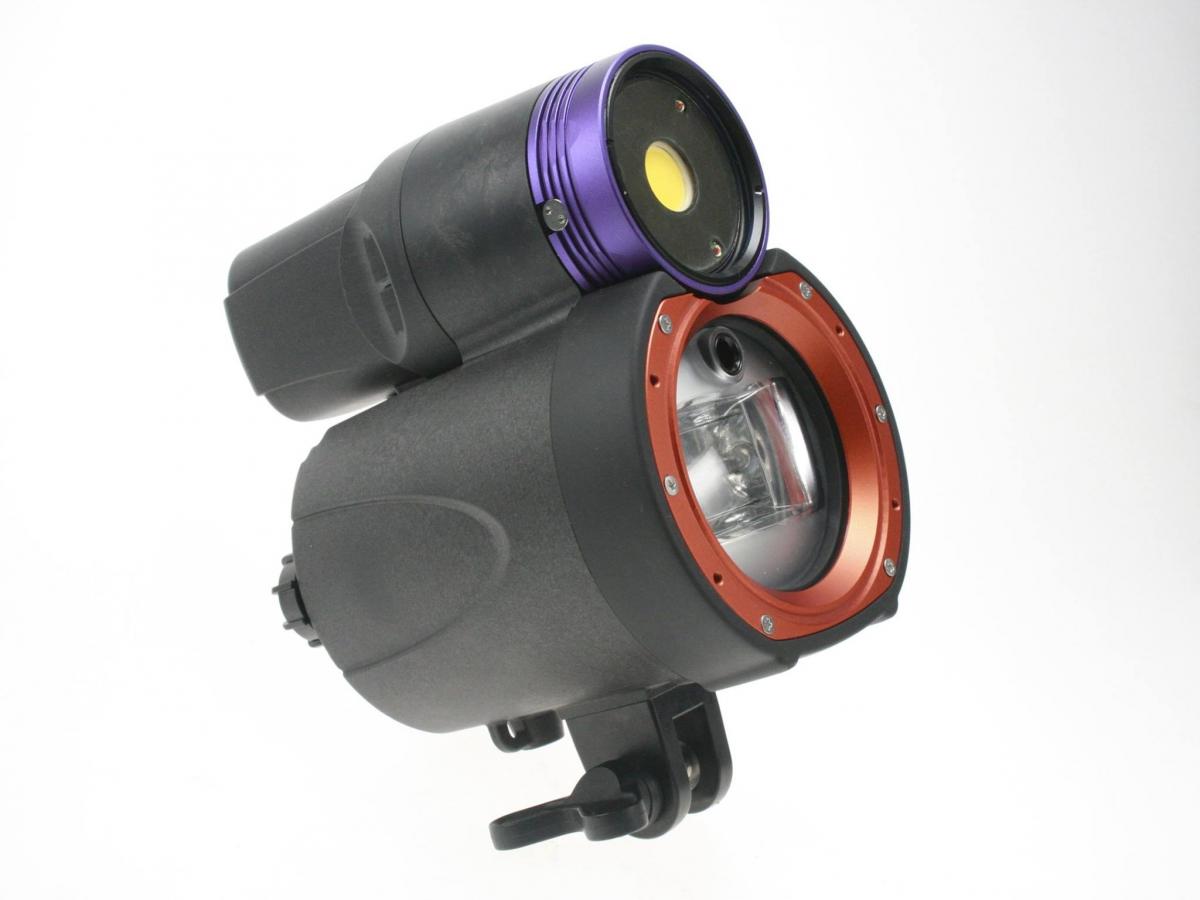
    post-48832-0-55248200-1447681709_thumb.jpg

    post-48832-0-34647300-1447681720_thumb.jpg

    Edited by 50fathom
  2. It won't be available until probably mid next spring. It looks to be an interesting product and one that divers are asking for. It doesn't use TTL, but a "learned-auto" method, as well as manual modes.

  3. I am curious about this "learned-auto" - do you have any more details on that?

  4. As it was shown to me. You'd shoot a shot at f2 or whatever and then tell it when the exposure was correct. Then it would figure out the other exposures. I might have this wrong, but that's what I came away with. Kind, sorta, but not really, like the Inon Auto mode.

  5. It will shoot in manual :mocking:


    We will be shooting one when it is available.

Ultralight Control Systems

Account

Navigation

Search

Search

Configure browser push notifications

Chrome (Android)
  1. Tap the lock icon next to the address bar.
  2. Tap Permissions → Notifications.
  3. Adjust your preference.
Chrome (Desktop)
  1. Click the padlock icon in the address bar.
  2. Select Site settings.
  3. Find Notifications and adjust your preference.