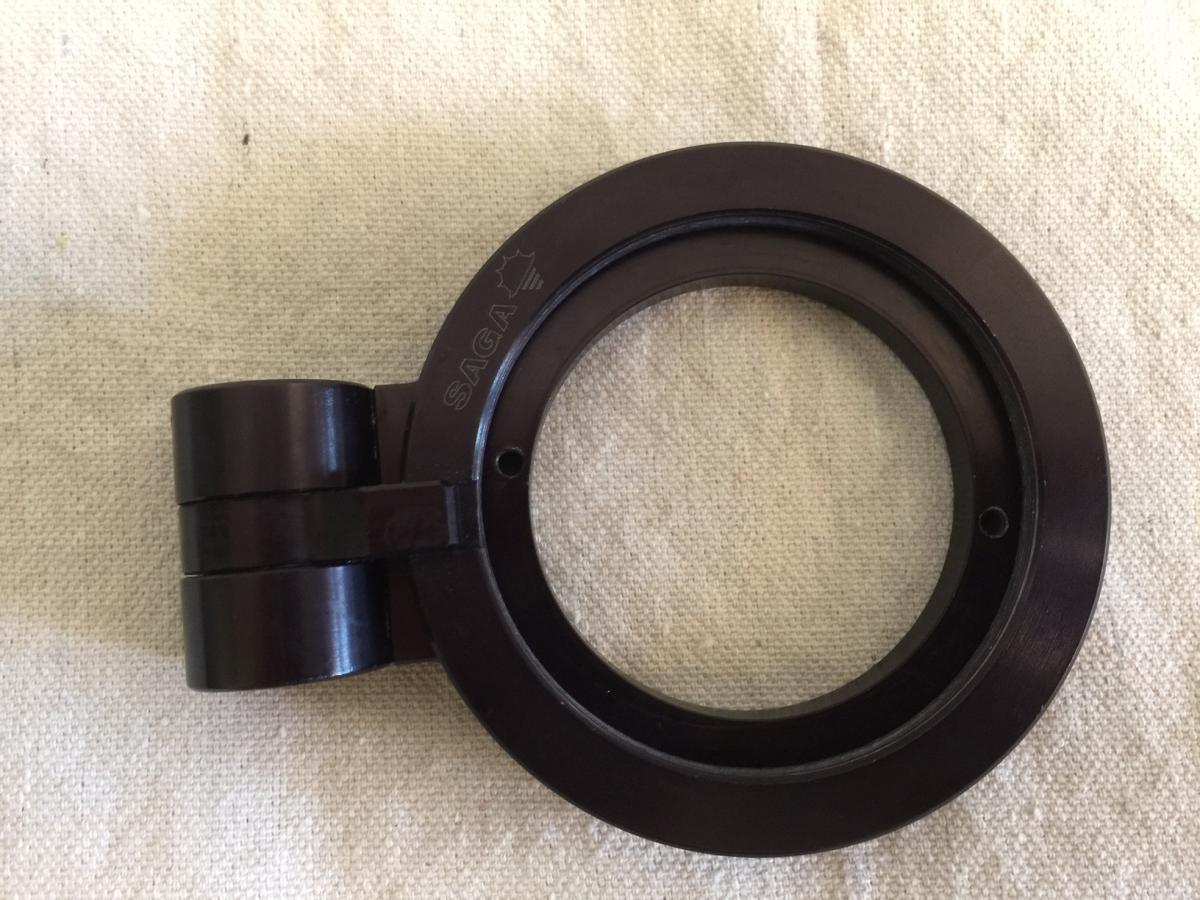
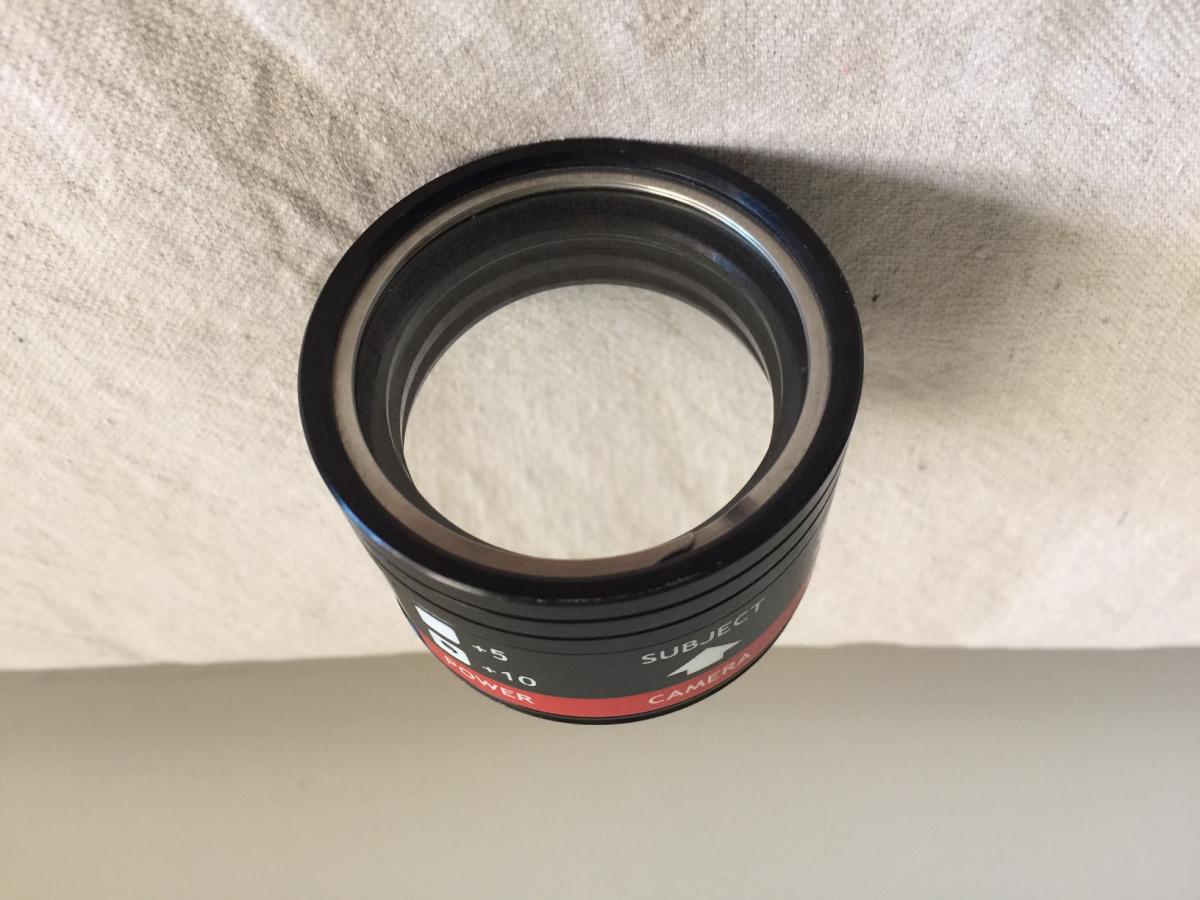
I'm selling my Saga Flip Lens Holder for 67mm threaded wet lenses and my SubSee +10 wet lens.
The Saga Flip Lens Holder is in great condition with signs of use, but no abuse. Was recently used in Bali last month on a Nauticam Macro Port 87 with NO issues.
I'm only selling this as I've acquired a Nauticam SMC with a Nauticam flip and I do not need 2 wet lens holders.
Original pins and box somewhere in my dive/camera closet (happy to ship to buyer at my expense if I ever find them) - however, I found an adjustable pin wrench to be much easier to use to loosen/tighten the holder.
New from reputable sellers these are $235 plus shipping.
$175
The ReefNet SubSee +10 wet lens is in excellent condition with NO visible scratches or marks on either side of the lens element. The body has a few minor cosmetic dings. Both rubber caps included and without cracks/ damage/ issues.
I'm only selling this as I've acquired a Nauticam SMC and with a SubSee +5 and the SMC, a +10 became a bit redundant for me.
Original box somewhere in my dive/camera closet (happy to ship to buyer at my expense if I ever find them).
New from reputable sellers these lenses are $225 plus shipping.
$175
Notes about sale:
- Happy to negotiate if you want both lens and holder
- Will ship any method (strongly prefer USPS Priority) and anywhere (including Internationally) as you pay shipping
- Will accept PayPal if you pay the fees
I've had several excellent transactions via WetPixel and can provide references as needed.