Skip to content

Classifieds / Archived topic

Aquatica D80 Kit inc Camera & Lenses

Started by WildGig61 ·

  • 3Posts
  • 3Replies

Read-only discussion

Aquatica D80 Kit inc Camera & Lenses

3 posts
  1. Sadly, it is time to move on and sell my gear –


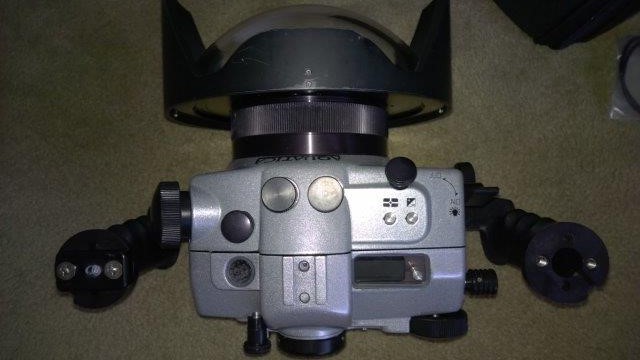
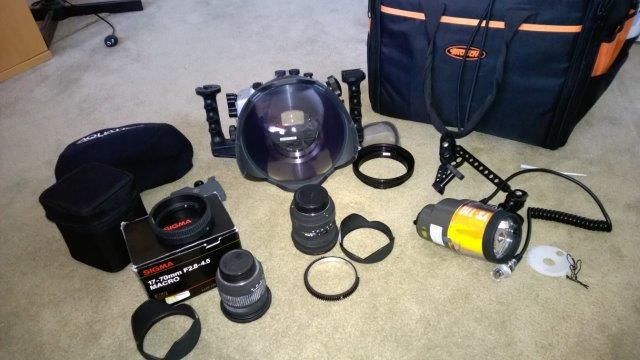
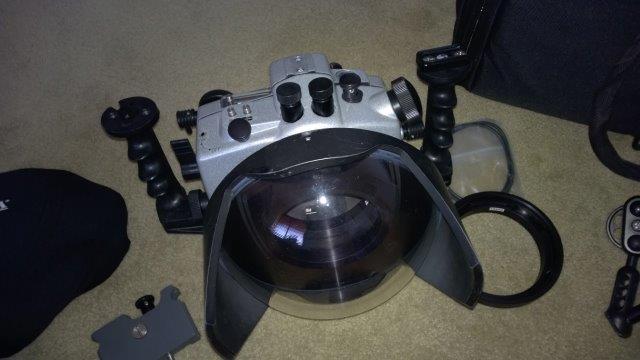
    Aquatica – all in excellent condition, always washed and lubricated after use.

    D80 Housing

    8" dome port

    Port extension (Sigma 10-20mm)

    Port extension (Sigma 17-70mm)

    Port shade

    Protective Cover

    Zoom gear (Sigma 10-20mm)

    Zoom gear (Sigma 17-70mm)

    TLC dovetail base

    TLC 4" lower arm

    TLC Large knob for lower arm

    TLC Clamp

    TLC 8" double ball

    Spare seal and lube.


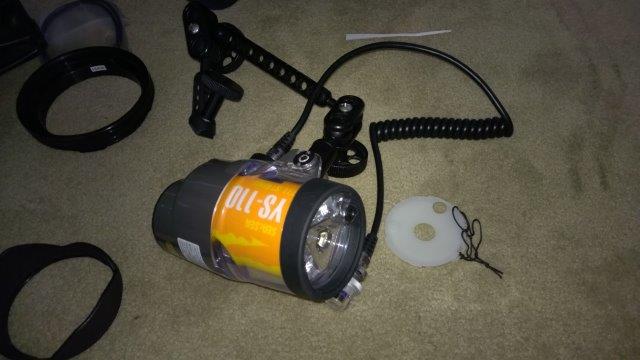
    Sea & Sea:

    YS110 strobe

    Nikonos cable


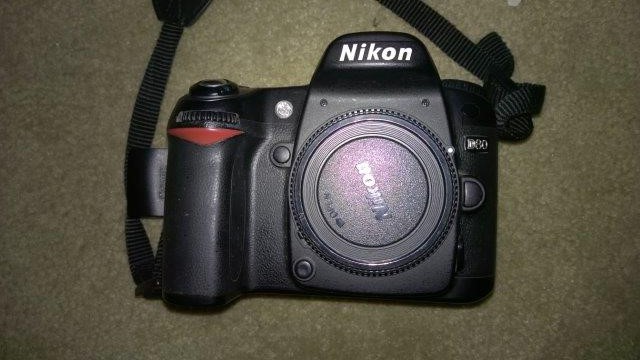
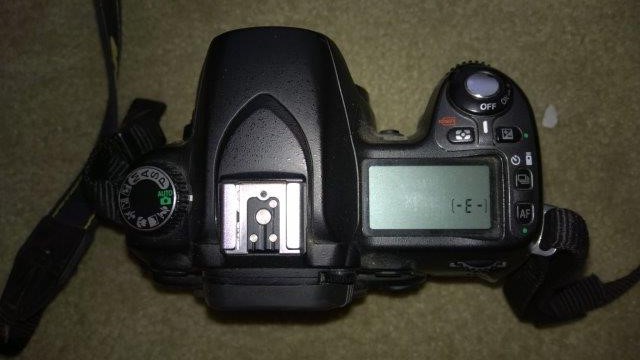
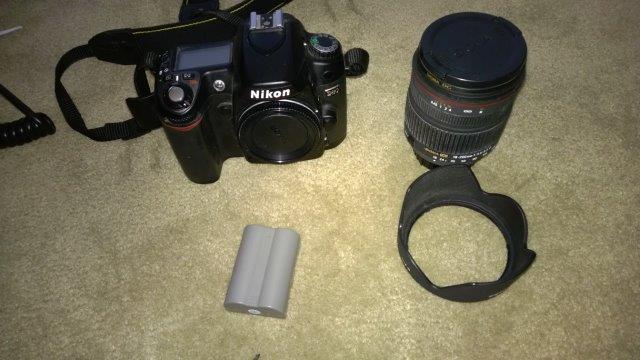
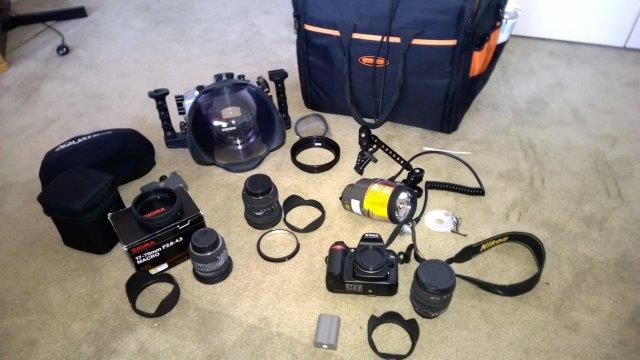
    Nikon D80 Camera – excellent condition, marks or scratches.

    Sigma 10-20mm lens

    Sigma 17-70mm lens

    Sigma 18-200mm lens (Land use)

    2 Batteries

    Charger


    I probably have the boxes for all the camera gear somewhere in the loft!


    Storage trolley bag – converted from a tool bag with foam protection for housing.


    I am based on the Gold Coast in Australia, I am prepared to ship, at cost. If you are interested I can get a quote.


    Price: AUS$3,650 ONO
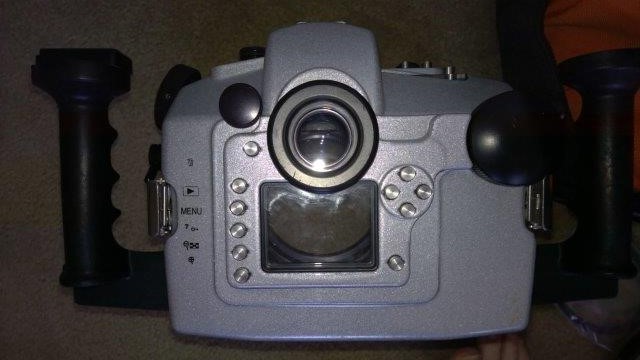
    ​

    post-53357-0-49914800-1450245334_thumb.jpg

    post-53357-0-51749100-1450245336_thumb.jpg

    post-53357-0-54638800-1450245338_thumb.jpg

    post-53357-0-43813800-1450245341_thumb.jpg

    post-53357-0-95325300-1450245342_thumb.jpg

    post-53357-0-12664000-1450245344_thumb.jpg

    post-53357-0-46662600-1450245345_thumb.jpg

    post-53357-0-67676800-1450245346_thumb.jpg

    post-53357-0-30142400-1450245403_thumb.jpg

    Edited by WildGig61
  2. Reduced to AUS$3,250

  3. Hello, still anything available?

Marelux

Account

Navigation

Search

Search

Configure browser push notifications

Chrome (Android)
  1. Tap the lock icon next to the address bar.
  2. Tap Permissions → Notifications.
  3. Adjust your preference.
Chrome (Desktop)
  1. Click the padlock icon in the address bar.
  2. Select Site settings.
  3. Find Notifications and adjust your preference.