Skip to content

Classifieds / Archived topic

Aquatica A EM1 Olympus EM1 Housing For Sale

Started by sinkingpete ·

  • 11Posts
  • 11Replies

Read-only discussion

Aquatica A EM1 Olympus EM1 Housing For Sale

11 posts
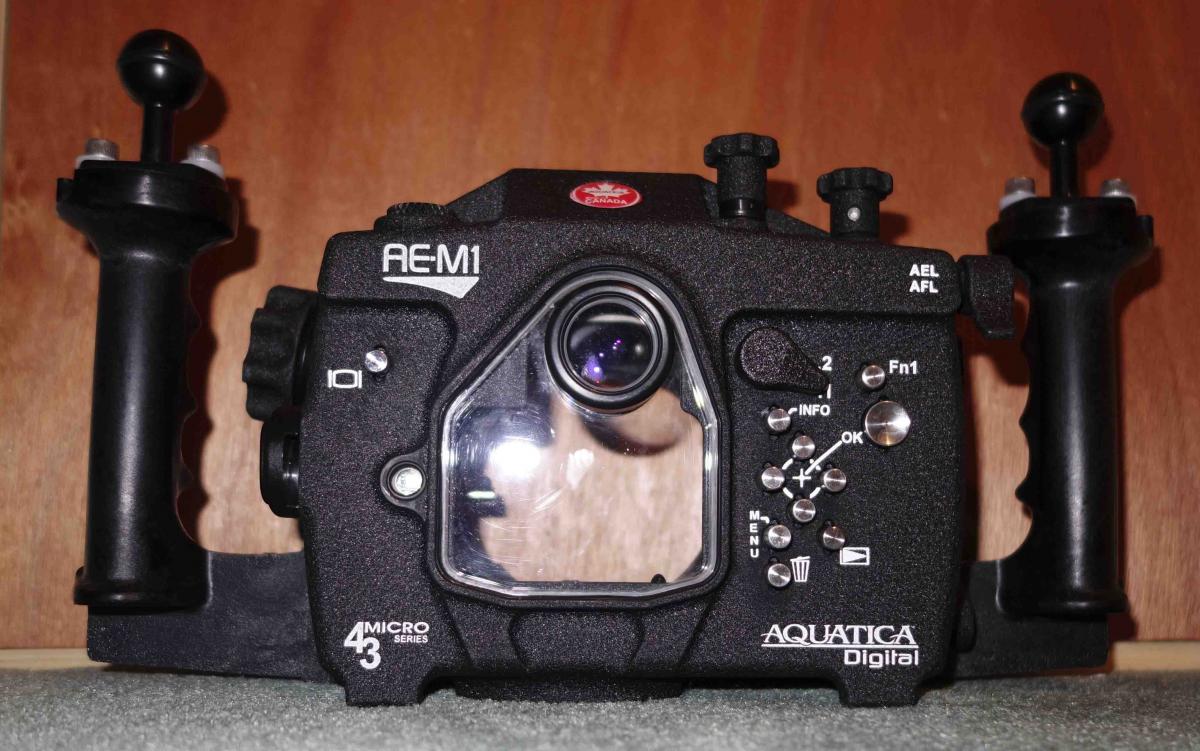
  1. Aquatica AEM1 housing for the Olympus EM1 micro 4/3 camera.

    The housing is in truly excellent condition having only been (Free) dived for a couple of days. The housing has barely a mark on it, maybe the occasional finger print. From the Aquatica website they have stopped production of this housing so this is a chance to grab one, almost new for a bargain price. Subject to a little negotiation I would like to get £1000 for it. Shipping is included in the UK, shipping to Europe etc will be at cost through tracked courier.


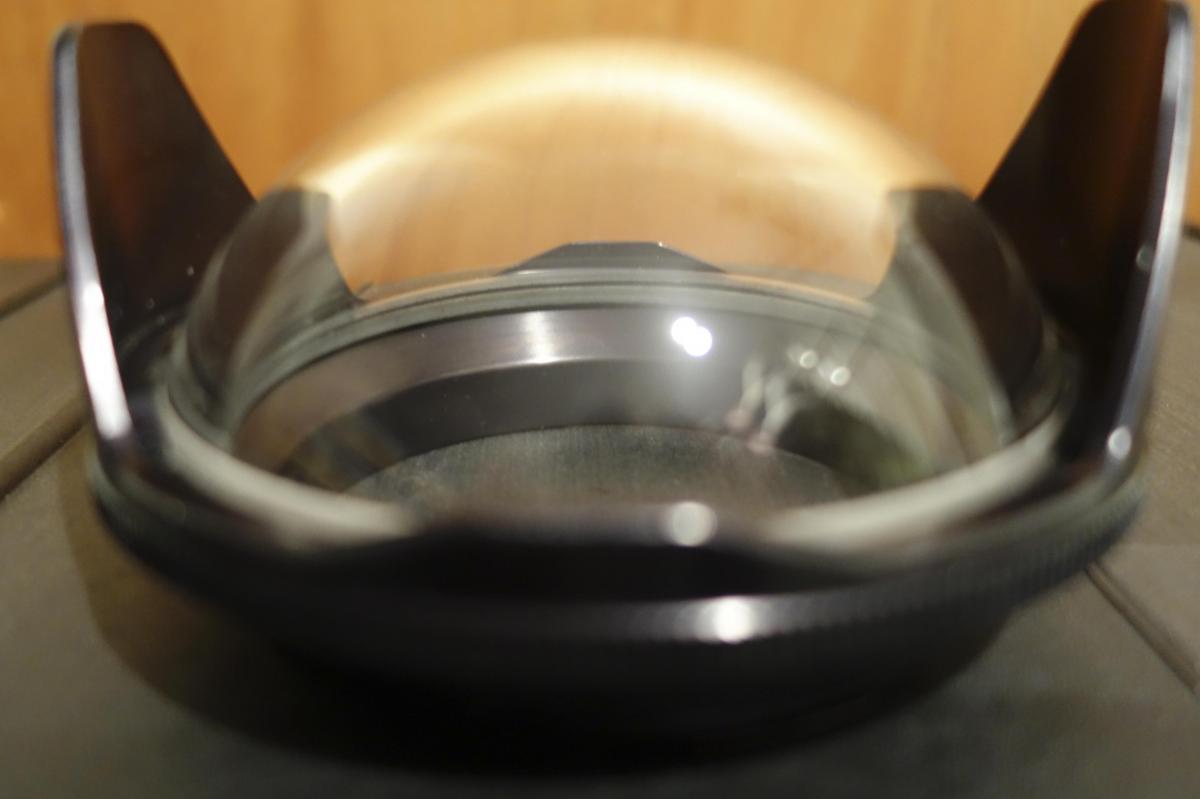
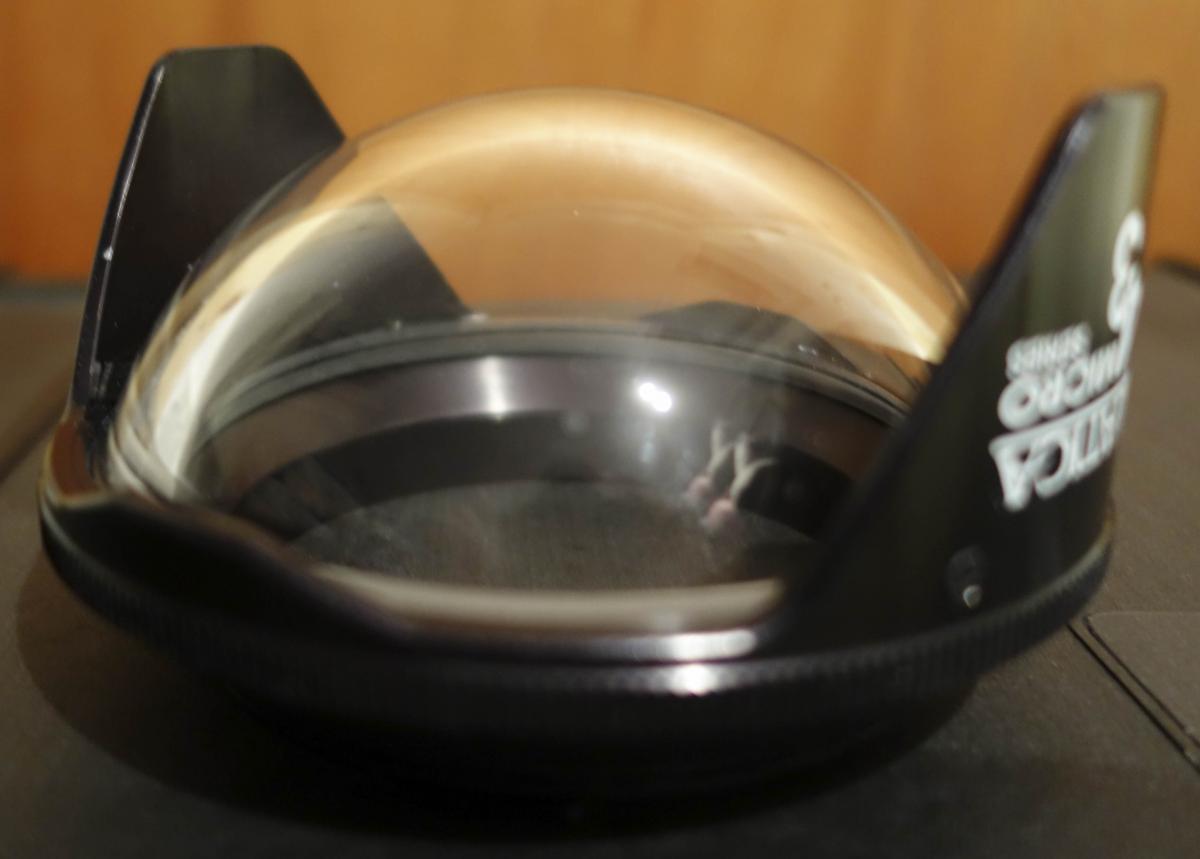
    I have a 4 inch dome as well which I would sell with the housing, but not separately (sorry) for £400 ish.


    Pics to follow, but I am open to offers, negotiation etc
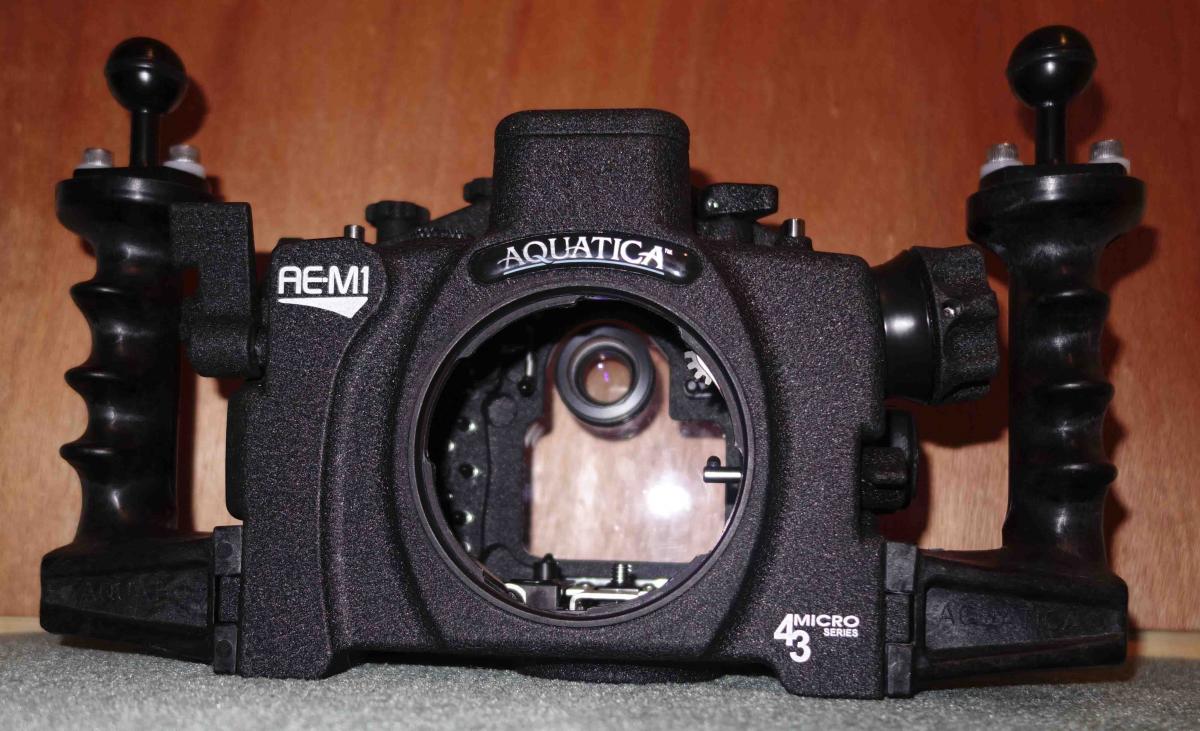
  2. Housing & Port pics:


    post-33146-0-08150900-1451500650_thumb.jpgpost-33146-0-24654400-1451500680_thumb.jpgpost-33146-0-81361800-1451500734_thumb.jpgpost-33146-0-55659000-1451500785_thumb.jpgPics:

  3. Still available and open to offers

  4. Hi!


    Still available?


    Subject to negotiation? Because the AEM1 housing retail price was 1700 USD (£1150 once converted)...

  5. The pain of living in the UK, 1800 USD sells for ... £1800 in the UK. I wish it were different, so yes open to offers but i can't give it away.


    P

  6. Reduced price, Housing £800 and port £300 or both for £1000

  7. What lenses did you use with the 4" port?

  8. Interested in buying both housing and dome. How can we discuss the buy? Can't find out how to send you PM.

  9. Hi

    ping me an email, ligan@nym.hush.com

    Pete

  10. Done, waiting for an answer.

  11. Now sold

Keldan

Account

Navigation

Search

Search

Configure browser push notifications

Chrome (Android)
  1. Tap the lock icon next to the address bar.
  2. Tap Permissions → Notifications.
  3. Adjust your preference.
Chrome (Desktop)
  1. Click the padlock icon in the address bar.
  2. Select Site settings.
  3. Find Notifications and adjust your preference.