Skip to content

Classifieds / Archived topic

Olympus UFL-2 underwater strobe for sale NEVER used in water

Started by Laci83 ·

  • 5Posts
  • 5Replies

Read-only discussion

Olympus UFL-2 underwater strobe for sale NEVER used in water

5 posts
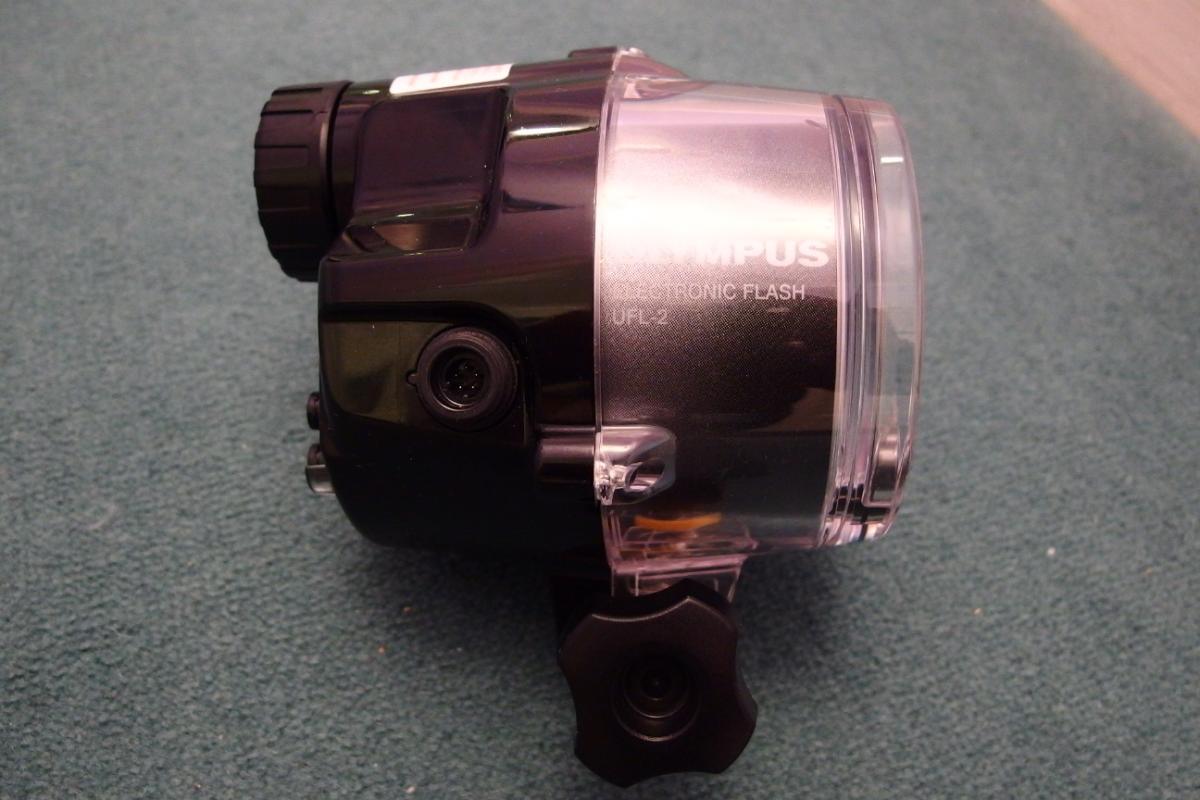
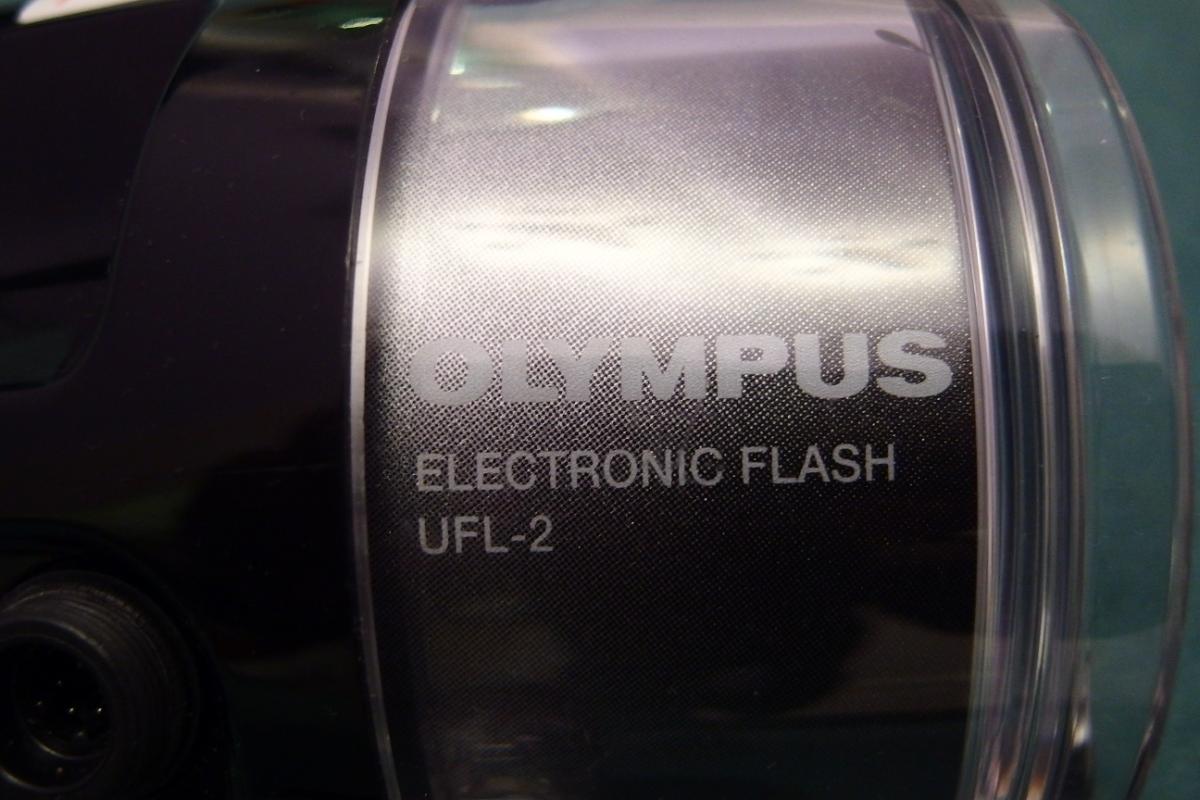
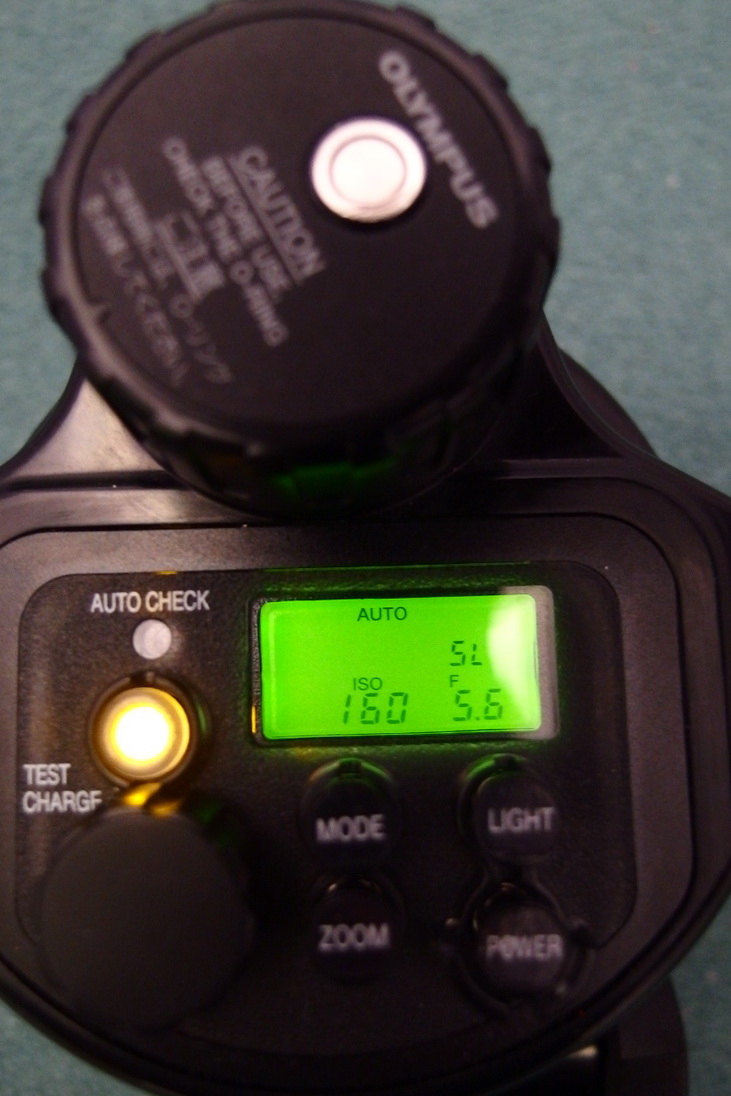
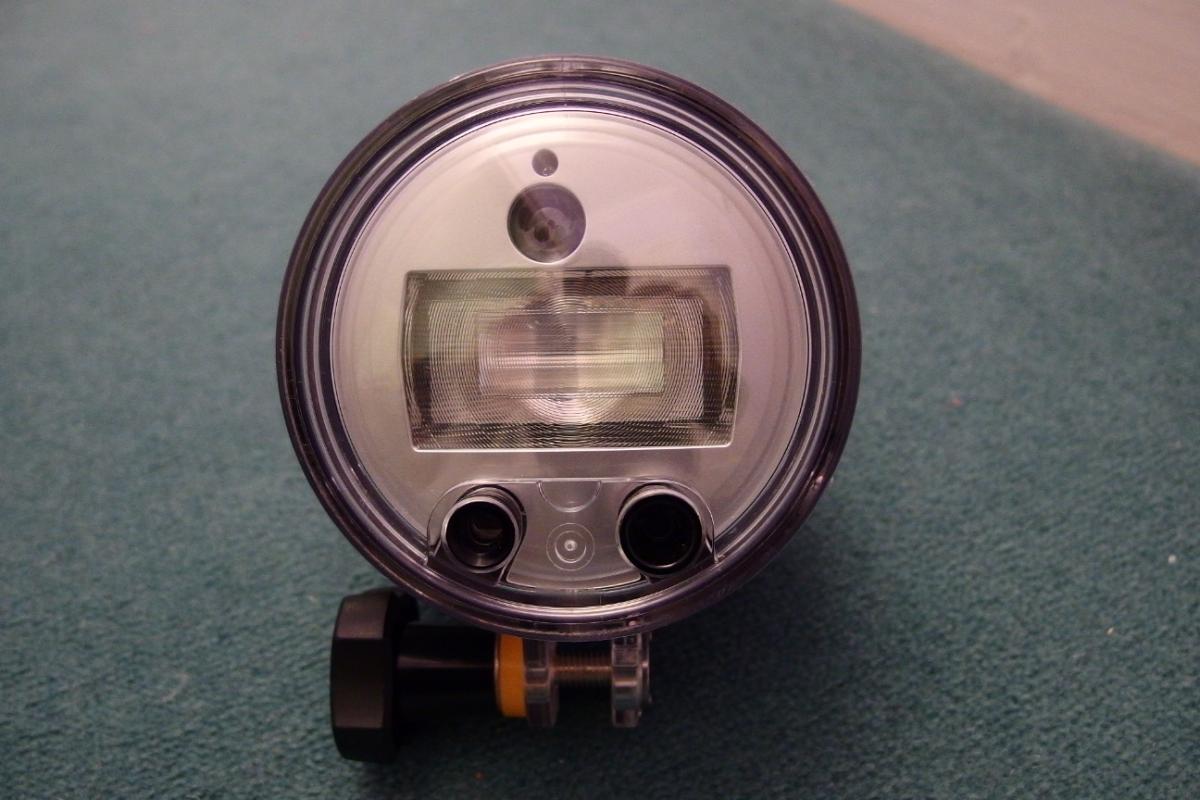
  1. Here is for sale an Olympus UFL-2 Strobe. It is in new condition, never used in water. It was just sitting in the cupboard collecting dust. So somebody will be very happy with it. I checked it and it is working. The o-ring is in a good condition.


    Some of it's specs:


    The UFL-2 is an incredibly light and compact TTL underwater flash that is waterproof up to a water pressure equivalent to a depth of 60 meters. It is specially designed for use with Olympus digital cameras and compatible underwater cases.

    • Waterproof up to a water pressure to 60m depth
    • TTL underwater flash function
    • Simple handling above and under water
    • Exposure control: Manual and TTL setting possible
    • RC mode
    • Slave mode
    • Light temperature: 5600K
    • Guide Number: 32


    It can be a very good strobe with the Olympus micro four thirds cameras. It has a zoom head which you can set to micro four thirds format or 35mm format. But you can use it with any other cameras as well through fibre cable or with the 5pin TTL cord.

    I am based in the UK.

    Asking price is 210GBP, 300USD or 280EUR + shipping. Payment by bank tansfer or paypal. If you pay by paypal you need to add 3% to the price to cover paypal fees.


    Any questions, just ask!
     

    post-48354-0-29224200-1453662547_thumb.jpgpost-48354-0-27062700-1453662523_thumb.jpgpost-48354-0-25230600-1453662579_thumb.jpgpost-48354-0-57515800-1453663120_thumb.jpg

  2. give me offers. it's a new strobe fully working!

  3. bump.

    price reduced to 180GBP, 235EUR or 255USD + shipping

  4. Price reduced to 150GBP, 200EUR, or 220USD plus shipping.

    This is a very good price for an unused strobe which is RC capable with a lot of Olypmus cameras has 5 pin sync cord connectivity and fibre optic too.

  5. sold!

Nauticam

Account

Navigation

Search

Search

Configure browser push notifications

Chrome (Android)
  1. Tap the lock icon next to the address bar.
  2. Tap Permissions → Notifications.
  3. Adjust your preference.
Chrome (Desktop)
  1. Click the padlock icon in the address bar.
  2. Select Site settings.
  3. Find Notifications and adjust your preference.