



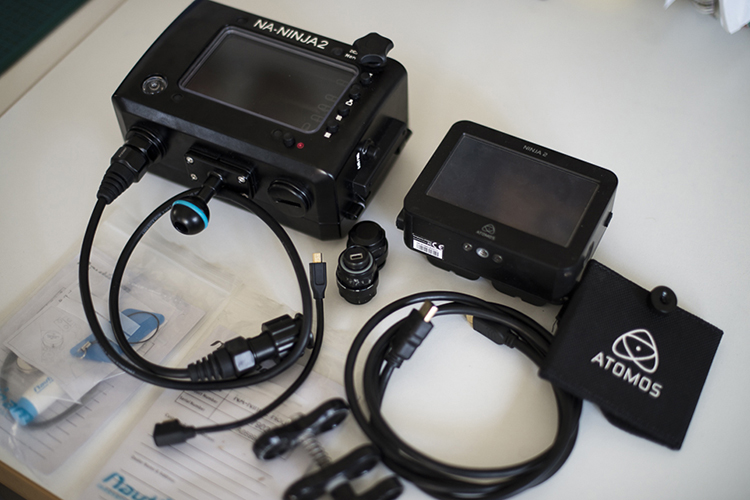
Selling my Atomos Ninja 2 and Nauticam Underwater Video Monitor and Recorder Setup in perfect condition. Perfect for underwater and top-side dSLR and Mirrorless camera filming. No damage to screens on Ninja 2 or Nauticam housing. Full turnkey setup available at a fraction of the new product cost.
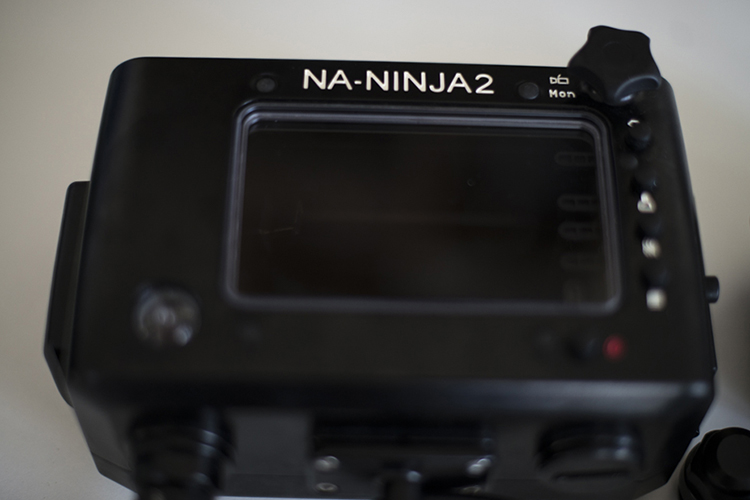
This ready to go package includes everything ready to shoot for dSLR, Mirrorless and other HD still/video camera setups for high quality footage at 10 bit 4:2:2 color at 220Mbps ProRes or DnxHD straight from your cameras sensor without going through in camera compression giving high capabilities for video editing and broadcast quality footage. The Nauticam underwater housing provides full control over Ninja 2 settings and monitor/recording control including false color and focus peaking.
Setup based in Western Australia but can ship anywhere at buyers expense. Looking for US$1,500 or AU$2,000 for everything. Selling due to Red Epic Dragon camera upgrade. Feel free to call Ed and Hayley for more information on 0481276316 or PM migrationmedia@yahoo.com.au. Thanks.
Full Package includes:
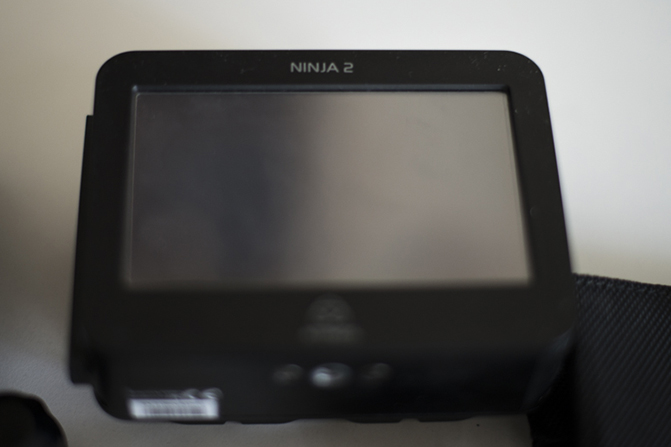
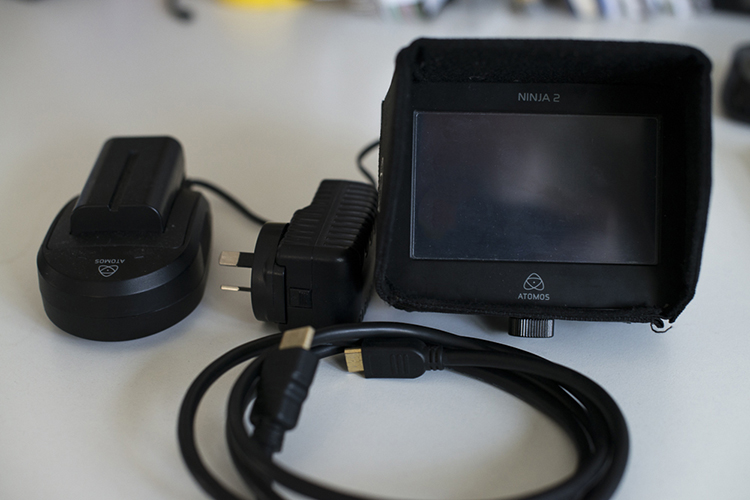
Atomos Ninja 2 Video Monitor & Recorder
HDMI to HDMI Mini Cable for above water use
Atomos Ninja 2 Sun Shade
3x Atomos Ninja 2 Batteries with Charger
1x Atomos Ninja 2 SSD Caddy with Sandisk 240 GB SSD and USB download caddy
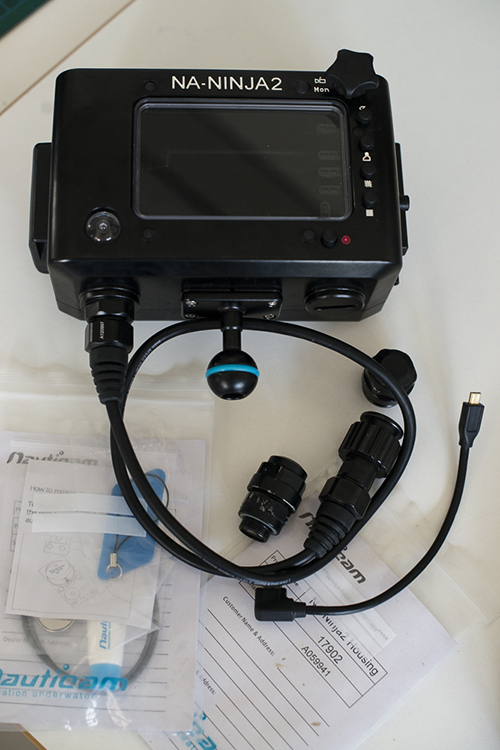
Nauticam NA-Ninja 2 Housing for Atomos Ninja 2 with HDMI connection
2x HDMI Nauticam M16 Bulkhead
2x HDMI Connections for inside Nauticam Housing
2x Nauticam Atomos NA-Ninja 2 Spare O-Ring kits and O-Ring grease
.jpg.857dbbfbdc4d79d9c6ebf7b4ba96ed1b.jpg)

