Skip to content

Classifieds / Archived topic

Sea & Sea DX D200 housing, ports, body and Sigma 10-20mm

Started by fchotika ·

  • 2Posts
  • 2Replies

Read-only discussion

Sea & Sea DX D200 housing, ports, body and Sigma 10-20mm

2 posts
  1. Hi Folks,


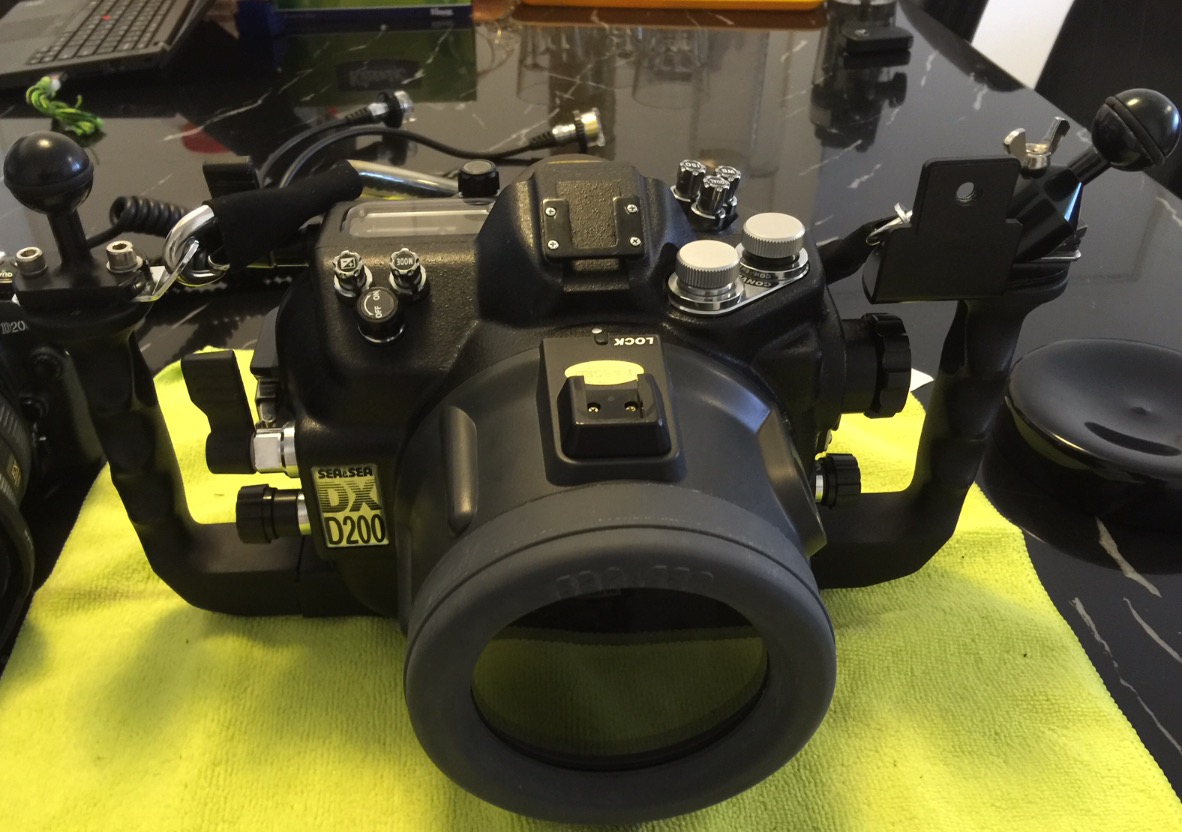
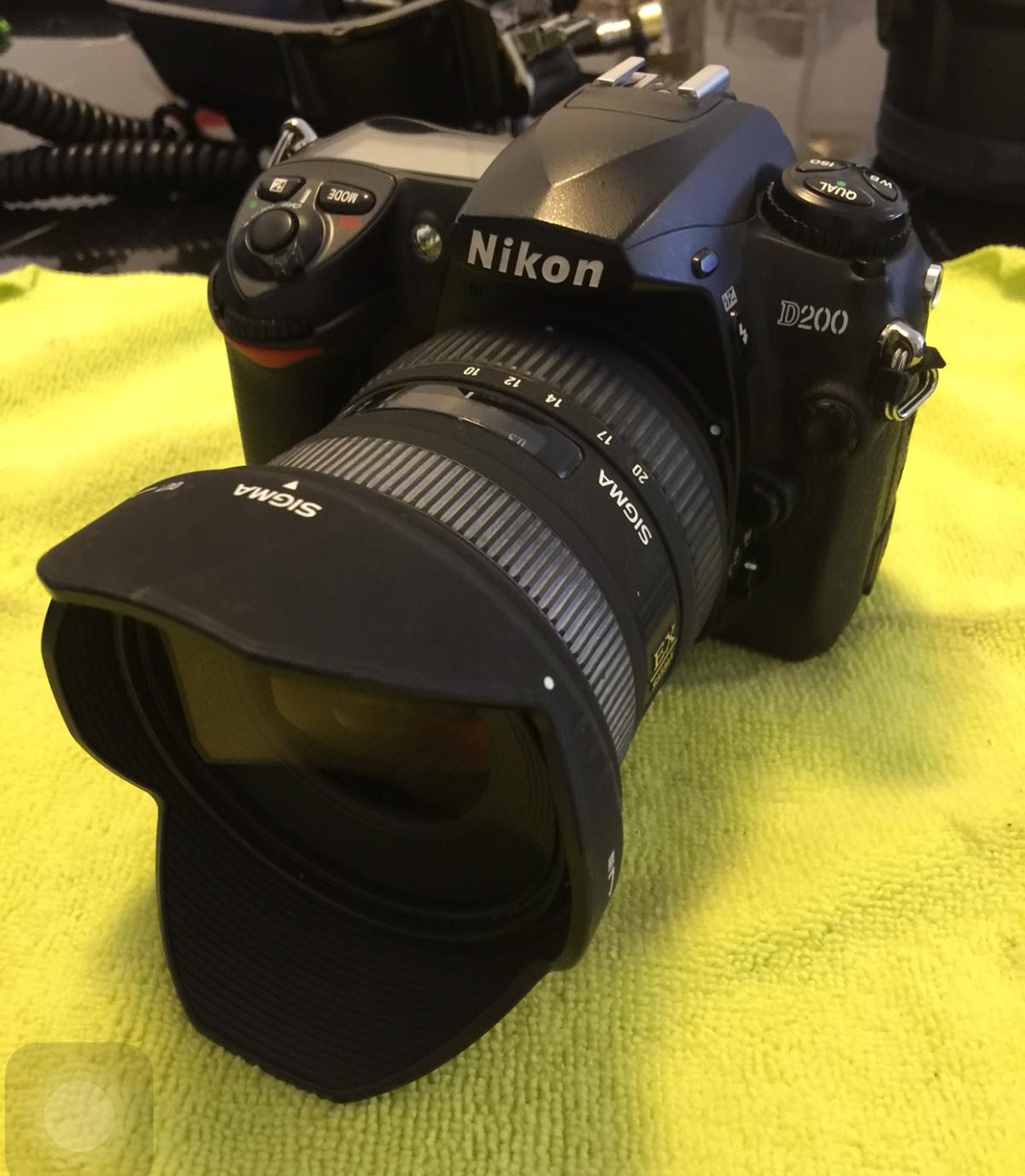
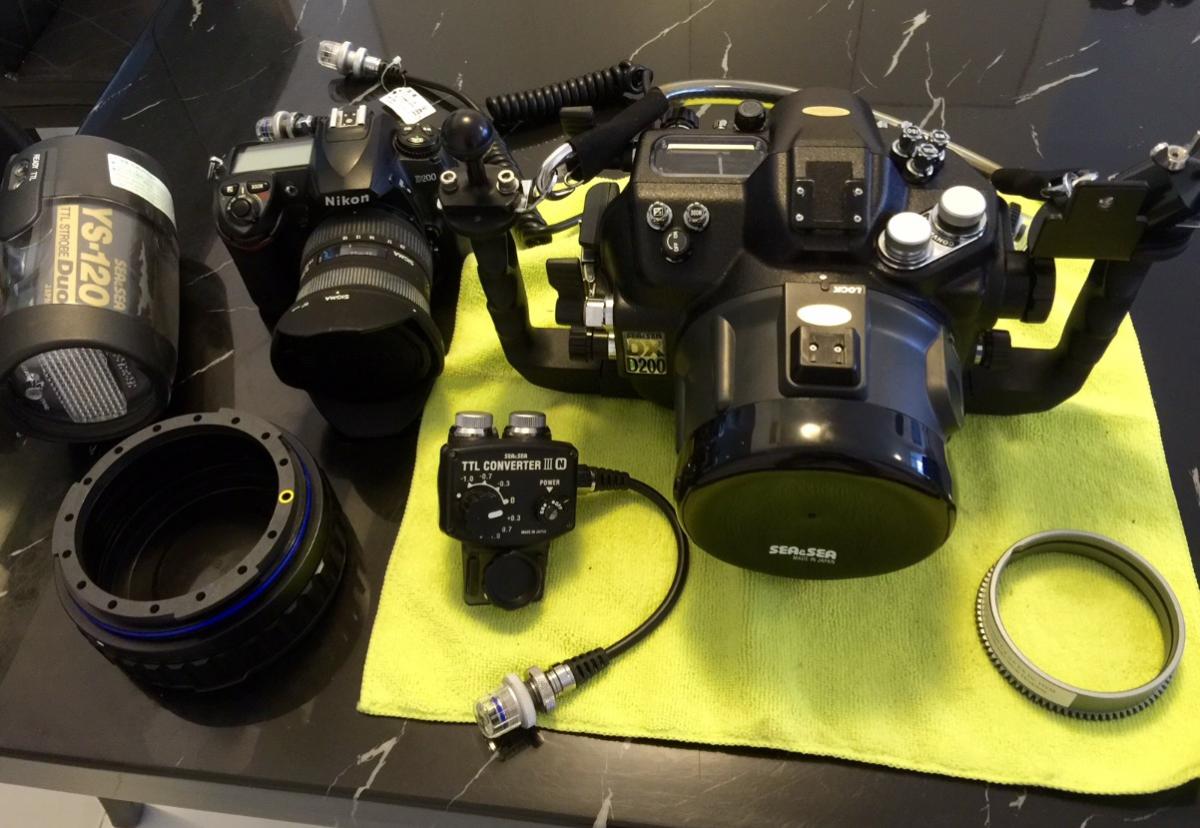
    Selling my Sea & Sea Dx D200 housing, with Nikon D200 body with 14K shutter count, Sigma 10-20mm lens.


    I'd like to preferbaly sell as a set.


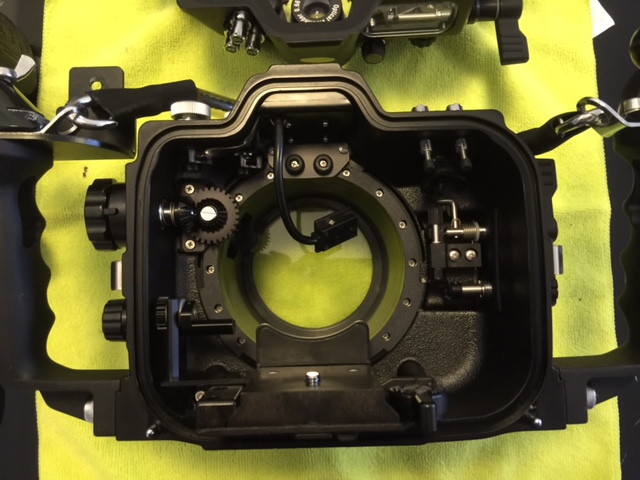
    - Sea & Sea DX D200 housing w/ body cap + base ball attachement + lanyard

    - Sea & Sea Std NX macro port with front cover

    - Sea & Sea 20mm ext ring

    - FIT Zoom ring for Sigma 10-20mm

    - 2x Sea & Sea Synch cables

    - Sea & Sea YS Converter III

    - Nikon D200 body + 2 Batteries + charger

    - Sigma 10-20mm lens


    In the pics I have removed the body o-ring for storage and have those as well.


    Asking 1,500 USD.


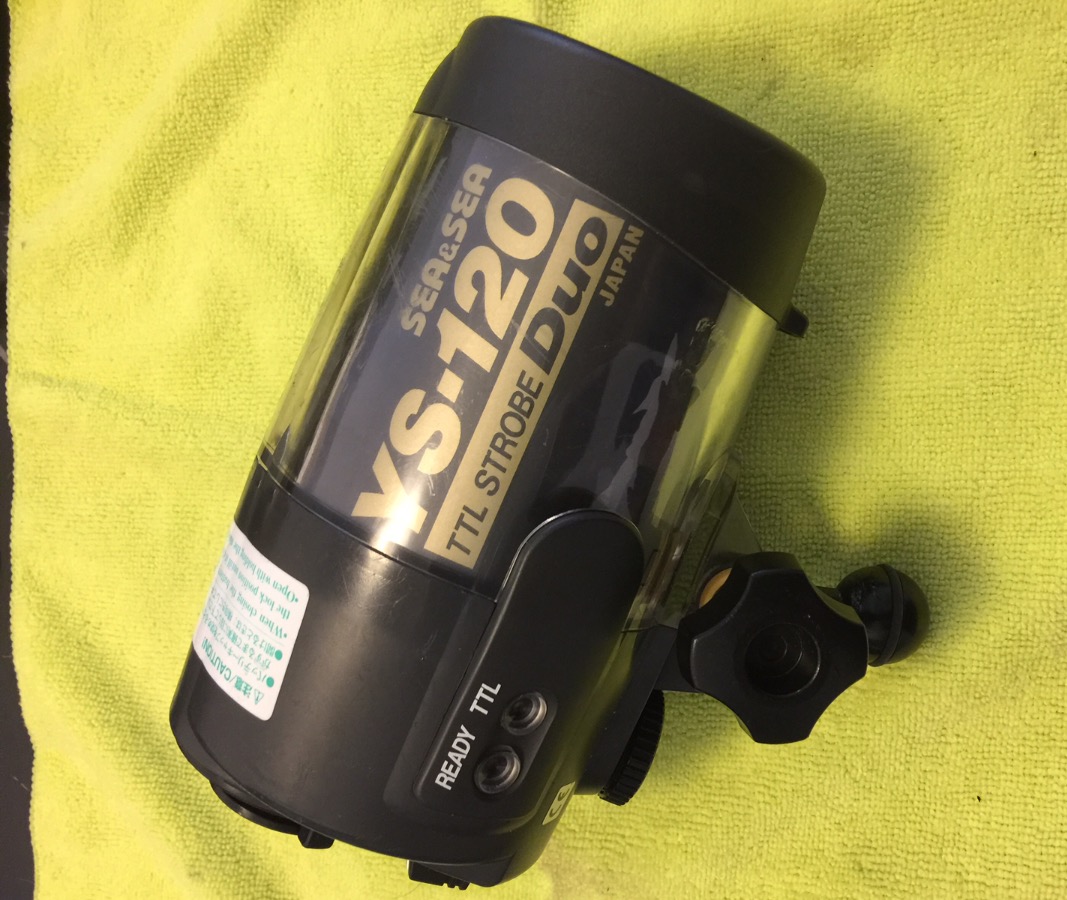
    If price is met I will include I used Sea & Sea YS-120 strobe free.


    I also have an Athena 170mm glass dome port that completes this set, but is NOT included for sale (great dome and will currently keep for future use). however If you purchase the entire set, open to sell and happy to disucss.


    Shipping from Singapore. Open for WW shipping at your cost.


    Thanks for looking! For quick response, please contact me on email: fchotika3@yahoo.com
    post-4311-0-08265600-1455017255_thumb.jpeg

    post-4311-0-55300400-1455017296_thumb.jpeg

    post-4311-0-10334200-1455017346_thumb.jpeg

    post-4311-0-18626900-1455017364_thumb.jpeg

    post-4311-0-38083700-1455017636_thumb.jpeg

    Edited by fchotika
  2. Hello. Price reduced to $1,200 including the sea and sea strobe. I will be in the US in the next few weeks. I can post it from there to minimise your postage cost.

Retra

Account

Navigation

Search

Search

Configure browser push notifications

Chrome (Android)
  1. Tap the lock icon next to the address bar.
  2. Tap Permissions → Notifications.
  3. Adjust your preference.
Chrome (Desktop)
  1. Click the padlock icon in the address bar.
  2. Select Site settings.
  3. Find Notifications and adjust your preference.