Skip to content

Shooting Technique, Workflow and Editing / Archived topic

Correcting Lens Distortion in Underwater Photos

Started by JackConnick ·

  • 4Posts
  • 4Replies

Read-only discussion

Correcting Lens Distortion in Underwater Photos

4 posts
  1. New blog article:
    Correcting Lens Distortion in Underwater Photos


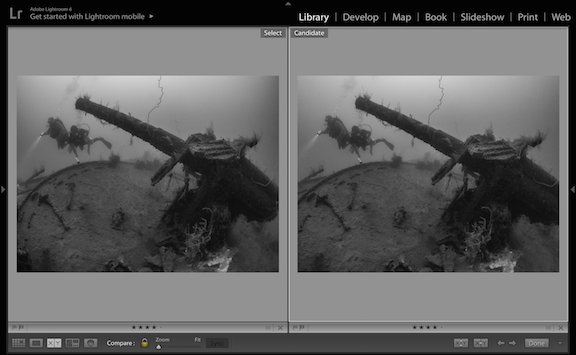
    Fisheye lenses are generally the preferred wide angle lens underwater due to their close focusing ability, sharp corners and wide field of view. Divers can get very close to their subjects, filling the frame, and eliminating water which makes their photos lack sharpness, color and definition.

    But there is a drawback to fisheye lenses; when shooting the straight lines, commonly of a pier or wreck, models or other similar subjects - optical distortion is introduced.

    It's easy to correct in Lightroom with most lenses, and micro four-thirds lenses have some base correction built in, but it's usually not enough. For them a quick trip to Photoshop does the trick.

    This new blog article shows you how to correct these problems in Lightroom and or Photoshop.
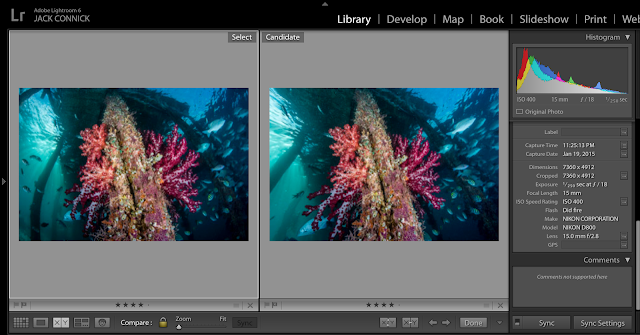
     

    Screen%2BShot%2B2016-01-08%2Bat%2B7.57.1

    post-23-0-28685400-1455861391_thumb.png

    Edited by JackConnick
  2. There is no automatic de-fishing going on with m43-lenses!

  3. As I understand it, it's built into the RAW file. But it's subtle. An edit in PS gives lots of ways to fix the look of these shots.

  4.  

    This is a great tutorial on removing the fish eye from a photo.

Sea & Sea

Account

Navigation

Search

Search

Configure browser push notifications

Chrome (Android)
  1. Tap the lock icon next to the address bar.
  2. Tap Permissions → Notifications.
  3. Adjust your preference.
Chrome (Desktop)
  1. Click the padlock icon in the address bar.
  2. Select Site settings.
  3. Find Notifications and adjust your preference.