



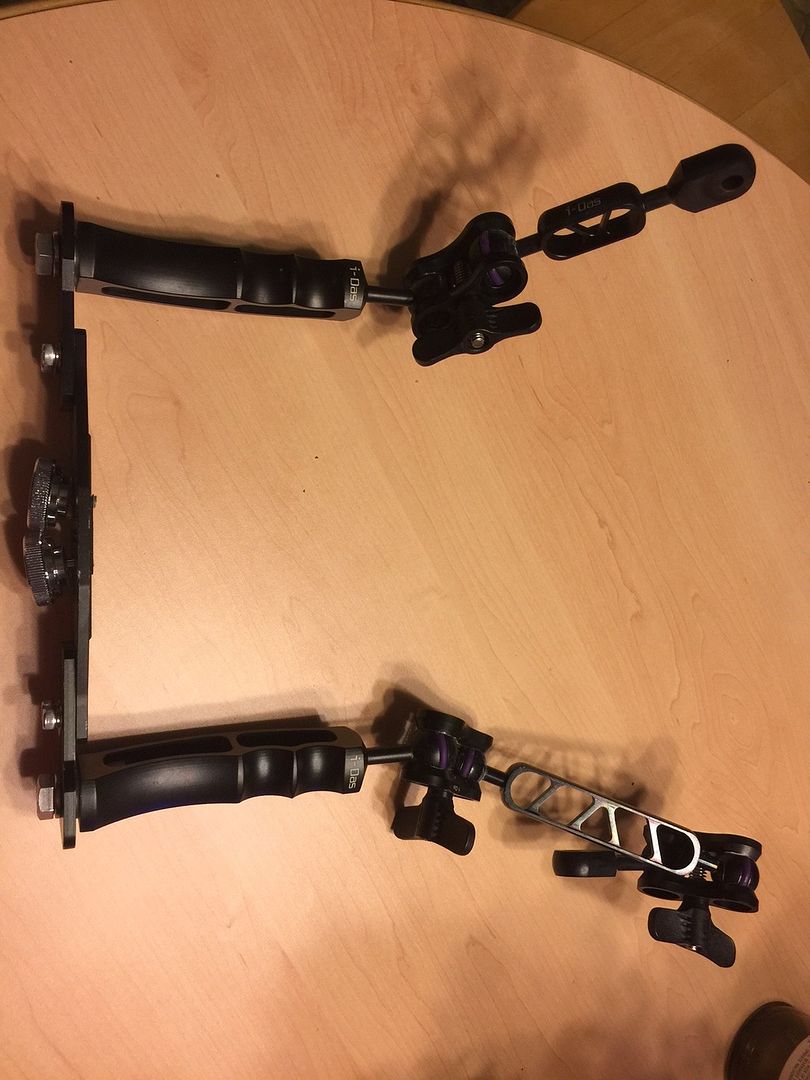
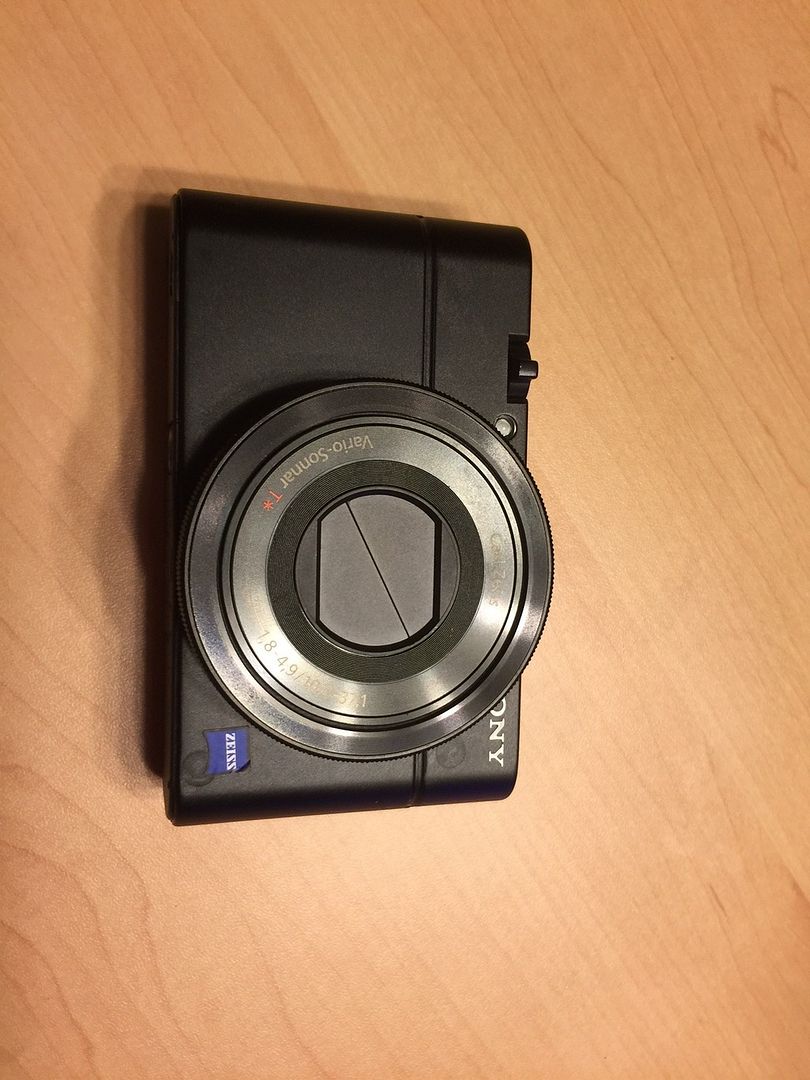
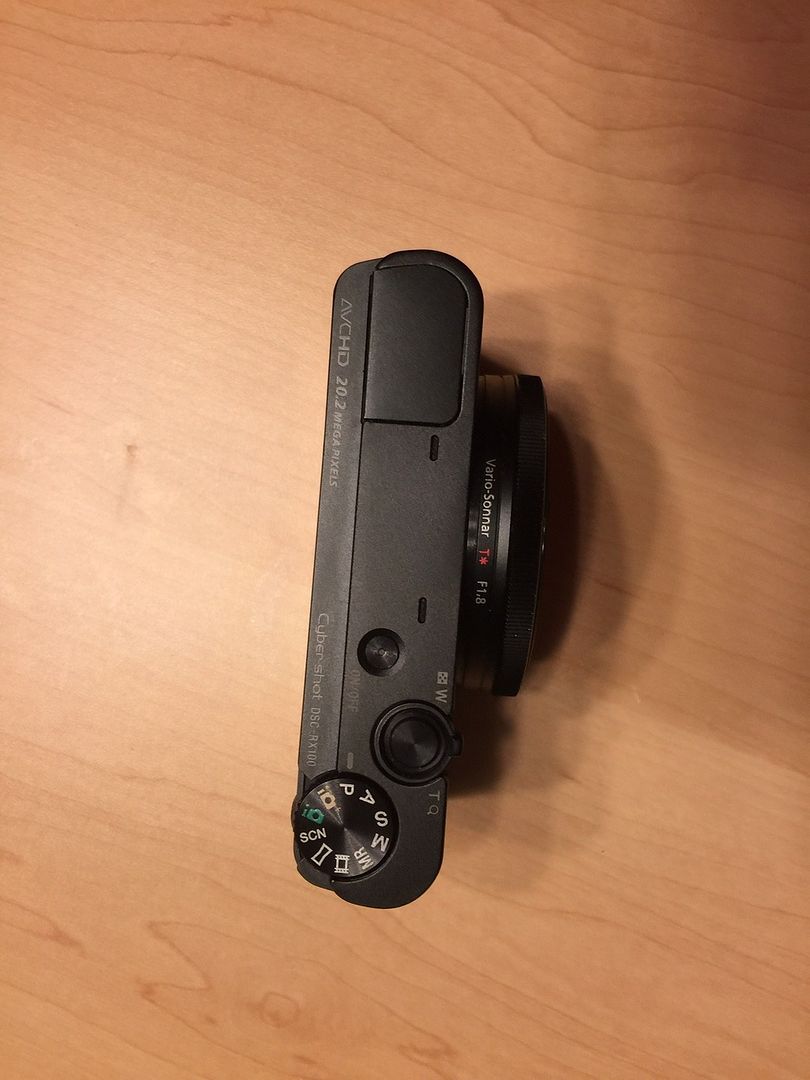
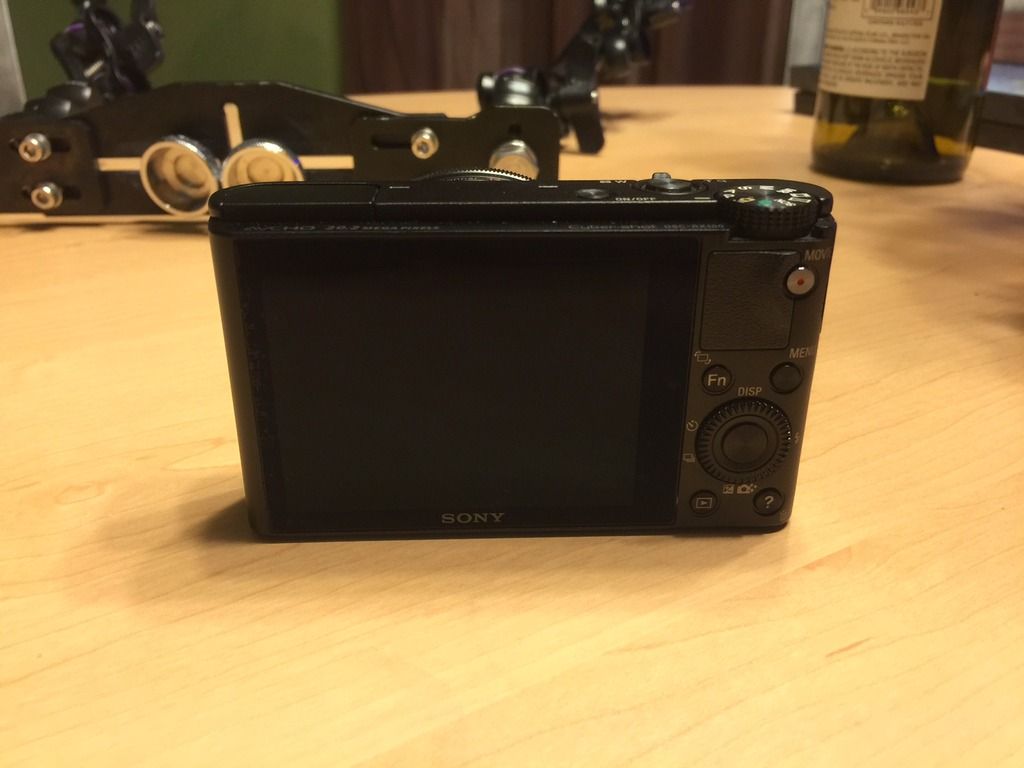
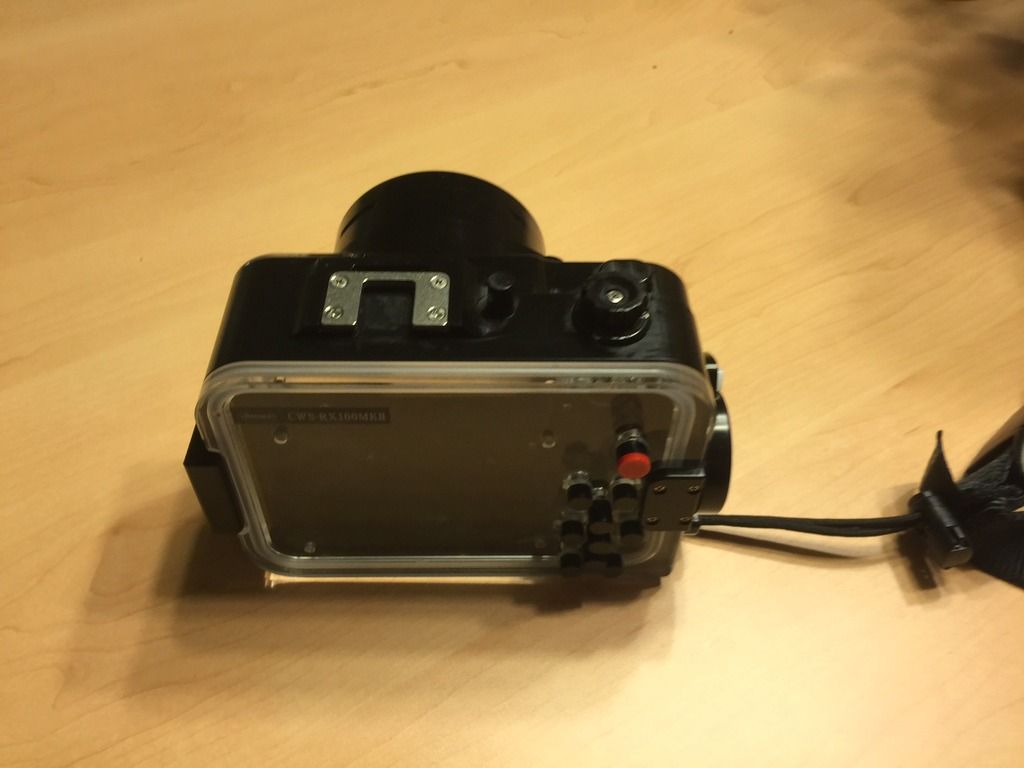
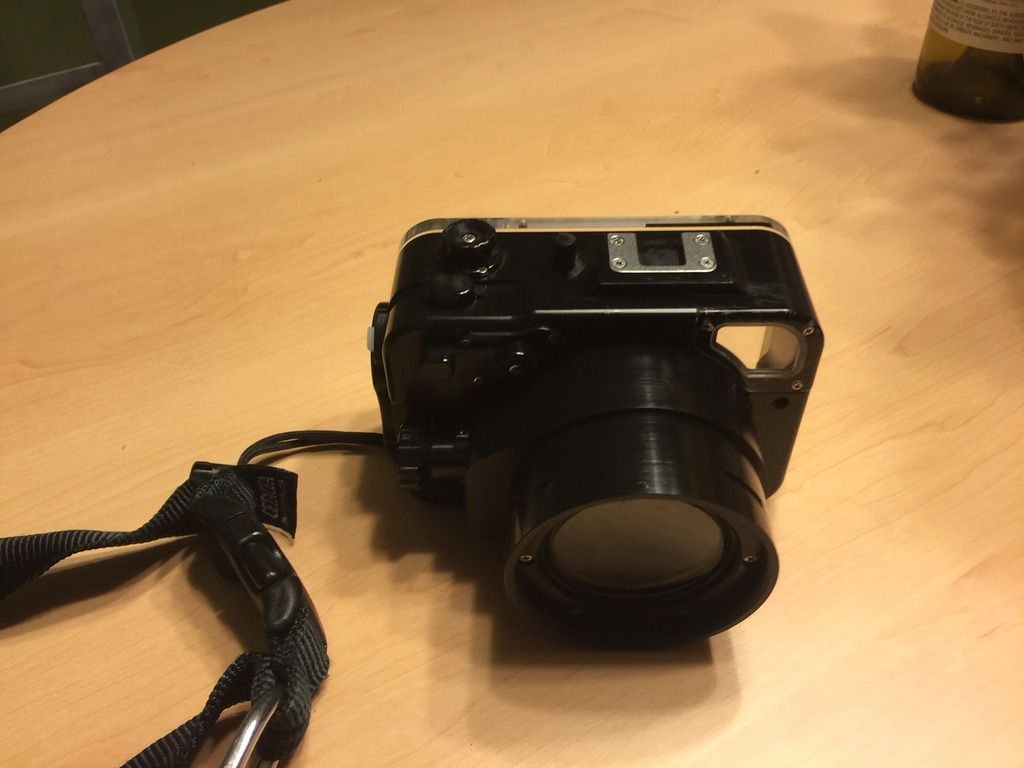
Like new Camera and housing purchased Xmas last year. Comeswith tray and can include Sea & Sea Ys-03 and Sola Gobe 700 Video Light.
All for $1500. Pm me or email rickdrinkwater@bellsouth.net
Will sell Camera and housing together for $850


Read-only discussion
Like new Camera and housing purchased Xmas last year. Comeswith tray and can include Sea & Sea Ys-03 and Sola Gobe 700 Video Light.
All for $1500. Pm me or email rickdrinkwater@bellsouth.net
Will sell Camera and housing together for $850
Trey and Camera is Sold. Have housing and wet lens left.
Recsea housing and wide angle wet lens $600 shipped. $1000 new
Everything sold except for wet lens
Inon UWL-H100 28LD Wide-angle Lens 28M67 type 2
This is an excellent dual use (land/underwater) wide conversion lens specially designed for 28mm wide cameras (35mm film equivalent). The maximum view angle is 100.8° underwater for wide imaging and 179° on land for fish-eye imaging.
I had this on a Recsea housing for for a RX100M2. SHould also work with Nauticam housings. Paid $500 will take $250 OBO shipped in the CUSA. Email rickdrinkwater@bellsouth.net. Lens works perfect.


Terms of Use Privacy Policy Guidelines We have placed cookies on your device to help make this website better. You can adjust your cookie settings, otherwise we'll assume you're okay to continue.

A worldwide community for underwater imaging.
