



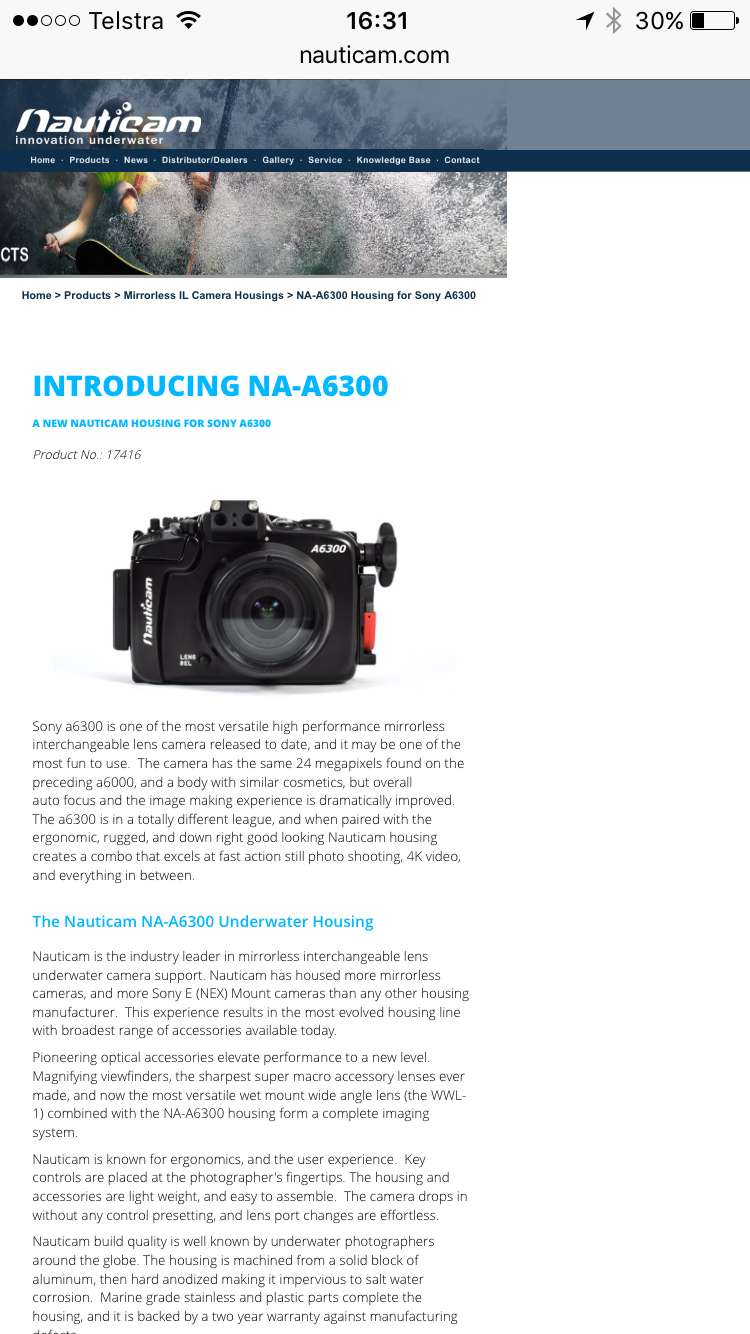
Nauticam have announced a Sony a6300 housing.
Read-only discussion
Nauticam have announced a Sony a6300 housing.
Any word on when they will be available?
Nauticam are usually quick in shipping their new housings. Contact your local dealer.
Just trying to get my a6300 setup together. I have the sony10-18 wide angle lense and I would like to get the Sony 90mm macro as well.
Tested the 90 macro yesterday and the AF is very bad so I would need the focusgear from Nauticam. The gear is only supported in the N85-N100 65mm port adapter. For the 10-18f4 Nauticam recommend the N85-N120 60mm port adapter with 180mm N120 dome port.
Do you think that the 10-18 will work with the N85-N100 65mm port adapter and 180mm N100 dome port as well? The adapter would be 5mm longer then the recommended N85-N120 60mm.
The recommendation from both Nauticam for the 180mm dome and ZEN Underwater for the 170mm dome is that you use a 60mm extension. Since the widest end of the lens is before the lens is extended to 18mm it could vignette, I would want to test this longer extension before investing in something that may not allow you to use the full zoom range.
Not sure that I agree that the 90mm AF is "very bad" it requires a learning curve as any new lens would. Do agree that it is a bit slow compared to some macro lenses and that if you are shooting video that the lens should be manually focused. I shoot the lens with the focus limiting switch set to the 0.5m-0.28m range. Anything beyond half a meter is a bit to much water between the lens and subject in most cases. I also have the lens optical steady shot turned off. I have used the lens on both the Full Frame A7 series cameras and the A6300 (above water). I have the manual lens gear in my Nauticam A7R II housing but only use it if I want to be sure I am focused all the way to 1:1.

Terms of Use Privacy Policy Guidelines We have placed cookies on your device to help make this website better. You can adjust your cookie settings, otherwise we'll assume you're okay to continue.

A worldwide community for underwater imaging.
